
LLM X
A local LLM chat interface that works offline in your browser, connects to Ollama and LM Studio, and lets several models answer the same message.
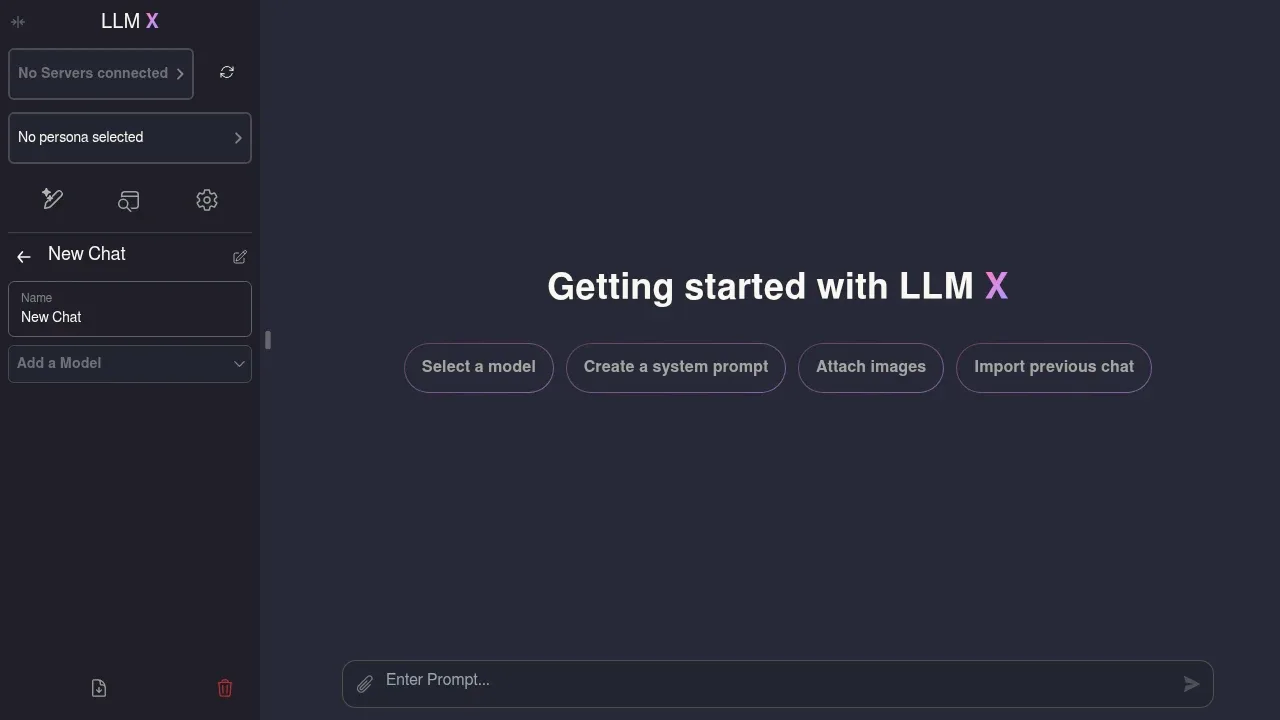
LLM X is a browser chat interface for people running models on their own hardware. It brings multiple model servers into one place and lets you compare their responses within a conversation.
- Parallel model replies: Send the same message to several models at once, including models on different connected servers.
- Backend connections: Use Ollama, llmman, LM Studio, OpenAI-compatible servers or Google's on-device Gemini Nano, and keep multiple server connections available together.
- Images: Generate images through Ollama or AUTOMATIC1111 and ask Ollama multimodal models to interpret attached pictures.
- Conversation controls: Define personas with custom system prompts, edit messages, refresh responses and import or export chats.
- Code and maths: Read replies with code highlighting and LaTeX rendering, and use a search and command bar to access app features.
The app is free and open source under the MIT license. It works fully offline as an installed web app and is also available through Docker or as a Chrome extension. The interface connects to model backends; it requires a separate model runtime for server-based chat.
With local backends, chats and image generation stay on your hardware without external API calls. The browser stores chat history in IndexedDB. Connections across a network require HTTPS, while localhost connections also work.
 Logotyper


