
OpenCLI
A browser automation CLI lets AI agents control logged-in Chrome, extract page content, and repeat workflows through reusable site commands.
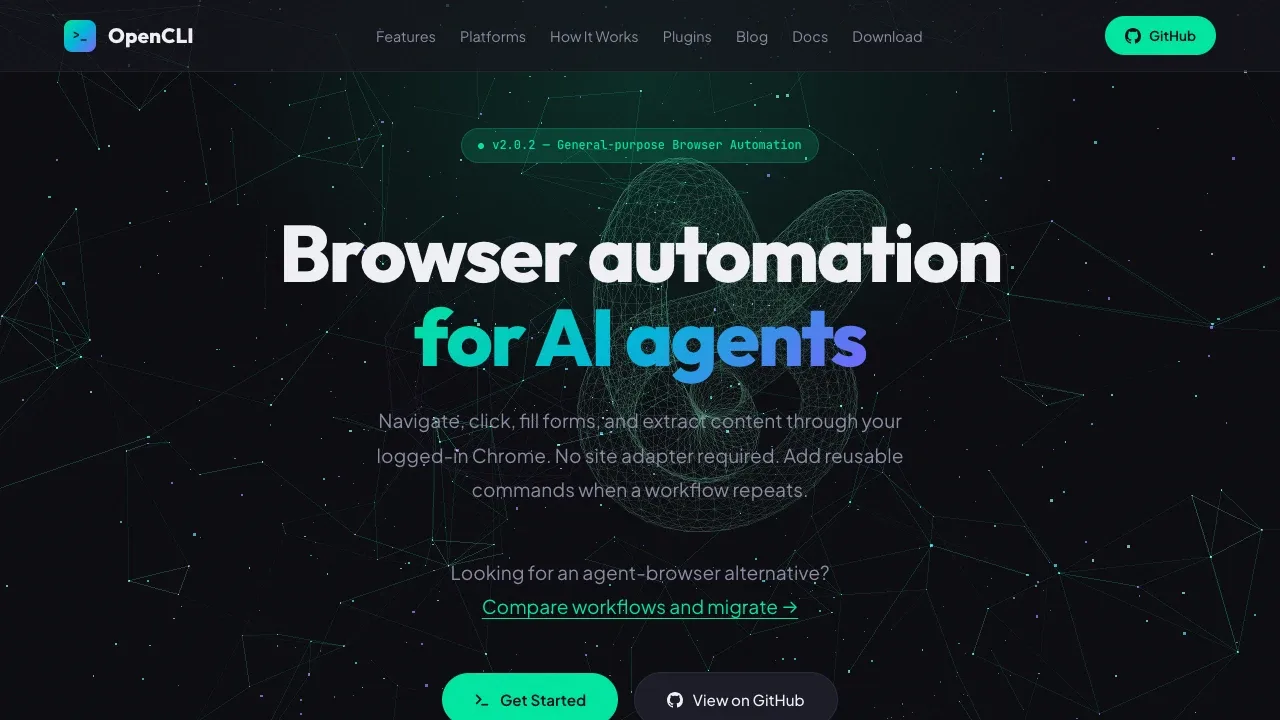
OpenCLI lets AI agents and terminal users work with websites through their existing Chrome sessions. It's for people who want agents to interact with pages or repeat website tasks through reusable commands.
- Browser control: Agents can inspect pages, click buttons, fill forms, extract content, and take screenshots without a site-specific adapter.
- Reusable site commands: Built-in adapters cover tasks such as searching Reddit, reading YouTube transcripts, and accessing Twitter/X bookmarks; custom adapters can package recurring workflows.
- Desktop app control: Integrations let agents interact with Electron apps including Cursor, Codex, ChatGPT, Notion, and Discord.
- Content downloads: Supported adapters can save images, videos, audio, and articles, including Zhihu answers and WeChat articles as Markdown.
- Agent integrations: Skills connect browser automation to tools such as Claude Code and Cursor, while JSON results let agents process command responses. Plugins let users share and extend site commands.
OpenCLI is open source under Apache 2.0 and runs locally with Chrome and a Browser Bridge extension for browser automation. It reuses Chrome's logged-in state, and credentials stay in the browser. Requests to websites still go to those external services. Some download features have extra requirements: Bilibili video downloads need yt-dlp, and Xiaoyuzhou audio and transcript access needs local Xiaoyuzhou credentials.
 Logotyper


