
Llama Desktop
A local LLM runner for macOS and Windows 11 that provides offline chat, GGUF model support and OpenAI- and Anthropic-compatible APIs.
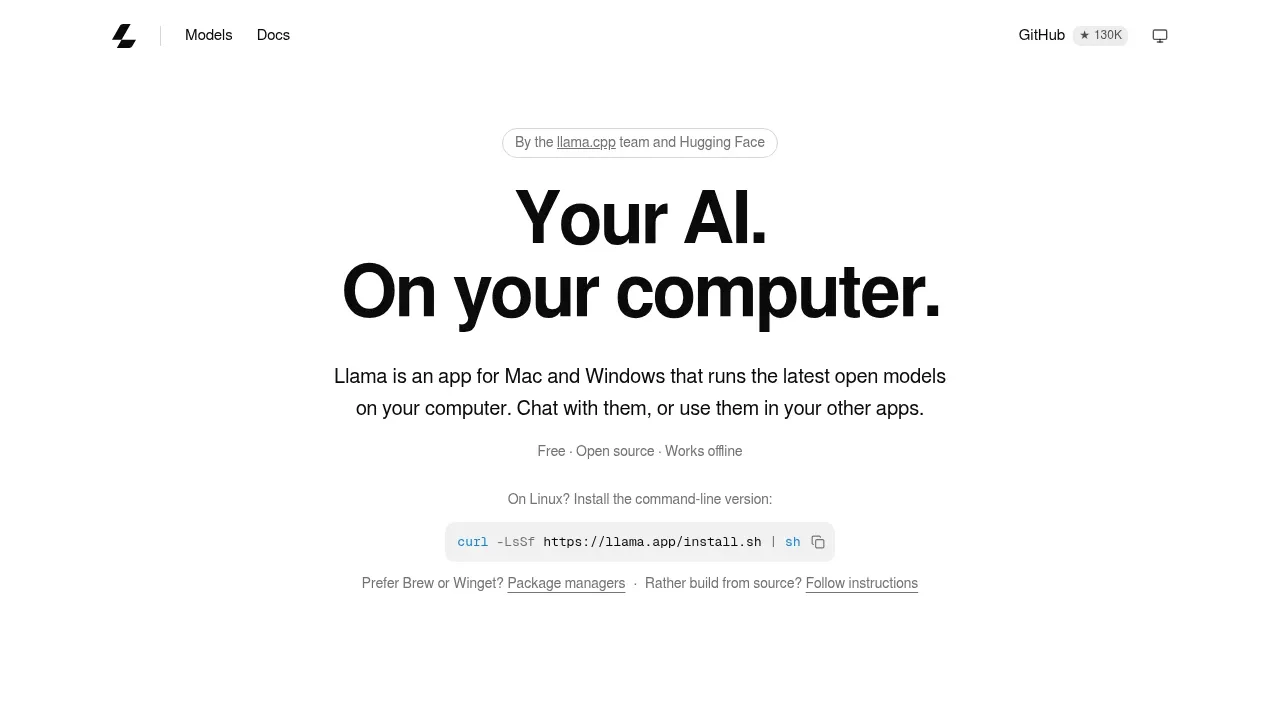
Llama Desktop runs language models on your computer for private chat and use in other apps. It's for people who want a local ChatGPT alternative and developers connecting coding agents, editors or scripts to their own models.
- Offline chat: A browser chat interface lets you talk to downloaded models without an internet connection, with image input available for compatible models.
- Shared local API: OpenAI- and Anthropic-compatible endpoints let other apps use the same models, with streaming, tool calling, structured output and vision support.
- Models suited to your hardware: The app recommends models that fit your computer and chooses inference settings based on available memory and model capabilities.
- GGUF model library: It works with GGUF models from Hugging Face and recognizes models already installed through llama.cpp.
- Memory and storage management: Models load on demand and unload when idle; the shared Hugging Face cache lets compatible tools reuse the same model files.
The desktop app is available for macOS and Windows 11, with a command-line version for Linux. It's free and open source; the macOS app uses the MIT license. Model inference runs locally, and downloaded models work offline.
Built on llama.cpp, Llama can use an existing engine installation or obtain the engine itself. On macOS, the server accepts connections only from your Mac by default. Optional network access lets other devices connect through Tailscale or a trusted local network; the local-network mode has no password.


