
LocalSheets
An open source spreadsheet that runs offline in a desktop browser, saves workbooks as JSON, and uses Ollama for local AI. MIT licensed, with no account.
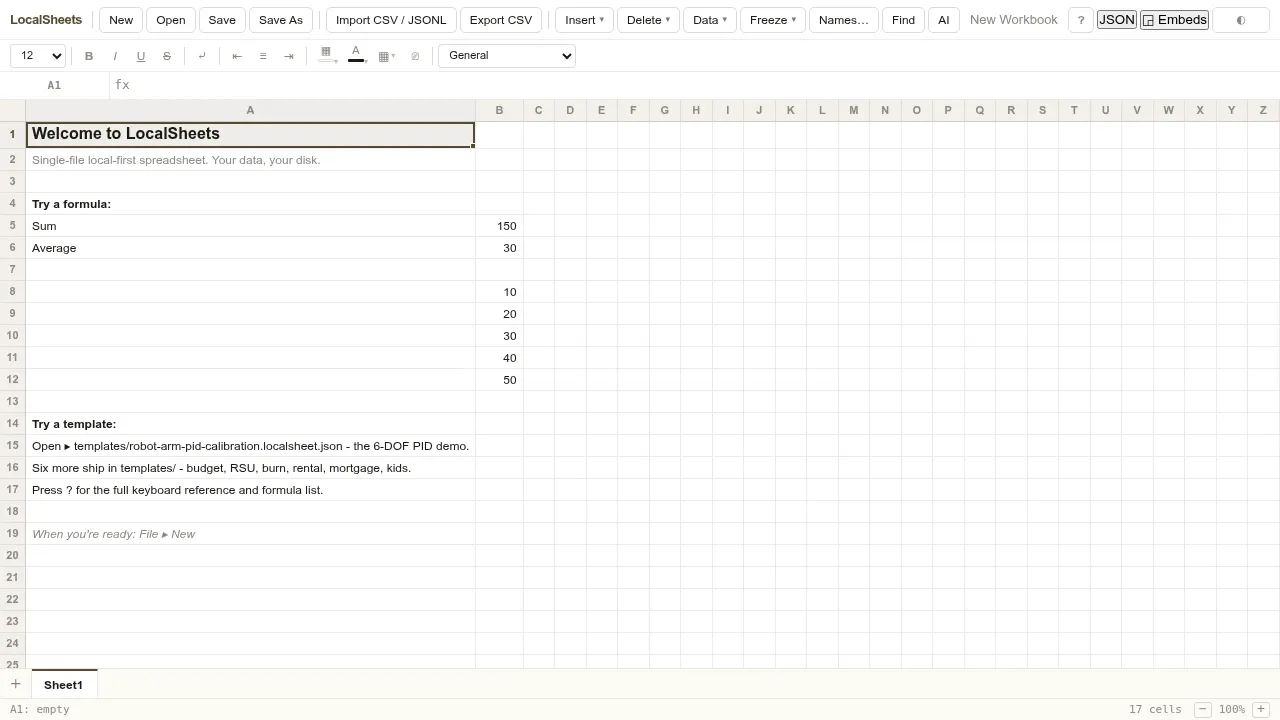
LocalSheets is a spreadsheet for people who want their workbooks on their own disk, with optional AI through a local Ollama instance. It runs from a single HTML file in a desktop browser and works offline without an account or cloud service. The app doesn't collect analytics or tracking data.
Workbooks are plain JSON files you can inspect in a text editor or compare with Git. That makes it useful for household budgets, financial calculations, and technical datasets where readable files matter. It supports multiple sheets, cross-sheet formulas, and functions for statistics, lookups, dates, and finance. Changes to a cell recalculate dependent formulas, and inserting or deleting rows adjusts formula references.
The AI panel can use your selected cells as context, return a text answer, propose cell edits, or generate a sheet. Cell patches are undoable. AI requests go to Ollama on your machine rather than a cloud service. For working with existing data, LocalSheets imports CSV and JSONL, exports CSV, and supports copying tabular data between Excel and Google Sheets.
Charts include bar, line, and pie views with SVG export, plus sparklines inside cells. Sorting, filters, conditional formatting, frozen panes, and find and replace across sheets cover everyday spreadsheet work. The interface favors keyboard and mouse use on a laptop or desktop. Chrome and Edge support saving directly to a file; Safari uses a download fallback. Firefox is not officially supported. LocalSheets is open source under the MIT license and is maintained as part of the LocalOffice suite.
 Logotyper


