
Ollama GUI
A browser chat interface for local LLMs through Ollama stores history in your browser and supports self-hosting with Docker under the MIT license.
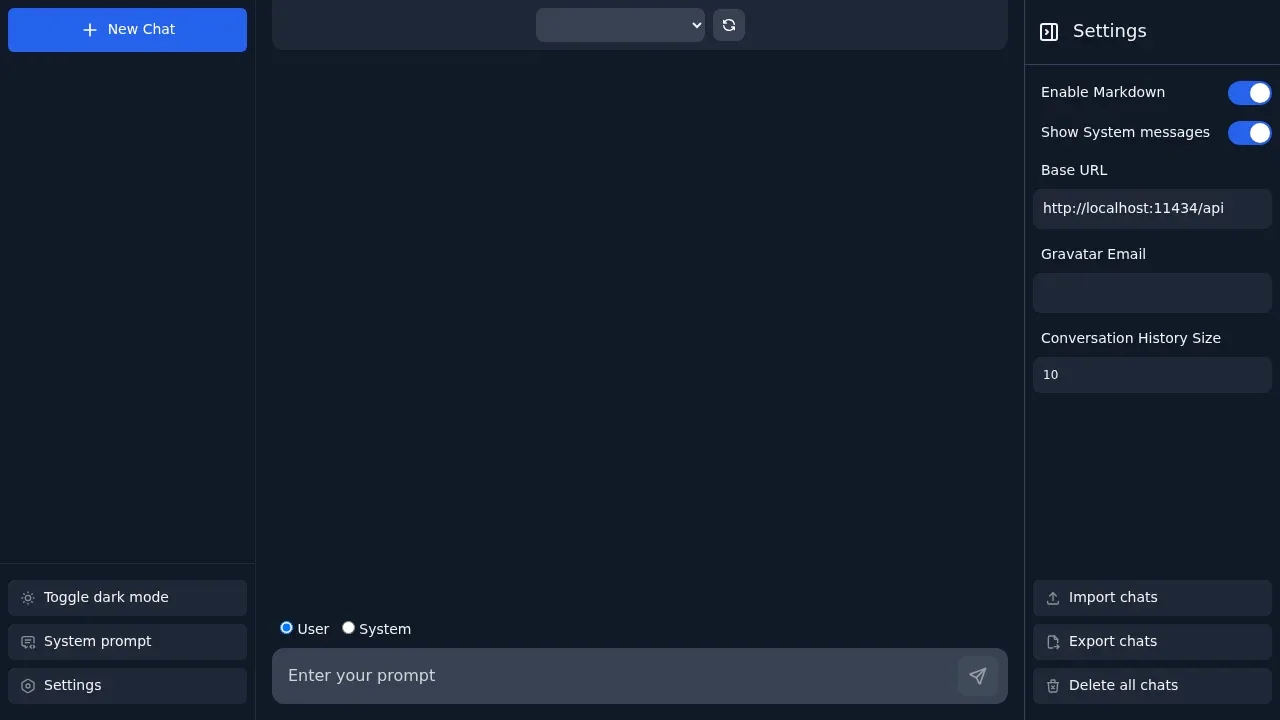
Ollama GUI is a browser interface for people who want to chat with models running through Ollama on their own hardware. It brings conversation editing, attachments and model management into one chat app.
- Conversation editing: Stop streaming replies, edit or regenerate messages, switch between saved versions, and branch a reply into a separate chat.
- Reasoning and attachments: View collapsible reasoning for qwen3, deepseek-r1 and gpt-oss, attach images for vision models such as llava and gemma3, or include text and code files in messages.
- Model management: Search the Ollama library, download a model size with progress, inspect model capabilities and context length, and unload models from memory.
- Chat history: Search stored messages, pin or archive conversations, export all chats as JSON, or save an individual chat as Markdown.
- Prompts and display: Set system prompts and generation settings globally, per model or per chat, with Markdown, syntax highlighting, math rendering and light or dark themes.
The app is open source under the MIT license and requires a reachable Ollama instance. You can self-host the interface, including with Docker, or use the hosted site. The hosted site supplies the interface in your browser; your Ollama instance handles model responses.
Chat history stays in the browser's IndexedDB, and messages go to the Ollama server you select. History is separate for each browser and site address, so changing where you open the app doesn't carry existing chats over automatically.
 Logotyper


