
Osaurus
A local AI agent app for Mac that works offline, remembers conversations across models, and asks before editing your files.
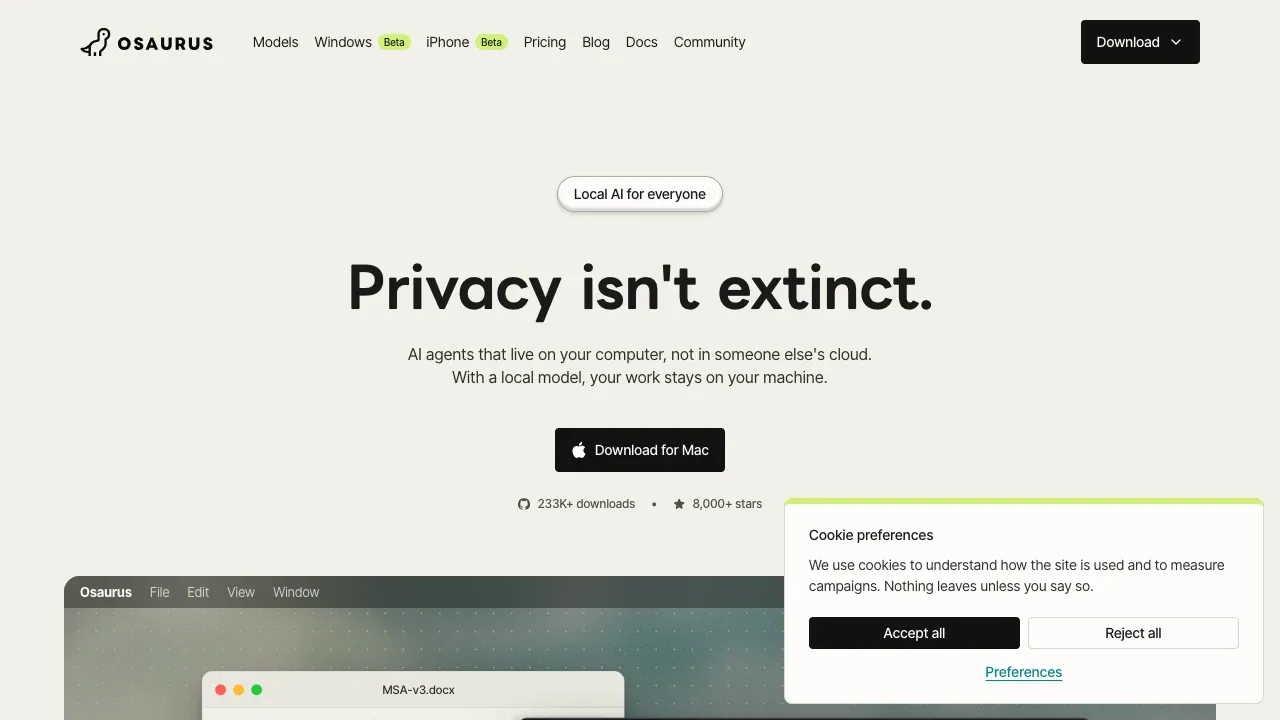
Osaurus runs AI agents on your Mac for tasks such as reviewing documents, organizing files, and writing code. It keeps agent memory on your computer, so you can change models without losing the context of your work.
- Work with your files: Agents use a folder you choose to read documents, search material, and make edits with your approval; you can undo their changes.
- Persistent memory: Each agent has its own instructions and remembers conversations across sessions, including when you switch between local and cloud models.
- Local model choice: Run Raptor, Gemma, Qwen, GPT-OSS, Llama, or Liquid AI models through MLX on Apple Silicon, or use Apple's on-device Foundation Models on macOS 26 or later.
- Code execution: Agents can use shell tools and run code in an isolated Linux virtual machine, which requires macOS 26 or later.
- Connect other AI tools: OpenAI-, Anthropic-, and Ollama-compatible APIs let existing clients use Osaurus, while MCP connections give agents access to additional tools.
The Mac app is free and open source under the MIT license, with no account required for local use. Raptor runs on Macs with at least 8 GB of memory and is designed for 16 GB machines. With a local model, prompts, files, and outputs stay on your computer and work offline.
Optional cloud models include OpenAI, Anthropic, and Gemini; Osaurus also offers a paid hosted model service. Cloud requests need internet access and send the provider your request and any included history, memory, document excerpts, or tool results. Web browsing and connected services also need a connection and can send data off your computer. The Insights panel shows agent actions and outgoing data.
 Logotyper


