
Parrot
An offline AI text-to-speech app for macOS, Windows and Linux. Reads selected text locally with Kokoro, needs no GPU or account, and uses the MIT license.
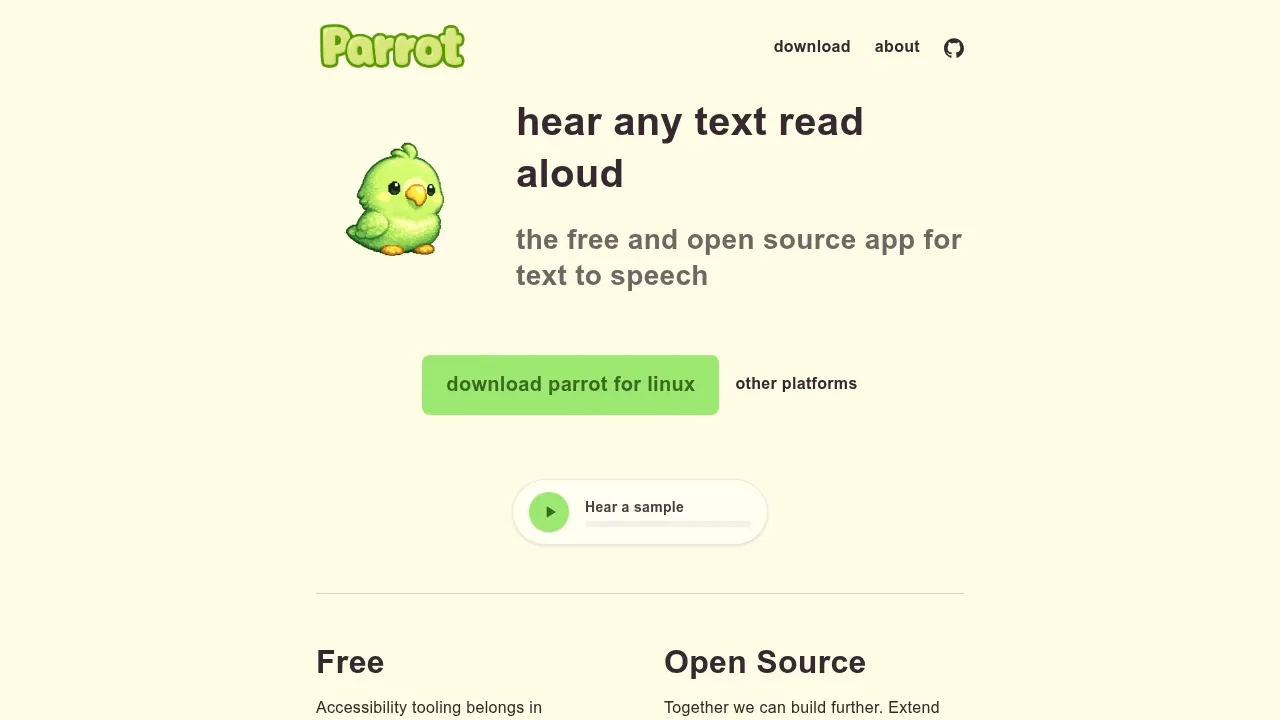
Parrot is an open-source desktop app that reads selected text aloud in other applications. It's for people who prefer listening to written material or need text-to-speech for accessibility. It runs on macOS, Windows and Linux, and builds on Handy by CJ Pais as an MIT-licensed fork.
Speech generation stays on your computer. After the initial model download, Parrot works offline without an account or API key, and it doesn't send your text to a cloud service. Its Kokoro-82M model runs on a modern CPU without a GPU, so you don't need dedicated AI hardware to use it.
Parrot can read selections from browsers, PDF readers, editors and terminals through a customizable keyboard shortcut. Streaming playback starts the audio before the app finishes generating speech for the full selection. You can pause and resume playback, and a floating overlay shows speaking status and pause controls.
Language support includes US and UK English, Spanish, French, Hindi, Italian, Japanese, Brazilian Portuguese and Mandarin Chinese. The app can select a voice based on your language setting, or you can choose one yourself. It also lets you adjust playback speed and choose an audio output device.
The app uses Tauri with a Rust backend that handles speech generation and audio playback locally. Its history view lets you browse, replay, copy or delete past utterances, with automatic deletion controls for saved history.


