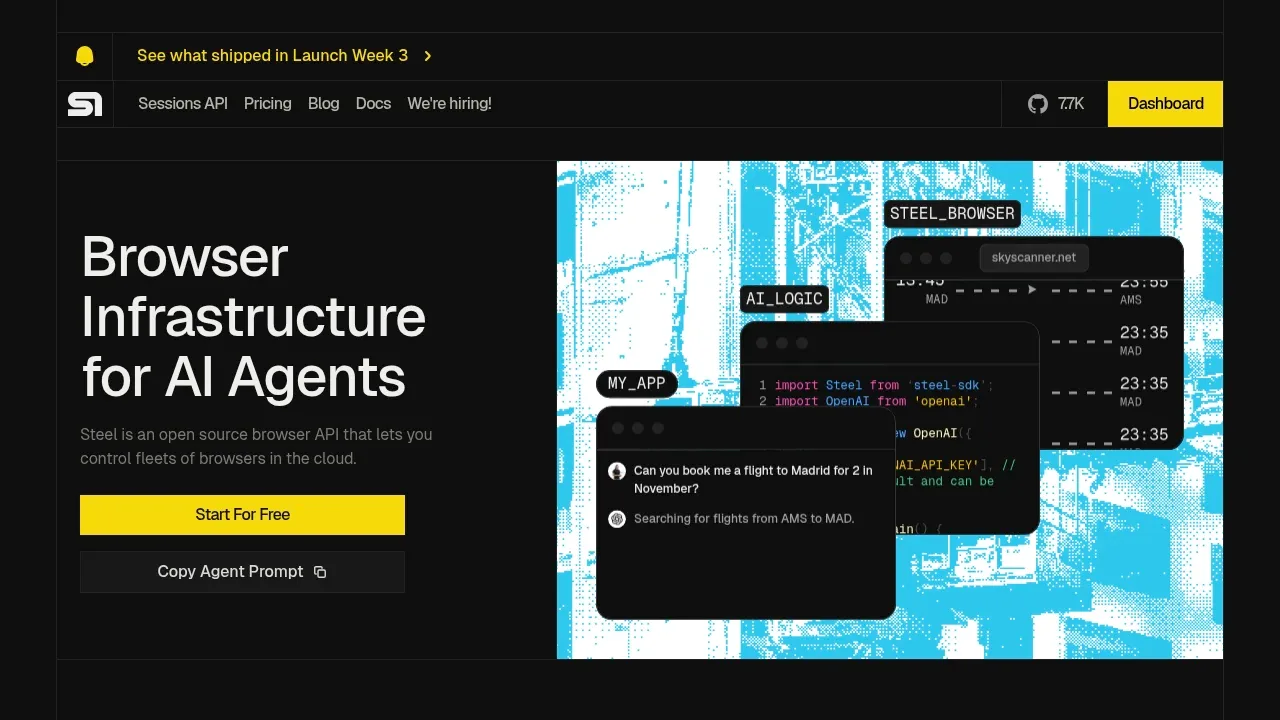
Steel is a browser API for developers building AI agents that interact with websites. It runs Chrome sessions locally or on a self-hosted server through Docker, so you can keep browser infrastructure on hardware you control. The code uses the Apache 2.0 license. Steel also offers a hosted service where browser sessions run in its cloud.
The API handles browser sessions and their lifecycle, including cleanup. Agents can retain cookies and local storage across requests, then reuse that state to continue tasks that involve logins or several pages. Custom Chrome extensions and proxy support cover workflows that need more than a fresh browser for each request.
Steel works with Puppeteer, Playwright and Selenium, and provides Python and Node.js SDKs. Selenium compatibility has limits: it doesn't support every feature available through the other browser sessions. For teams with existing automation, these connections let them use Steel as the browser backend while keeping their chosen tools.
Page extraction is built in. Steel can return page content as HTML, Markdown or readable text, and capture screenshots and PDFs. Request logs and a session viewing interface help developers inspect what an agent did in the browser.
The hosted service includes automatic CAPTCHA solving, browser fingerprint controls and automatic sign-in for sites that require authentication. Its session viewer supports watching live sessions and reviewing recordings.
Claim this page with an email at steel.dev. Steel gets the verified badge, and you can upgrade the listing to be featured on localhosted. Proud to be listed? Put our badge on your site.
Want more people to find Steel?Promote it
Something wrong or outdated on this page?
25.5KUpdated 2 days agoMIT
#LLM tracing#Structured output
Stagehand is an open-source browser automation SDK for developers building AI agents that interact with websites and extract structured data. It can run with Chrome on your own machine or use Browserbase's cloud browsers. Local runs require Chrome. The project uses the MIT license and supports TypeScript, Python, and Go.
886Updated 2 weeks agoMIT
macOS · Windows · Linux · Docker · Web#Agent Skills#Code execution#Guardrails
9.4KUpdated 2 days agoMIT
macOS · Windows · Linux · Android · Docker · Web#Batch processing#LM Studio integration#MCP
4.8KUpdated 1 day ago
Docker · Web#Git integration#Human approval#LLM tracing
Agenta is an MIT-licensed, open source workspace for teams that want AI agents to handle tasks in chat and continue recurring work in the background. You can self-host it with Docker Compose or Helm to keep agents and workspace data on your infrastructure, or use Agenta Cloud as a hosted service.
4.4KUpdated 19 hours agoMIT
macOS · Windows · Linux · Web · JetBrains#Agent Client Protocol#Code execution#Git integration
17.5KUpdated 1 day agoMIT
macOS · Windows · Linux · Web#Persistent memory#Tool calling
Leon is a self-hosted personal AI assistant for Linux, macOS and Windows. The project focuses on the 2.0 Developer Preview on its develop branch. Its MIT-licensed runtime combines tools, context and memory with a local web interface.
PocketPaw is a self-hosted AI agent for people who want a personal assistant that can work with files, write code and use a browser on their own computer or server. It runs on macOS, Windows and Linux, with a web dashboard and access through messaging apps. It is open source under the MIT license.
xberg, formerly Kreuzberg, is a local document extraction engine for developers building AI search, document processing, and retrieval-augmented generation applications. It reads PDFs, Office files, scanned images, email, and nested archives, extracting text, tables, images, and metadata through one shared engine. It's open source under MIT.
gptme is a self-hosted AI agent that works directly in your terminal, with access to your files and installed tools. It's for developers who want a coding assistant in their own environment, and people who want an agent for data analysis or other knowledge work. The software is free under the MIT license and doesn't require a gptme account.