
Talk DAT!
Free, open-source AI dictation runs offline on Windows and Apple silicon Macs, formats speech into text, and types into your active app.
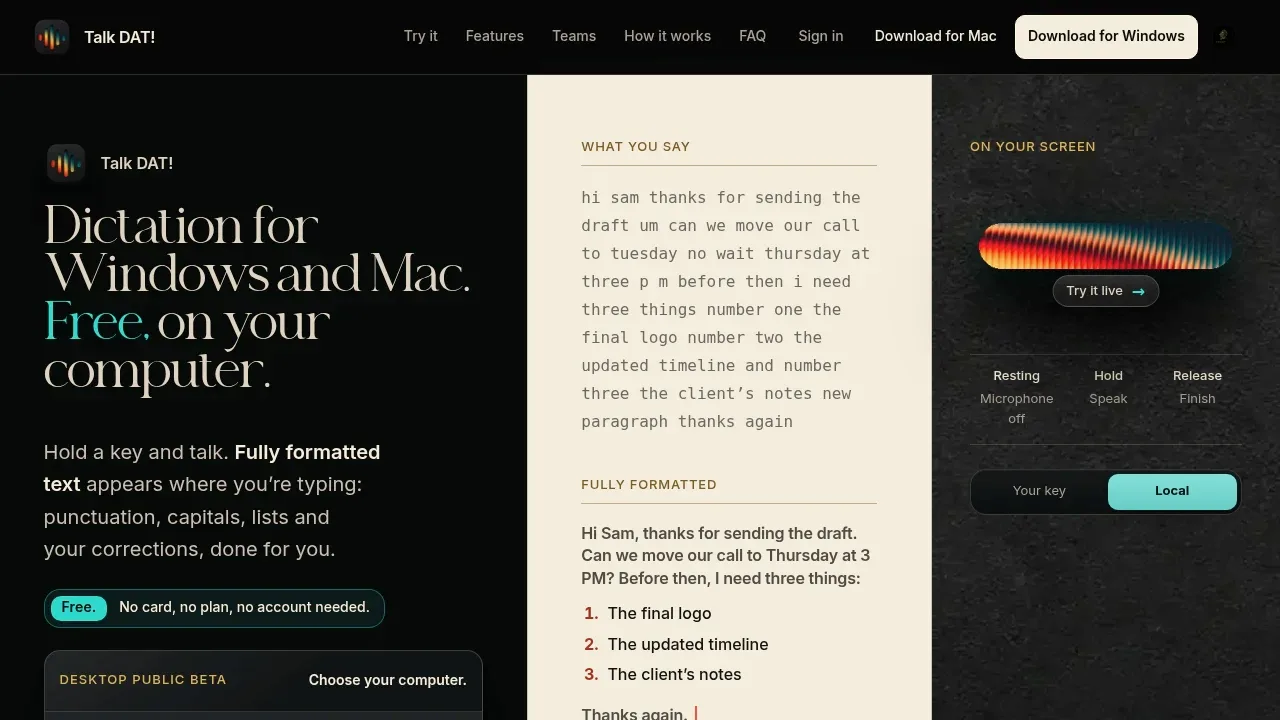
Talk DAT! is a free, open-source dictation app for people who want to turn speech into formatted writing across their desktop apps. It runs on Windows 10 and 11 and Apple silicon Macs with macOS 14 or later. Downloaded models let it work offline without an account, keeping speech and text on your computer.
It adds punctuation, capitals and lists, and handles spoken corrections before delivering text to the active app. Push-to-talk and hands-free modes support short messages or longer notes. Chill keeps wording close to your speech; Executive rewrites it in a more formal, organized style.
Local speech models include NVIDIA Parakeet, Canary, Whisper, Distil-Whisper and GigaAM. Ollama supports local formatting and translation with models such as Qwen3 and TranslateGemma. You can instead use your own Deepgram, OpenAI or Anthropic key, which sends requests directly to that provider. The browser demo runs on a server rather than your device.
A personal dictionary handles names and specialized vocabulary, with optional medical, legal, military and aviation word packs. Recent recordings and transcripts stay on the computer for playback or recovery if text delivery fails. Live captions display words as you speak, while Ramble turns longer dictation into PDF, Word, Markdown or plain-text documents.
The app uses the Apache 2.0 license. Official builds offer optional sign-in and anonymous usage counts, which you can disable; those counts contain no audio or dictated text. Intel Macs aren't supported.


