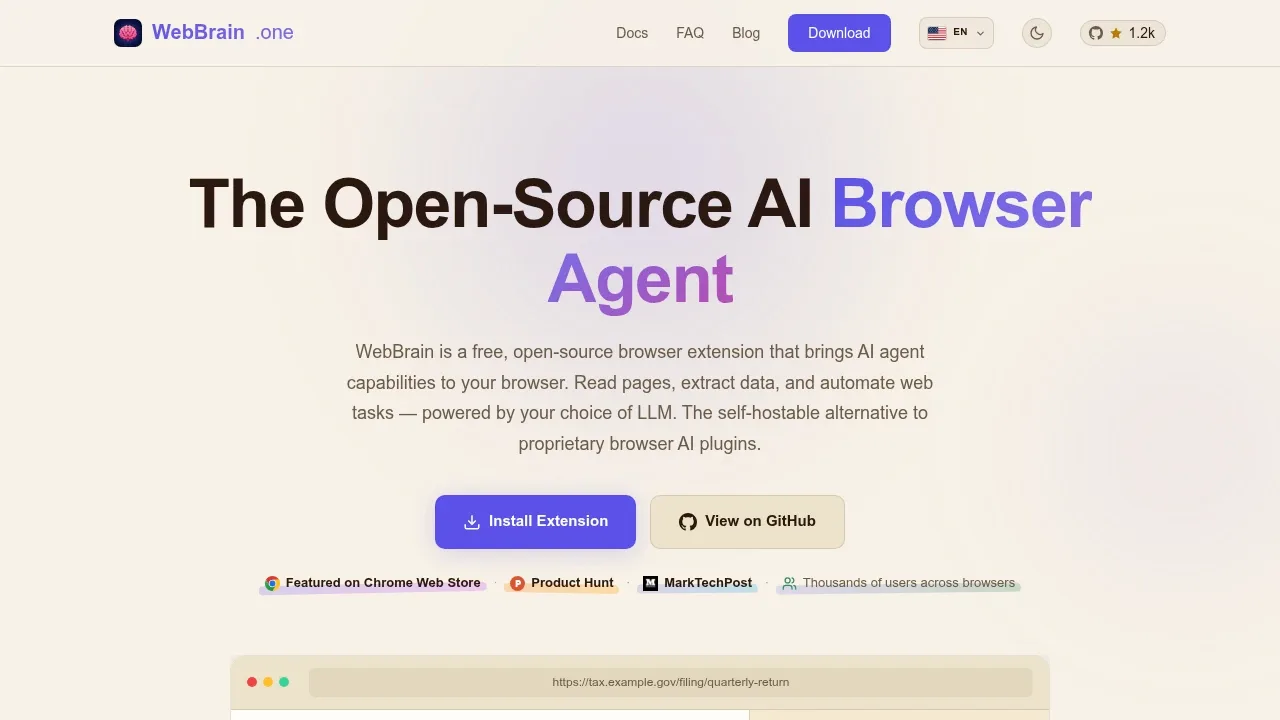
WebBrain is an open-source AI browser agent for people who want help reading pages and completing web tasks in their existing browser. It runs in a sidebar in Chrome, Firefox and Chromium browsers; its Edge extension supports Windows only. The project uses the GPL-3.0-or-later license.
You can run it fully offline with a local LLM through llama.cpp, Ollama or LM Studio, or use an OpenAI-compatible server. It also connects to cloud services such as OpenAI, Claude and OpenRouter. With local models, page data stays on your machine. Cloud models receive the content they need to process. WebBrain requires no account and collects no telemetry.
Ask mode reads pages without changing them. It can summarize articles, answer questions about the current page and extract structured information from tables, forms and PDFs. Act mode handles clicks, form filling, uploads and downloads across multi-step tasks, with permission prompts before consequential actions. Successful runs can become reusable workflows, and scheduled tasks or page watches can trigger later work.
WebBrain can use separate text and vision models, so screenshot interpretation doesn't require the planning model to handle images. It trims conversation context and compresses screenshots to reduce model input. A local MCP bridge lets Claude Code, Codex, Cursor and other MCP clients delegate tasks to your signed-in Chromium tabs while retaining browser permission checks. The bridge doesn't support Firefox, whose browser automation also has fewer capabilities than Chrome's.
Claim this page with an email at webbrain.one. WebBrain gets the verified badge, and you can upgrade the listing to be featured on localhosted. Proud to be listed? Put our badge on your site.
Want more people to find WebBrain?Promote it
Something wrong or outdated on this page?
2.3KUpdated 2 days agoApache-2.0
macOS · Windows · Linux · Docker · Web#Agent Skills#Guardrails#Human approval
Agency Orchestrator turns a task description into a team of specialist AI roles that divide the work and combine their results. It's for solo builders, developers and content creators who want repeatable workflows for product planning, research or code review. The open-source software uses the Apache 2.0 license and runs locally through a browser interface, a desktop app for macOS, Windows and Linux, or Docker on a server or NAS.
1.6KUpdated 7 days agoApache-2.0
macOS · Windows · Linux#Agent Skills#Hugging Face integration#Human approval
433Updated 4 days agoMIT
Browser Extension#Agent Skills#Browser automation#Code execution
14.8KUpdated 4 hours agoMIT
macOS · Windows · Linux · Web#Agent Skills#Code execution#Git integration
467Updated 13 hours agoMIT
macOS · Windows#Agent Skills#Code execution#Human approval
4.4KUpdated 1 day agoMIT
macOS · Windows · Linux · Web · JetBrains#Agent Client Protocol#Code execution#Git integration
Agentlas OS is a local-first AI agent framework that assembles specialist teams around a task. It runs inside Claude Code, Codex, Cursor and Gemini and is open source under Apache 2.0. Its roles cover software development and work such as insurance analysis, M&A diligence and travel planning.
Browser Control gives trusted coding agents access to the Chromium browser you already use, with its signed-in accounts and installed extensions. It's for developers who want agents to work in an existing browser session rather than a separate headless browser. The driver runs locally through a browser extension and local relay. It contains no LLM.
cc-haha is a desktop workspace for Claude Code and AI agents, aimed at developers who want coding tasks, change review and work across apps in one place. It runs on macOS, Windows and Linux, with Intel, AMD and ARM builds. The app is open source under the MIT license.
CoWork OS is a local-first AI agent desktop for developers and people who work with documents, research and email. It brings agent tasks, files, terminals and browser work into one workspace, with visible actions and approval controls. The app is open source under the MIT license, and runs on macOS and Windows.
gptme is a self-hosted AI agent that works directly in your terminal, with access to your files and installed tools. It's for developers who want a coding assistant in their own environment, and people who want an agent for data analysis or other knowledge work. The software is free under the MIT license and doesn't require a gptme account.