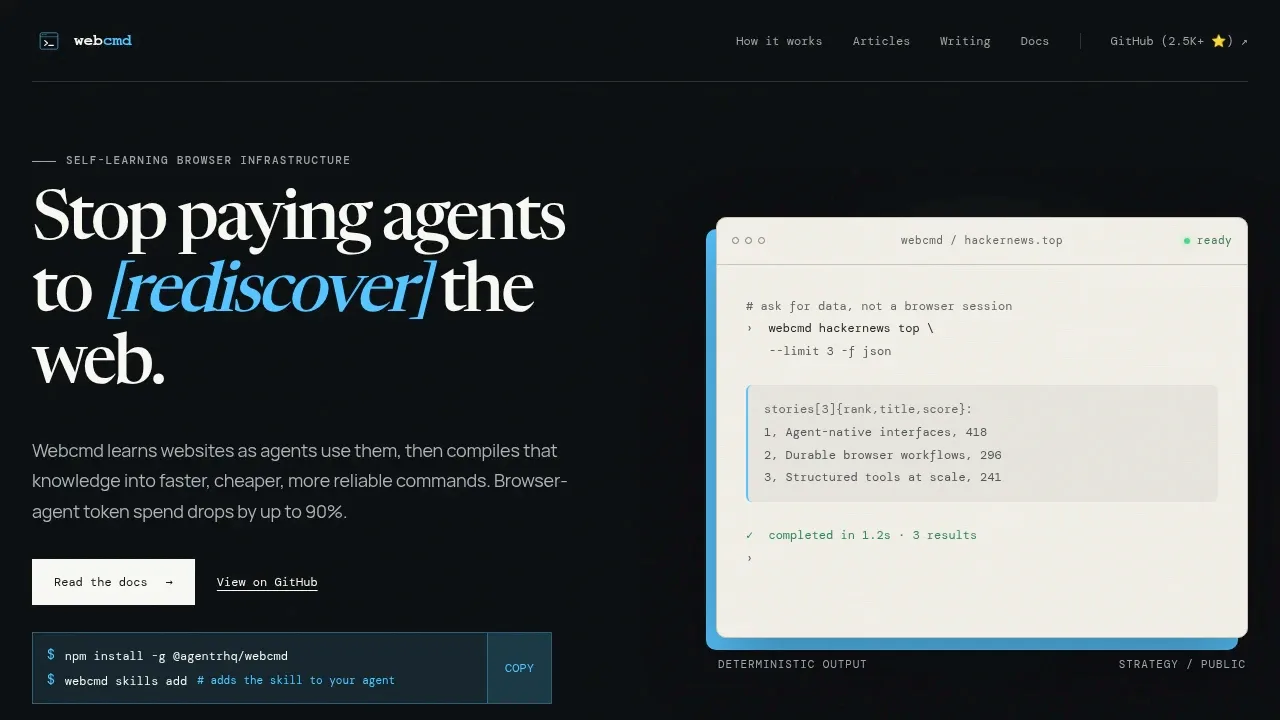
Webcmd is a local browser automation tool for developers building AI agents that repeatedly work with the same websites. It remembers what agents learn about a site and turns familiar tasks into reusable commands, reducing repeated page inspection and reasoning. It's open source under Apache 2.0.
Agents can use a real browser to inspect pages, click controls, enter text, extract information, and capture network requests. Webcmd retains observed pages, actions, workflows, APIs, and fallback paths in local sitemap memory. That context helps later agents work with a site without exploring it from scratch.
For recurring tasks, site adapters expose named inputs and structured results. Commands can use public endpoints, authenticated cookies, intercepted requests, the page interface, or a local tool, depending on the available path. Some commands can skip the browser entirely. Machine-readable results and errors help agents consume the output, while a command registry exposes what each command does and whether it needs a browser.
Webcmd works with Claude, Codex, and other agent harnesses. Its browser workflows cover sites such as PubMed, Hacker News, LinkedIn, and ChatGPT, including tasks that use logged-in profiles. It's written in TypeScript and requires Node.js.
Website learning stays local after initial access, which may use a Webcmd Cloud seed. The live browser remains the source of truth, and a memory failure doesn't block the task.
Claim this page with an email at webcmd.dev. Webcmd gets the verified badge, and you can upgrade the listing to be featured on localhosted. Proud to be listed? Put our badge on your site.
Want more people to find Webcmd?Promote it
Something wrong or outdated on this page?
1.6KUpdated 7 days agoApache-2.0
macOS · Windows · Linux#Agent Skills#Hugging Face integration#Human approval
Agentlas OS is a local-first AI agent framework that assembles specialist teams around a task. It runs inside Claude Code, Codex, Cursor and Gemini and is open source under Apache 2.0. Its roles cover software development and work such as insurance analysis, M&A diligence and travel planning.
6.2KUpdated 4 months agoMIT
macOS · Docker#Agent Skills#Browser automation#Code execution
2.5KUpdated 1 day agoMIT
Windows · Linux · Docker · Web#Agent Skills#Code execution#Guardrails
11.3KUpdated 1 day agoMIT
macOS · Windows · Linux · Docker#Browser automation#Multi-user access#PII redaction
701Updated 2 days ago
#Browser automation#Human approval#MCP
Fortress is a Chromium fork for developers whose scrapers and AI agents encounter browser fingerprint checks. It runs as a local browser binary and changes the fingerprint inside Chromium's C++ code, rather than applying JavaScript overrides that pages can inspect.
2.7KUpdated 1 day agoApache-2.0
macOS · Windows · Linux#Agent Skills#Browser automation#Code execution
bb-browser lets AI agents work through your local Chrome browser using the website accounts you're already signed into. It's for people building agents that need to research across websites or interact with authenticated pages without a separate API integration for each service. The project is open source under the MIT license.
Bitterbot is a local-first personal AI agent for people who want an assistant that remembers ongoing projects and preferences across conversations. It runs on your own device or server, with a browser dashboard for chatting, reviewing memory activity and managing skills. It's open source under the MIT license.
CamoFox Browser is a self-hosted browser server for developers whose AI agents need to browse sites that block ordinary automation. It builds on Camoufox, a Firefox fork that changes browser fingerprints inside the engine rather than through JavaScript patches. This approach targets detection systems such as Cloudflare and Google's bot checks.
Moli is a headless browser you run on your own machine or server for AI agents, web scraping and retrieval pipelines. It can read pages and execute JavaScript without spending resources on visual rendering for every request. Layout and rendering run only when a task needs them, such as capturing a screenshot or clicking at specific coordinates.