
Buzz
An offline transcription app uses Whisper to transcribe recordings and microphone audio, translate speech into English, and export subtitles.
Alternative to:

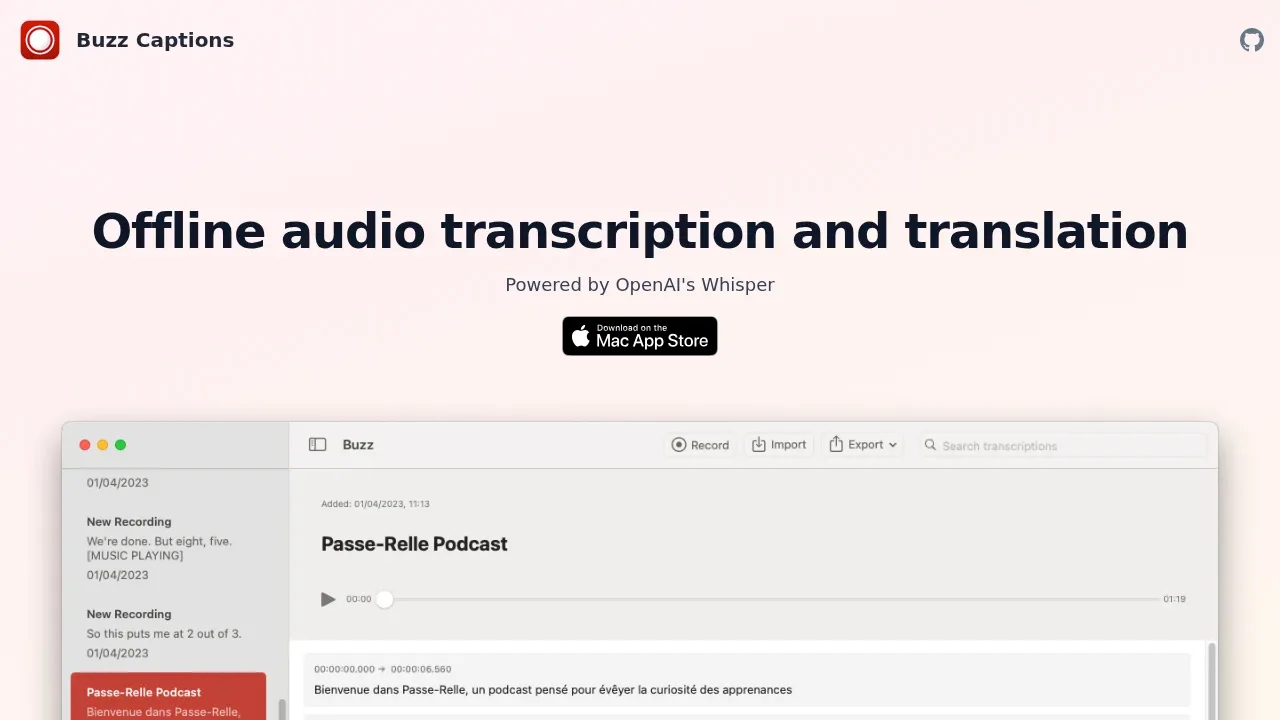
Buzz turns speech into transcripts and subtitles on your computer. It's for people working with recordings or providing live captions who want offline transcription and translation into English.
- Files and live captions: Transcribe audio and video files, YouTube links or microphone input, with a presentation window for displaying captions during events.
- Transcript exports: Save transcripts as CSV or TXT, or export timed subtitles in SRT and VTT formats.
- Speech and speakers: Separate speech before transcription to help with noisy recordings and identify speakers in transcribed media.
- Transcript review: Search text and listen to the corresponding audio with playback and speed controls.
- Automatic transcription: Watch a folder for new recordings or use the command-line interface for scripted workflows.
Buzz Classic is free and open source under the MIT license. It runs on Windows, Linux and macOS; current macOS builds require Apple Silicon. It supports Whisper, Whisper.cpp, Faster Whisper and Whisper-compatible Hugging Face models. GPU acceleration includes NVIDIA CUDA and Vulkan through Whisper.cpp on compatible GPUs, including integrated GPUs.
Local transcription works offline. The optional OpenAI Whisper API sends audio to a cloud service. Live transcription may fall behind speech depending on your hardware, language and model size.
The separate native macOS app supports Whisper.cpp models and the OpenAI Whisper API, with transcript search, audio playback and inline text editing.
 Logotyper


