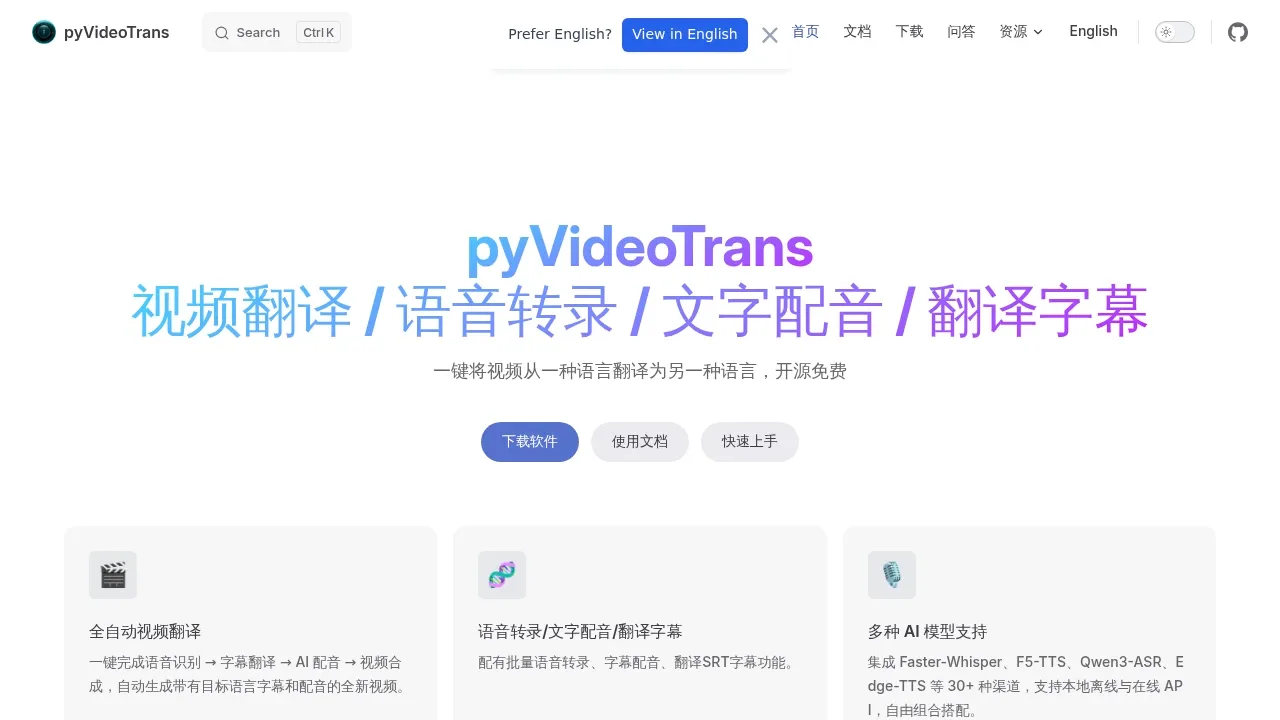
pyVideoTrans translates spoken audio into another language and produces a video with translated subtitles and AI dubbing. It's for people adapting videos for audiences in other languages who want control over which parts run locally. It recognizes speech directly, so the original video doesn't need subtitles.
The workflow covers speech recognition, translation, voice generation and the finished video. You can pause to proofread at each stage. For conversations, speaker diarization separates speakers, and multi-role dubbing assigns them different voices. Voice cloning works with models such as F5-TTS, CosyVoice and GPT-SoVITS.
Local processing can use Faster-Whisper for transcription, Ollama or M2M100 for offline translation, and locally deployed speech models for dubbing. With local models, processing can stay on your own hardware and work offline. Cloud choices include ChatGPT, DeepSeek, Claude, Gemini, OpenAI and Azure; using those services sends the relevant processing to their APIs.
The GPL-3.0 open-source software runs on Windows, macOS and Linux without an application account. It has a desktop interface, a browser interface for remote or internal network access, and command-line support for batch work and self-hosted servers, including Docker deployment. An NVIDIA GPU is optional and can accelerate processing through CUDA.
Separate tools handle batch audio transcription, SRT subtitle translation, text-to-speech, vocal separation and audio-video alignment.
Claim this page with an email at pyvideotrans.com. pyVideoTrans gets the verified badge, and you can upgrade the listing to be featured on localhosted. Proud to be listed? Put our badge on your site.
Want more people to find pyVideoTrans?Promote it
Something wrong or outdated on this page?
14.4KUpdated 24 hours agoMIT
macOS · Windows · Linux#Batch processing#LM Studio integration#Multilingual
Subtitle Edit is an MIT-licensed subtitle editor for Windows, macOS and Linux. It's for people creating captions, translating dialogue or fixing subtitles that don't match the video. Its core editing, conversion and video playback work offline on your device, with optional AI tools for transcription and translation.
18.5KUpdated 3 days agoApache-2.0
macOS · Windows · Linux · Docker · Web#Batch processing#MLX#Multilingual
1.7KUpdated 1 week agoMPL-2.0
Linux#Multilingual#Works offline
21.8KUpdated 1 week agoMIT
macOS · Windows · Linux#Hugging Face integration#Multilingual#Speaker diarization
20.3KUpdated 4 days agoApache-2.0
macOS · Windows · Linux · Docker · Web#Batch processing#Multilingual#Voice cloning
7.7KUpdated 4 weeks agoMIT
macOS · Windows · Linux#Batch processing#Multilingual#Ollama integration
VideoLingo is a self-hosted video translation app for creators and educators who need bilingual subtitles or dubbed versions of their videos. It brings transcription, translation and subtitle timing into one browser interface, with dubbing as an optional output. The project is open source under Apache 2.0; a separate hosted service offers subtitle translation and dubbing.
Speech Note combines offline dictation, reading aloud and translation in a desktop app for Linux and Sailfish OS. It's for people who want to take multilingual notes, type by voice or listen to text without sending their words to a cloud service. Speech and text processing stay on your device; models are downloaded separately through the app's graphical browser.
Buzz transcribes and translates speech on your own computer using OpenAI's Whisper. It's for people who need transcripts or subtitles from recordings, plus live captions from a microphone. Local transcription works offline; the optional OpenAI Whisper API sends audio to a cloud service.
ebook2audiobook turns non-DRM ebooks into narrated audio with chapters and metadata, for readers who want audio editions of their own books. It runs locally on Windows, macOS and Linux, with Docker support and a browser interface built with Gradio. It's open source under Apache 2.0.
Vibe is an open source desktop app for people who need transcripts or subtitles without uploading their recordings to a transcription service. It runs on macOS, Windows and Linux under the MIT license. Audio transcription works fully offline, with processing on your own computer.