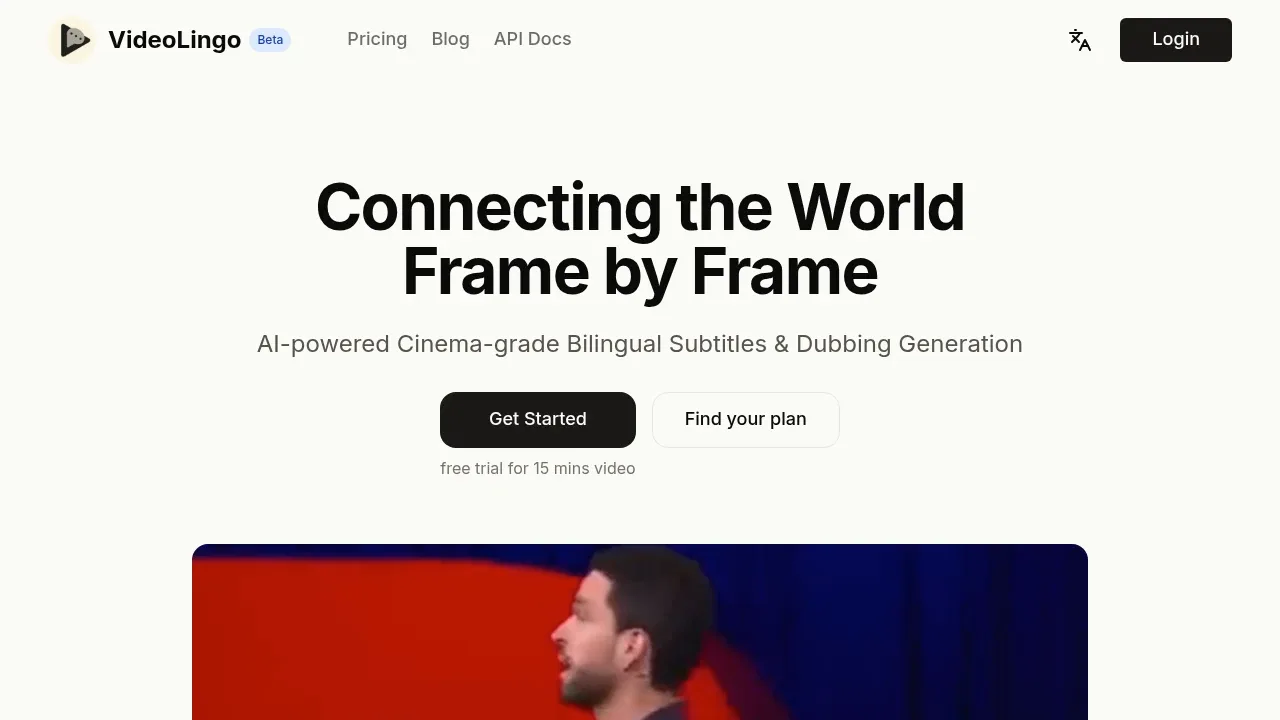
VideoLingo is a self-hosted video translation app for creators and educators who need bilingual subtitles or dubbed versions of their videos. It brings transcription, translation and subtitle timing into one browser interface, with dubbing as an optional output. The project is open source under Apache 2.0; a separate hosted service offers subtitle translation and dubbing.
The app runs on Windows, macOS and Linux, with Docker support for Linux NVIDIA deployments. Its default speech recognition uses Qwen3-ASR and Qwen3-ForcedAligner locally. Apple Silicon uses MLX, while Intel Macs use CPU recognition. Translation connects to an OpenAI-compatible API. Optional cloud recognition through ElevenLabs or MAI-Transcribe-2 sends audio to the selected provider, so running the app yourself doesn't make every stage local.
Subtitle work includes word-level alignment, sentence segmentation and length limits for readable lines. Custom and AI-generated terminology help keep specialist vocabulary consistent, while optional translation review and rewriting address phrasing. It exports subtitle files and can produce videos with subtitles or dubbed audio. YouTube downloads use yt-dlp.
Dubbing supports GPT-SoVITS, OpenAI and Edge TTS; available languages depend on the chosen backend. Quality and synchronization depend on the audio, translation and voice service. The workflow doesn't automatically give each speaker a separate voice.
A local HTTP API lets scripts and AI agents process videos, check progress and retrieve outputs. Tasks can pause or resume, and completed work can survive retries.
Claim this page with an email at videolingo.io. VideoLingo gets the verified badge, and you can upgrade the listing to be featured on localhosted. Proud to be listed? Put our badge on your site.
Want more people to find VideoLingo?Promote it
Something wrong or outdated on this page?
19.2KUpdated 2 days agoGPL-3.0
macOS · Windows · Linux · Docker · Web#Batch processing#Human approval#Multilingual
pyVideoTrans translates spoken audio into another language and produces a video with translated subtitles and AI dubbing. It's for people adapting videos for audiences in other languages who want control over which parts run locally. It recognizes speech directly, so the original video doesn't need subtitles.
14.4KUpdated 24 hours agoMIT
macOS · Windows · Linux#Batch processing#LM Studio integration#Multilingual
1.7KUpdated 1 week agoMPL-2.0
Linux#Multilingual#Works offline
7.7KUpdated 4 weeks agoMIT
macOS · Windows · Linux#Batch processing#Multilingual#Ollama integration
21.8KUpdated 1 week agoMIT
macOS · Windows · Linux#Hugging Face integration#Multilingual#Speaker diarization
2.9KUpdated 9 months agoApache-2.0
Windows · Docker · Web#Hugging Face integration#Multilingual#Speaker diarization
Subtitle Edit is an MIT-licensed subtitle editor for Windows, macOS and Linux. It's for people creating captions, translating dialogue or fixing subtitles that don't match the video. Its core editing, conversion and video playback work offline on your device, with optional AI tools for transcription and translation.
Speech Note combines offline dictation, reading aloud and translation in a desktop app for Linux and Sailfish OS. It's for people who want to take multilingual notes, type by voice or listen to text without sending their words to a cloud service. Speech and text processing stay on your device; models are downloaded separately through the app's graphical browser.
Vibe is an open source desktop app for people who need transcripts or subtitles without uploading their recordings to a transcription service. It runs on macOS, Windows and Linux under the MIT license. Audio transcription works fully offline, with processing on your own computer.
Buzz transcribes and translates speech on your own computer using OpenAI's Whisper. It's for people who need transcripts or subtitles from recordings, plus live captions from a microphone. Local transcription works offline; the optional OpenAI Whisper API sends audio to a cloud service.
Whisper WebUI turns audio into transcripts and subtitles through a browser interface that runs on your own machine or a self-hosted server. It's for people captioning videos, transcribing recordings or translating spoken content who want local speech processing. The project is open source under Apache 2.0 and supports Docker and Pinokio.