VEED alternatives for captions and video editing
Compare OpenChatCut, ReScript and SmartSub for video edits, transcript cuts, automatic captions and dubbing.
VEED combines a browser video editor with automatic subtitles, dubbing and AI creation tools. It suits producing a captioned video where edits to the picture and spoken words need to stay together. A replacement can cover the editing workspace or concentrate on preparing captions and translated speech.
OpenChatCut keeps conversational changes on an editable multitrack timeline and supports captions and reframing. ReScript turns transcript edits into media cuts and exports timelines for other editors. SmartSub handles transcription, caption styling and dubbing in a desktop workflow. Subtitle Edit offers focused caption revision, while pyVideoTrans concentrates on translated subtitles and dubbed versions.

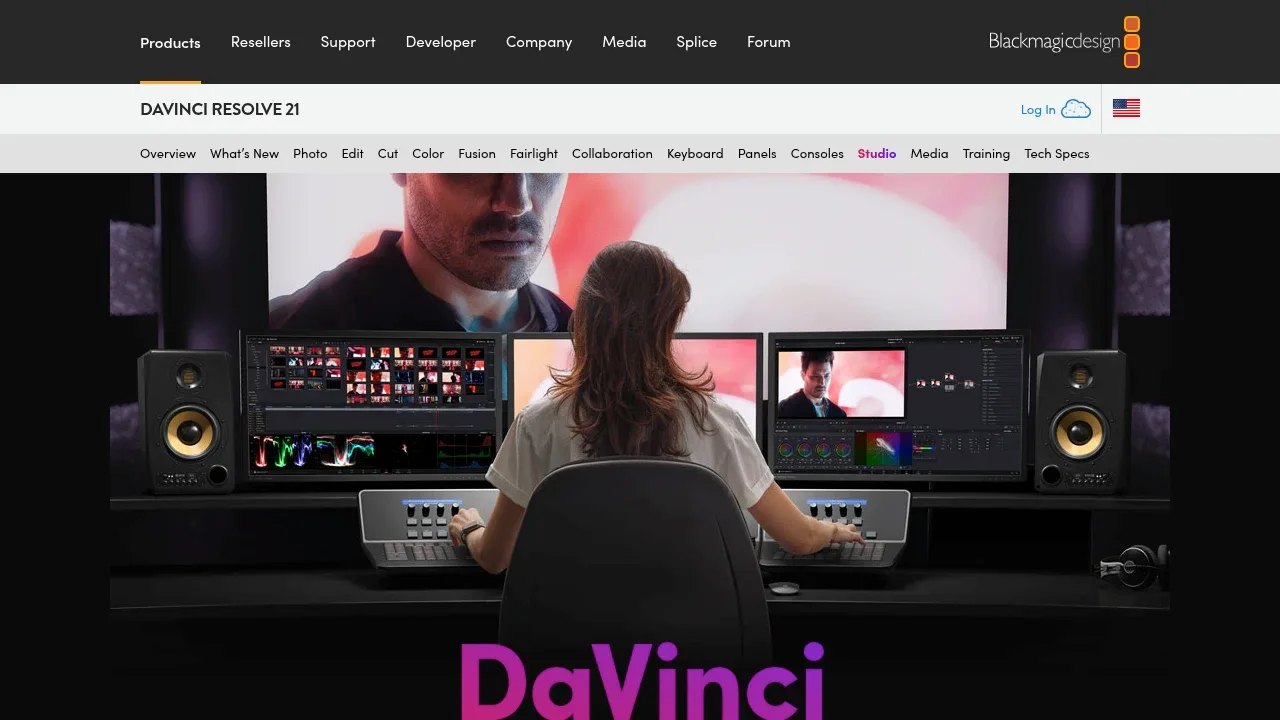
Desktop video editing software for macOS, Windows and Linux, with AI object tracking, upscaling and voice isolation plus GPU acceleration.

A local-first AI video editor combines chat and an editable multitrack timeline, with a free AGPL-3.0 desktop edition for macOS, Windows and Linux.
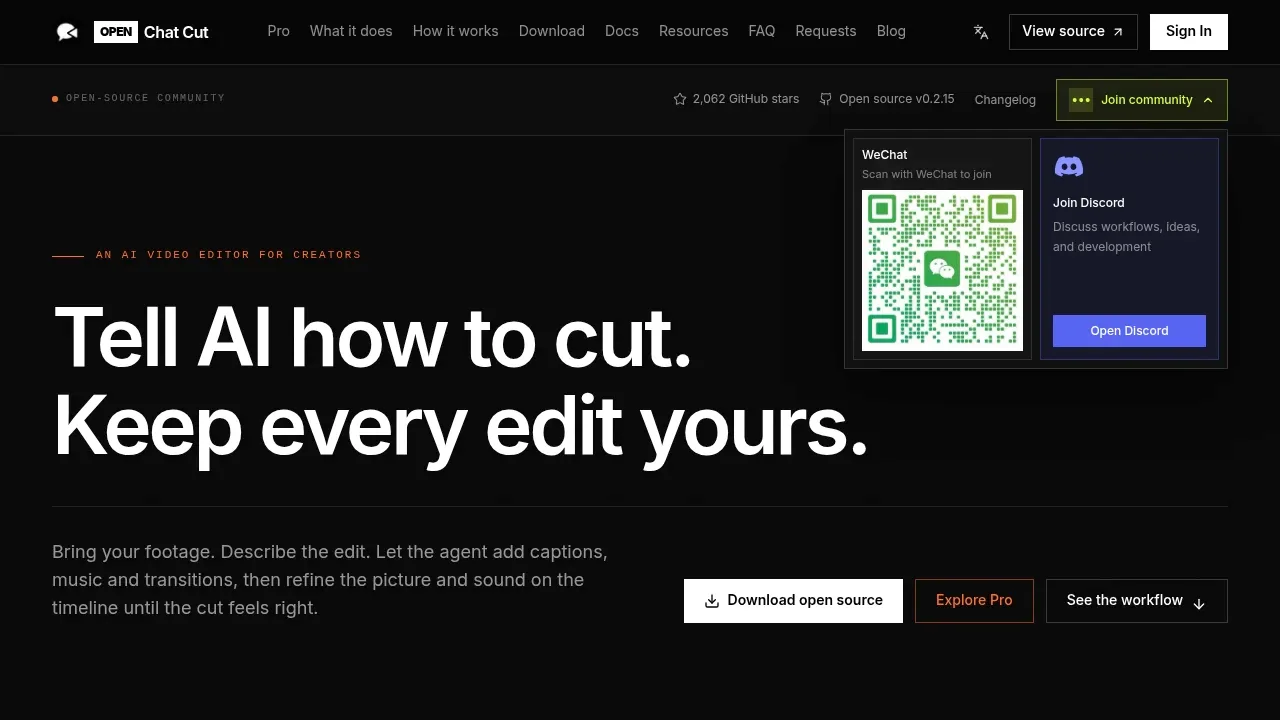
OpenChatCut is a broad VEED editing alternative with a multitrack timeline, conversational changes and automatic captions. Refine agent edits manually, reframe around a subject and export video, caption files or project data. AI connections and online media search can use external services.

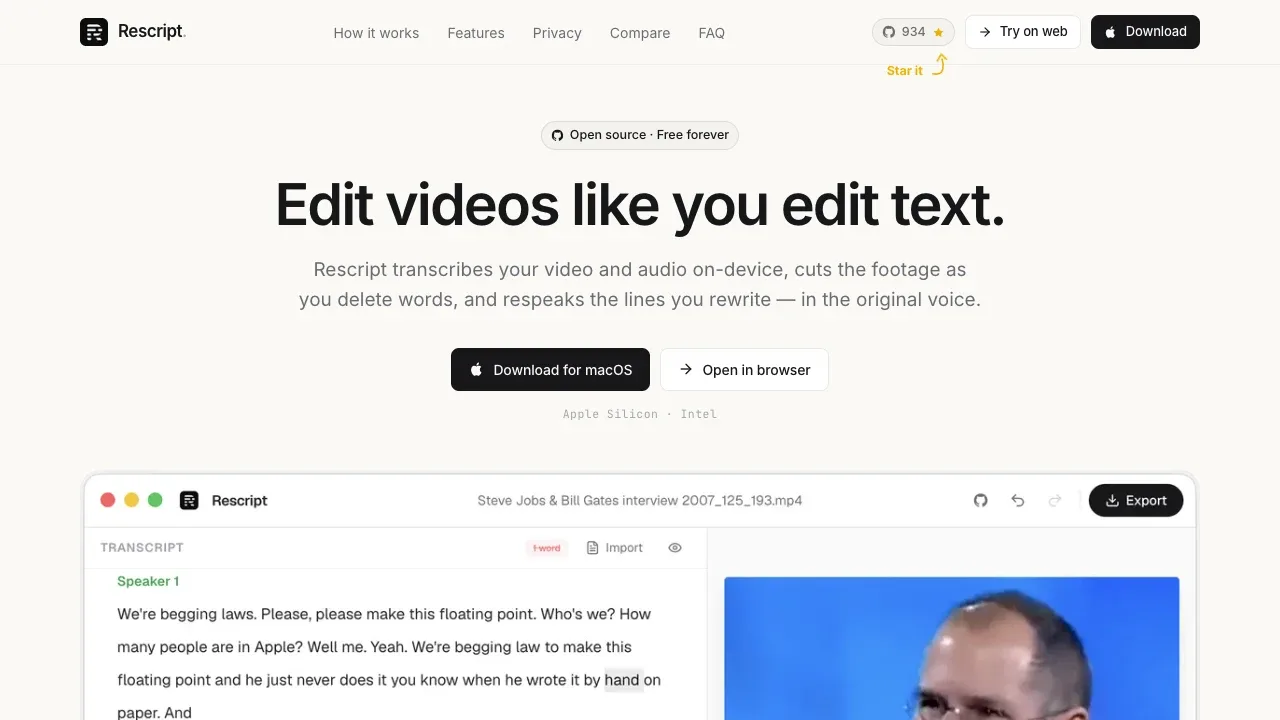
A transcript-based video and audio editor that works offline in a browser or on macOS, Windows and Linux, with local Whisper transcription.

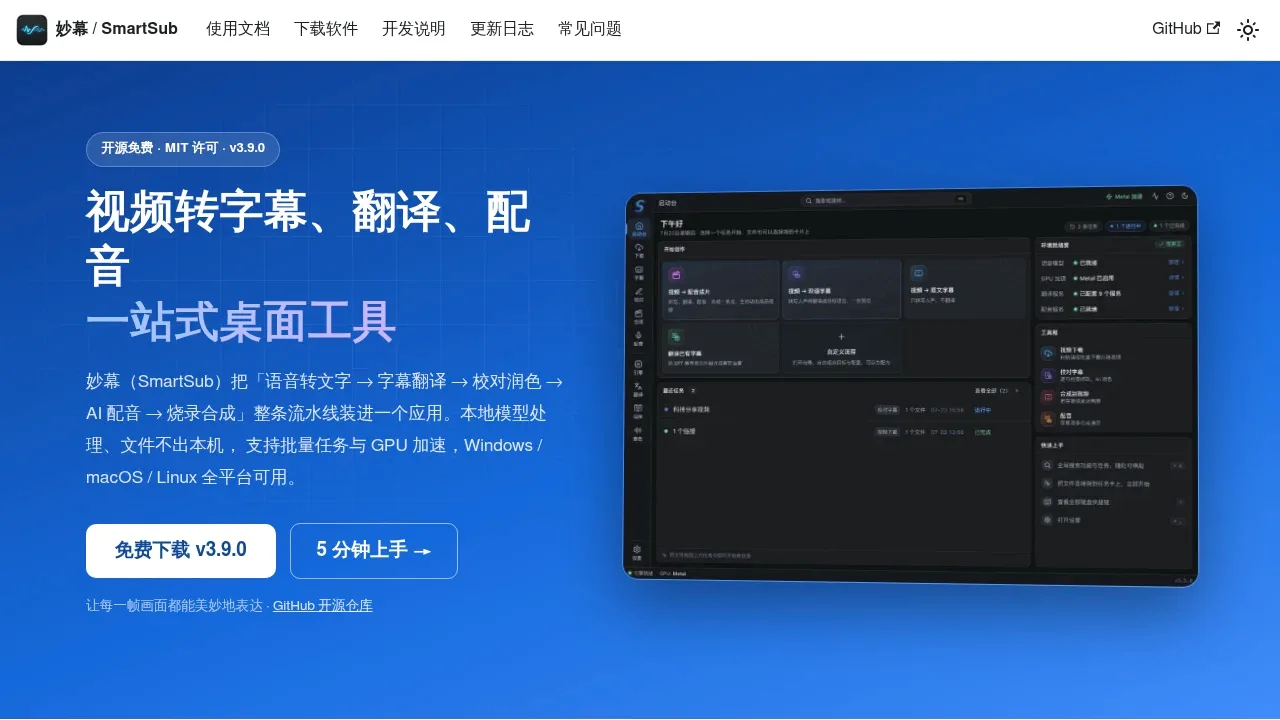
A subtitle and AI dubbing desktop app for Windows, macOS and Linux, with offline transcription, local speech synthesis and optional cloud services.

A local-first macOS transcription app that captures files, microphone and app audio, with translation and subtitle export.
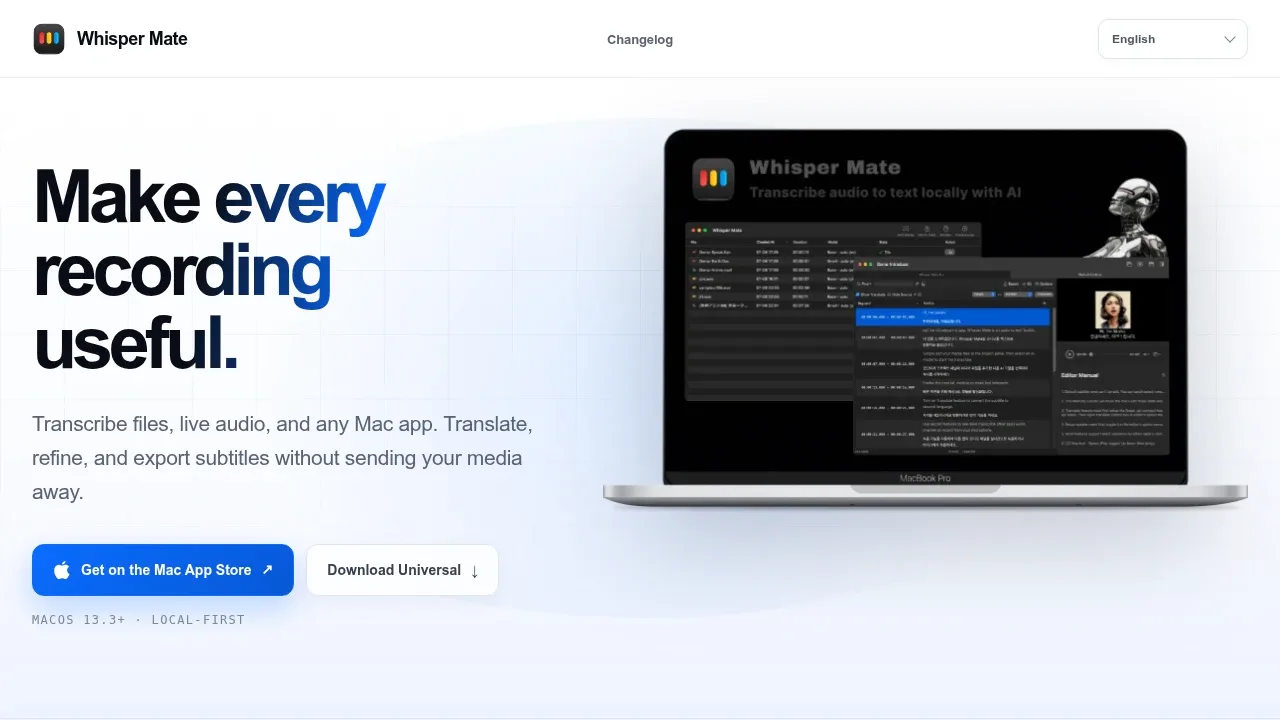
Whisper Mate covers caption work with a subtitle editor and video preview. Export original, translated or bilingual subtitles, burn them into a video, or generate and synchronize speech for individual subtitle lines.

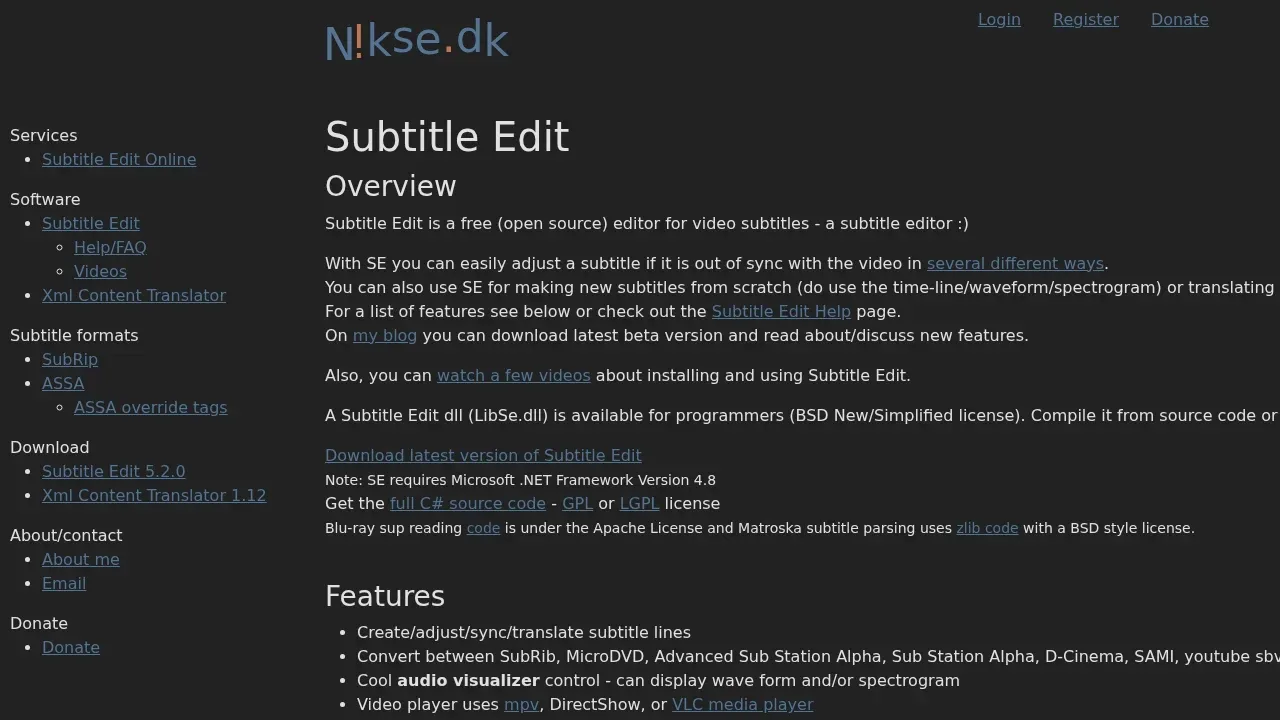
Offline subtitle editor for Windows, macOS and Linux with local editing and backups, plus optional online translation and speech tools. MIT licensed.

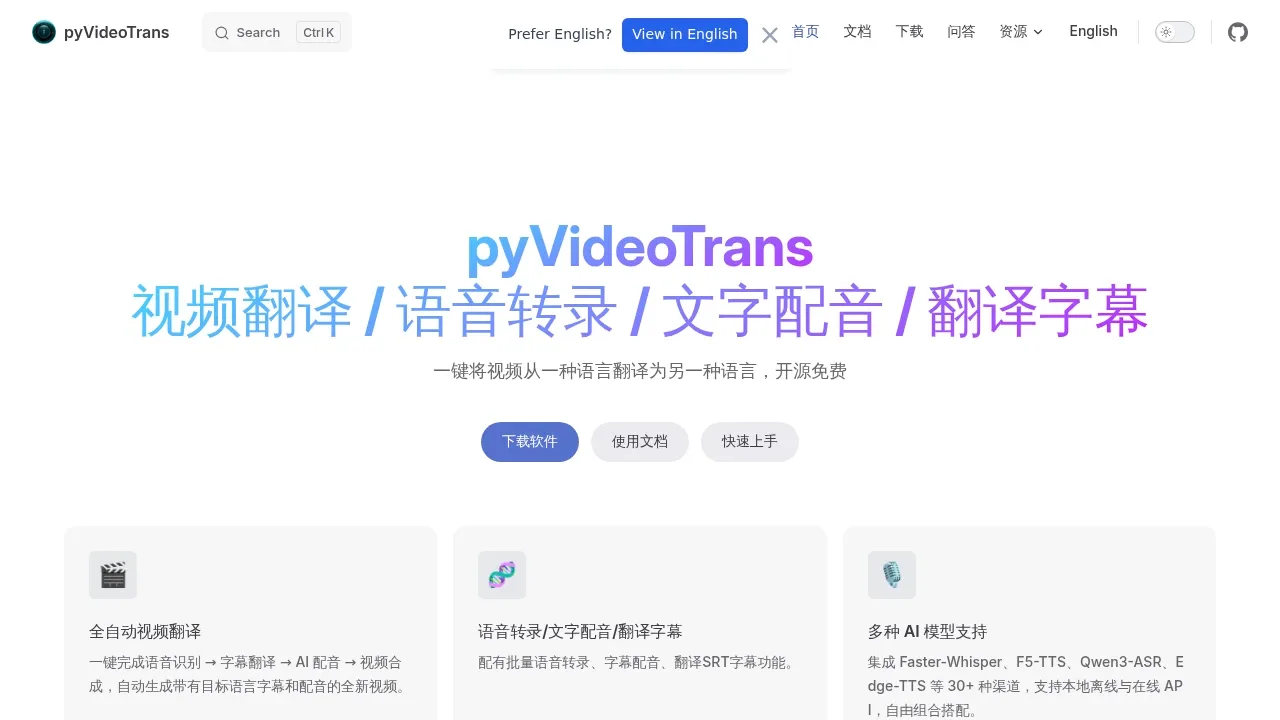
An open-source video translation and AI dubbing tool for Windows, macOS and Linux that works with local offline models or cloud APIs.

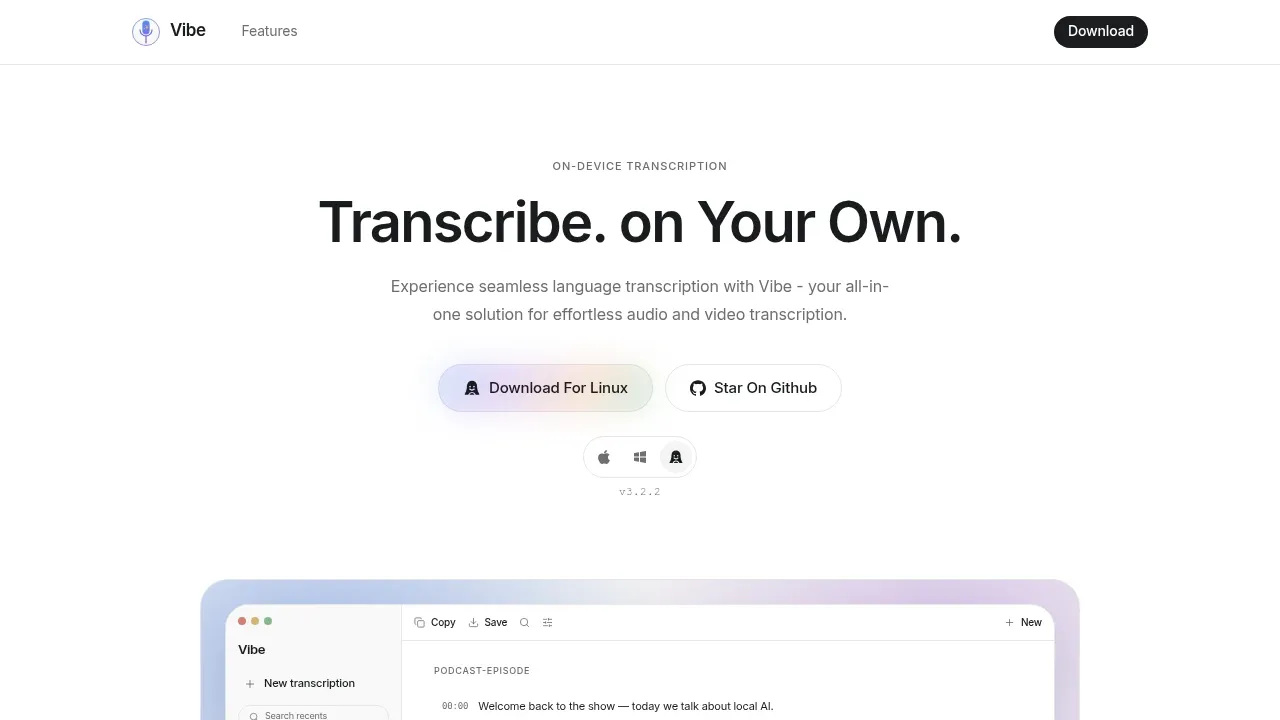
Local transcription app runs offline on macOS, Windows and Linux, with speaker labels, subtitle exports and transcript analysis through Ollama.

An offline transcription app for Windows and macOS that turns recordings into text and translated subtitles, with local speaker labels and GPU acceleration.
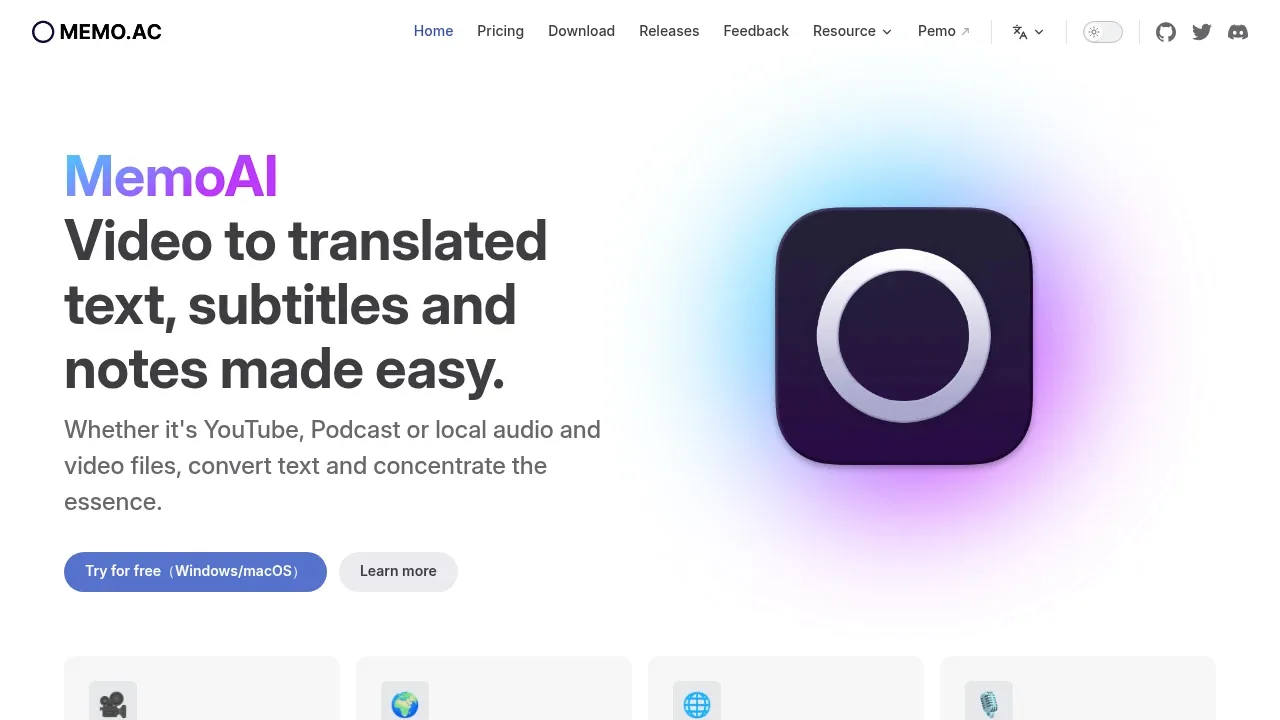

An offline AI transcription app for macOS that converts files and live audio to text, translates transcripts, and keeps processing on your Mac.
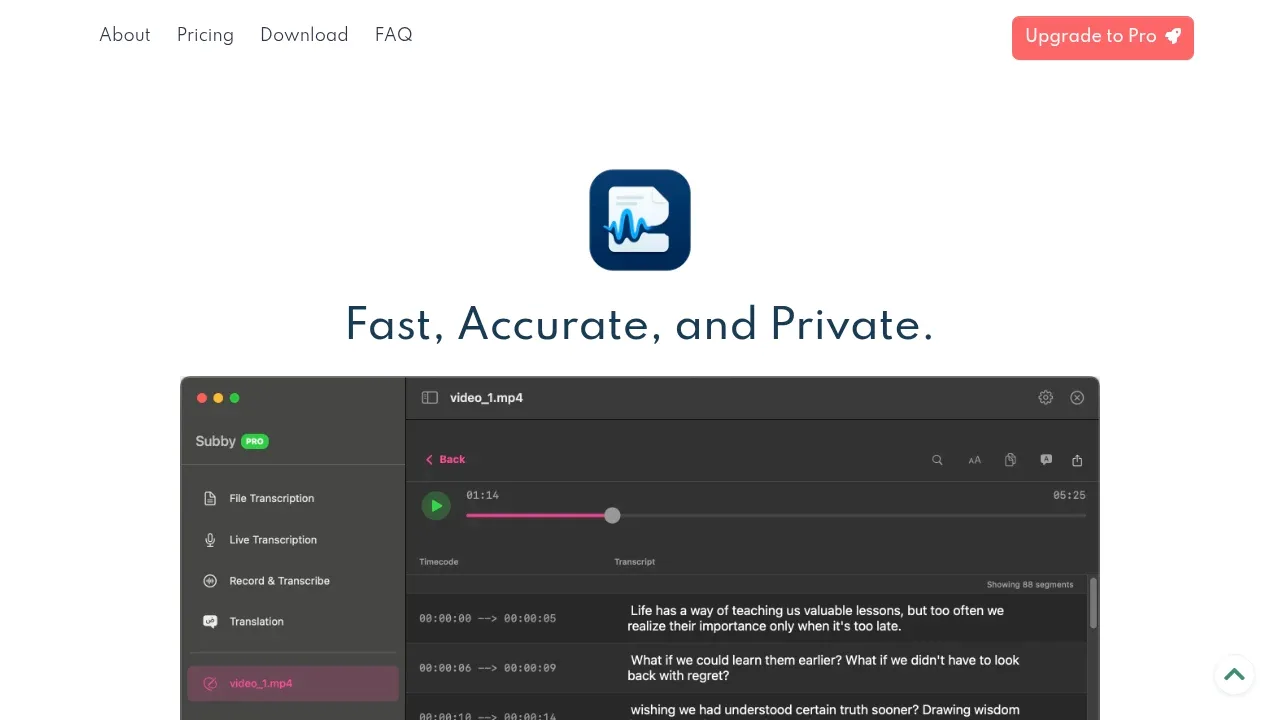
WhisperBuddy transcribes audio or video in batches and lets you correct subtitle segments against synchronized playback. It exports SRT or VTT captions for use in another editor rather than providing a full video timeline.

Self-hosted AI video dubbing software translates YouTube, Bilibili and local videos, with voice cloning and subtitles on Windows, Linux and macOS.

A local AI video dubbing app that translates videos with synchronized audio through a browser interface and runs on Linux with CPU or NVIDIA GPU support.

A local speech-to-text browser app that creates subtitles with Whisper, translates subtitle text and supports speaker labeling under Apache 2.0.
For VEED, start with DaVinci Resolve Studio. Other alternatives include OpenChatCut, ReScript, SmartSub and Whisper Mate.
Most are Speech-to-Text and Transcription; others include Subtitles and Dubbing.
People also replace
See all
Descript alternatives


HeyGen alternatives


Otter.ai alternatives


