Otter.ai alternatives for recording meeting notes
Compare Meetily, Scriberr and WhisperX for meeting transcripts. Choose live desktop capture, a recording library or word-aligned audio processing.
Otter.ai turns meetings into transcripts and AI-assisted notes that you can revisit and search. It is useful when a conversation needs a written record without someone typing every exchange. Replacing its recording and transcription workflow is different from recreating all the collaboration features of a hosted meeting service.
Meetily captures calls on your device without adding a bot, then creates summaries with a local or selected cloud model. Scriberr suits a self-hosted library of recordings with synchronized text, playback and notes. WhisperX is the more technical option for word-aligned transcripts and speaker labels. These Otter.ai alternatives separate live meeting capture from processing recordings afterward.

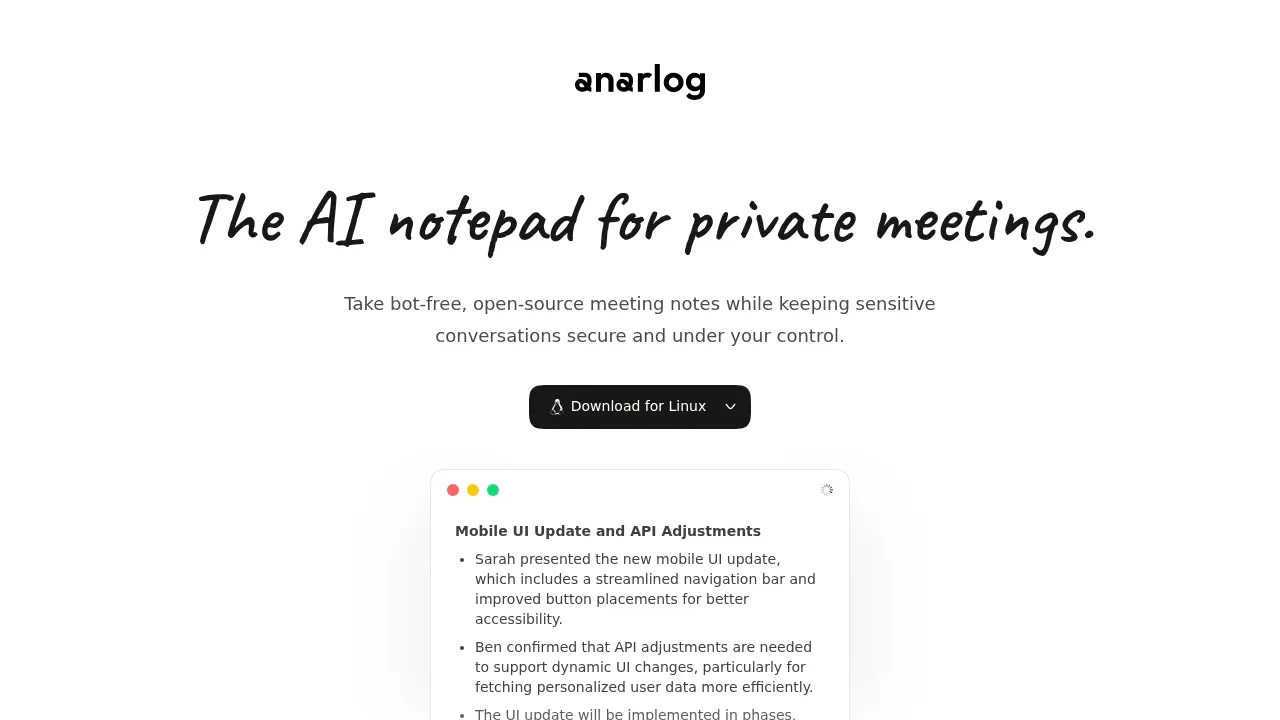
A local AI meeting assistant for macOS and Windows that transcribes offline with Whisper or Parakeet and summarizes through Ollama or cloud providers.
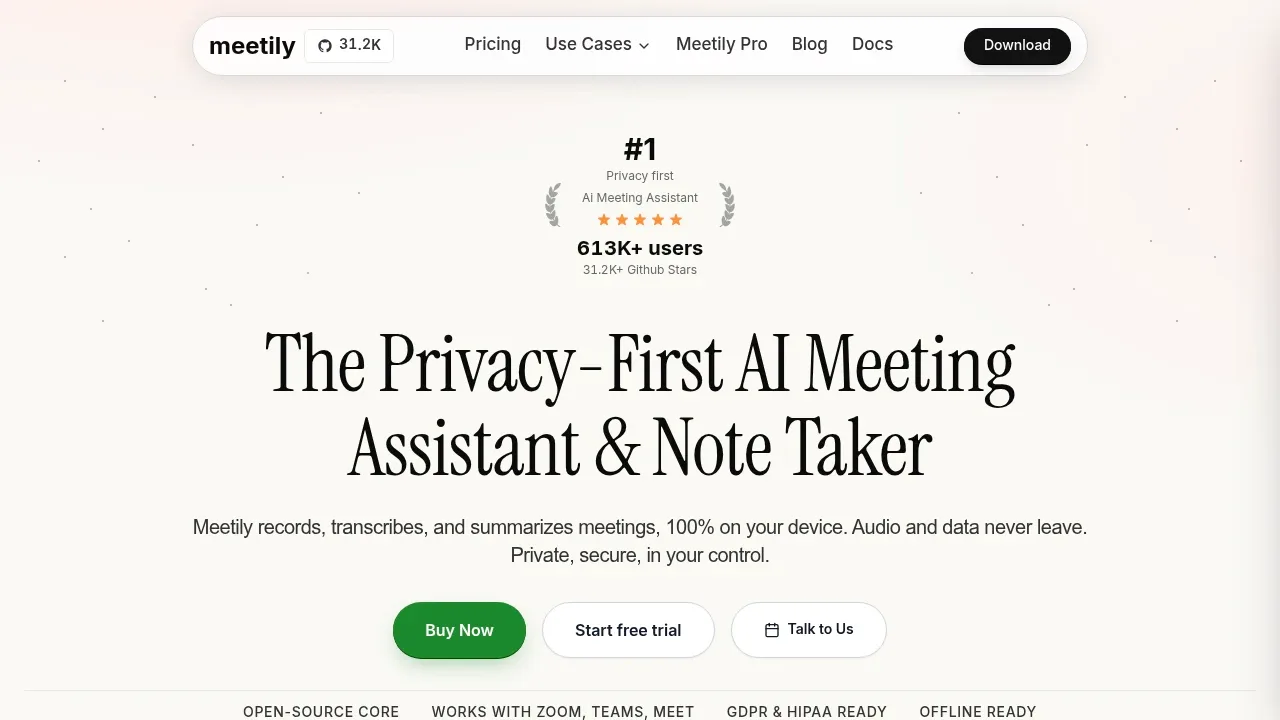

A local AI meeting notetaker that captures audio without a call bot, keeps records on your device by default and supports local or optional hosted AI.

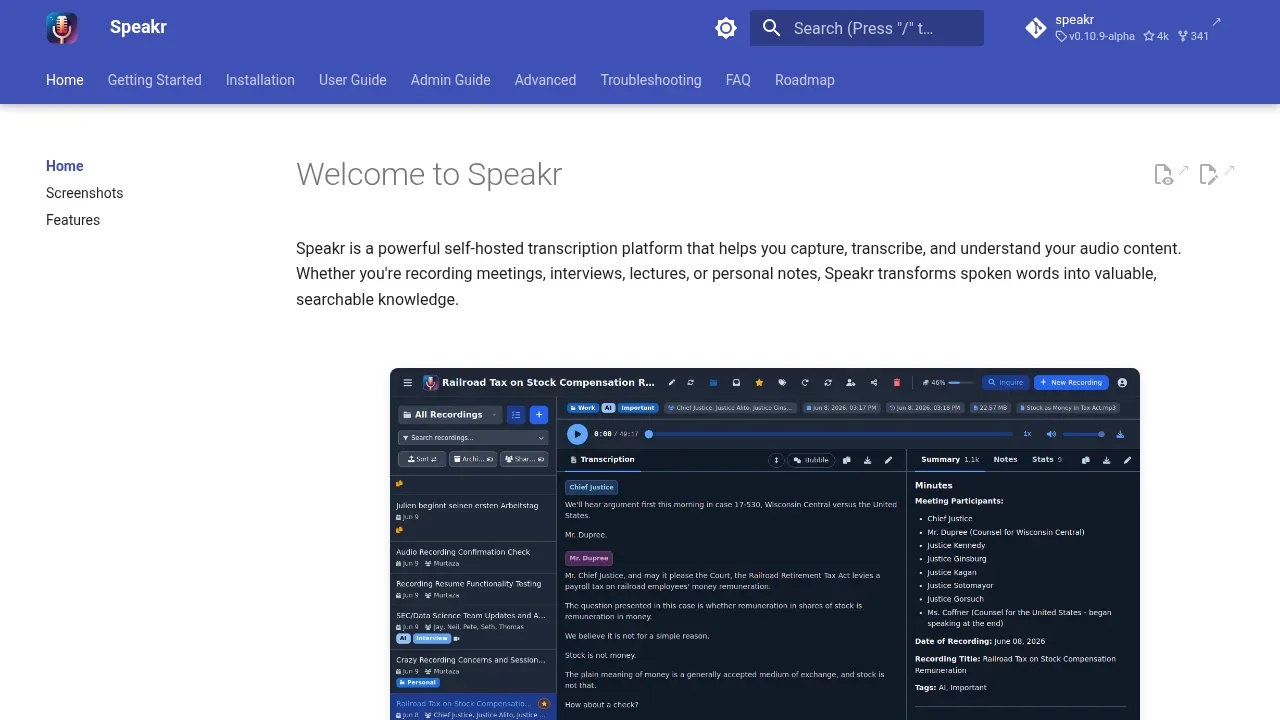
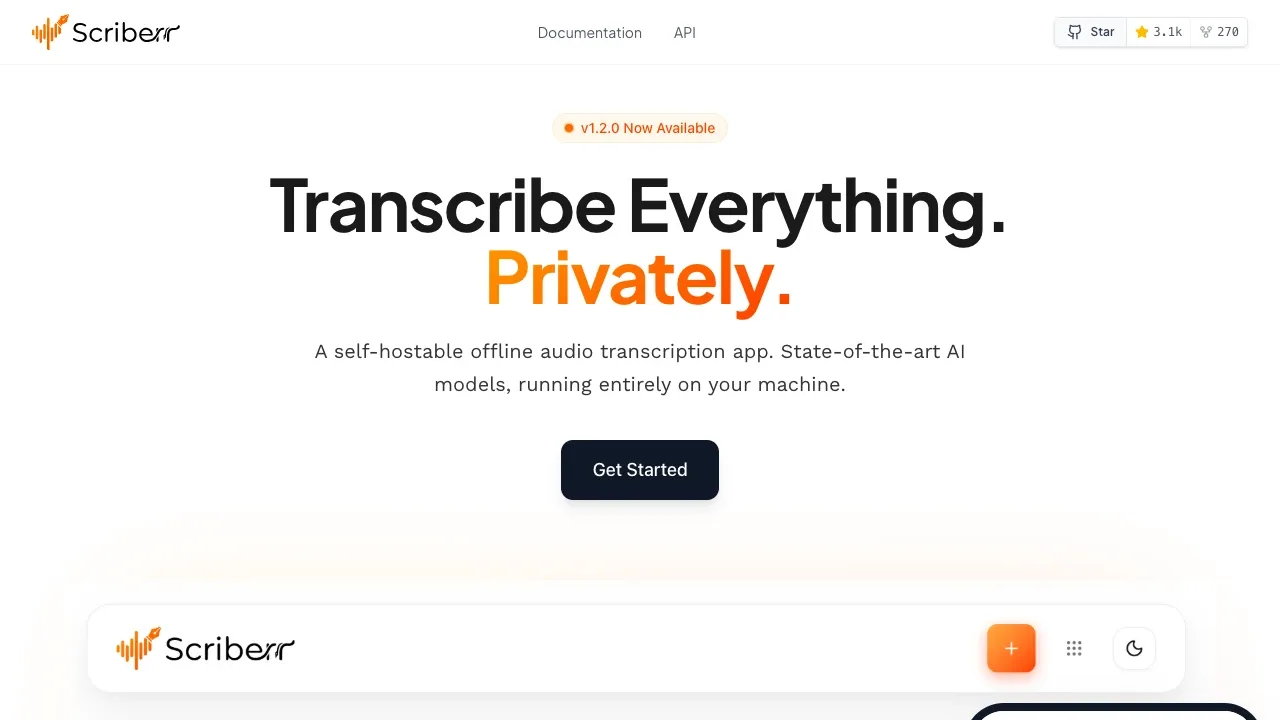
A self-hosted transcription app that turns recordings into searchable notes, with WhisperX speaker recognition and local or cloud transcription.

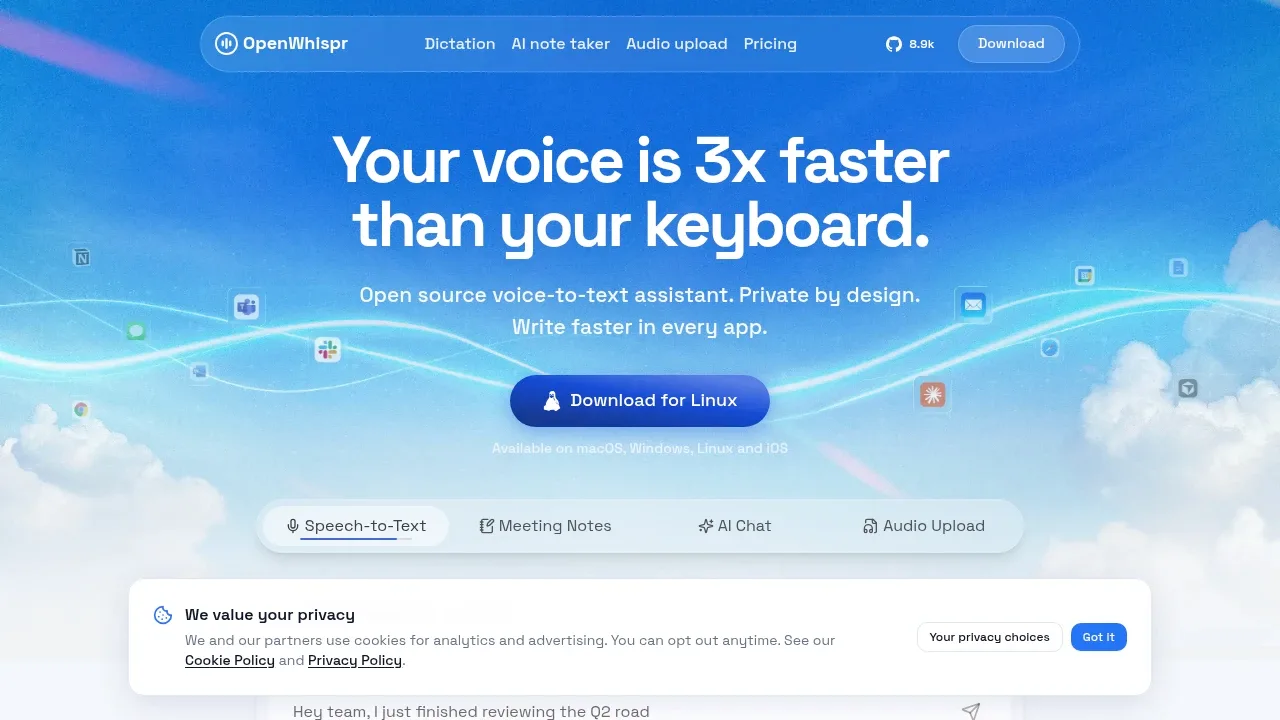
Open-source dictation software for macOS, Windows, Linux and iOS, with offline transcription using local models or optional cloud processing.

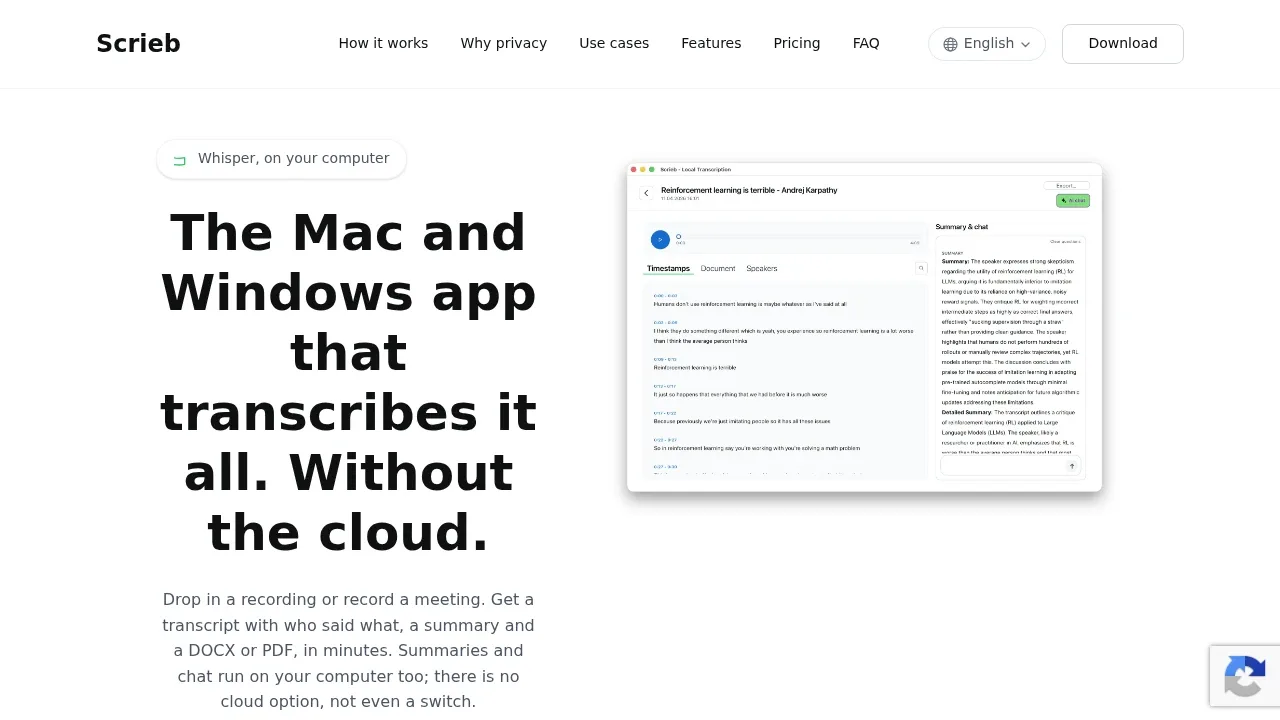
An offline transcription app for Mac and Windows that uses Whisper, labels speakers, and runs meeting summaries and chat locally.

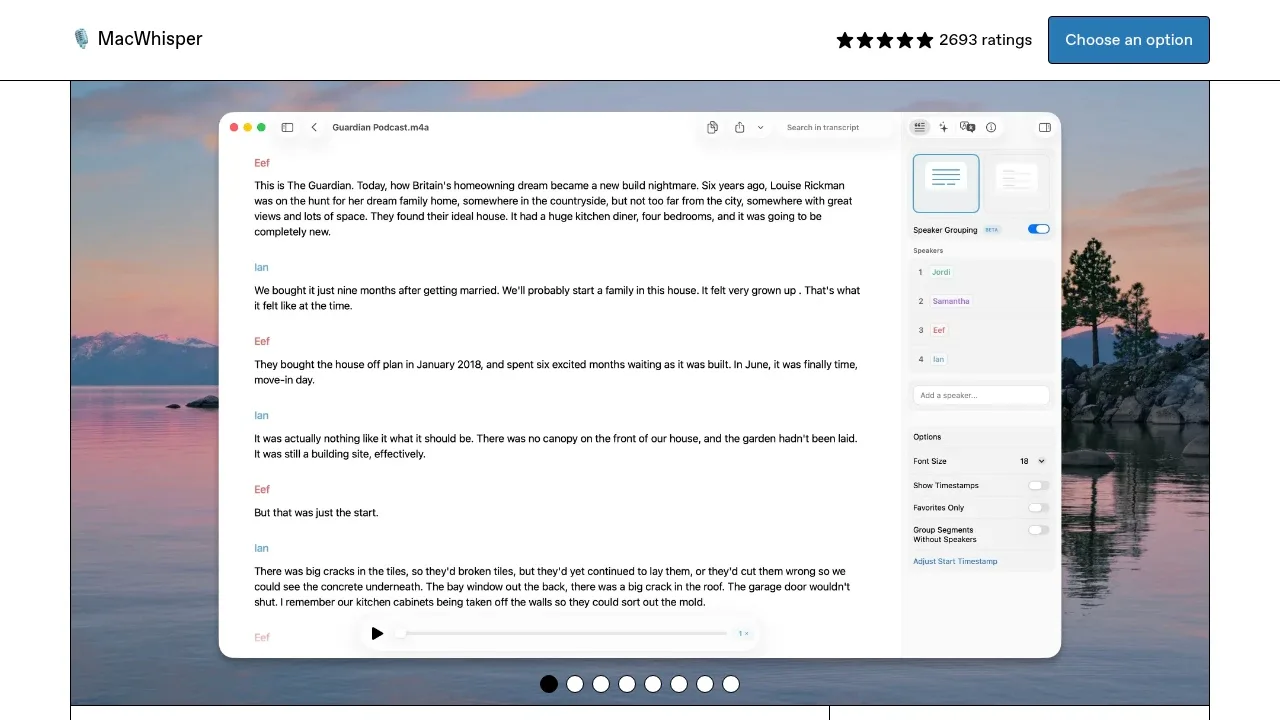
Local AI transcription app for macOS that works offline, records meetings without bots, and connects to optional cloud services.

A self-hosted transcription app turns audio and video into text offline with Whisper, NVIDIA Parakeet or Canary, with optional Ollama transcript chat.

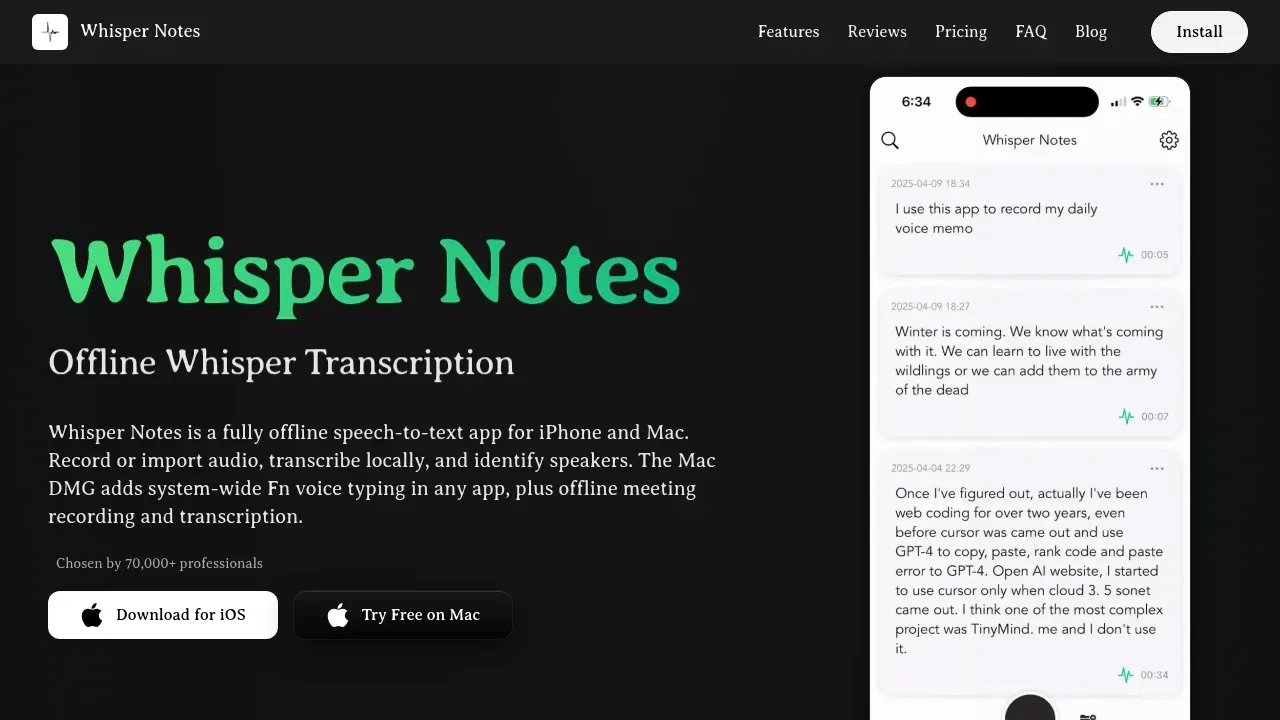
An offline speech-to-text app for iPhone, iPad and Apple Silicon Macs that keeps audio on-device and adds speaker labels and local summaries on Mac.

Local transcription app runs offline on macOS, Windows and Linux, with speaker labels, subtitle exports and transcript analysis through Ollama.
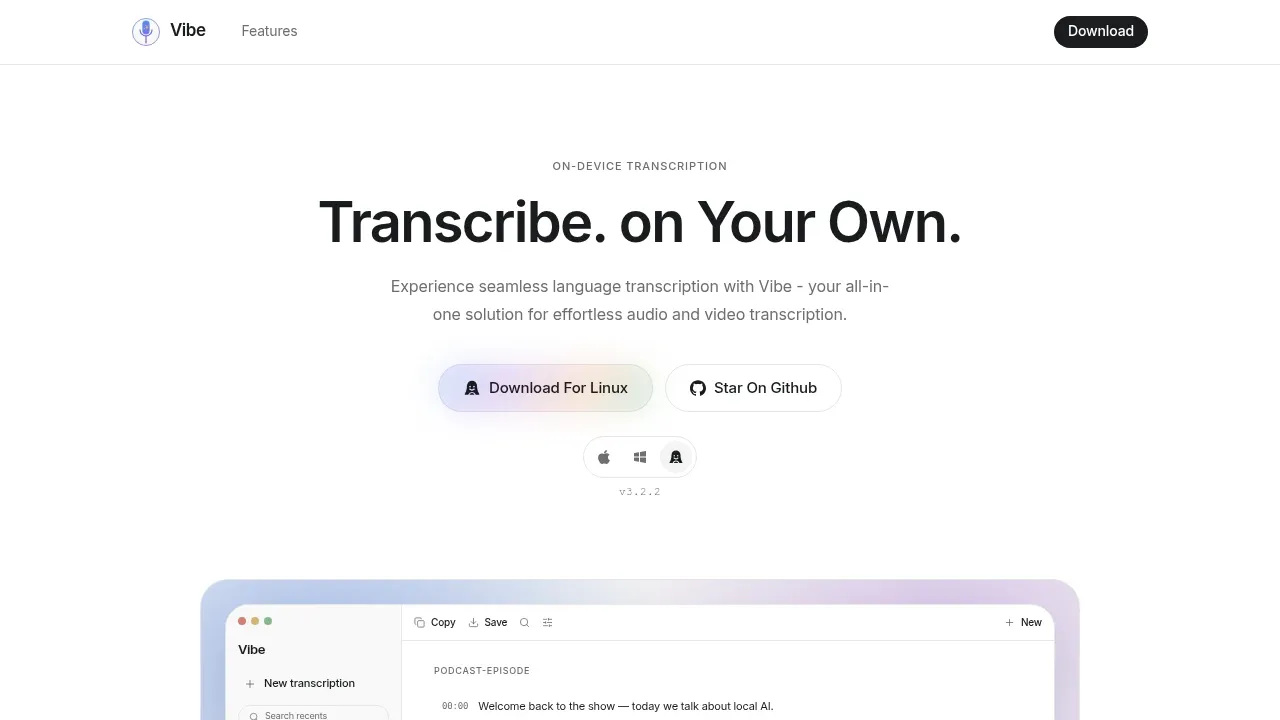

A local-first macOS transcription app that captures files, microphone and app audio, with translation and subtitle export.
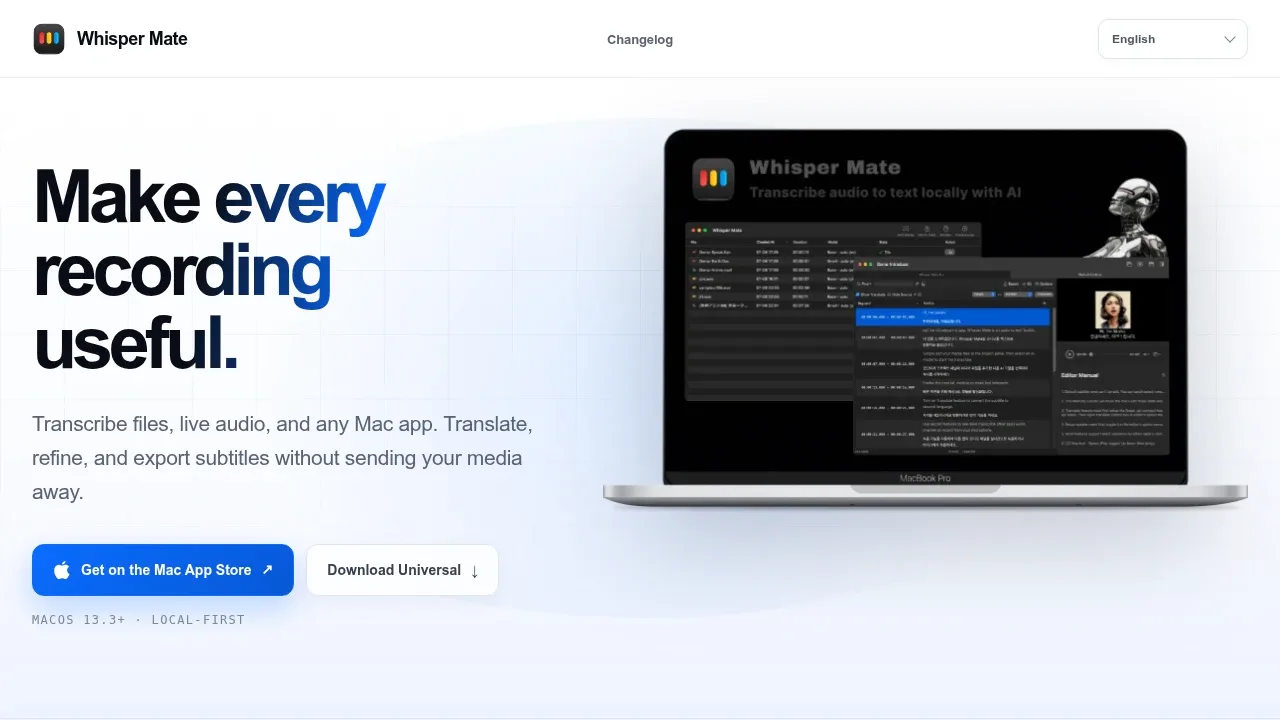
Whisper Mate covers microphone and selected-app audio with transcripts that appear as the recording plays. A waveform editor lets you choose sections for transcription or export them as clips. Its focus is capture and editing rather than meeting summaries.

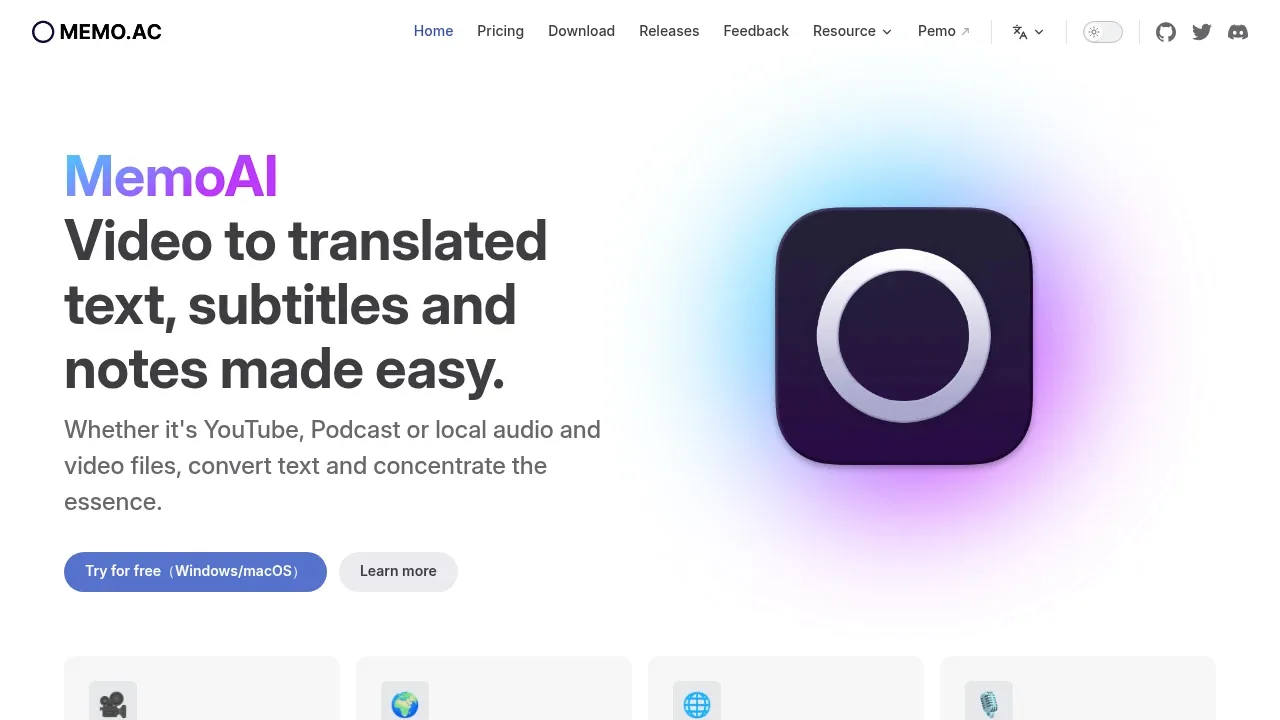
An offline transcription app for Windows and macOS that turns recordings into text and translated subtitles, with local speaker labels and GPU acceleration.

A local speech-to-text app runs offline on Windows, macOS and Linux, with speaker labels, live dictation and CPU or GPU processing.
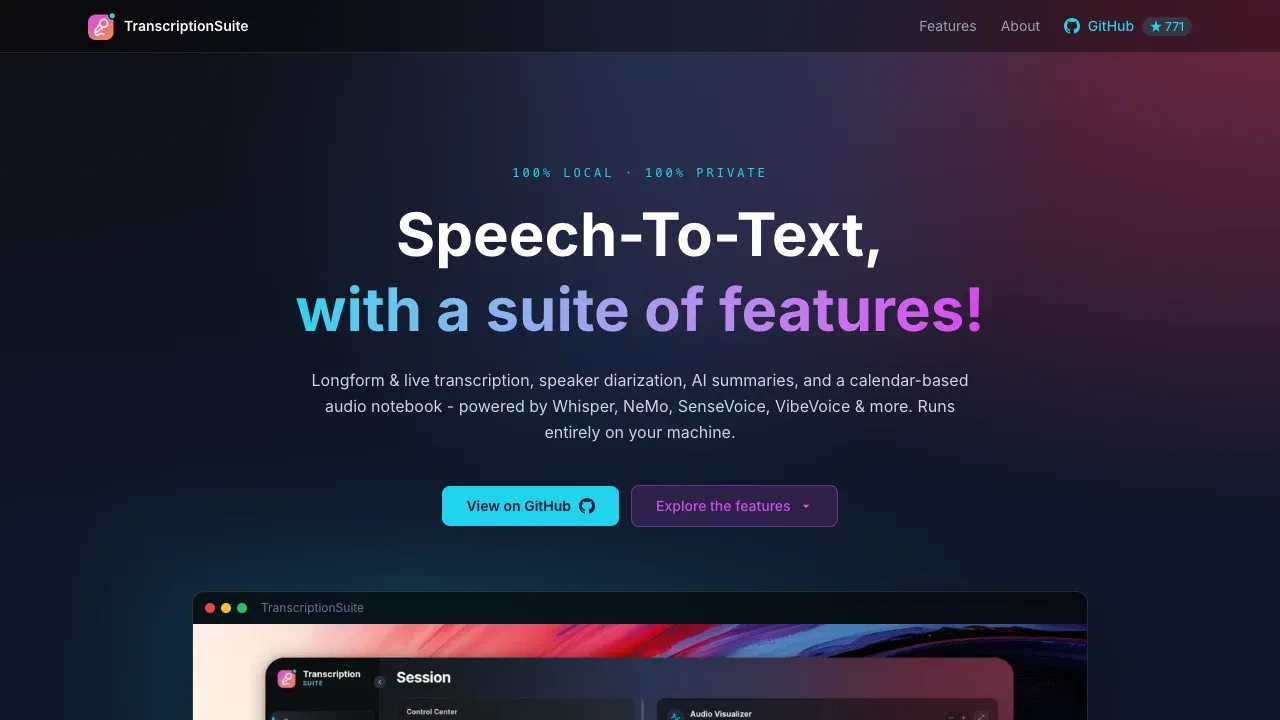

Local AI transcription app turns interviews into multilingual transcripts on Windows, macOS and Linux, with speaker identification and an editor.

An open-source offline transcription app for Windows, Linux and macOS that uses Whisper and keeps recordings and transcripts on your device.

An on-device voice transcription and notes app for Android and iOS that uses Whisper offline after model download, with a free GPL-3.0 F-Droid edition.
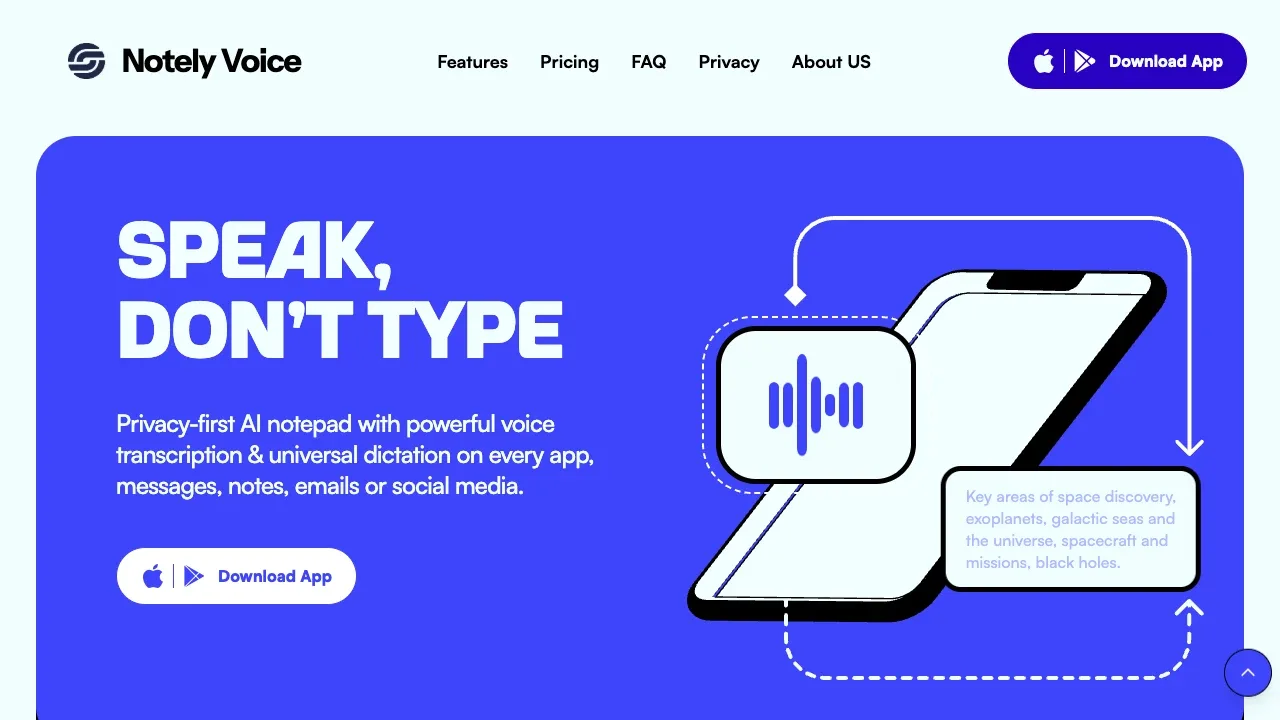
Notely Voice transcribes recordings into editable Android notes with folders, tags and text search. This comparison covers the Whisper-based F-Droid edition; the Google Play app has a separate codebase and product experience.

An on-device transcription app uses Whisper on macOS, iOS and visionOS to turn recordings into text, with English translation and subtitle exports.

Open-source local speech-to-text software that uses Whisper models, adds word-level timestamps and optionally labels speakers.
For Otter.ai, start with Meetily. Other alternatives include Anarlog (formerly Hyprnote), Speakr, OpenWhispr and Scrieb.
Most are Speech-to-Text and Transcription; others include Meeting Notes and Transcription.
People also replace
See all
Fireflies.ai alternatives

Granola alternatives


Fathom alternatives