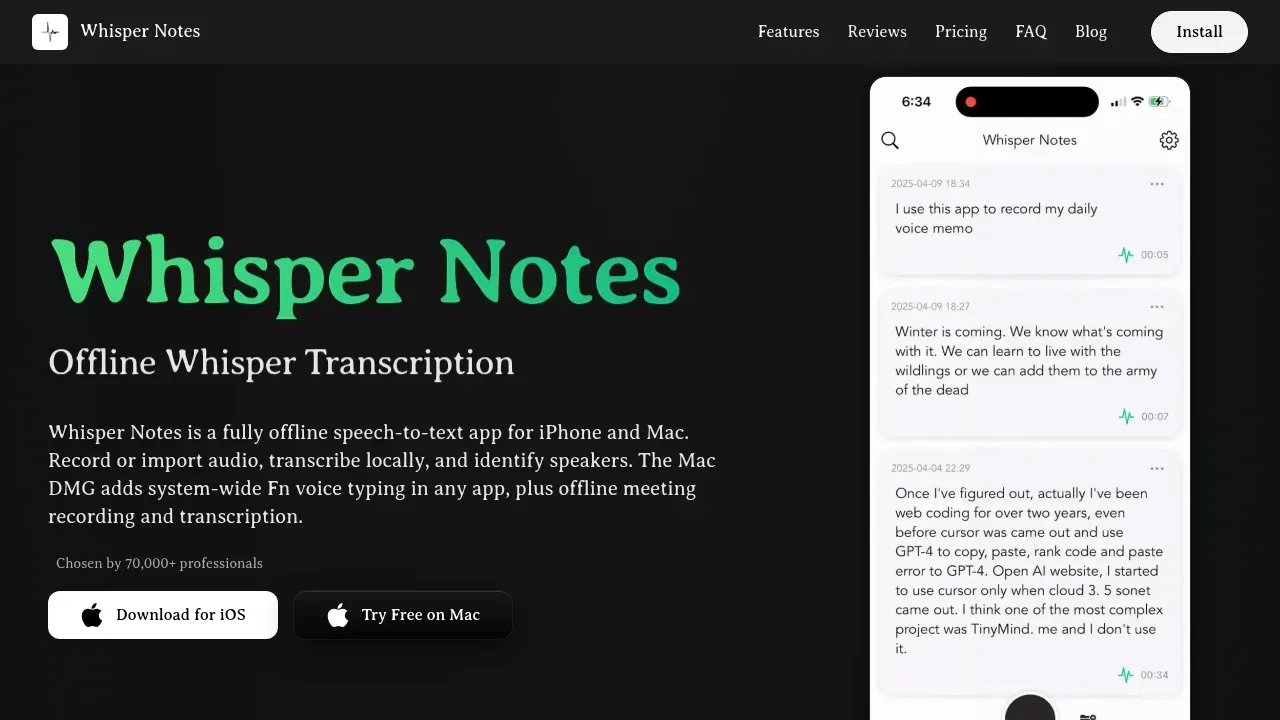
Whisper Notes is an offline transcription app for iPhone, iPad and Apple Silicon Macs. It's for people recording interviews, lectures or meetings who need the audio and transcripts to stay on their device. It requires no account and has no cloud sync, analytics or tracking.
You can record in the app or import audio, including MP3, M4A and WAV files. On iPhone, it also accepts recordings shared from Apple's Voice Memos. Speaker labels and timestamps separate each person's contributions; renaming a speaker updates the transcript, and SRT and VTT exports retain speaker names.
The app uses Parakeet V3 for European languages, Whisper for broader multilingual coverage, and SenseVoice for Chinese, Japanese, Korean and Cantonese. Mac users get Whisper Large V3 Turbo. Processing runs on Apple's Neural Engine. It supports iPhone 12 and later and M-series Macs; Intel Macs aren't supported. The larger Whisper model on Mac has a recommendation of at least 8GB RAM.
The direct-download Mac edition adds system-wide voice typing and automatic recording of meetings in Zoom, Teams and Google Meet. These features aren't in the Mac App Store edition. On Mac, local AI can generate titles and summaries and answer questions about longer transcripts. Transcription happens after recording, though text appears progressively as the app processes it.
The direct-download Mac edition also includes a CLI and MCP server so Claude and other AI assistants can search recording history, read transcripts and transcribe files through a local connection.
Claim this page with an email at whispernotes.app. Whisper Notes gets the verified badge, and you can upgrade the listing to be featured on localhosted. Proud to be listed? Put our badge on your site.
Want more people to find Whisper Notes?Promote it
Something wrong or outdated on this page?
8.9KUpdated 10 hours agoMIT
macOS · Windows · Linux · iOS#Batch processing#MCP#Multilingual
OpenWhispr is a free, MIT-licensed dictation and meeting transcription app for people who want voice input across their apps with control over where processing happens. It's available on macOS, Windows, Linux and iOS. Local transcription works offline and keeps audio on your device; optional cloud transcription sends audio to the selected provider, whose retention policies apply.
9.4KUpdated 1 day agoMIT
macOS · Windows · Linux · iOS · Android#LM Studio integration#MCP#Ollama integration
goodsnooze.gumroad.comDictation and Voice Typing
macOS · iOS#Batch processing#Multilingual#Ollama integration
superwhisper.comDictation and Voice Typing
macOS · Windows · iOS · Android#Multilingual#Works offline
21.8KUpdated 21 hours ago
macOS · Windows · Linux#MCP#Multimodal input#Ollama integration
Screenpipe records screen activity and audio as searchable local history that AI agents can use as context. It's for people who want to recall past work and teams that want agents to draft follow-ups or update work records using what actually happened. Raw history stays on your device by default.
2.8KUpdated 2 weeks agoApache-2.0
macOS · Windows · Linux · Docker · Web#Code execution#Git integration#Human approval
Anarlog, formerly Hyprnote, is a desktop AI meeting notetaker for people who want to keep private conversations on their own hardware. It captures audio from your device without adding a bot to the call and stays hidden during screen sharing. The app runs on macOS, Windows and Linux; its community application is open source under the MIT license.
MacWhisper is a native macOS transcription app for people working with interviews, lectures, meetings and other recorded audio. It runs speech recognition on your own Mac, so local transcription keeps audio on your device. It also offers cloud transcription through services such as OpenAI, ElevenLabs and Deepgram, which send audio off your machine.
Superwhisper is an AI dictation app for macOS, Windows, iOS and Android that turns speech into text in the app you're using. It's for people who prefer speaking to typing, including developers dictating requests to coding assistants. Speech recognition can run locally and offline, or use cloud models for remote processing.
Vexa is a meeting bot and transcription API for developers building meeting features and teams feeding calls into AI agents. Bots join Google Meet, Microsoft Teams and Zoom, then send live transcripts with speaker labels to your application or agent. You can host the full platform on your own infrastructure or use Vexa's cloud service.