Granola alternatives for meeting notes and summaries
Compare Anarlog (formerly Hyprnote), Meetily and Minutes for meeting transcripts, editable notes and summaries from your own recordings.
Granola is a meeting notepad that expands the notes you write with a transcript of the conversation. That makes the finished record more useful than a recording alone: your own observations sit alongside what people said. Replacements should cover both capturing the call and turning it into notes you can revisit.
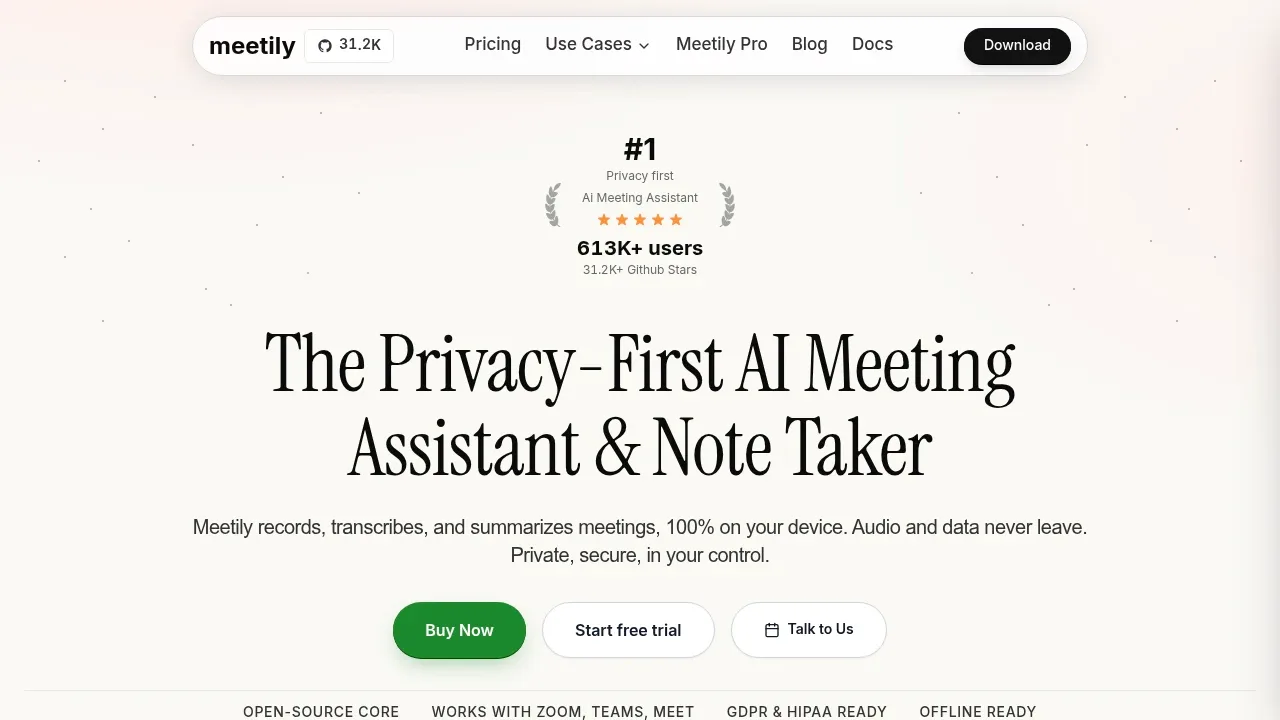
Anarlog (formerly Hyprnote) combines personal notes, transcripts and editable summaries. Meetily records microphone and system audio for live transcription, while Minutes keeps searchable Markdown meeting records and shares selected context with assistants. Speakr provides a self-hosted recording library with summaries and timestamped questions. OpenWhispr also covers meeting transcripts when dictation is part of your daily work.

A local AI meeting notetaker that captures audio without a call bot, keeps records on your device by default and supports local or optional hosted AI.
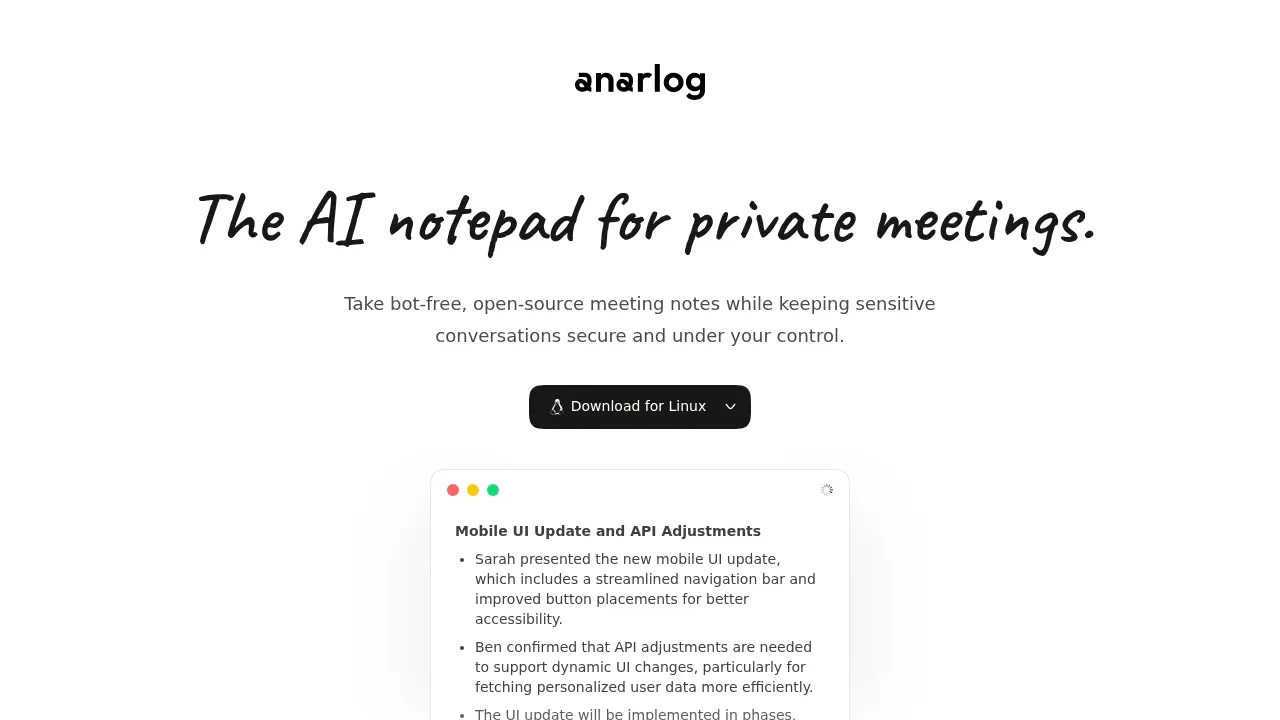
Anarlog (formerly Hyprnote) is the closest Granola-style notepad here, combining personal notes with bot-free meeting capture and editable summaries. Templates, folders and Markdown exports keep the notes usable elsewhere; transcription and summary backends are separate choices.

A local AI meeting assistant for macOS and Windows that transcribes offline with Whisper or Parakeet and summarizes through Ollama or cloud providers.

A local meeting notetaker for Apple Silicon Macs and Windows transcribes on-device into Markdown and shares chosen context with MCP assistants.
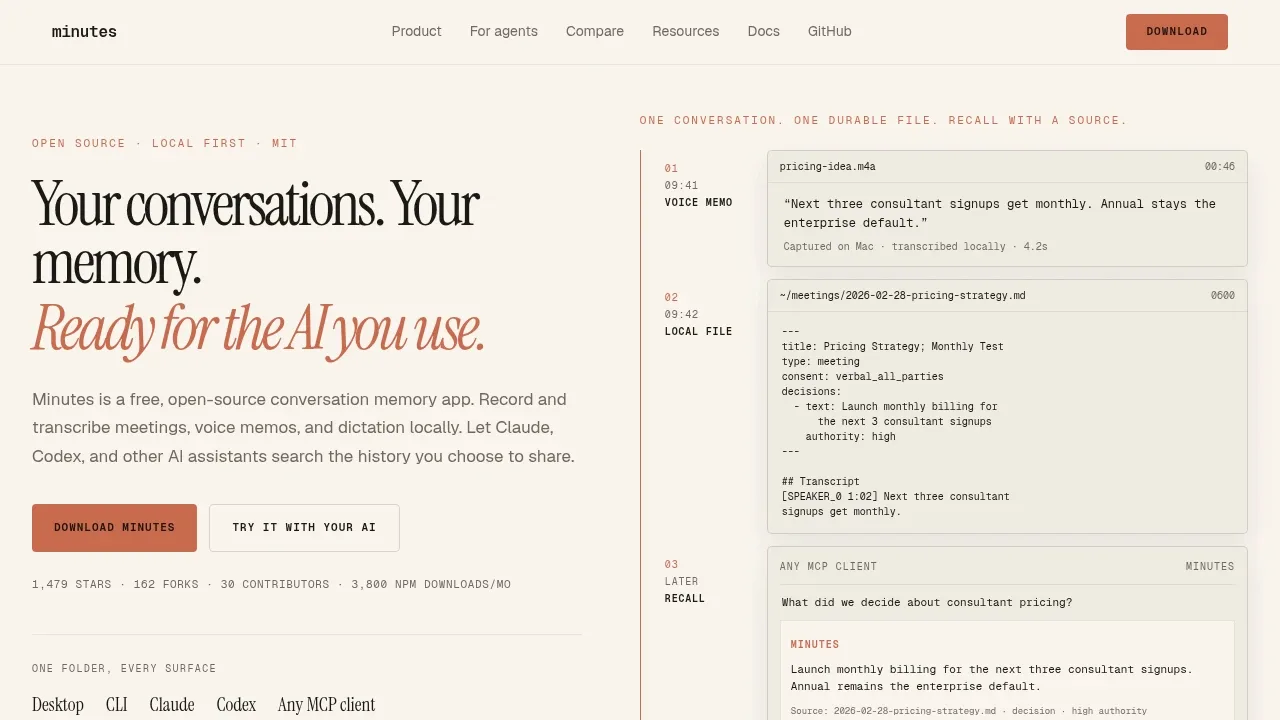

A self-hosted transcription app that turns recordings into searchable notes, with WhisperX speaker recognition and local or cloud transcription.
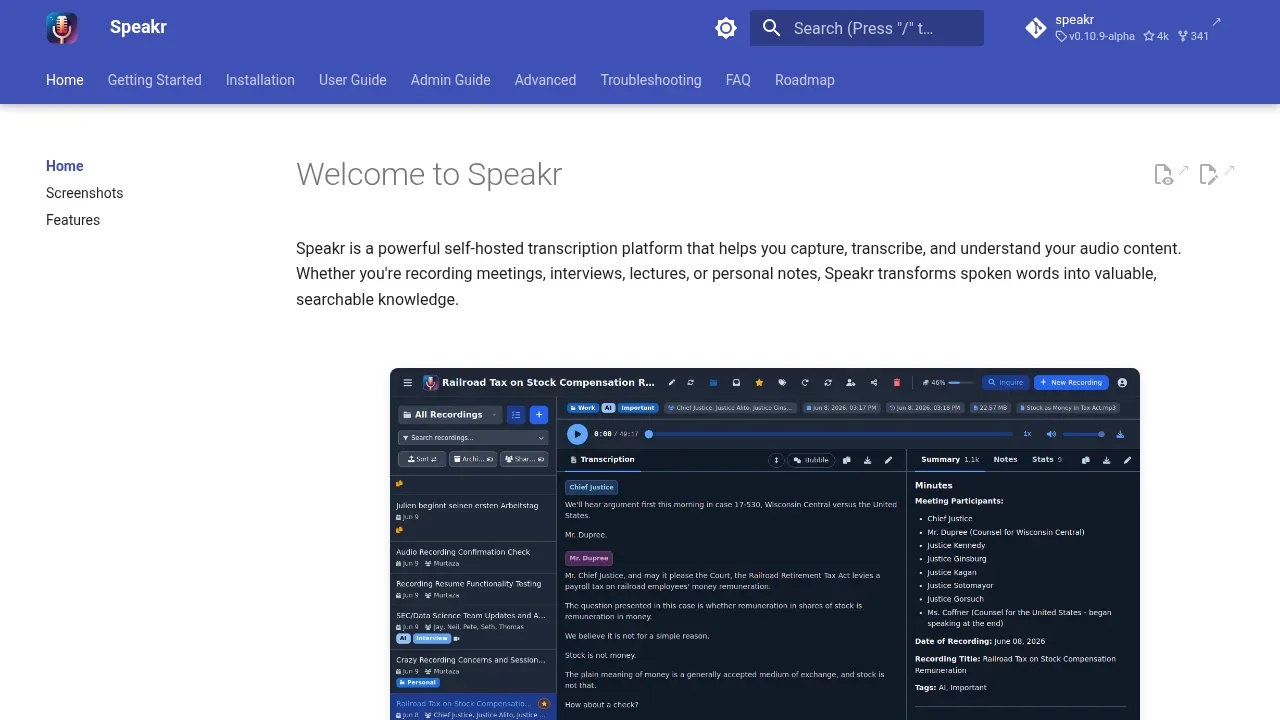

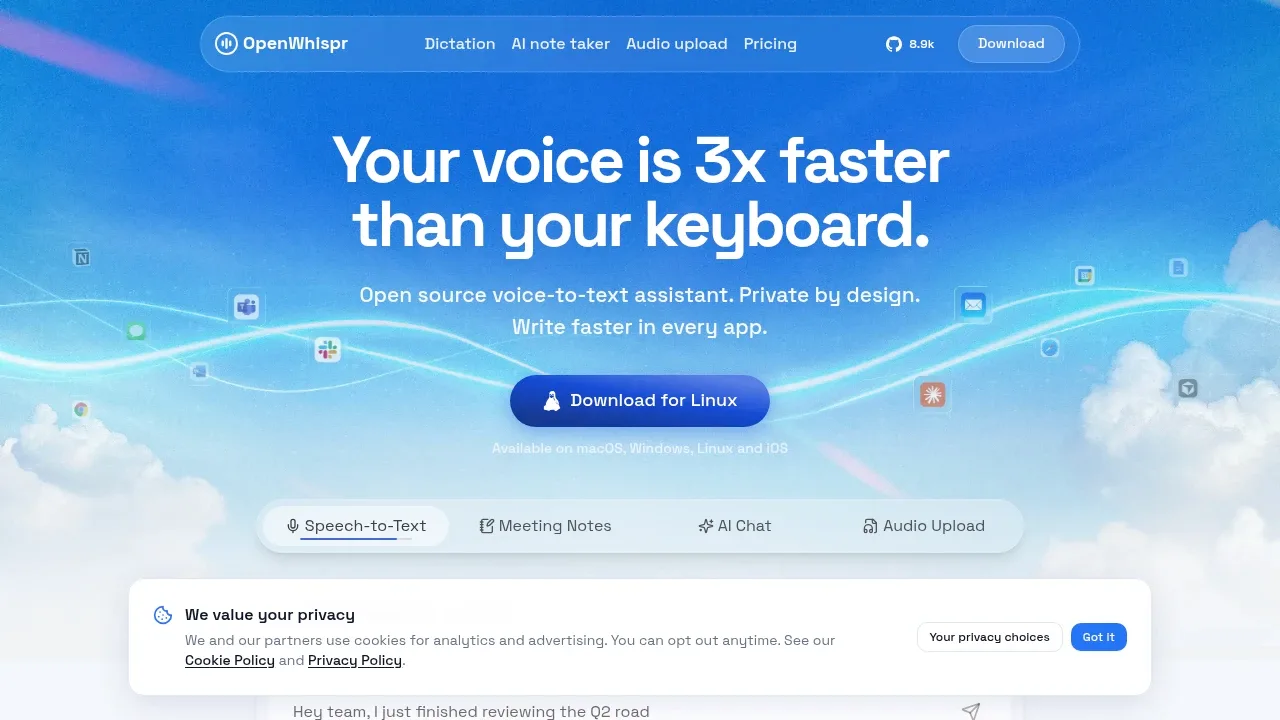
Open-source dictation software for macOS, Windows, Linux and iOS, with offline transcription using local models or optional cloud processing.

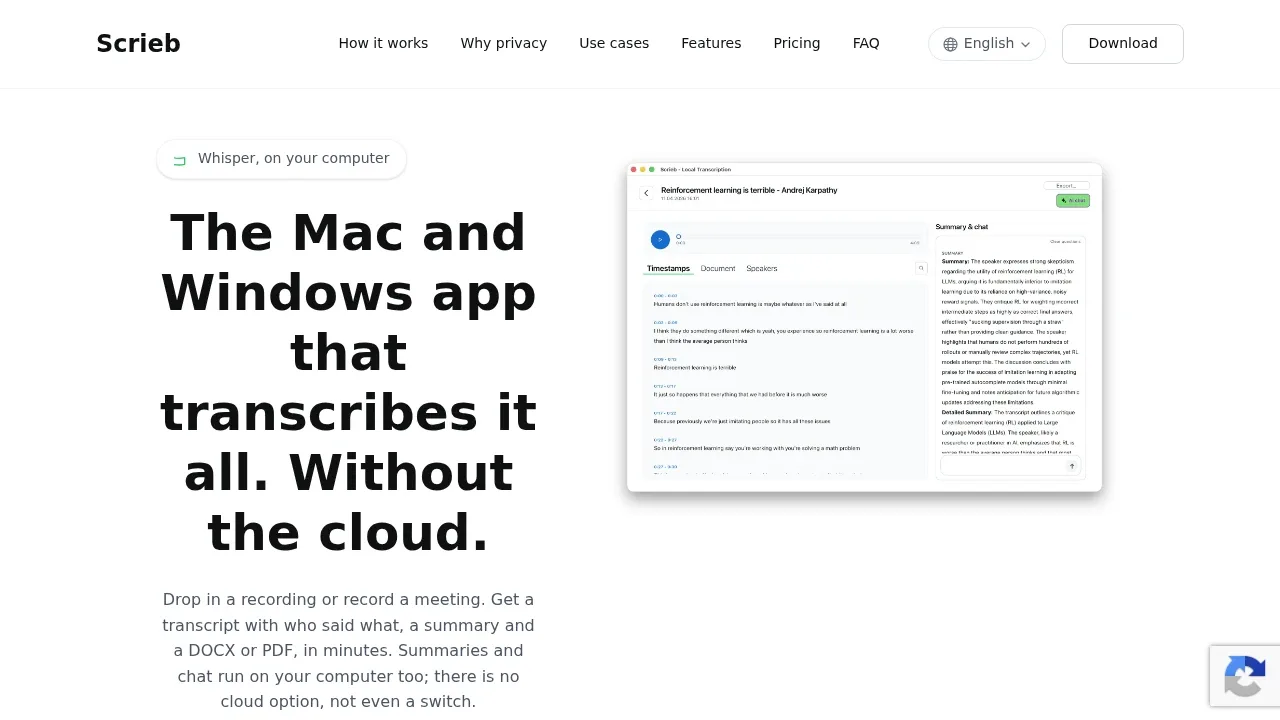
An offline transcription app for Mac and Windows that uses Whisper, labels speakers, and runs meeting summaries and chat locally.

A local speech-to-text app handles dictation, files and meetings on Apple Silicon Macs, with offline transcription and optional local or cloud AI.
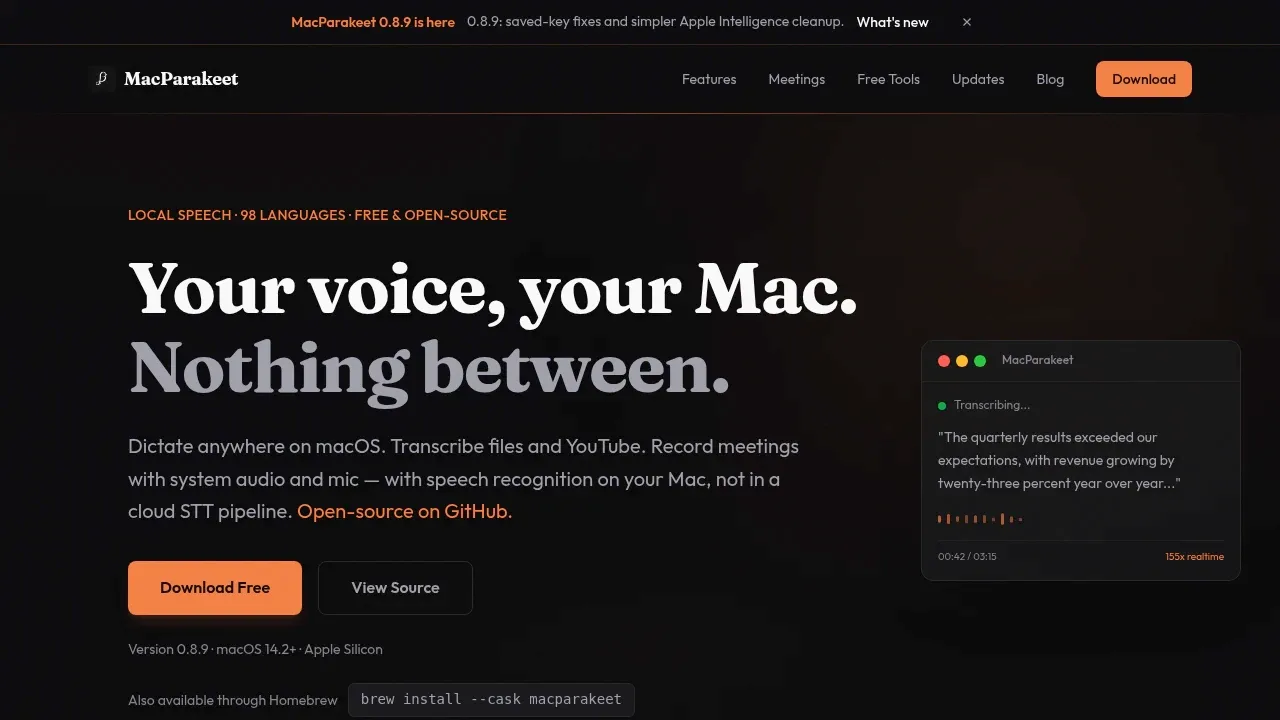
MacParakeet captures microphone and system audio with a live meeting transcript and notes you take during the call. Optional summaries and transcript chat can use Ollama or LM Studio, and exports include Markdown, DOCX and subtitles.

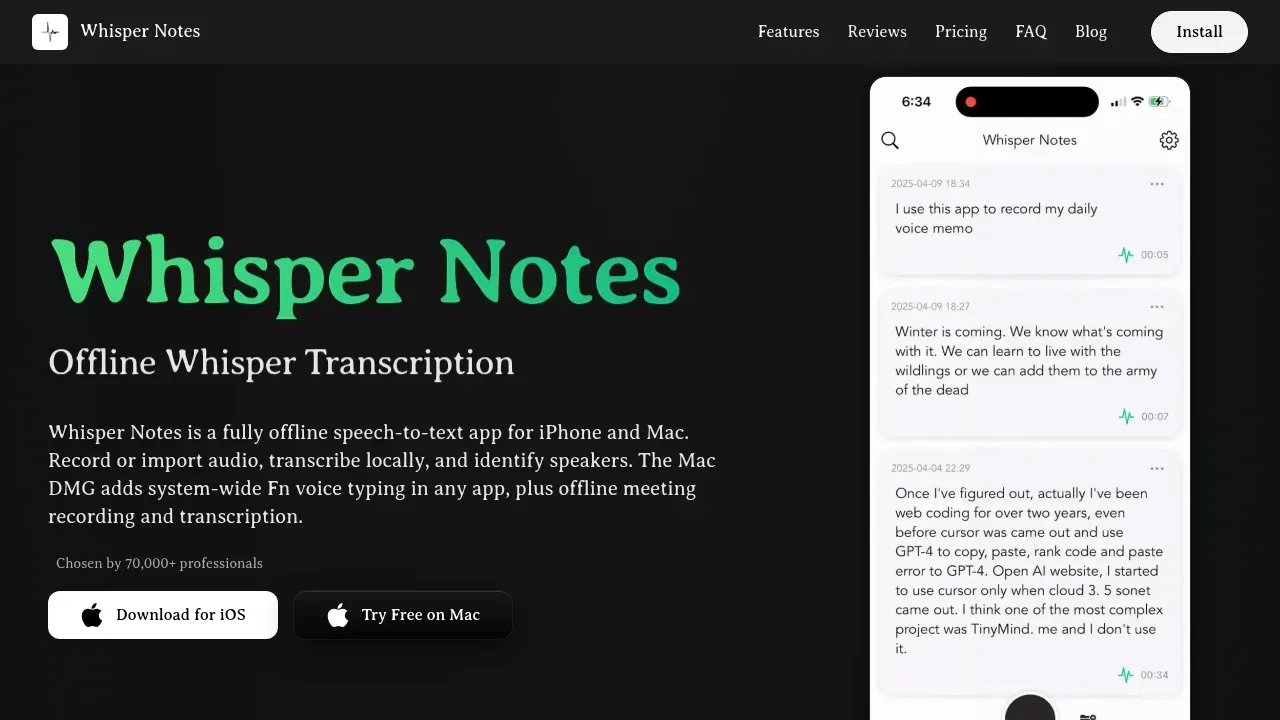
An offline speech-to-text app for iPhone, iPad and Apple Silicon Macs that keeps audio on-device and adds speaker labels and local summaries on Mac.

A local AI meeting assistant and interview copilot for macOS, Windows and Linux, with on-device transcription and optional cloud models.
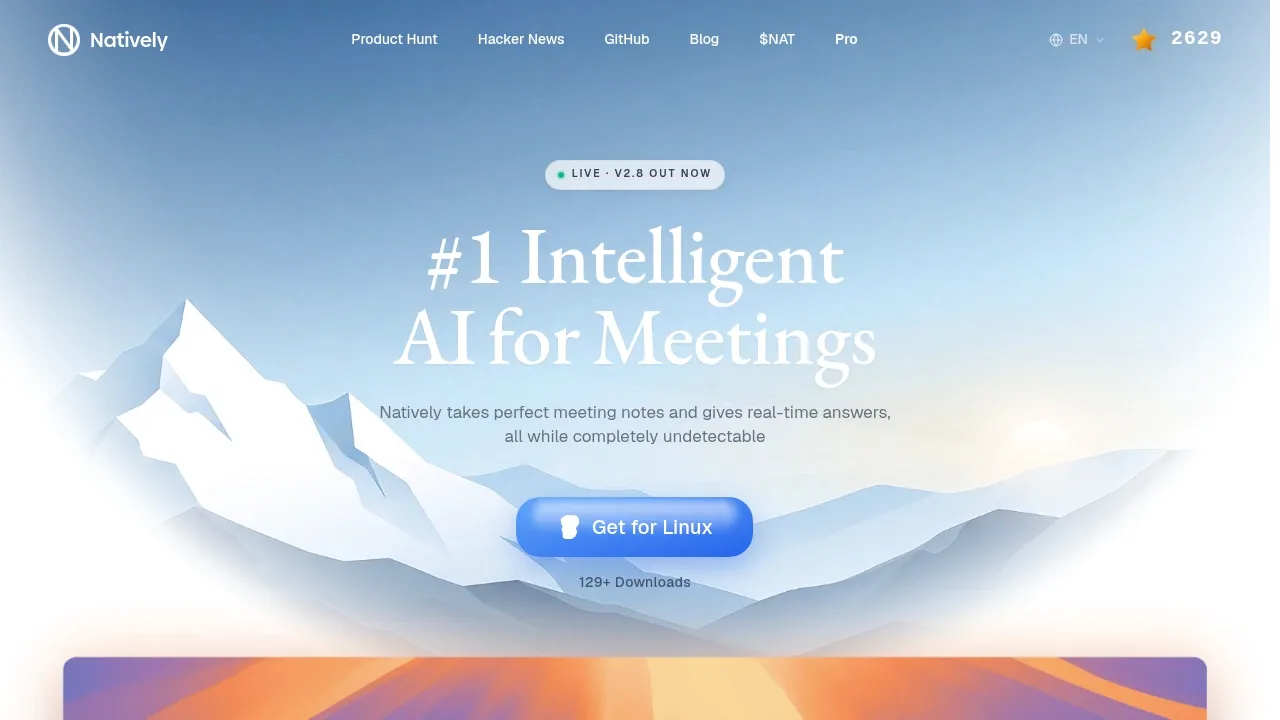
Natively combines meeting notes with live help based on the conversation. It captures call audio without a bot and produces searchable notes with decisions and notable moments; the suggested-answer overlay is optional.

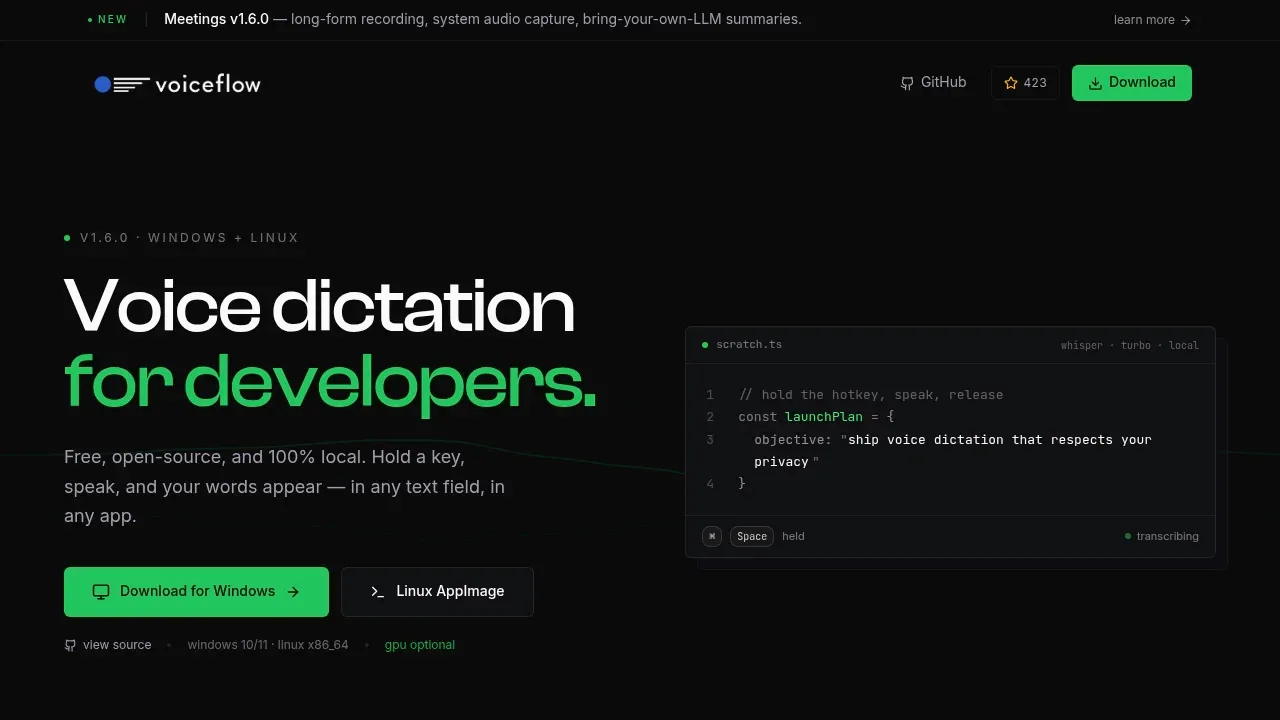
Offline voice-to-text and meeting recorder for Windows and Linux, with local Whisper transcription and optional summaries via Ollama or cloud providers.
A local AI transcription and notes app uses FunASR and Ollama to turn recordings into Markdown notes and answer questions without cloud AI processing.

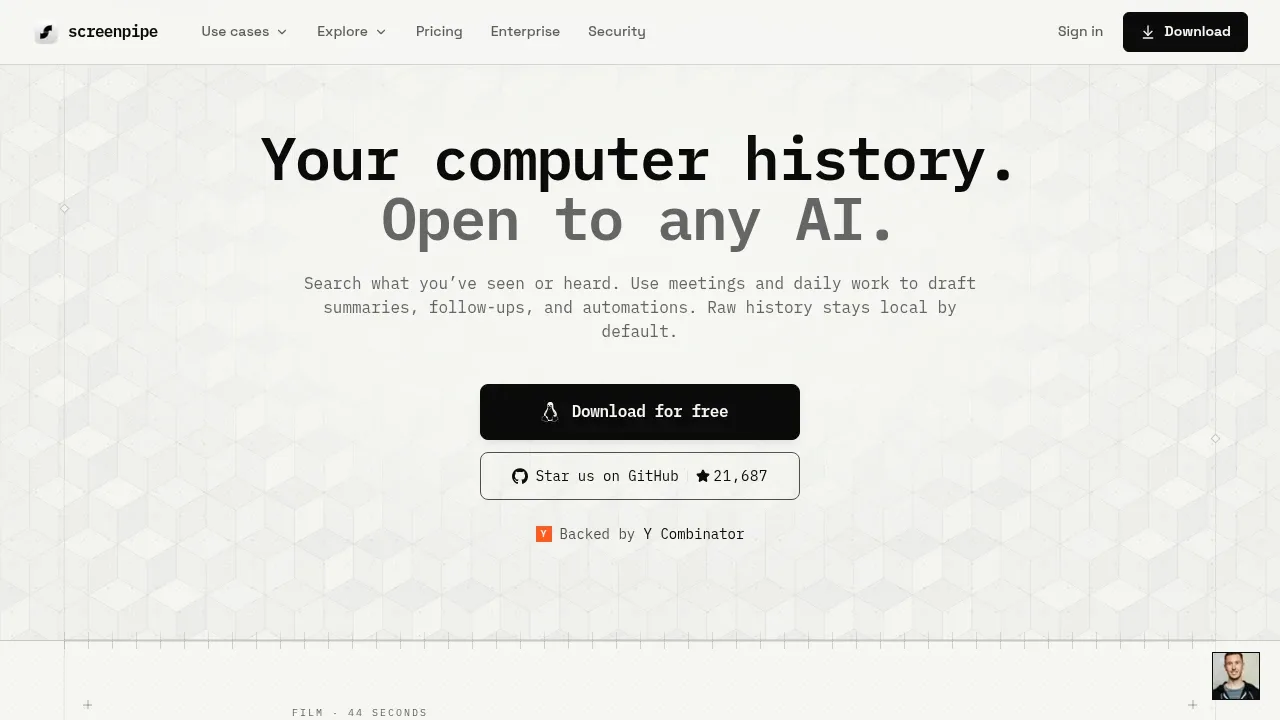
A local AI memory app records screen activity and audio on macOS, Windows and Linux, with searchable history and MCP access for agents.
For Granola, start with Anarlog (formerly Hyprnote). Other alternatives include Meetily, Minutes, Speakr and OpenWhispr.
Most are Meeting Notes and Transcription; others include Speech-to-Text and Transcription.
People also replace
See all
Fathom alternatives
Otter.ai alternatives

Fireflies.ai alternatives