
VoiceFlow
Offline voice-to-text and meeting recorder for Windows and Linux, with local Whisper transcription and optional summaries via Ollama or cloud providers.
Alternative to:


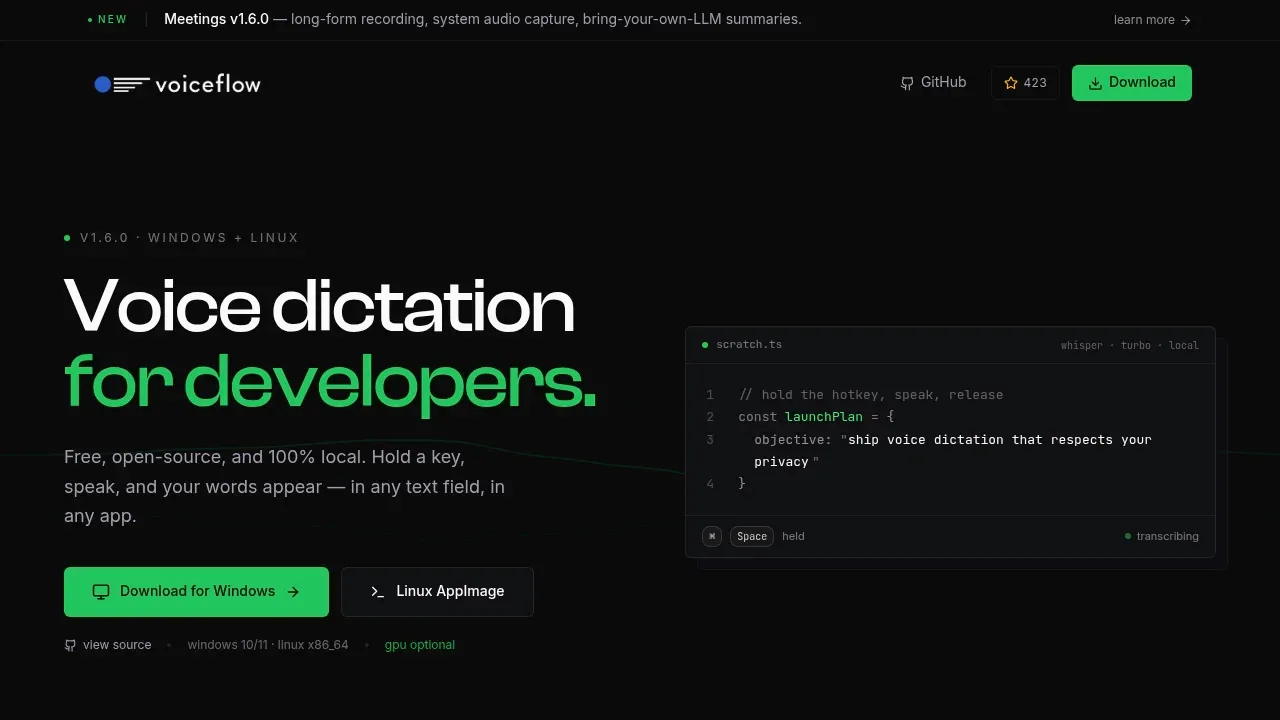
VoiceFlow is a dictation app and meeting recorder for developers and anyone who wants to turn speech into text without cloud transcription. It inserts dictated words into text fields across your computer and transcribes recorded calls locally.
- System-wide dictation: Dictate into editors such as Cursor, terminals running Claude Code, or other apps using a customizable hotkey with hold or toggle recording.
- Meeting recording: Capture your microphone and system audio together, including calls in Zoom or Google Meet, with pause and resume controls.
- Whisper model choices: Choose tiny, large-v3, Turbo, English-specific or distilled models to balance speed and accuracy, with automatic language detection.
- Transcript review and export: Search local transcript history, jump from a transcript line to audio playback, re-transcribe saved recordings, and export Markdown, plain text, SRT subtitles or JSON.
- Optional summaries: Use Ollama for local meeting summaries, or send summary requests to OpenAI, Groq, OpenRouter or another OpenAI-compatible endpoint.
VoiceFlow is free and open source under the MIT license. It supports Windows 10/11 and 64-bit Linux, including Wayland and X11. Transcription runs through faster-whisper and CTranslate2 on a CPU or an NVIDIA GPU with CUDA.
Dictation and transcription work offline after initial setup and don't require an account. Recording, transcription, search and storage stay local, and the app has no telemetry. Cloud summaries require a network request to the provider you choose; you can skip summaries entirely. Dictation doesn't include AI text cleanup.


