Wispr Flow alternatives for dictation across apps
Compare Superwhisper, OpenWhispr and VoiceInk for speech-to-text across apps, with custom vocabulary and optional writing cleanup.
Wispr Flow turns spoken thoughts into text in the application where you are working. Its dictation workflow includes cleaning up speech so a message or email needs less editing before you send it. Replacements need both reliable text insertion and a way to handle names, formatting or your preferred writing style.
Superwhisper offers custom writing modes and app-aware output. OpenWhispr combines dictation with voice editing and meeting transcripts, while VoiceInk applies settings for particular Mac apps. Handy focuses on straightforward offline text entry. FluidVoice adds local cleanup on Mac, and Amical adapts tone and formatting to the active application.

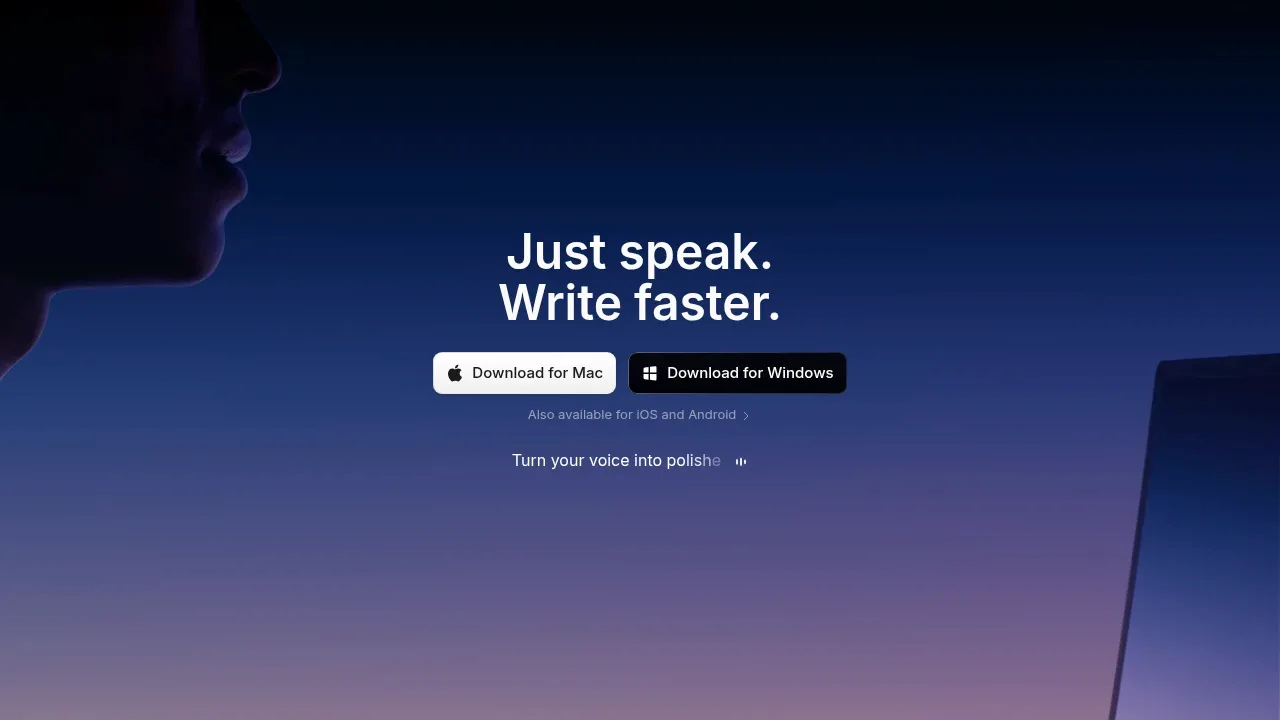
AI dictation app for macOS, Windows, iOS and Android that turns speech into text in other apps, with offline recognition and custom writing modes.

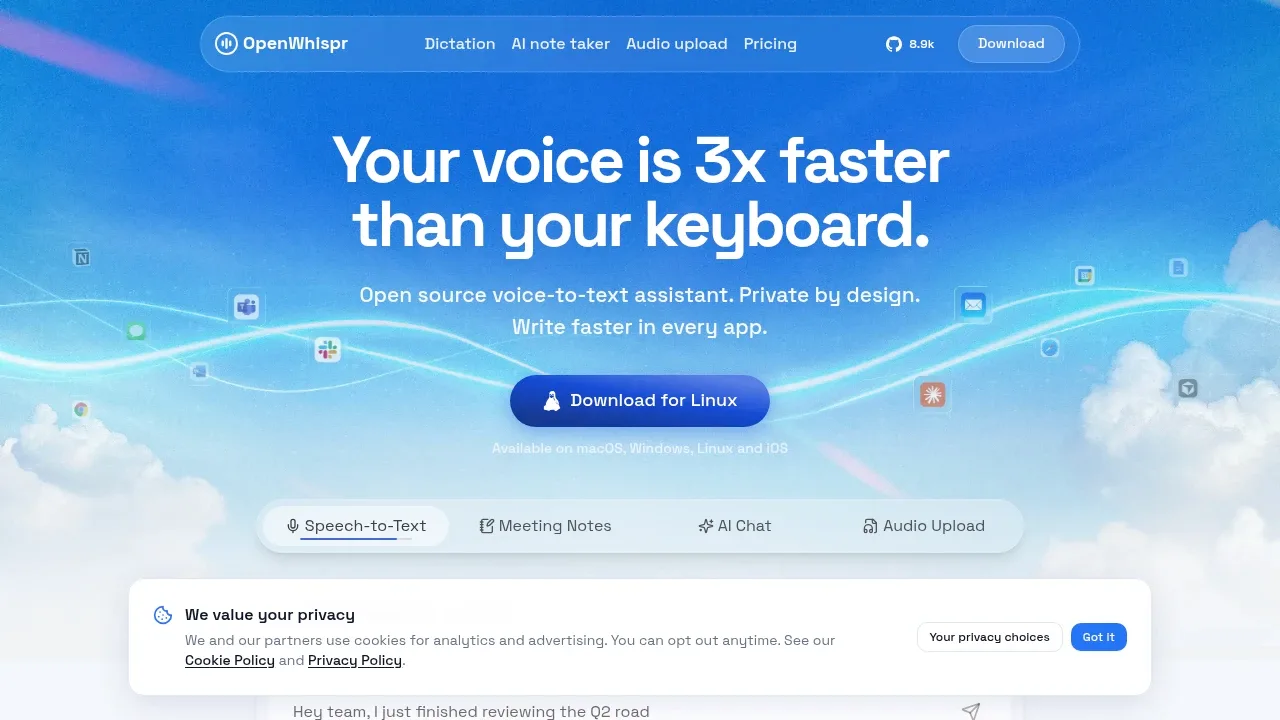
Open-source dictation software for macOS, Windows, Linux and iOS, with offline transcription using local models or optional cloud processing.

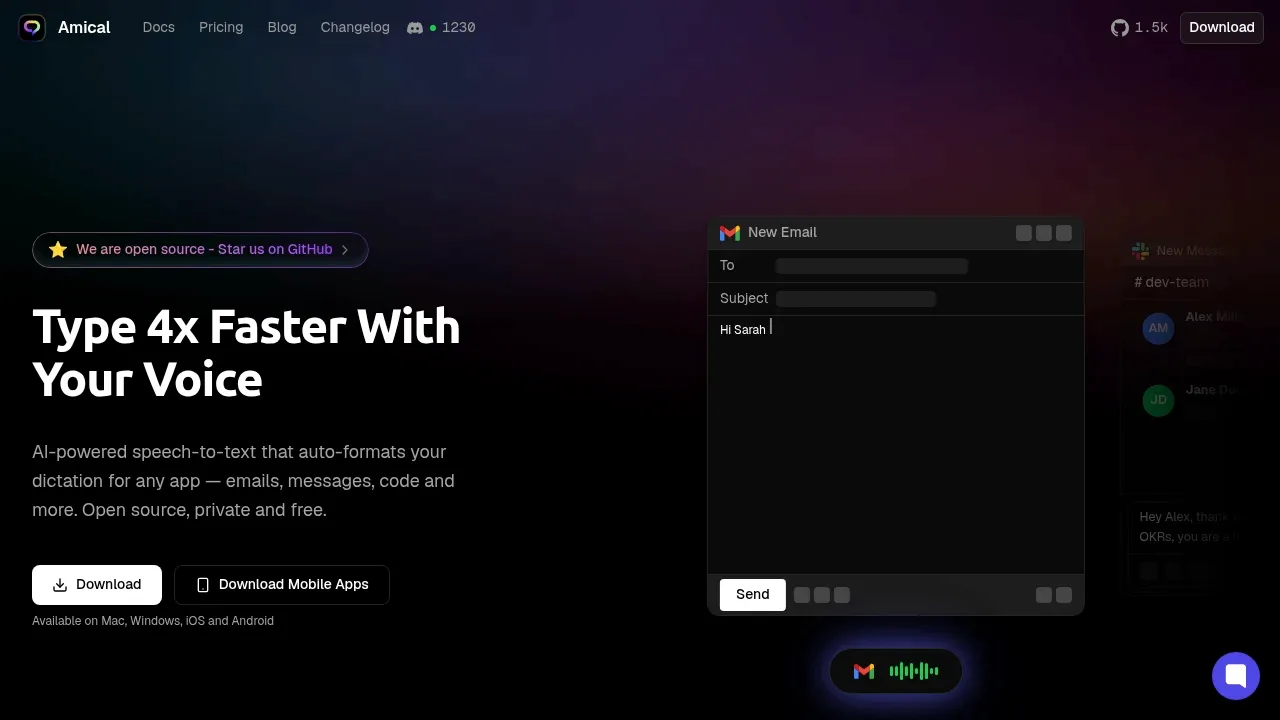
An AI dictation app that formats speech for the active app, with offline Whisper and Ollama processing on macOS and Windows or optional cloud models.

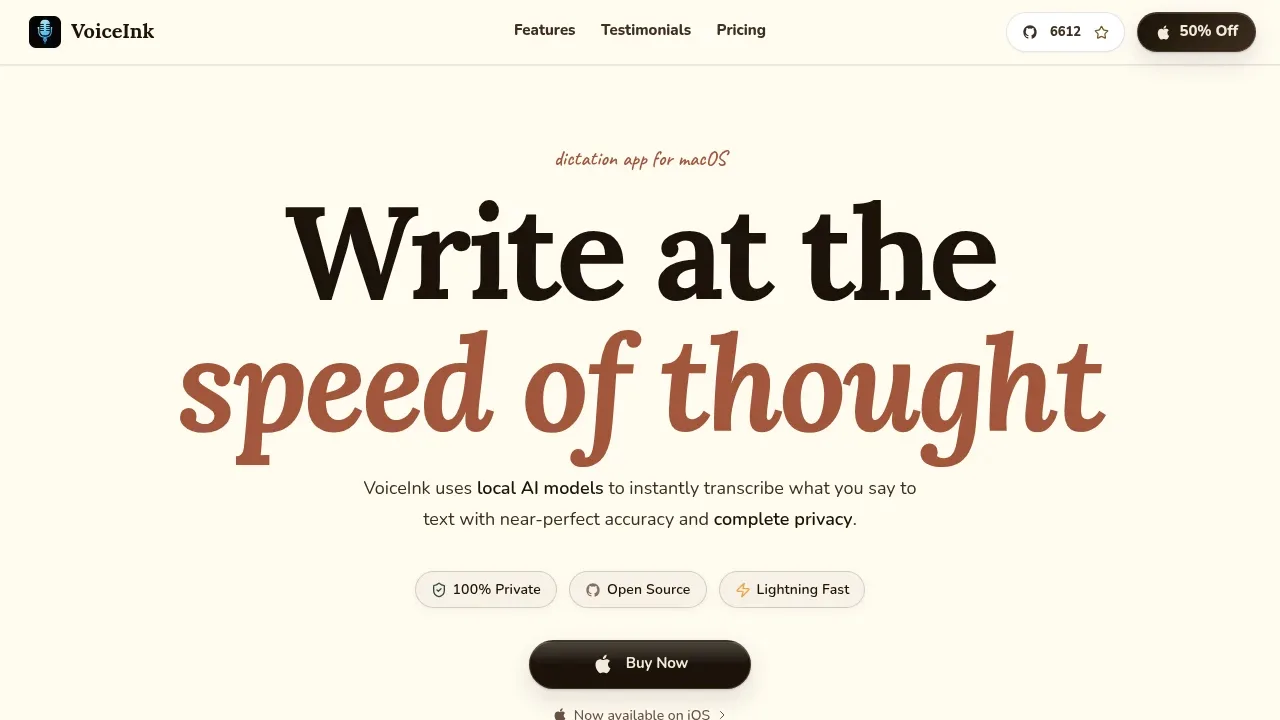
A macOS AI dictation app that transcribes speech offline across apps, with custom vocabulary and optional cloud text enhancement.

An offline macOS dictation app with optional local AI rewriting, support for Intel and Apple Silicon, and optional cloud post-processing.
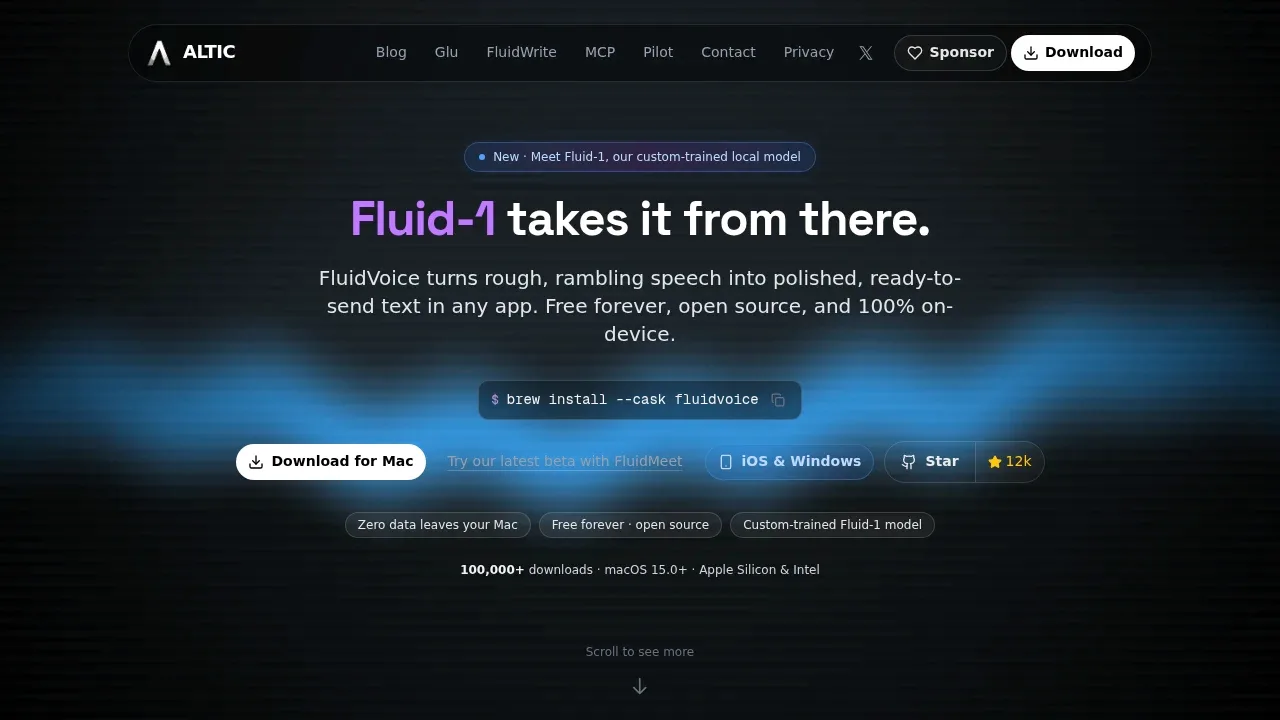
FluidVoice combines Mac dictation with a live preview and optional local editing that removes filler and formats output using app-specific prompts. It also rewrites selected text and supports voice commands for shortcuts and system actions.

A macOS speech-to-text app with local models, optional cloud APIs, system-wide dictation and on-device AI text workflows.
TypeWhisper inserts dictation into Mac apps and applies reusable rewrite, translation or formatting workflows. Import vocabulary from Wispr Flow, review transcription history and set workflows for particular apps or websites.

An open-source voice dictation app for macOS and Windows with local Whisper and Parakeet models, optional cloud transcription, and AI text cleanup.
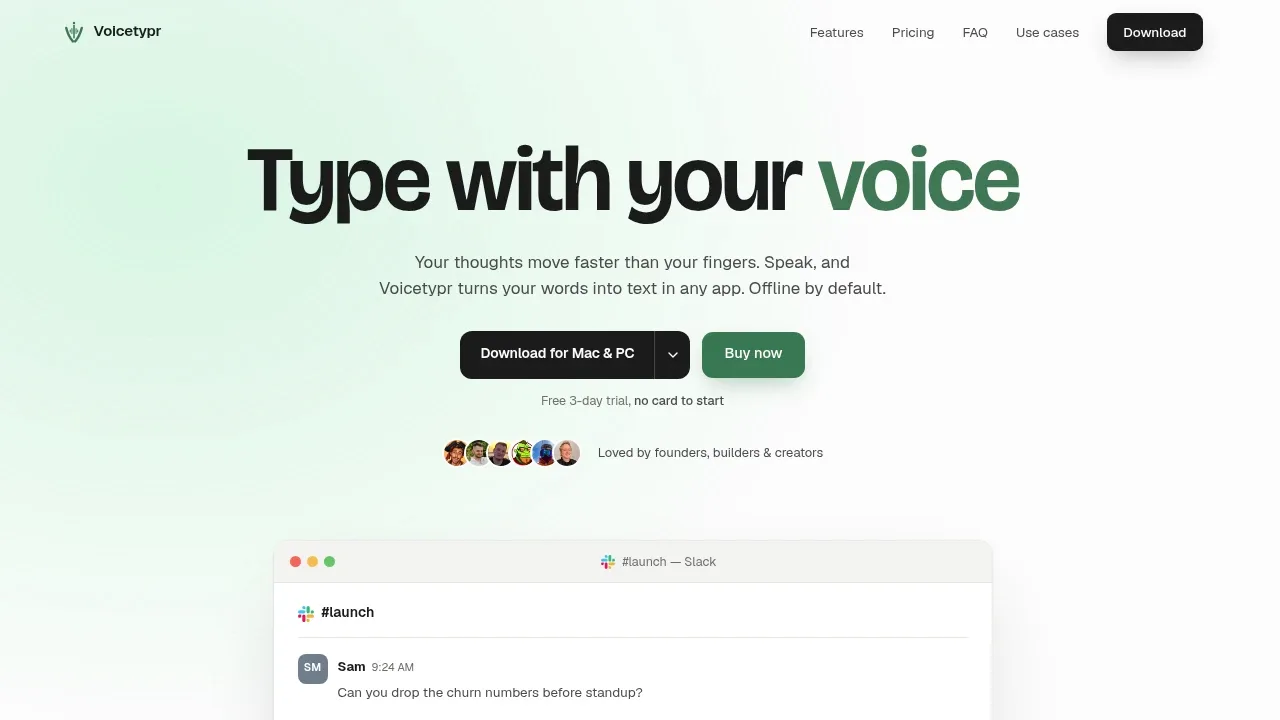

Offline dictation software uses Whisper on Windows and macOS to type into apps, transcribe audio files and generate subtitles.
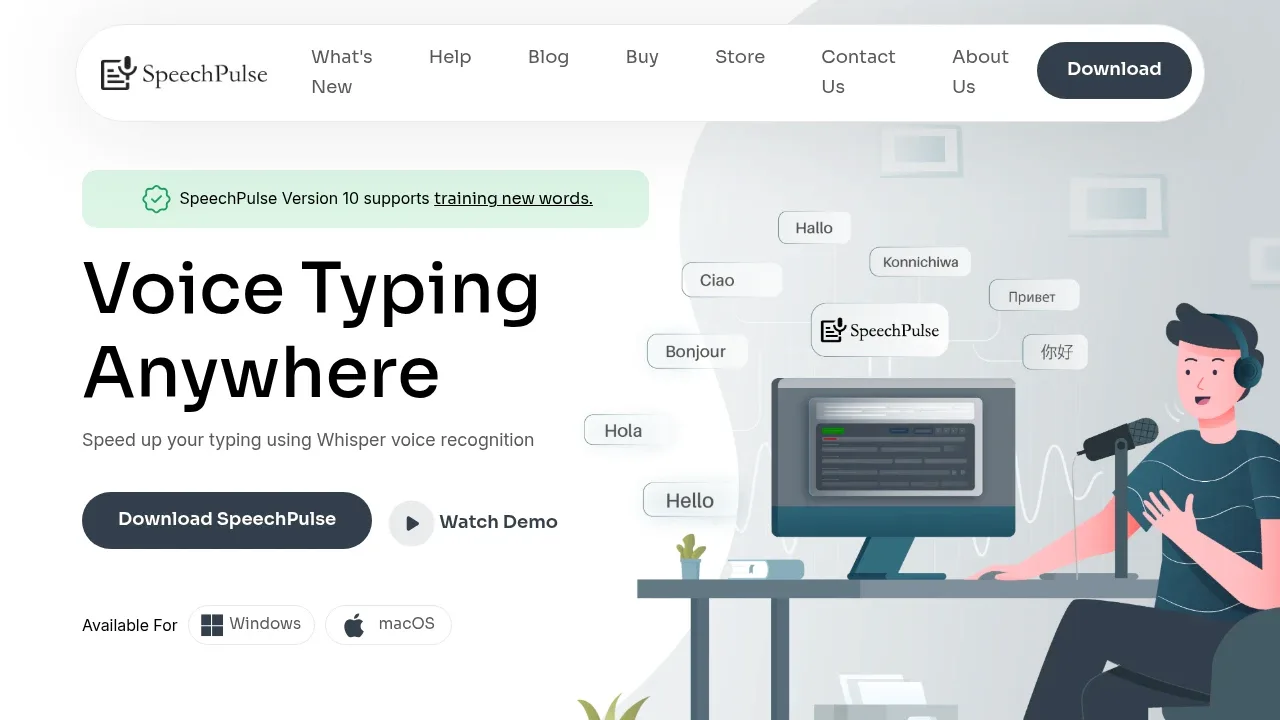

On-device dictation software for Windows that runs on CPU, works offline after setup, and types into your apps without uploading microphone audio.
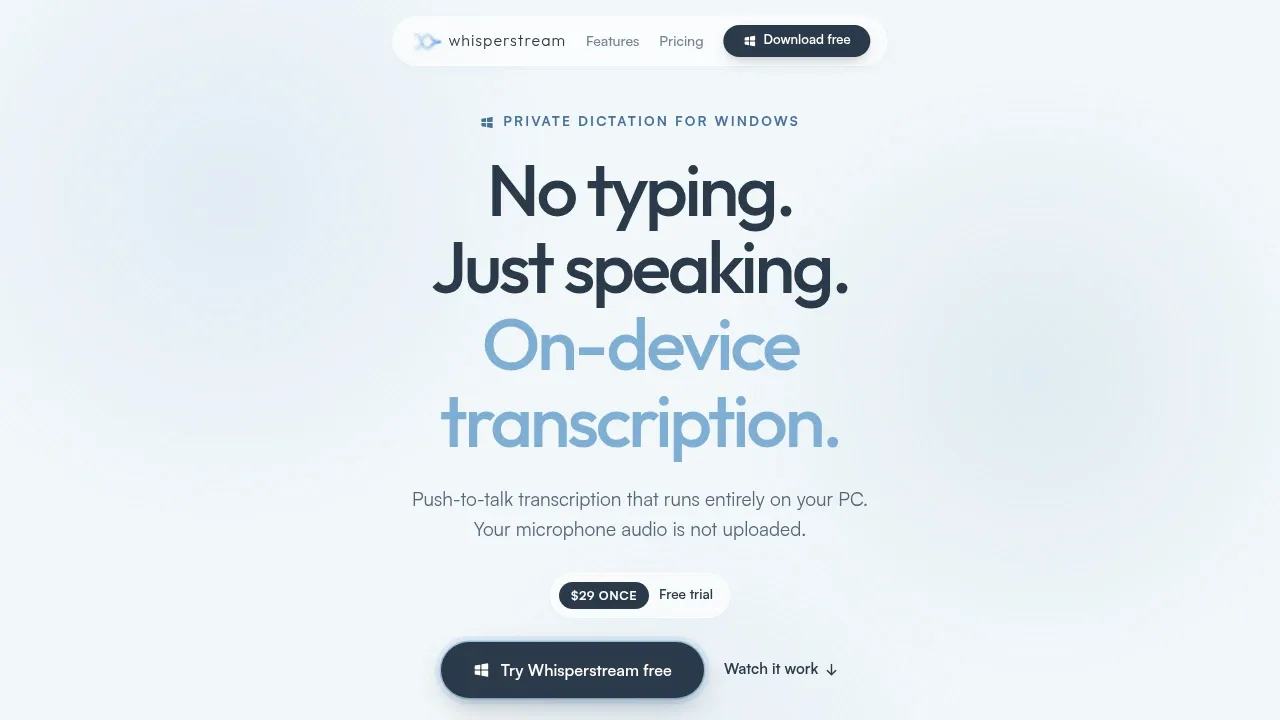
Whisperstream types dictated speech into Windows apps with a global shortcut and local text cleanup. Custom vocabulary and per-app prompts handle different writing contexts, with searchable encrypted history; optional cloud cleanup sends transcript text to its provider.

A local speech-to-text app handles dictation, files and meetings on Apple Silicon Macs, with offline transcription and optional local or cloud AI.
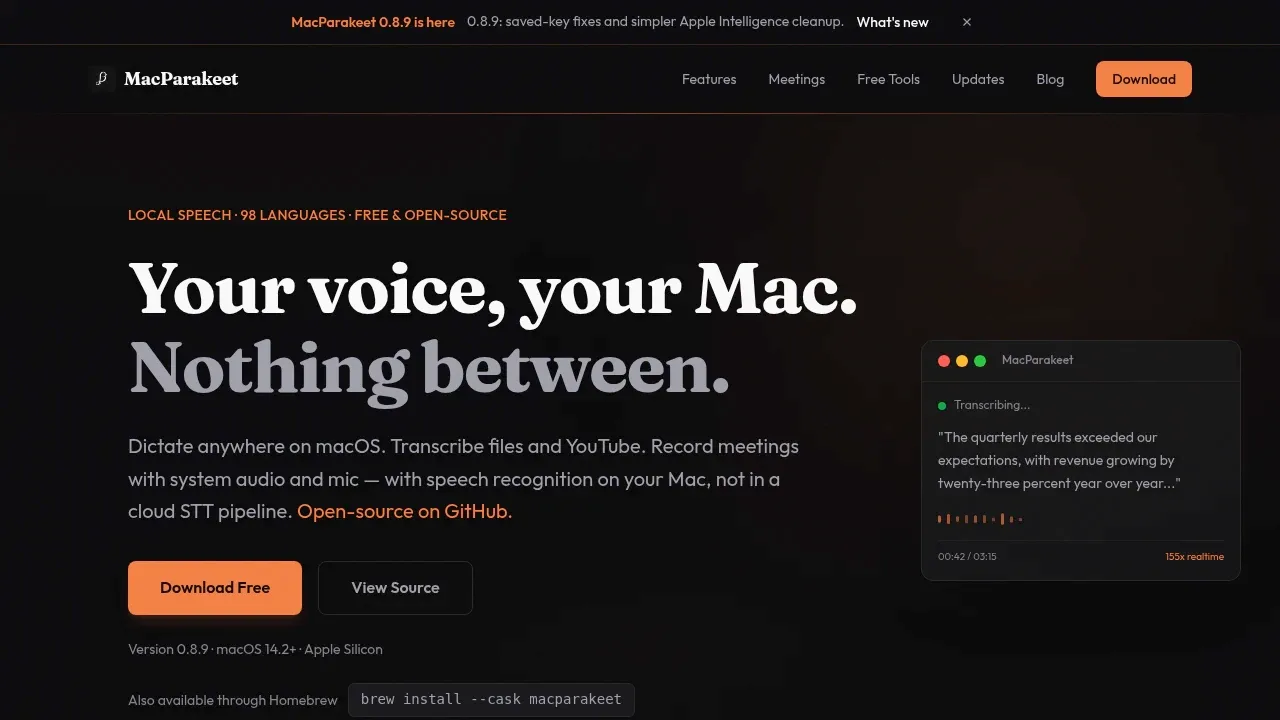
MacParakeet inserts dictated text at the cursor with custom hotkeys and vocabulary support. Optional AI can clean up the dictation, and the same app also handles recorded files and meeting transcripts.

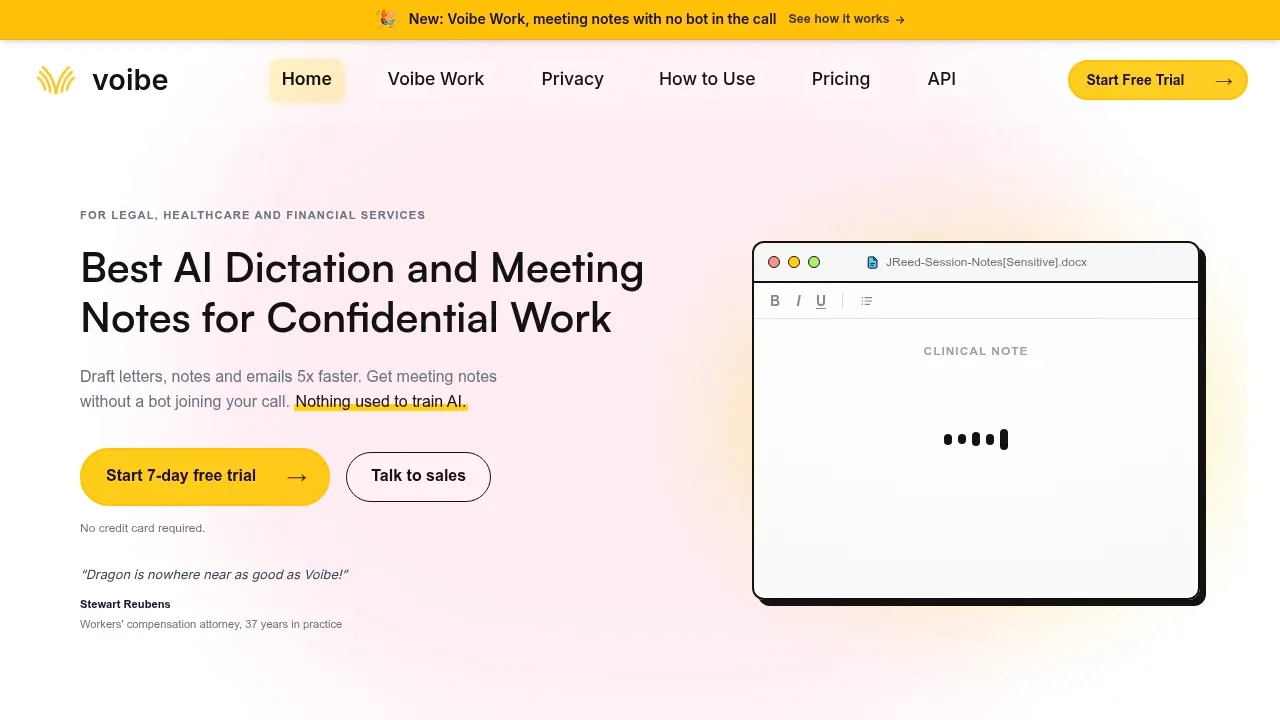
AI dictation for Mac and Windows, with offline processing on Apple Silicon and Mac meeting notes that use zero-retention cloud models.

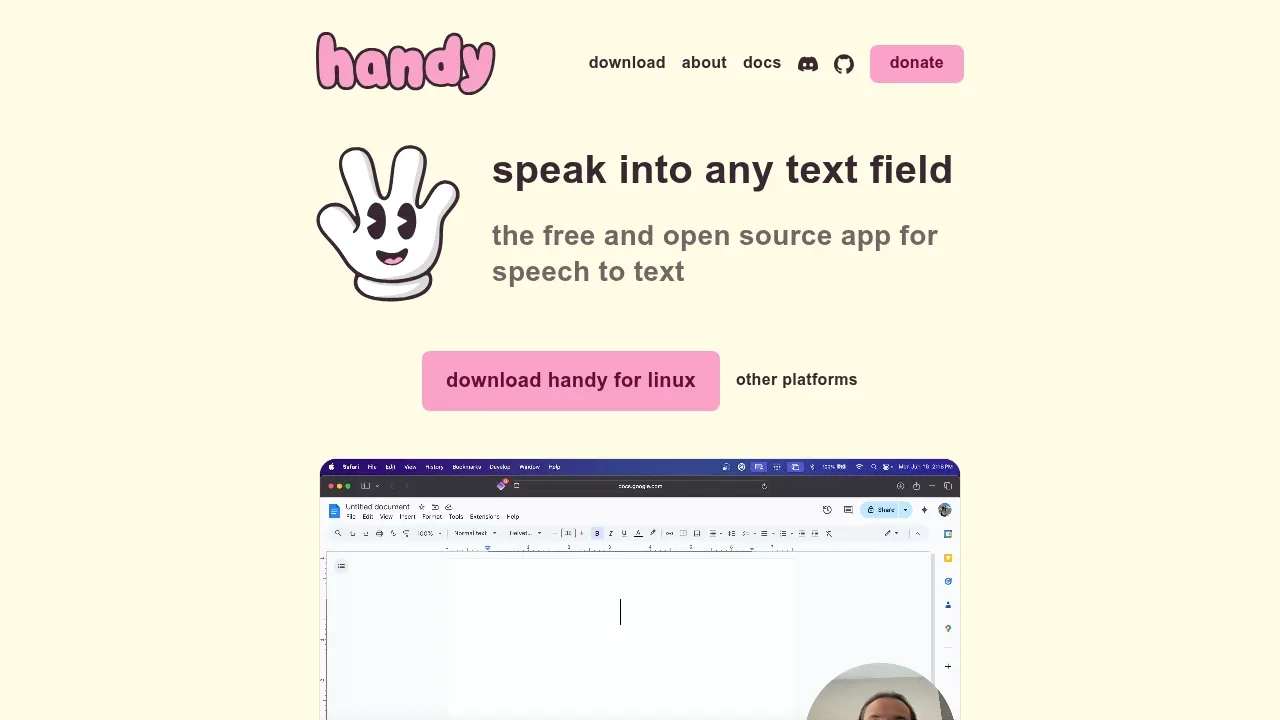
A free, open source offline dictation app for Windows, macOS and Linux that uses local Whisper or Parakeet models to enter text in desktop apps.

An AI dictation app for iPhone and iPad that uses on-device Gemma models for offline transcription, with optional cloud text polishing.
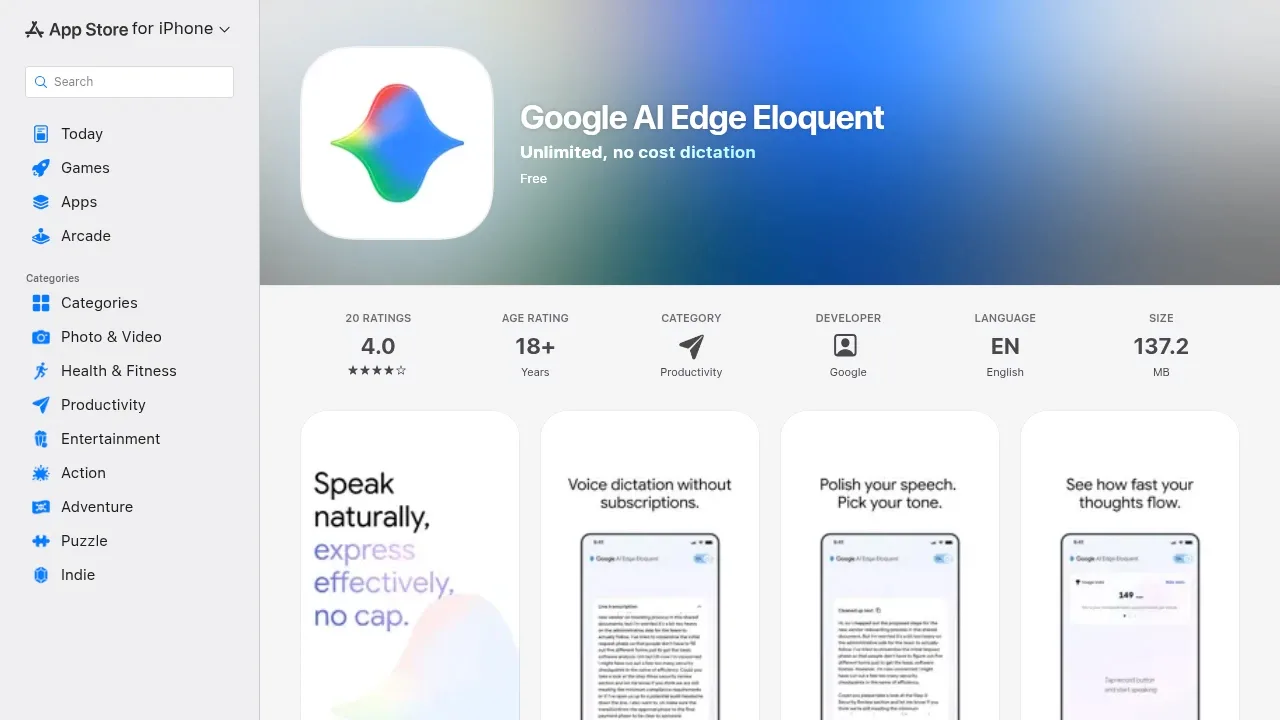
Google AI Edge Eloquent turns spoken thoughts into cleaned-up text on an iPhone or iPad, with a personal dictionary and dictation history. You can keep the original transcript or edited version; some optional styles and non-English polishing use cloud services.

An open-source Android voice keyboard that transcribes offline on-device, uses cloud providers or connects to your own OpenAI-compatible server.
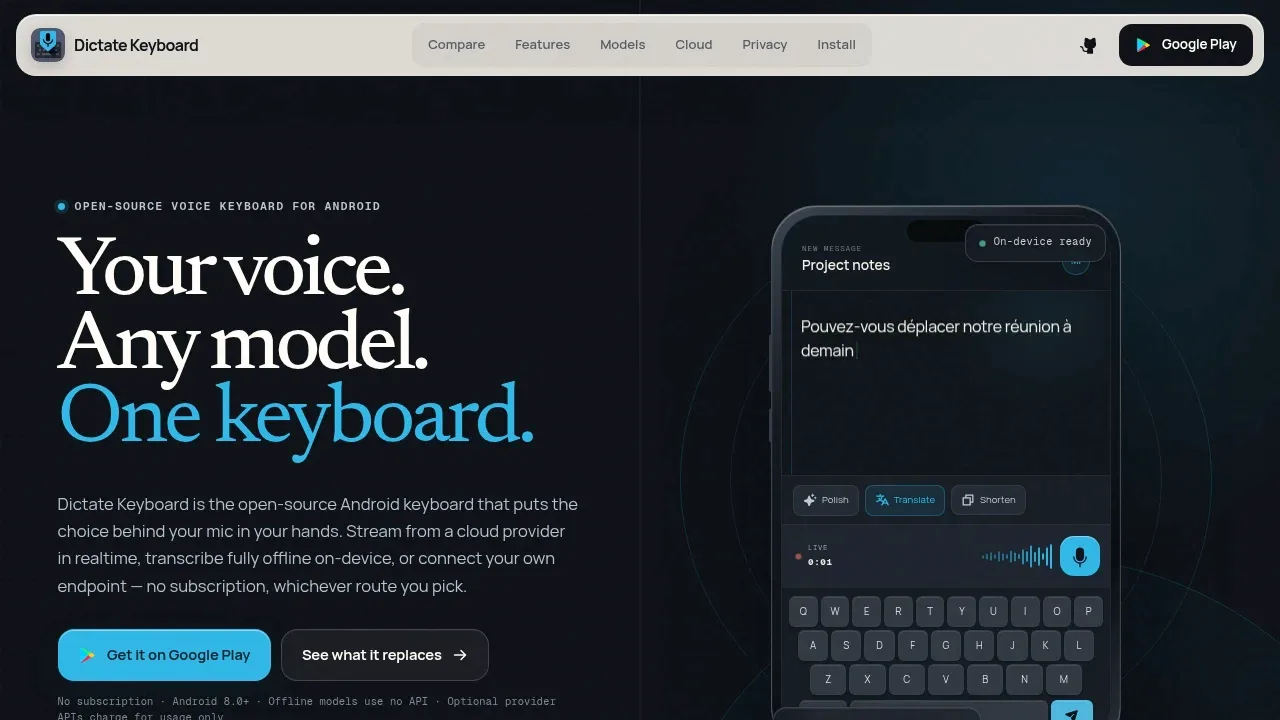
Dictate Keyboard adds voice input to a full Android keyboard, with a floating microphone option if you keep another keyboard. Vocabulary hints and replacement rules handle names or jargon, while optional rewriting uses the provider you choose.

An offline AI transcription app for macOS that converts files and live audio to text, translates transcripts, and keeps processing on your Mac.
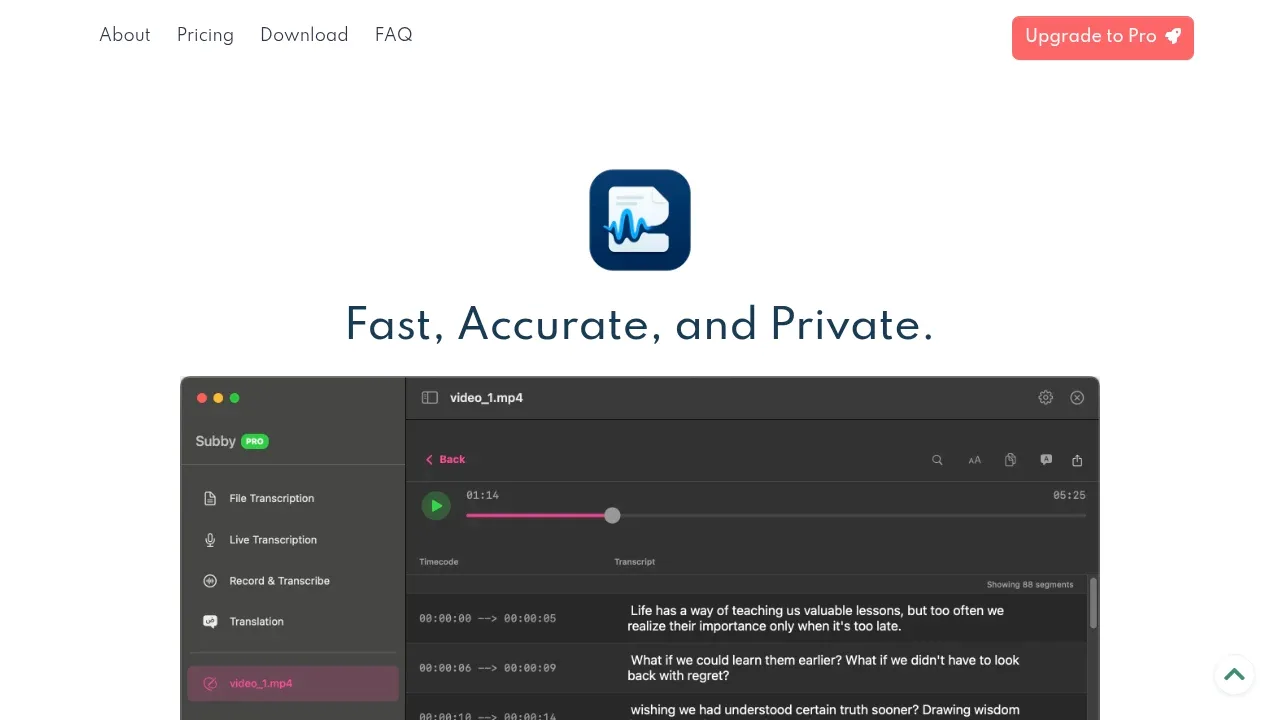
WhisperBuddy inserts dictated text into the app where you are typing and can translate live speech. It also handles recorded files, with timestamps and synchronized playback for checking the transcript.
A local macOS dictation app that transcribes speech and audio files with Whisper or Parakeet models on Apple Silicon.
OpenSuperWhisper gives Mac dictation a choice of toggle, hold-to-record or mouse controls. It also queues audio files for transcription and includes autocorrection for Japanese, Chinese and Korean text.

An offline speech-to-text and text-to-speech app for Linux and Sailfish OS that also translates text locally and supports desktop voice typing.
Speech Note inserts recognized speech into the active Linux desktop window and keeps dictated notes in the same app. Several speech engines are available, with translation and read-aloud output; Wayland voice typing requires additional system setup.

Offline voice-to-text and meeting recorder for Windows and Linux, with local Whisper transcription and optional summaries via Ollama or cloud providers.
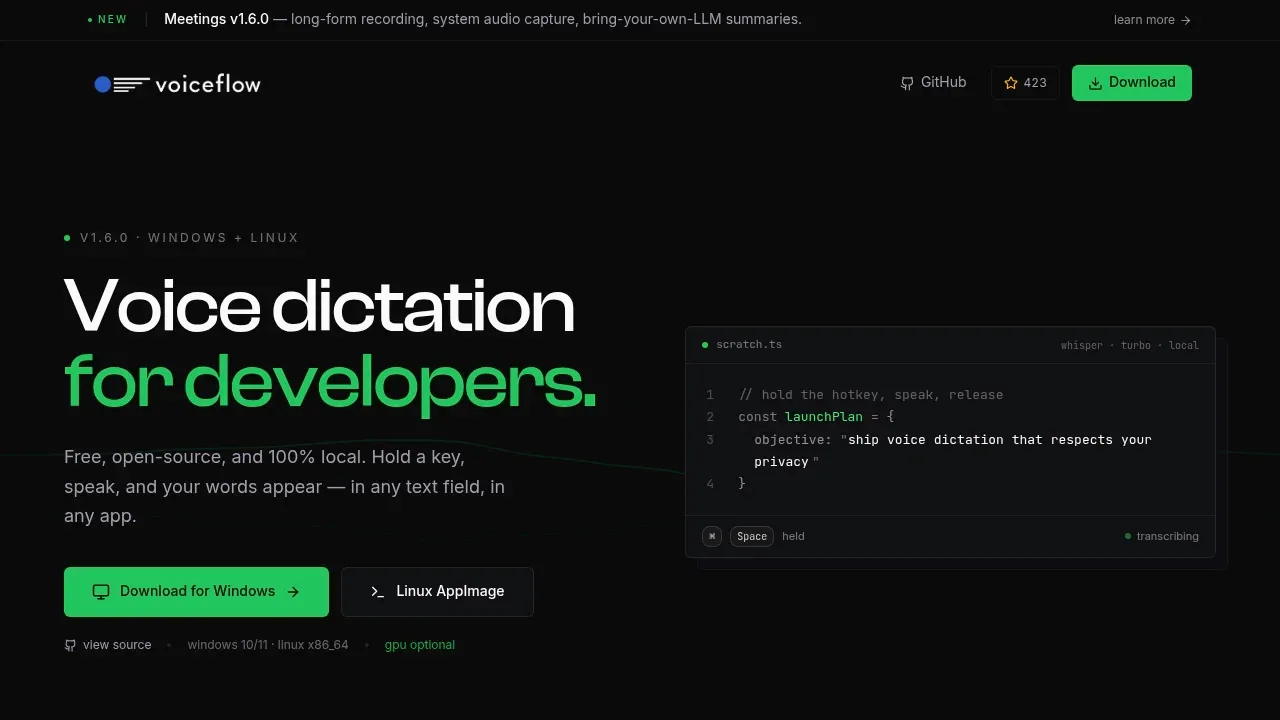

An on-device speech-to-text app for Android that uses Whisper for offline dictation and works with compatible keyboards such as HeliBoard and SwiftKey.
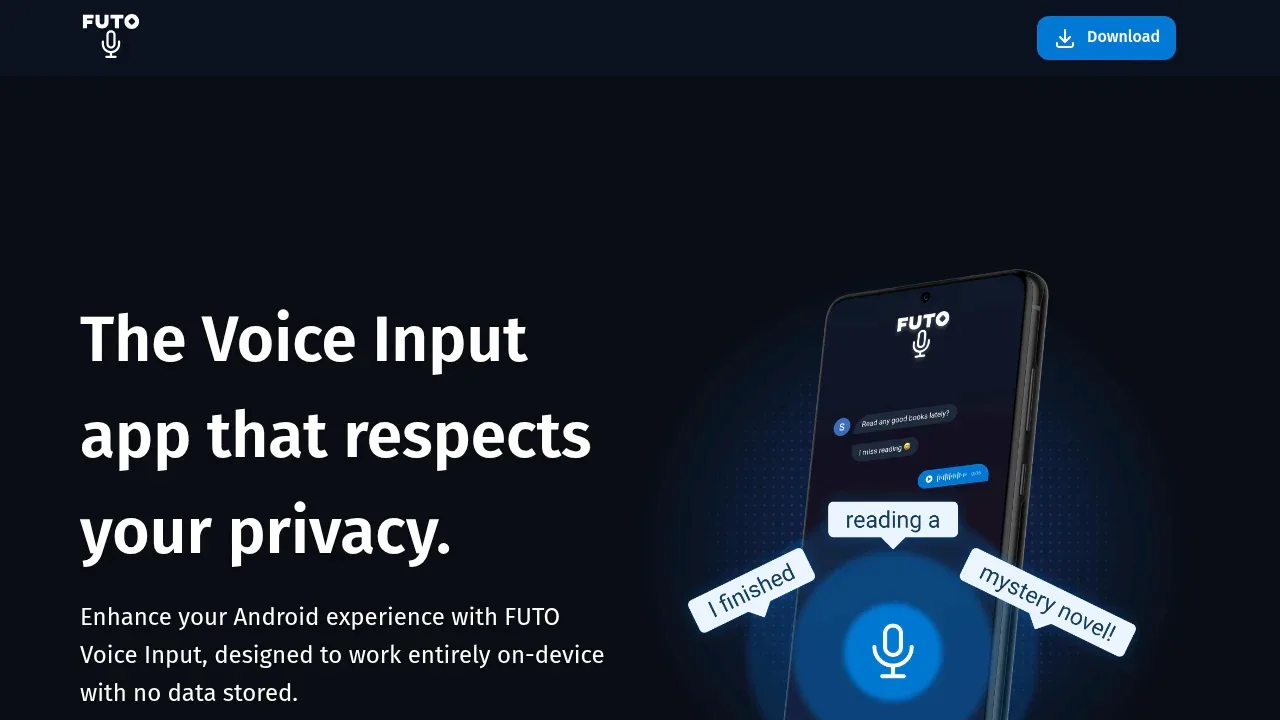
FUTO Voice Input supplies Android dictation while letting you keep a compatible keyboard. It works with options such as HeliBoard and SwiftKey, but Gboard and Samsung Keyboard cannot use it as their voice-input provider.

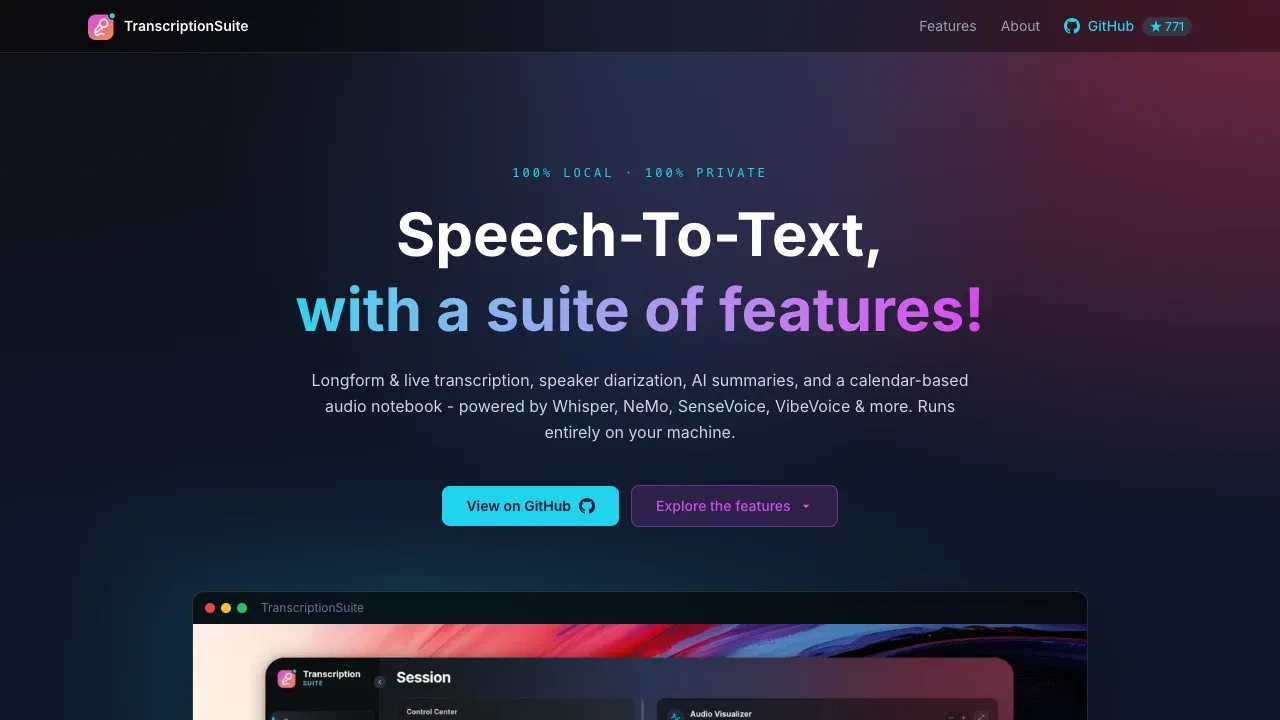
A local speech-to-text app runs offline on Windows, macOS and Linux, with speaker labels, live dictation and CPU or GPU processing.

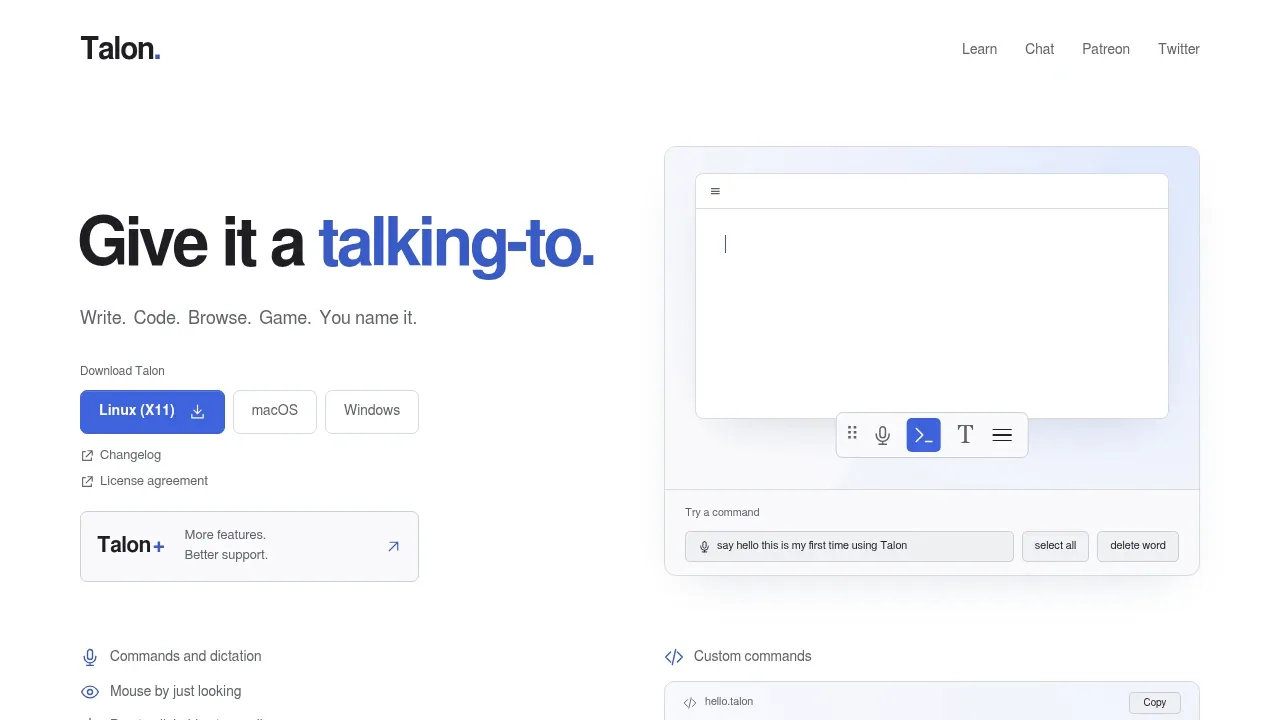
Hands-free computer control software uses voice commands, dictation, eye tracking and sounds on macOS, Windows and Linux with X11.
For Wispr Flow, start with Superwhisper. Other alternatives include OpenWhispr, Amical, VoiceInk and FluidVoice.
Most are Dictation and Voice Typing; others include Speech-to-Text and Transcription.
People also replace
See all
Otter.ai alternatives


Granola alternatives


ChatGPT alternatives


