ChatGPT alternatives for offline chat and documents
Compare Jan, LM Studio and Open WebUI for offline chat, document questions and a workspace you can run on your own computer.
ChatGPT puts a writing assistant, research chat and image generator in one conversation. You can ask a question, work through a draft or switch to voice. If you want that familiar chat window with a model running on your own computer, the choice starts with how you use it.
Jan is a straightforward desktop option, while LM Studio and AnythingLLM suit questions about your documents. Open WebUI and LibreChat give you a shared workspace you can host yourself. These ChatGPT alternatives use different models, so expect different answers; offline chat is possible, but web search still needs a connection. You can also browse our ChatGPT and Claude alternatives collection.

A self-hosted AI chat interface that works offline with local models and connects to Ollama, OpenAI-compatible APIs and cloud providers.
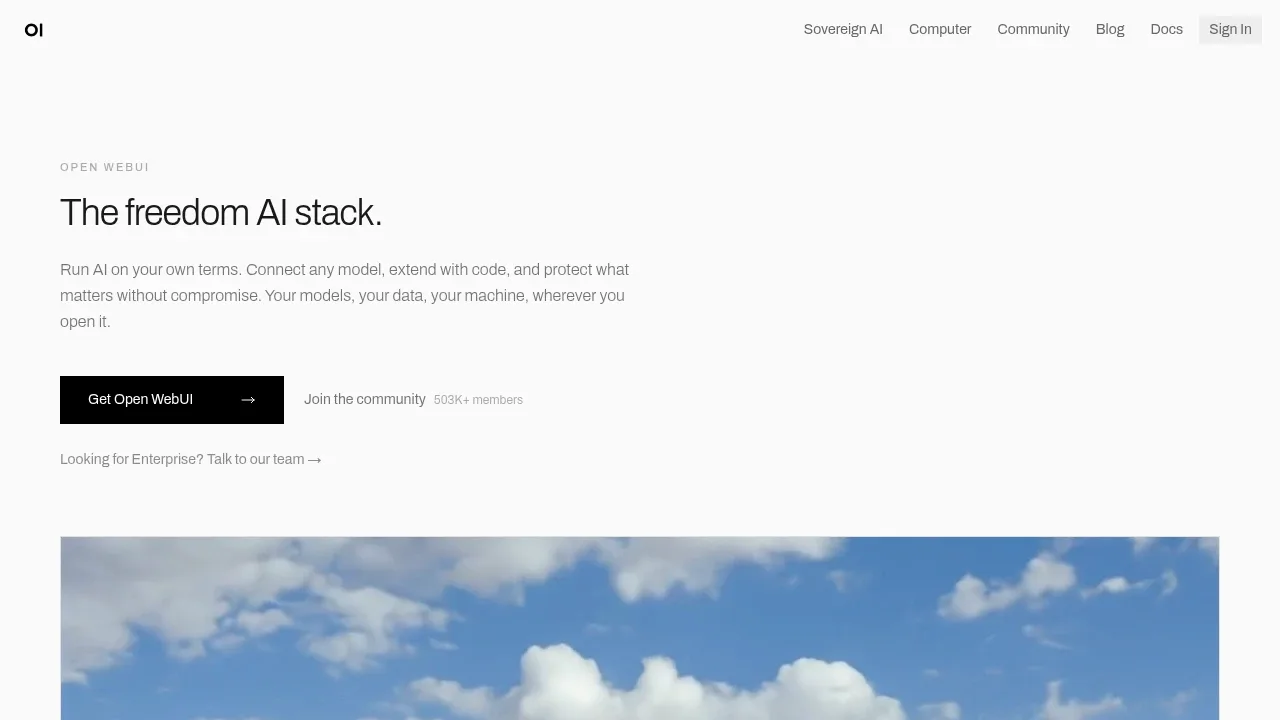
Open WebUI is for people who want a ChatGPT-style web interface they host themselves, alone or for a household or team. It runs on your computer or server through Docker, works offline with local models through Ollama, and can also connect to OpenAI and Anthropic models.
Beyond chat it handles document search, voice, images and tools, and administrators can set user roles and group permissions.

A self-hosted AI chat platform connects local models and cloud APIs, with tool-using agents, conversation search and multi-user authentication.
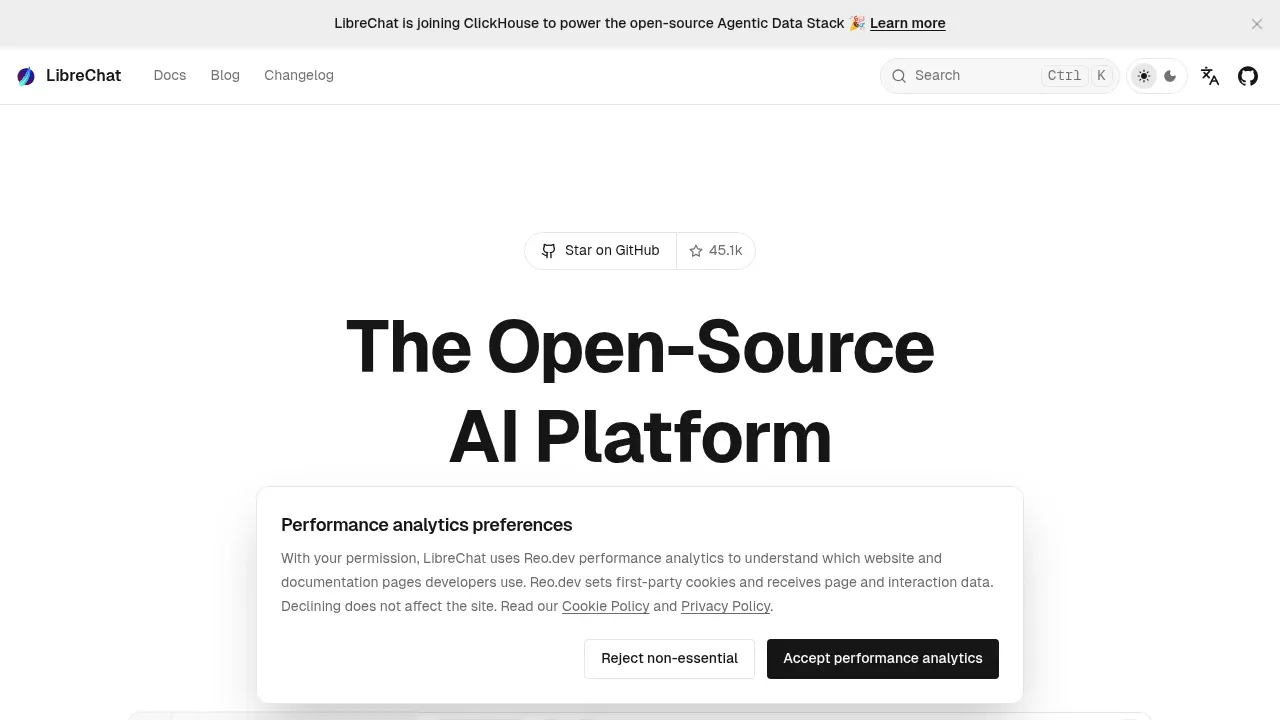
LibreChat replaces ChatGPT conversations with a shared workspace that switches between local backends and hosted APIs. Create specialized agents, work with files and code artifacts, and search earlier messages. Its authentication and shared agent controls suit a team server.

An open-source desktop AI chat app for Windows, macOS and Linux that connects to local models through Ollama or LM Studio and to cloud providers.
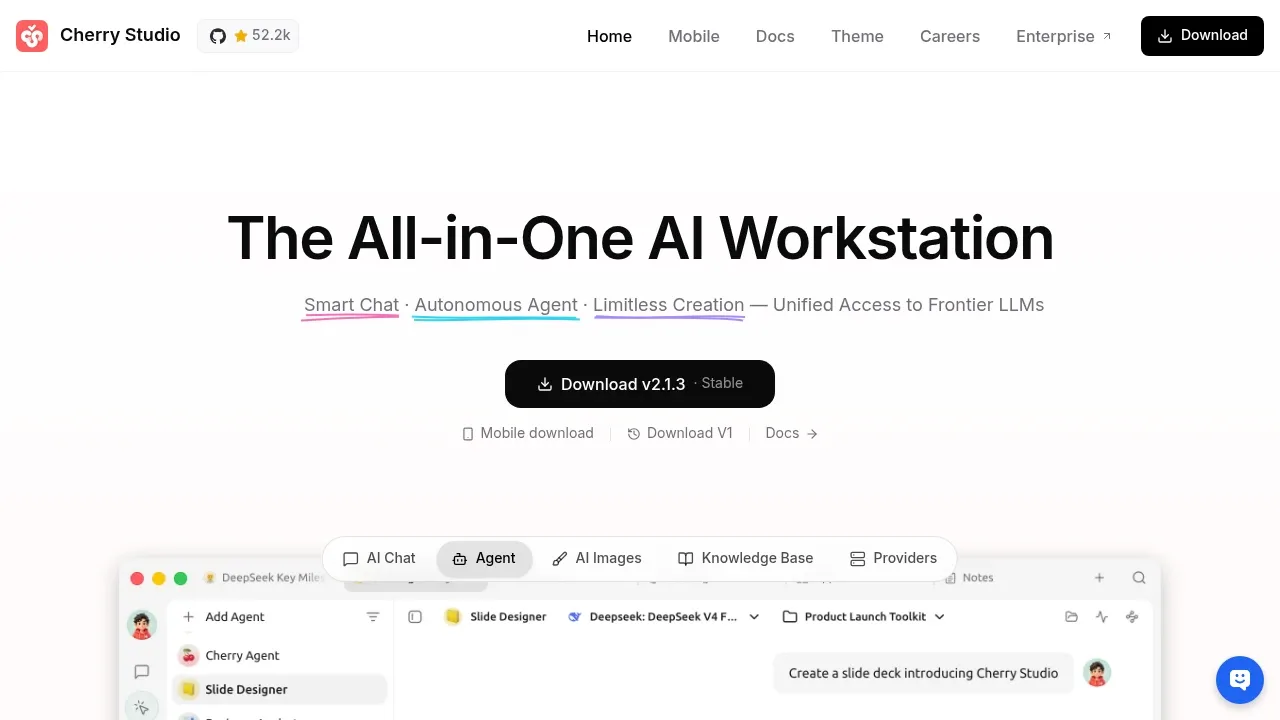
Cherry Studio covers everyday ChatGPT writing and file questions in a desktop app. Reusable assistants keep instructions for recurring work, and simultaneous conversations let you compare models. Connect local backends or hosted providers and add external tools through MCP.

An AI chat client that connects to local models through Ollama and cloud models with your API keys, available on desktop, mobile and the web.
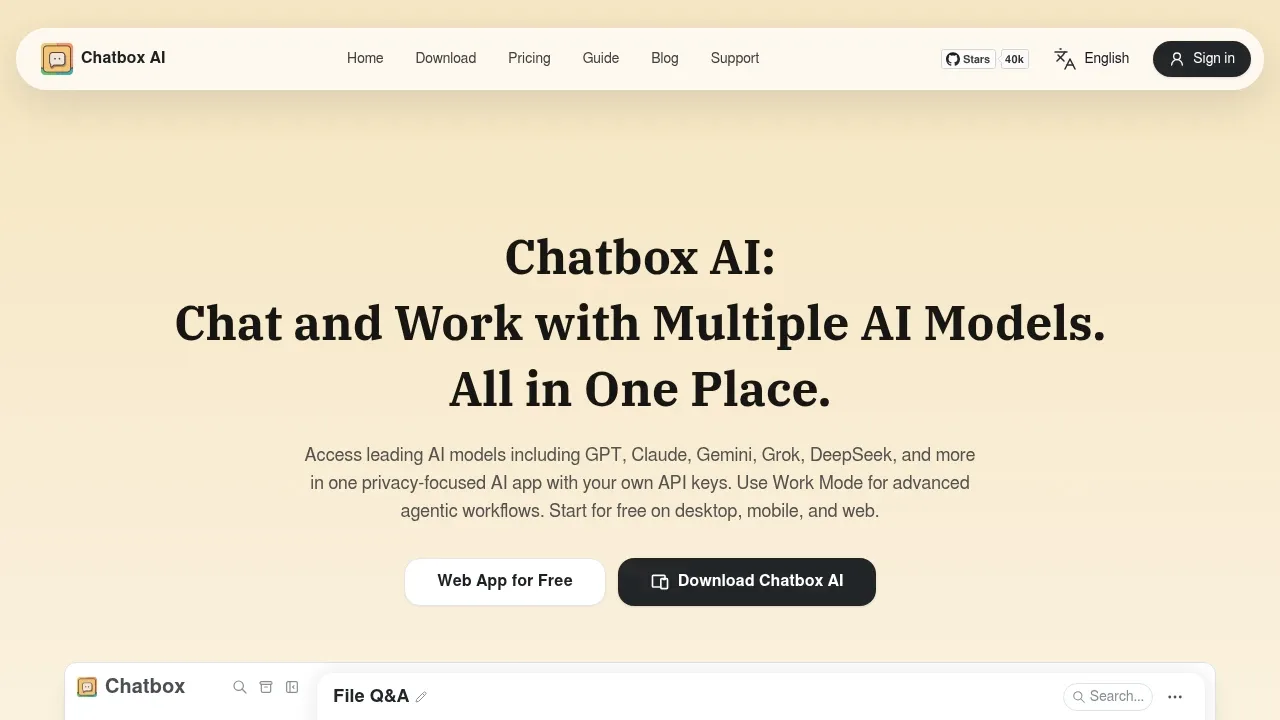

A free desktop ChatGPT alternative runs local models offline on Windows, macOS and Linux, or connects to cloud models such as GPT and Claude.
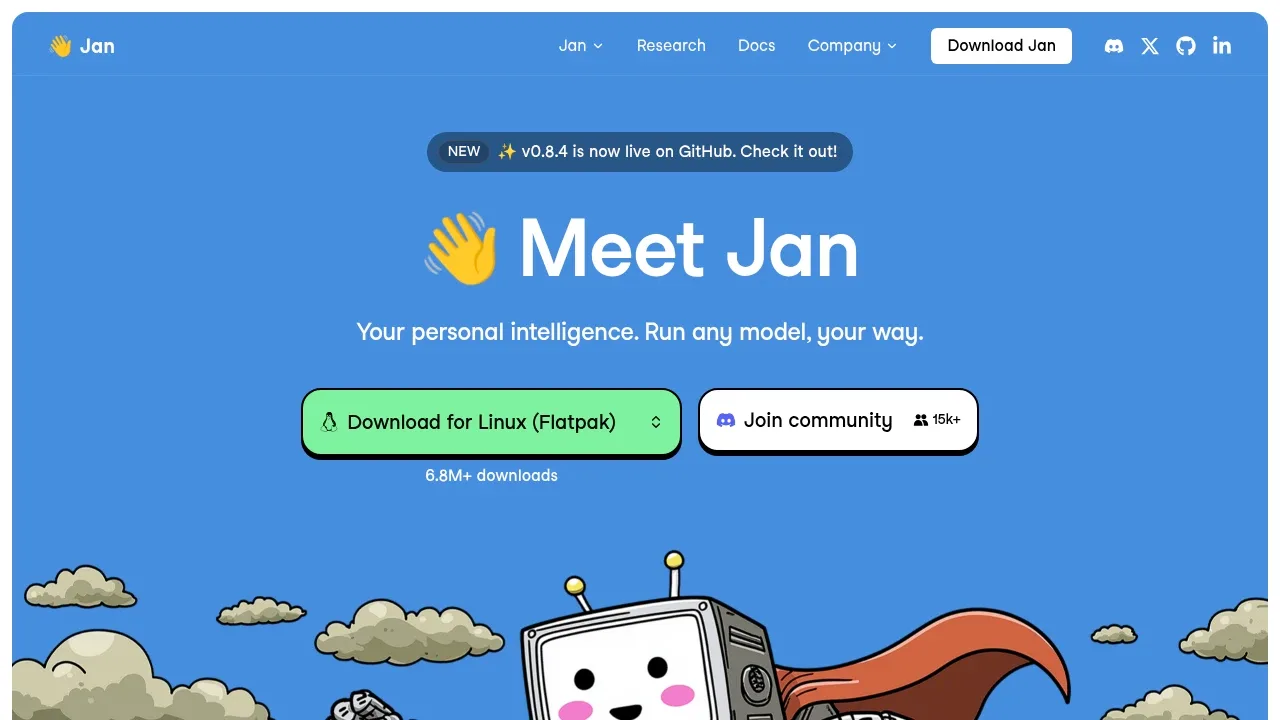
Jan is the closest thing to the ChatGPT app on your own computer. It is a free desktop chat app that downloads open models such as Llama, Gemma and Qwen and runs them offline, so you keep the familiar chat window without a subscription.
When you still want a hosted model, the same app connects to GPT, Claude, Gemini or Mistral, and custom assistants cover tasks you repeat.

Private AI software for individuals and teams, with workspaces, agents, model choice and organizational controls over access and storage.
Msty Studio is a desktop workspace for people who want local and hosted models side by side. You can compare answers in split chats, keep reusable prompts and personas, and attach document collections called Knowledge Stacks to a conversation.
Local models run through MLX, llama.cpp or Ollama. Picking a hosted model sends that chat to its provider.

A free local AI assistant for Windows, macOS, Linux and Android, with document chat, agents and a Docker option for self-hosted teams.
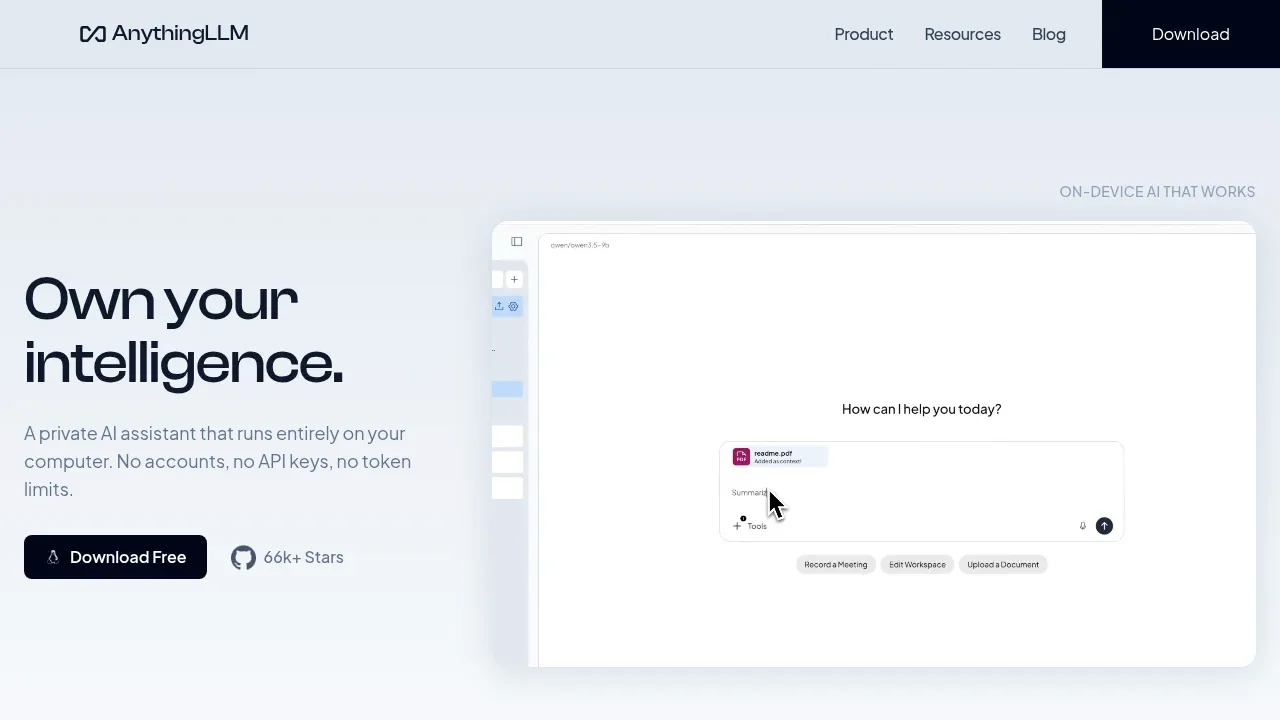
AnythingLLM fits people who mostly used ChatGPT to ask questions about their own files. Drop PDFs, text and Word documents into a workspace and get answers with source citations. The desktop app needs no account.
It works with local backends such as Ollama and LM Studio and adds agents and memory. A Docker version serves several users from one server.

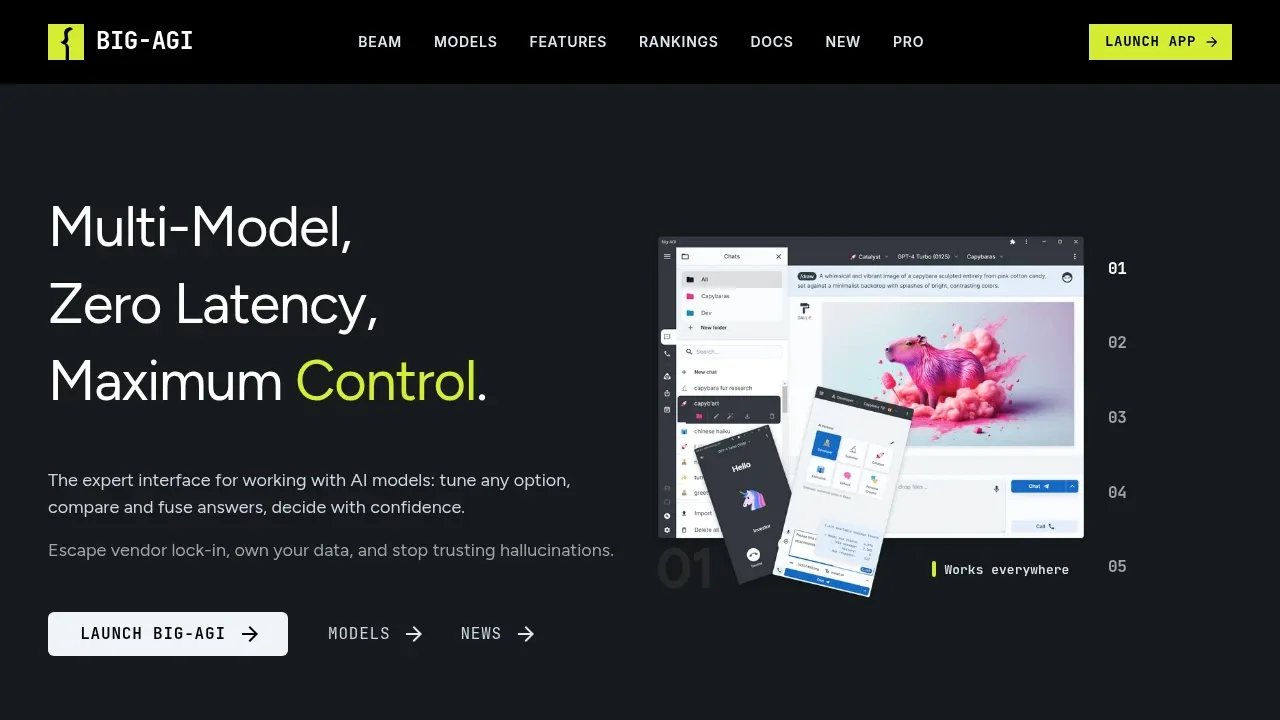
A self-hosted AI workspace that compares and merges model answers, with connections to Ollama, LM Studio and cloud providers using your own API keys.

A local LLM app runs downloaded models for chat and agent tasks, with MLX and llama.cpp support and voice transcription processed on your device.
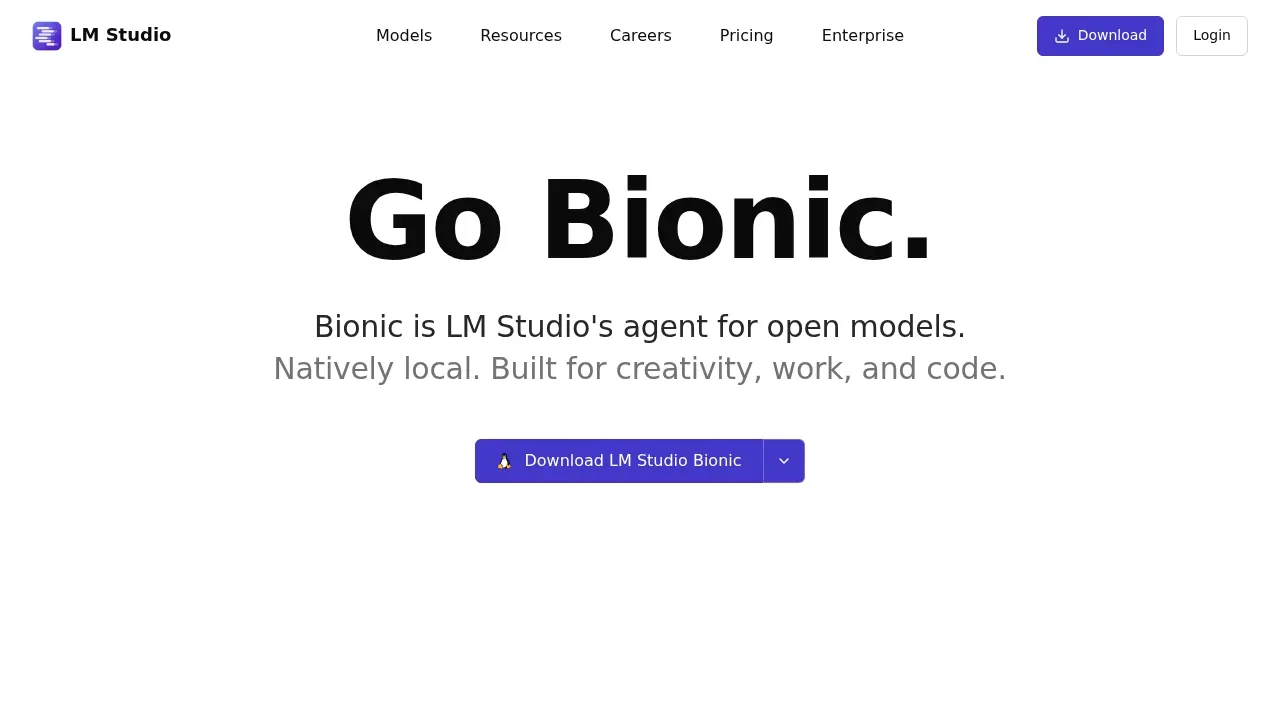
LM Studio suits people who want to find, download and chat with local models in one desktop app on macOS, Windows or Linux. Downloaded models run offline, and you can ask questions about files on your computer, the way you would attach a document to a chat.
It also serves models through a local OpenAI-compatible API, so other apps on your machine can use them. The desktop app has its own license terms rather than an open-source license.

Desktop AI assistant for macOS, Windows and Linux that connects to Ollama or cloud models and supports a local document knowledge base and MCP tools.
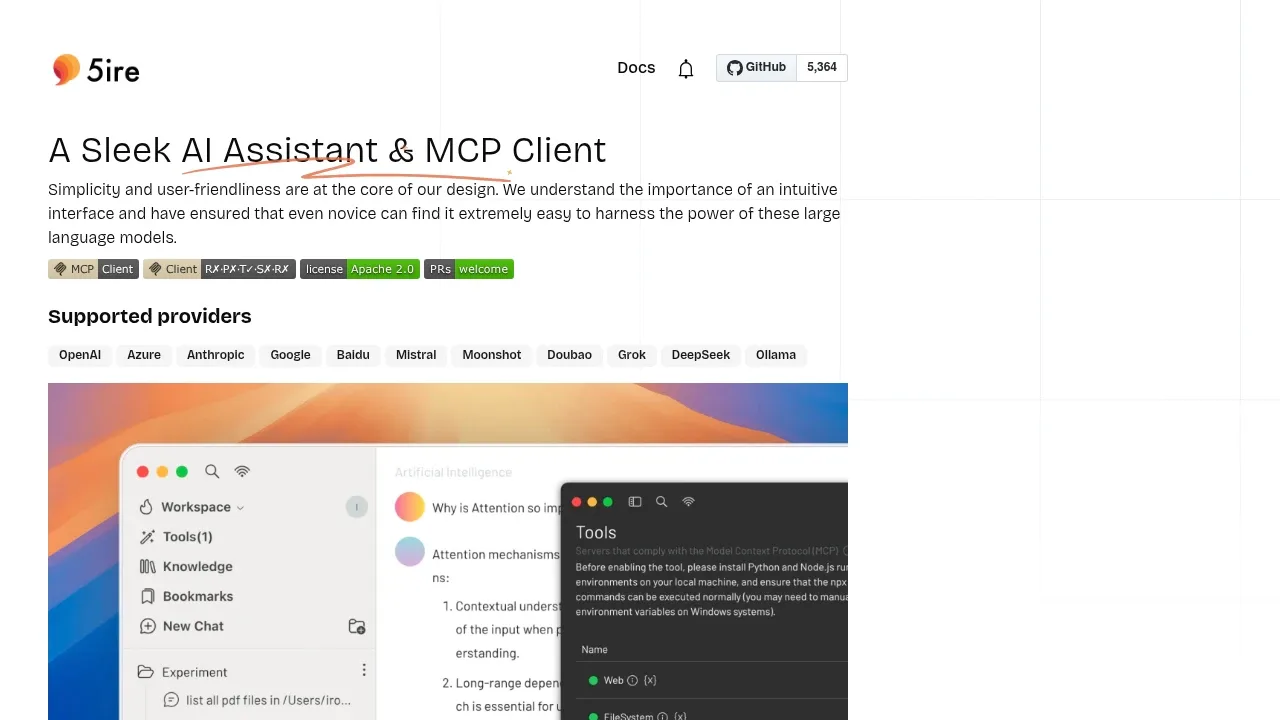

A Linux AI assistant that runs models offline through Ollama or Llama.cpp, with document search, local voice tools and MCP support.
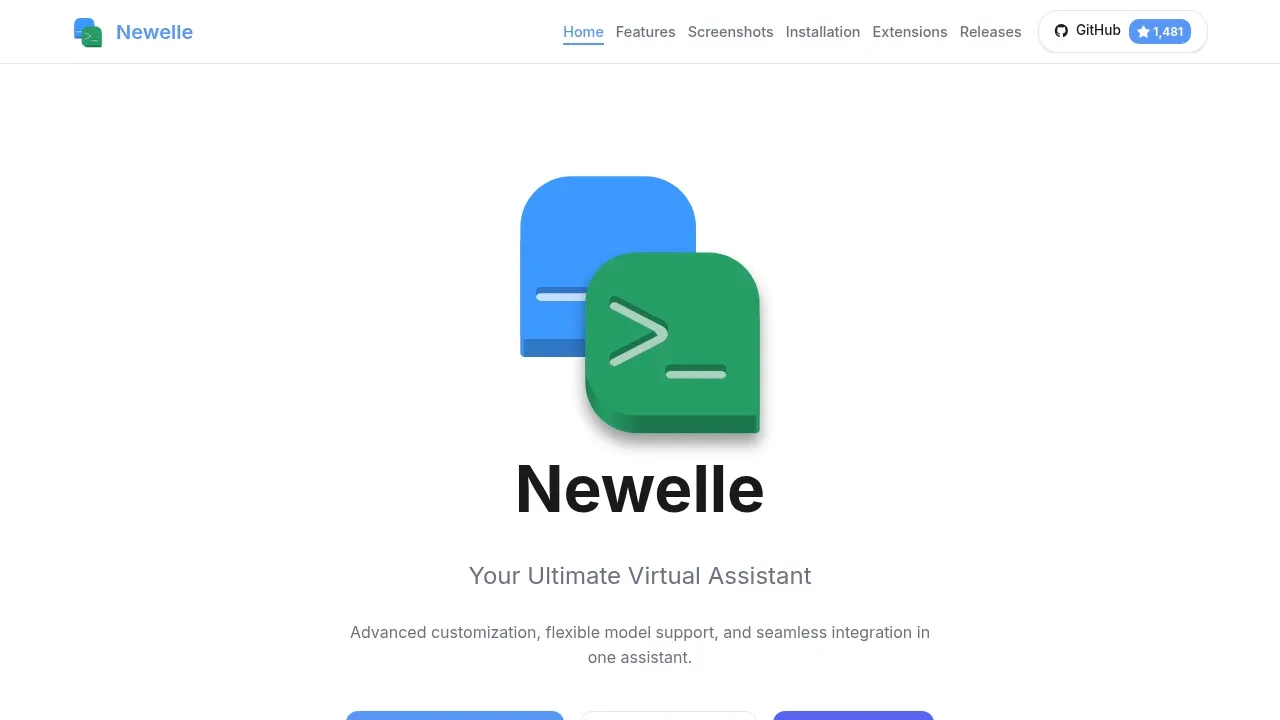
Newelle brings document search and voice conversations into a Linux desktop chat app. It can work with files or run commands from chat, with permissions that limit what the assistant can read or change.

A local AI app runs GGUF models offline on phones and computers, with on-device image generation, vision and Whisper speech transcription.
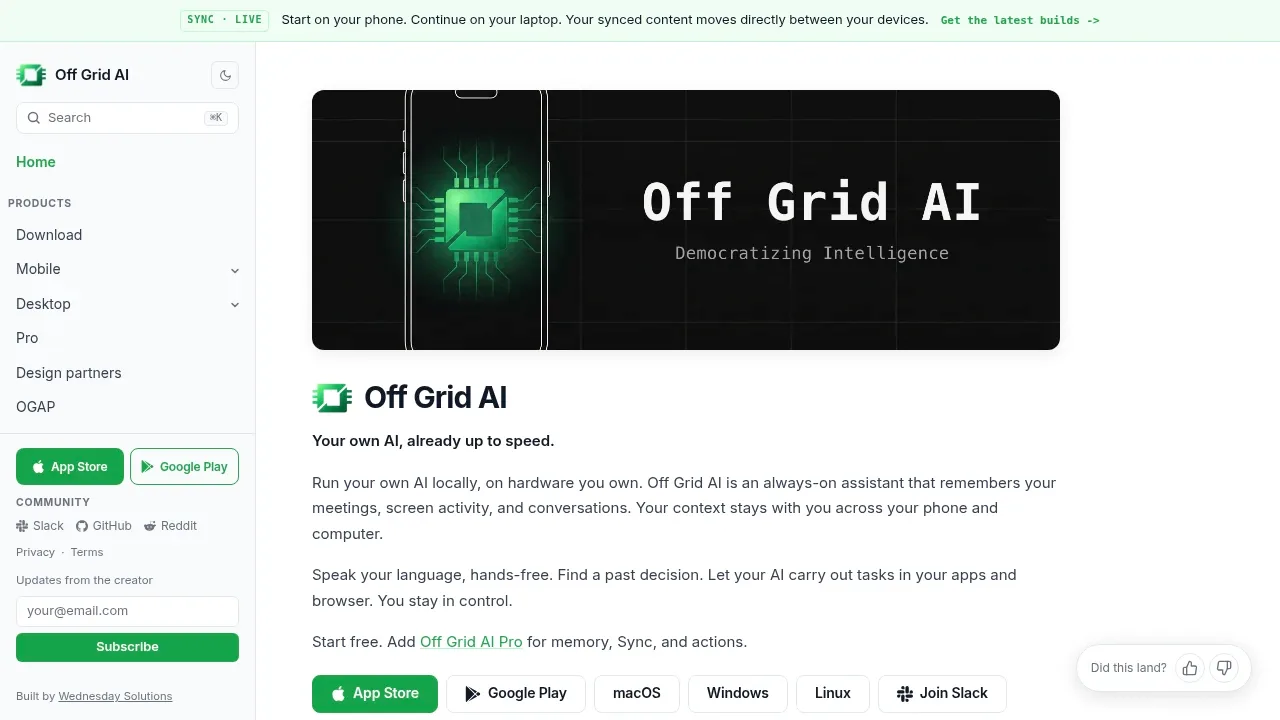

Local AI chat app for macOS that runs GGUF models offline, answers questions about files on-device, and connects to Claude and ChatGPT.
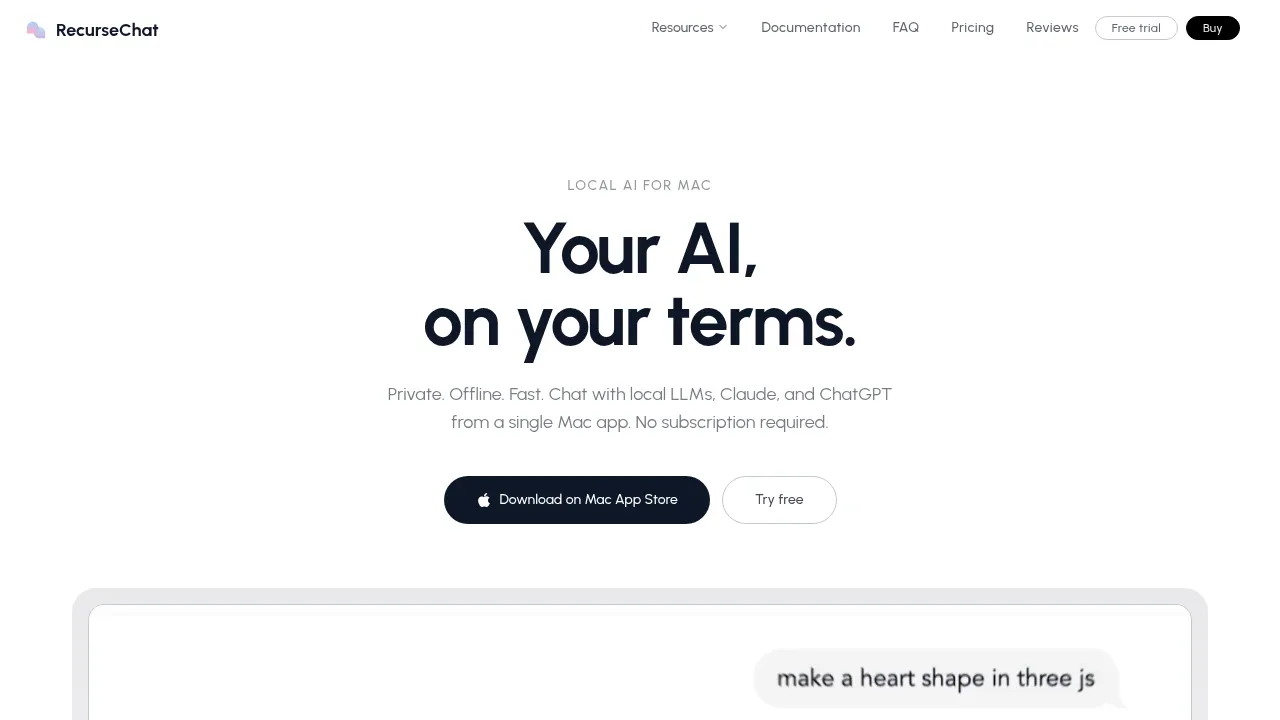
RecurseChat lets you import ChatGPT history and continue those conversations with a chosen local model. A floating chat window stays beside your work, with file questions backed by on-device document search.

A local AI browser extension that uses Ollama to chat across tabs, analyze files and help with writing, with no account required.
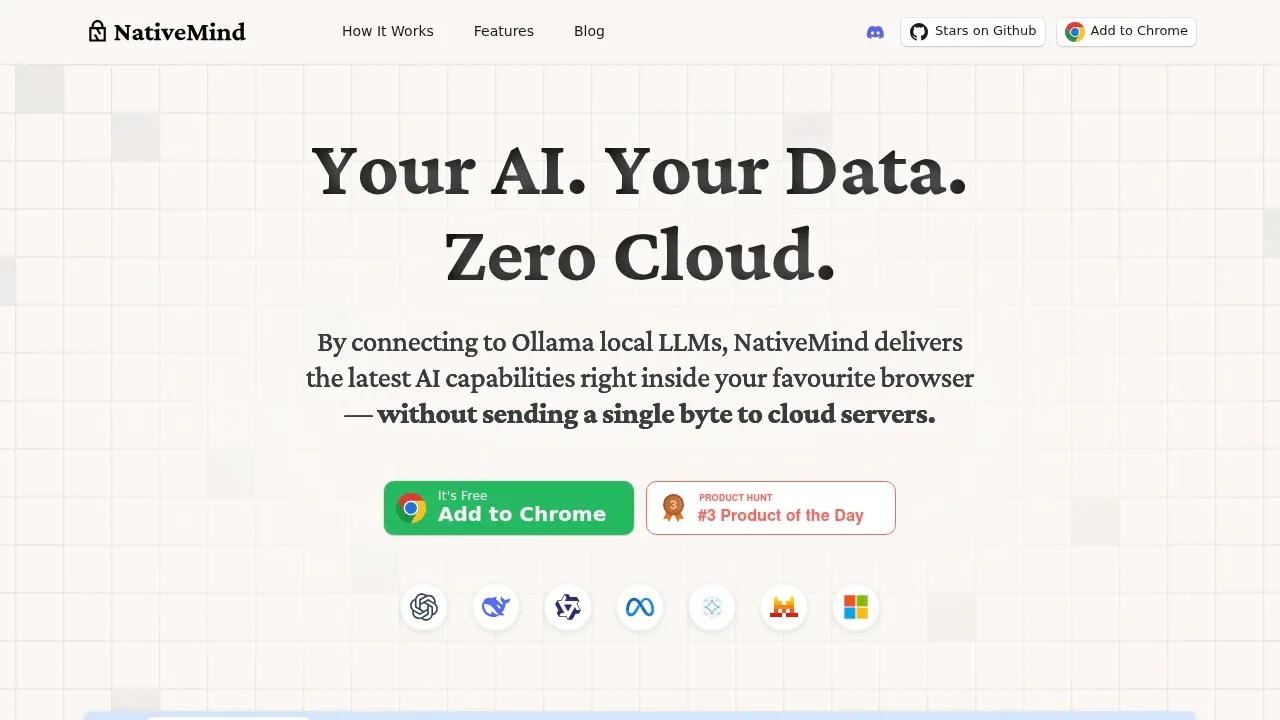
NativeMind connects Chrome to Ollama for conversations about several open tabs at once. It also accepts PDFs, images and screenshots, so you can compare sources and ask file questions alongside the pages you are reading.

A browser AI assistant that connects to local or remote models, answers questions about pages and saves chat history on your device.

A local AI chat client that manages Ollama models, works offline after download, and optionally connects to cloud models through OpenAI-compatible APIs.
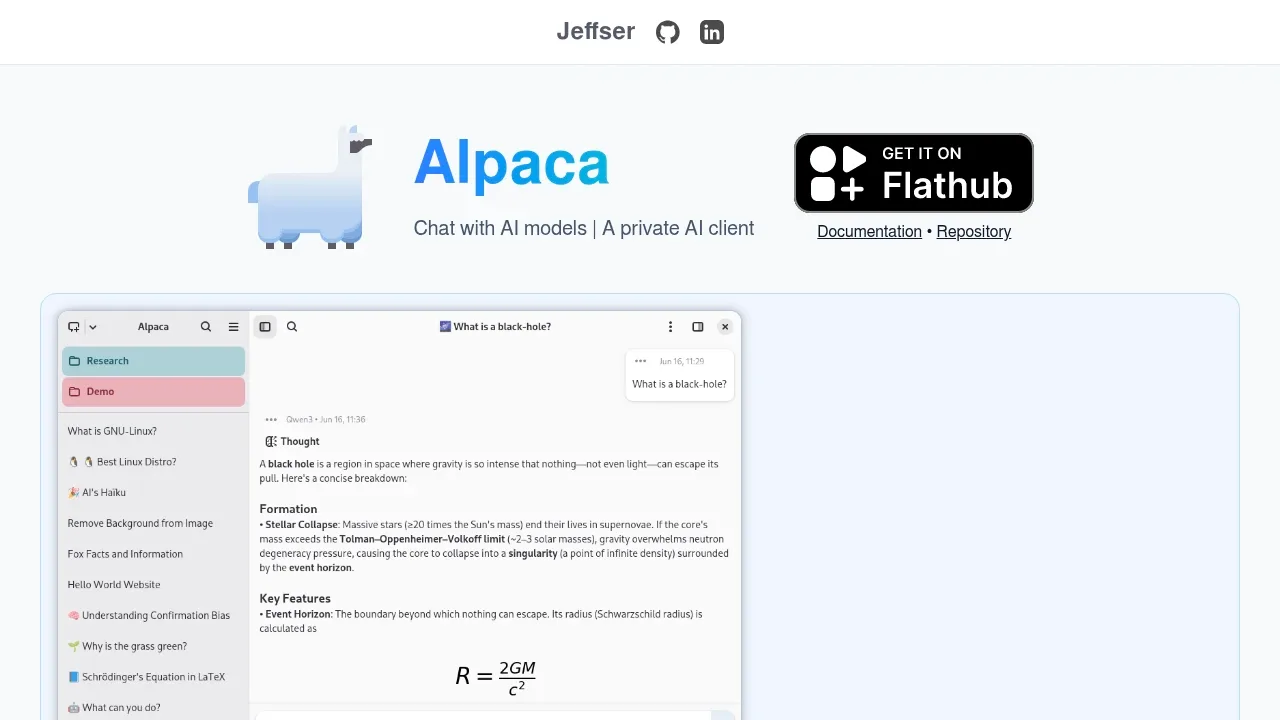
Alpaca lets you download Ollama models and use several models within one conversation. Ask questions about documents and images, create custom personas, or bring a webpage or YouTube transcript into the chat.

Local AI assistant for iPhone, iPad and Mac that runs language and vision models offline after download, with on-device voice and no login.
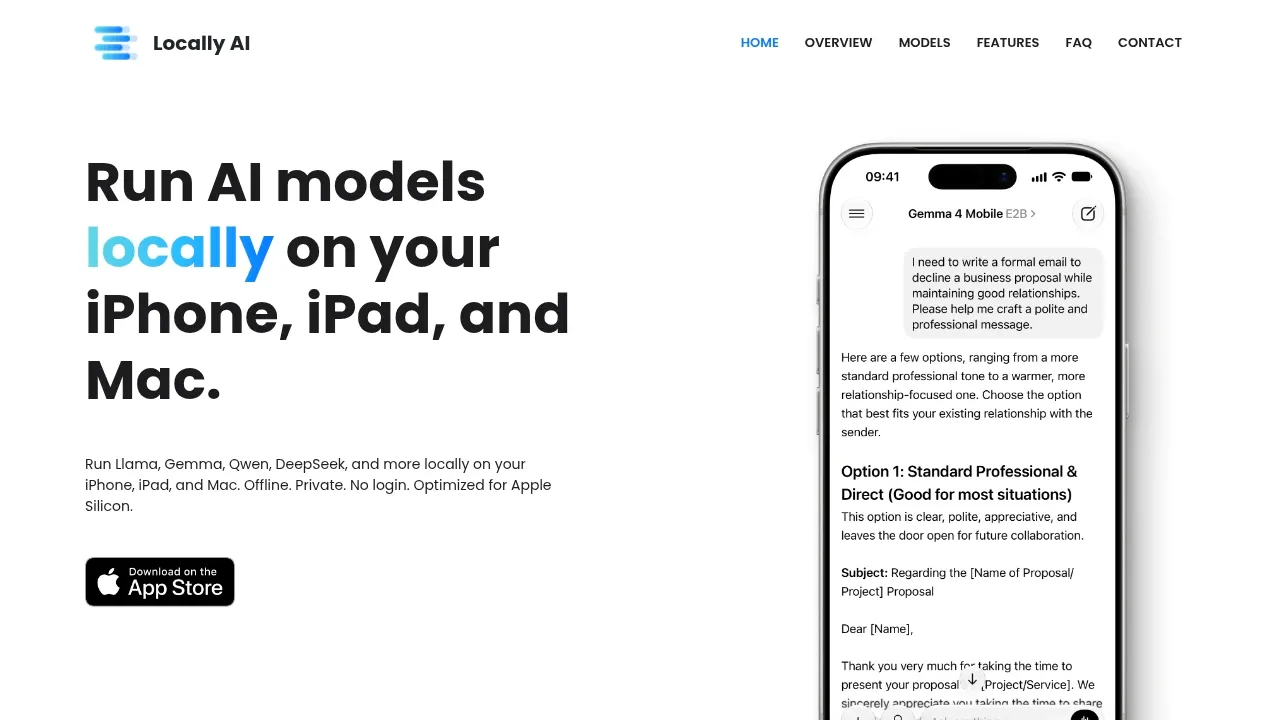
Locally AI covers ChatGPT on the phone. It runs language and vision models on recent iPhones and iPads, and on Macs, with on-device voice conversations and no account.
After a model download it works offline, and Siri and Shortcuts can call it. It is available from the App Store and the Mac App Store.

An open source Android AI chat app runs GGUF models offline with llama.cpp and connects to remote models through Ollama, OpenAI and other providers.
Maid gives Android users a chat app that runs downloaded GGUF models on the phone. You can adjust each conversation's model settings and export chats; document research is outside the workflow described here.

An open-source AI data analysis workspace that runs locally in your browser or Docker, with Ollama support and editable charts. MIT licensed.
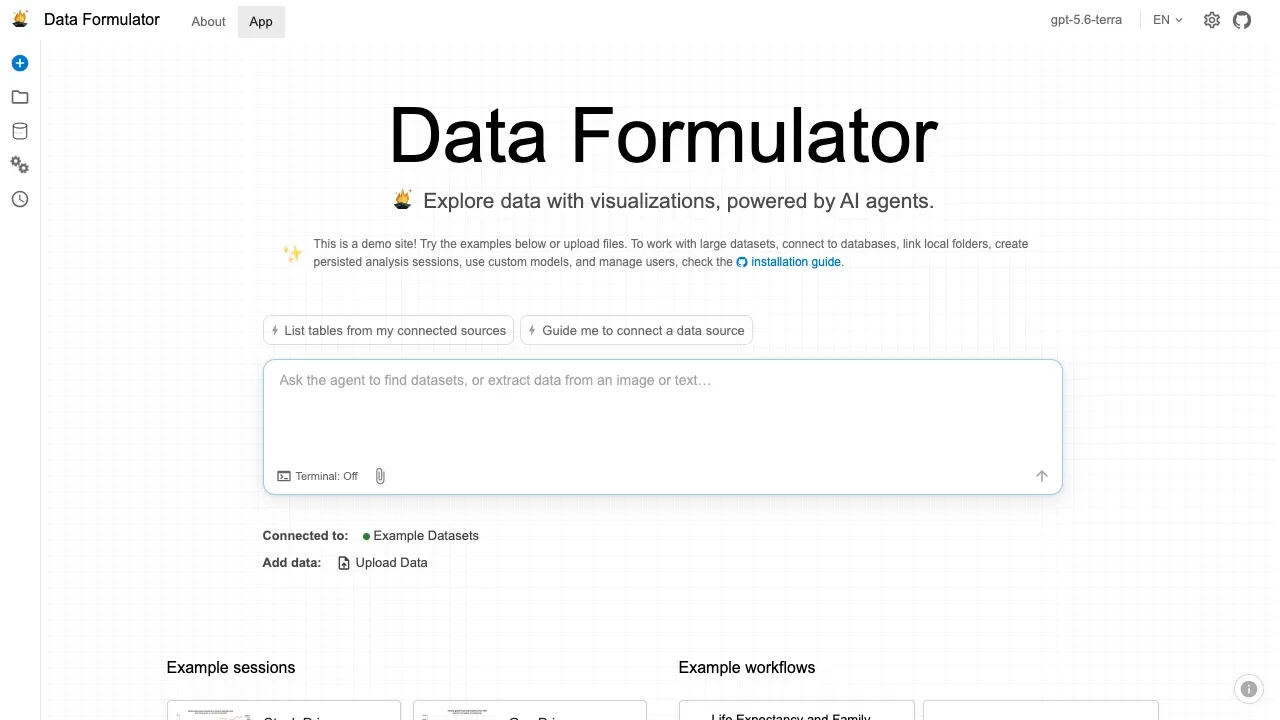

A self-hosted AI data assistant that writes SQL, analyzes spreadsheets, and produces reports using privately deployed models or cloud APIs.

An open-source AI chat app for macOS, iOS and visionOS that connects to your Ollama server and keeps conversation history on your device.
For ChatGPT, start with Open WebUI. Other alternatives include LibreChat, Cherry Studio, Chatbox and Jan.
Most are Desktop Chat Apps; others include Chat With Your Documents.
People also replace
See all
Claude alternatives
Kimi alternatives

Gemini alternatives