LM Studio is a desktop application for downloading and running language models on macOS, Windows and Linux. You can search for models, manage downloads and chat with them through the app. Downloaded models can run offline, including document chat that uses files on your computer.
Its runtime supports llama.cpp models and MLX on Apple Silicon. Developers can connect applications through a local REST API or OpenAI-compatible endpoints. Python and TypeScript SDKs provide another way to manage models and build local workflows. The llmster daemon supports deployments without the desktop interface.
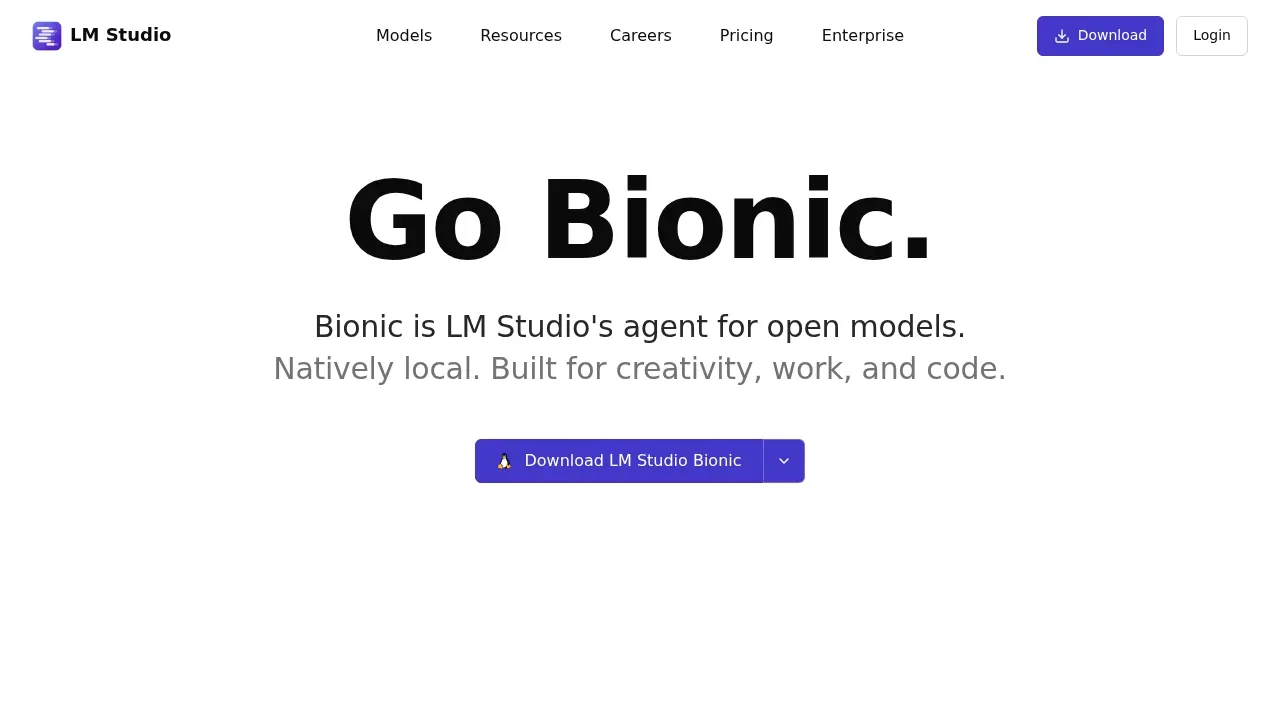
LM Studio also includes Bionic, an agent for documents and code, with locally processed voice transcription. The desktop application has its own license terms; the MIT license of the separate lms command-line project does not cover the desktop app.
Claim this page with an email at lmstudio.ai. LM Studio gets the verified badge, and you can upgrade the listing to be featured on localhosted. Proud to be listed? Put our badge on your site.
Want more people to find LM Studio?Promote it
Something wrong or outdated on this page?
182KUpdated 16 hours agoMIT
macOS · Windows · Linux · Docker#GGUF#llama.cpp backend#Multimodal input
Ollama runs language models on your own computer or server. It provides a command-line runner and a local API for people building AI applications or connecting existing tools to models they host themselves. The software is distributed under the MIT license.
77KUpdated 21 hours agoApache-2.0
macOS · Windows · Linux · Docker · Web#Code execution#GGUF#Image-to-image
Unsloth brings model training and everyday AI use into a desktop app for people who want to run models on their own hardware. Its no-code interface covers chat, fine-tuning and media generation on macOS, Windows and Linux. The Unsloth software is open source under Apache 2.0.
66.6KUpdated 2 hours agoMIT
macOS · Windows · Linux · Android · Docker · Web#LM Studio integration#MCP#Multimodal input
AnythingLLM is an open source AI assistant for people who want to chat with their documents and use AI agents on their own hardware. The desktop app runs on Windows, macOS and Linux, while a Docker deployment supports multiple users on a self-hosted server. No account is required for the desktop app.
44.7KUpdated 5 hours ago
macOS · Windows · Linux#Hugging Face integration#MCP#OpenAI-compatible API
Jan gives people a ChatGPT-style chat interface for AI models running on their own computer. It's free and available for Windows, macOS and Linux. Local chats work offline, with the model and conversation kept on your machine. You can also use cloud models when you want access to a hosted provider.
886Updated 2 weeks agoMIT
macOS · Windows · Linux · Docker · Web#Agent Skills#Code execution#Guardrails
PocketPaw is a self-hosted AI agent for people who want a personal assistant that can work with files, write code and use a browser on their own computer or server. It runs on macOS, Windows and Linux, with a web dashboard and access through messaging apps. It is open source under the MIT license.
77.4KUpdated 1 year agoMIT
macOS · Windows · Linux · Docker#GGUF#llama.cpp backend#OpenAI-compatible API
GPT4All is a local AI chatbot for people who want to run language models on their own desktop or laptop and keep conversations on their machine. Its LocalDocs feature lets you ask questions about your own documents without sending them to a cloud service. It suits developers, teams and individuals who want control over their models and data.