DeepSeek alternatives for running your own models
Run chosen models with Ollama, LM Studio or Jan instead of hosted DeepSeek chat. Compare a model API with desktop conversations and document questions.
DeepSeek's web chat provides an AI assistant for questions, writing and reasoning without asking you to set up a model runtime. The hosted conversation is separate from the downloadable models that developers can deploy themselves. A replacement can therefore mean a different chat app or a way to run a chosen model.
Ollama supplies a local runner and API for applications that need model access. LM Studio adds model downloads and document chat in a desktop interface. Jan focuses on everyday conversations and custom assistants. These DeepSeek alternatives replace the hosted chat workflow, rather than promising that every available model produces the same answers.

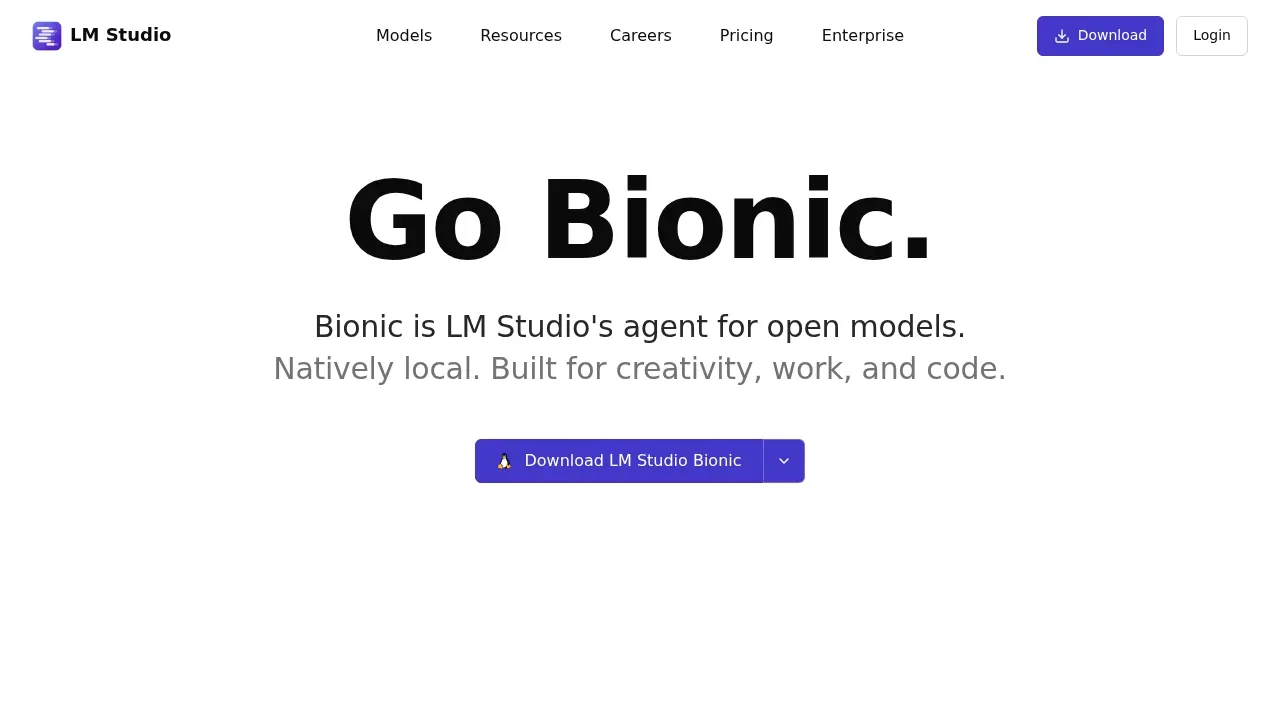
A local LLM app runs downloaded models for chat and agent tasks, with MLX and llama.cpp support and voice transcription processed on your device.

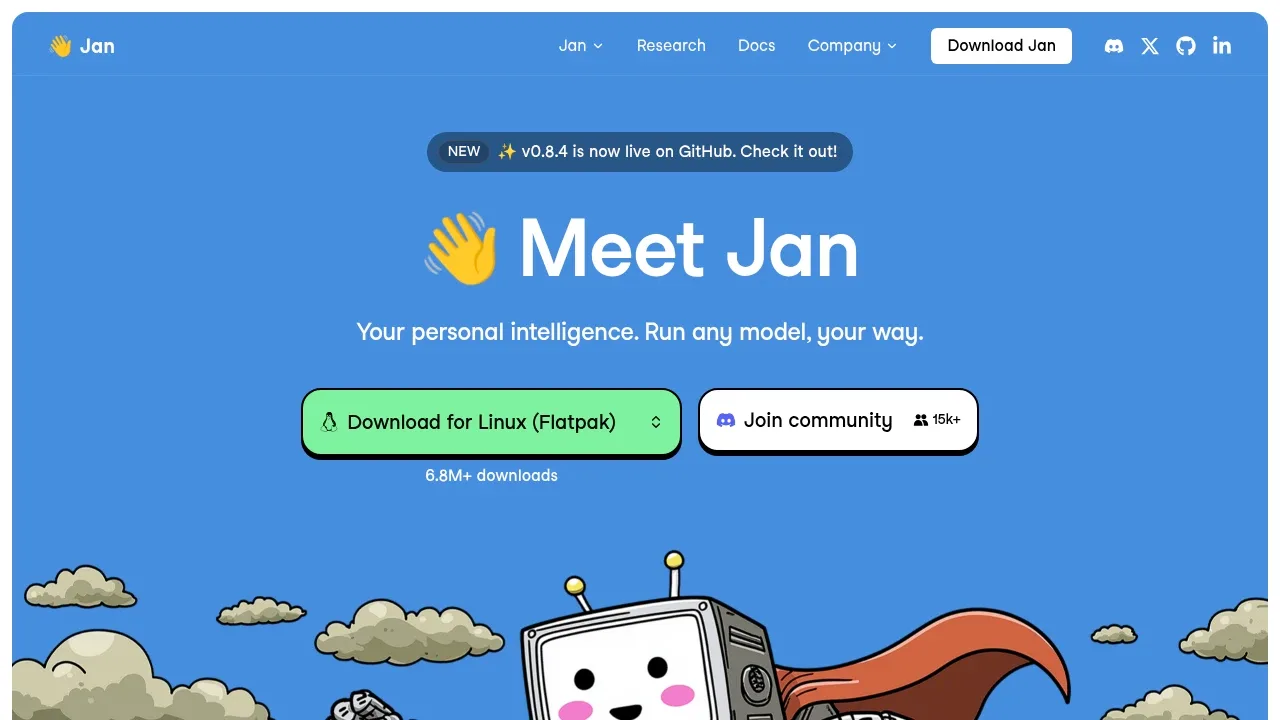
A free desktop ChatGPT alternative runs local models offline on Windows, macOS and Linux, or connects to cloud models such as GPT and Claude.

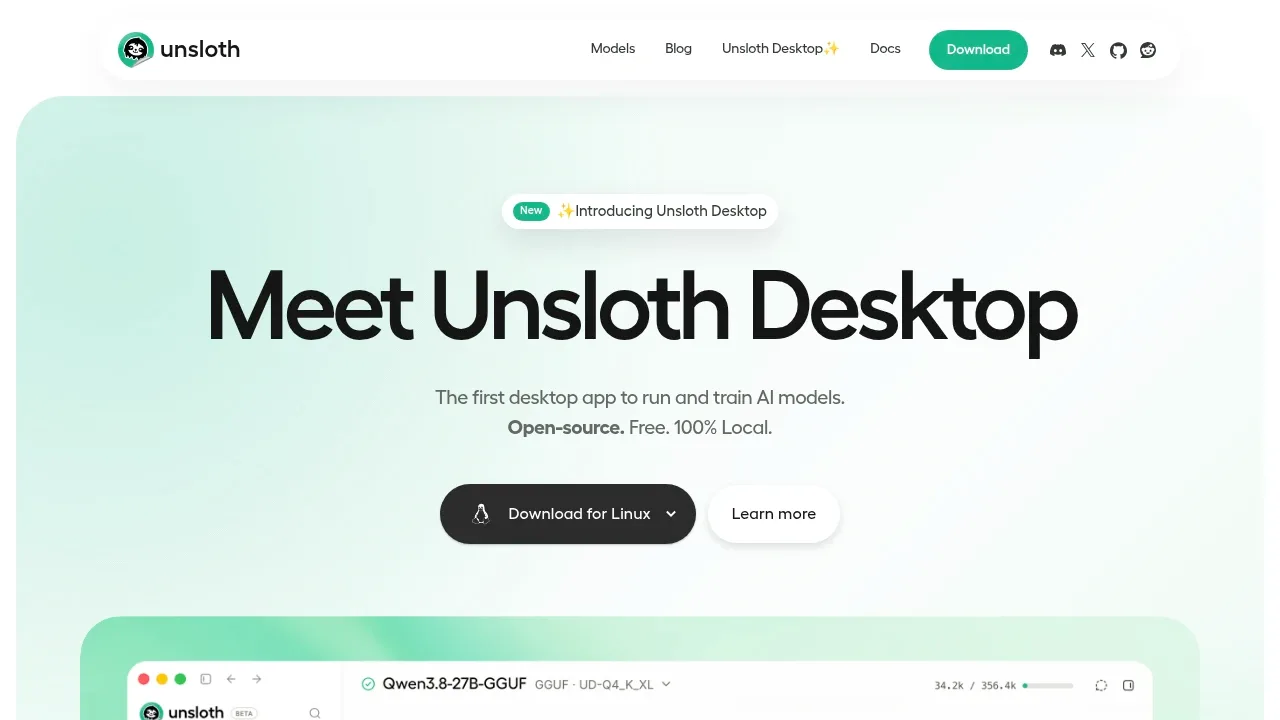
A local LLM app that runs and trains models on macOS, Windows and Linux, with media generation and connections to coding agents.

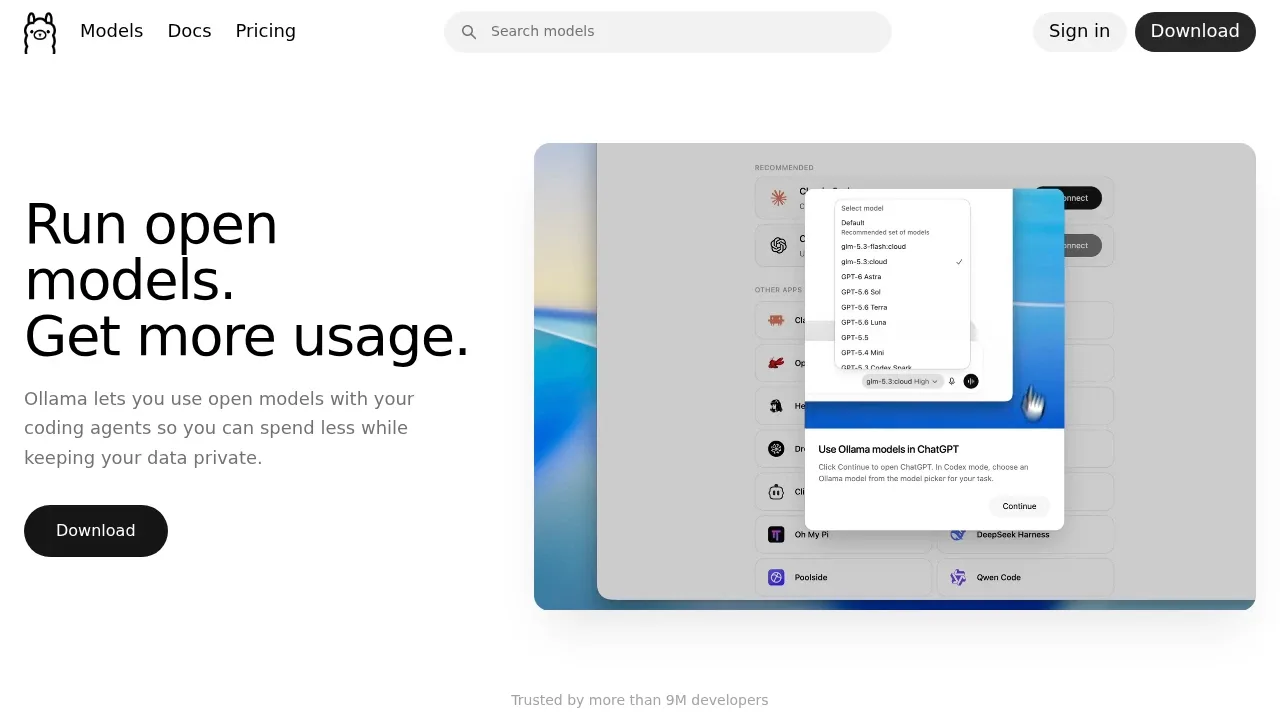
An MIT-licensed local LLM runner and API for macOS, Windows, Linux and Docker, with optional cloud inference and coding agent integrations.

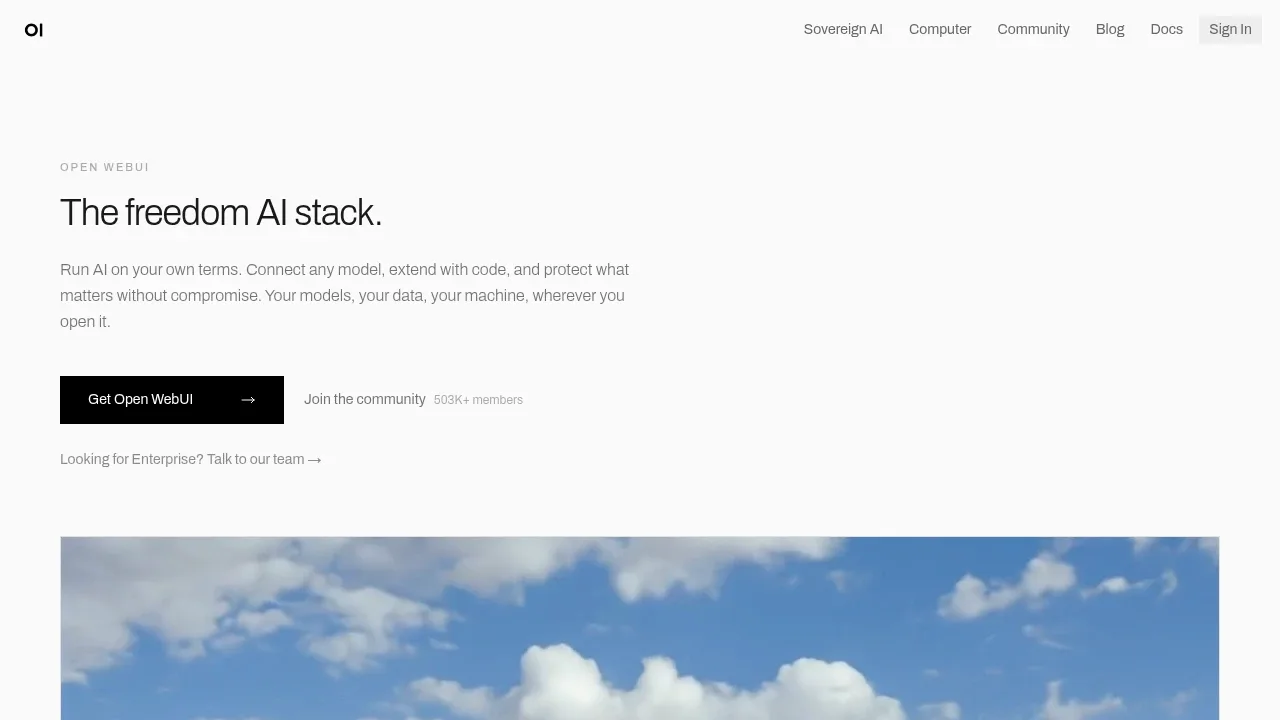
A self-hosted AI chat interface that works offline with local models and connects to Ollama, OpenAI-compatible APIs and cloud providers.

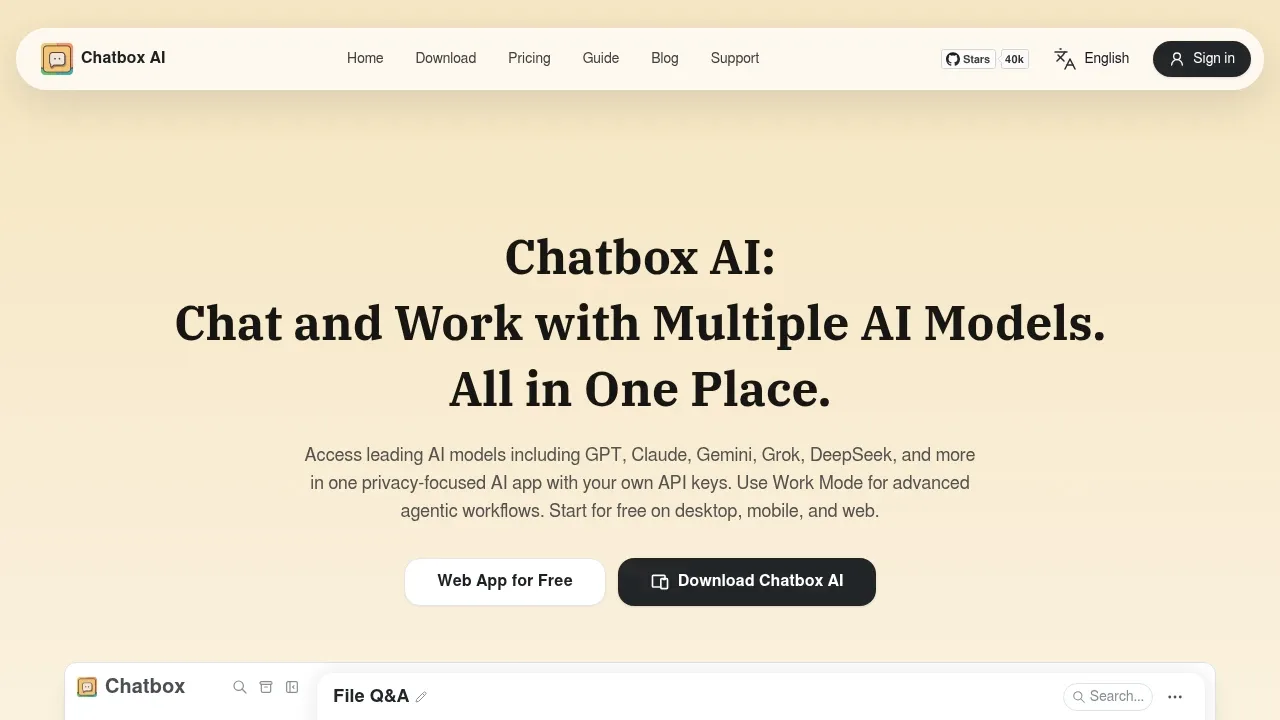
A local LLM desktop app runs GGUF models offline on Windows, macOS and Linux, with vision chat and OpenAI- and Anthropic-compatible APIs.
text-generation-webui suits DeepSeek users who want to run and compare models while keeping chat and file questions in one app. Branch conversations, switch local backends without restarting and attach documents. Its API also serves other applications; generation depends on the downloaded model.

An open-source desktop AI chat app for Windows, macOS and Linux that connects to local models through Ollama or LM Studio and to cloud providers.
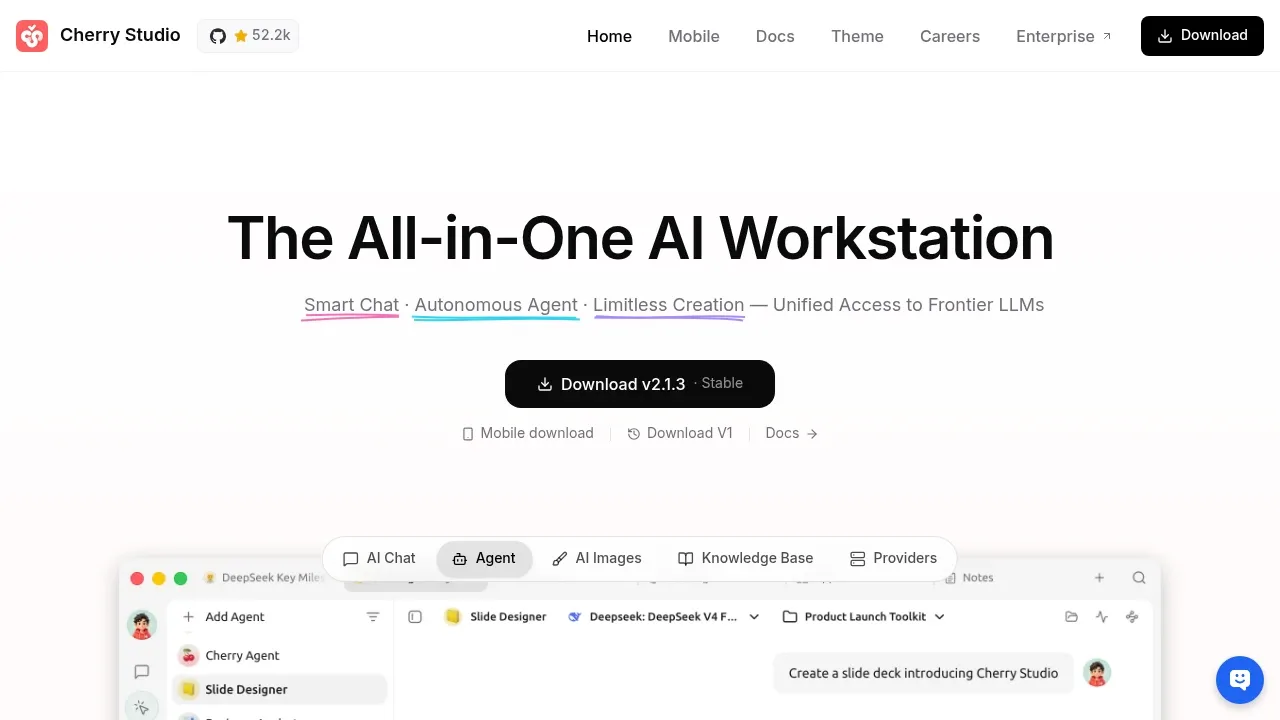

An AI chat client that connects to local models through Ollama and cloud models with your API keys, available on desktop, mobile and the web.

A self-hosted AI chat platform connects local models and cloud APIs, with tool-using agents, conversation search and multi-user authentication.
LibreChat suits moving DeepSeek conversations into a shared service with agents, files and searchable history. Use a local backend or switch among hosted providers, including compatible APIs. It supplies the conversation workspace rather than a DeepSeek model runtime.

A self-hosted AI runtime that serves local models through an OpenAI-compatible API, with CPU-only support, voice tools and built-in agents.

A local LLM runner splits models across macOS and Linux devices and provides OpenAI-, Claude- and Ollama-compatible APIs.

An open source LLM serving engine runs models on your hardware, with an OpenAI-compatible API and support for NVIDIA, AMD and CPU inference.
For DeepSeek, start with LM Studio. Other alternatives include Jan, Unsloth, Ollama and Open WebUI.
Most are Local Model Runners; others include Desktop Chat Apps.
People also replace
See all
ChatGPT alternatives
Le Chat alternatives

Claude alternatives
