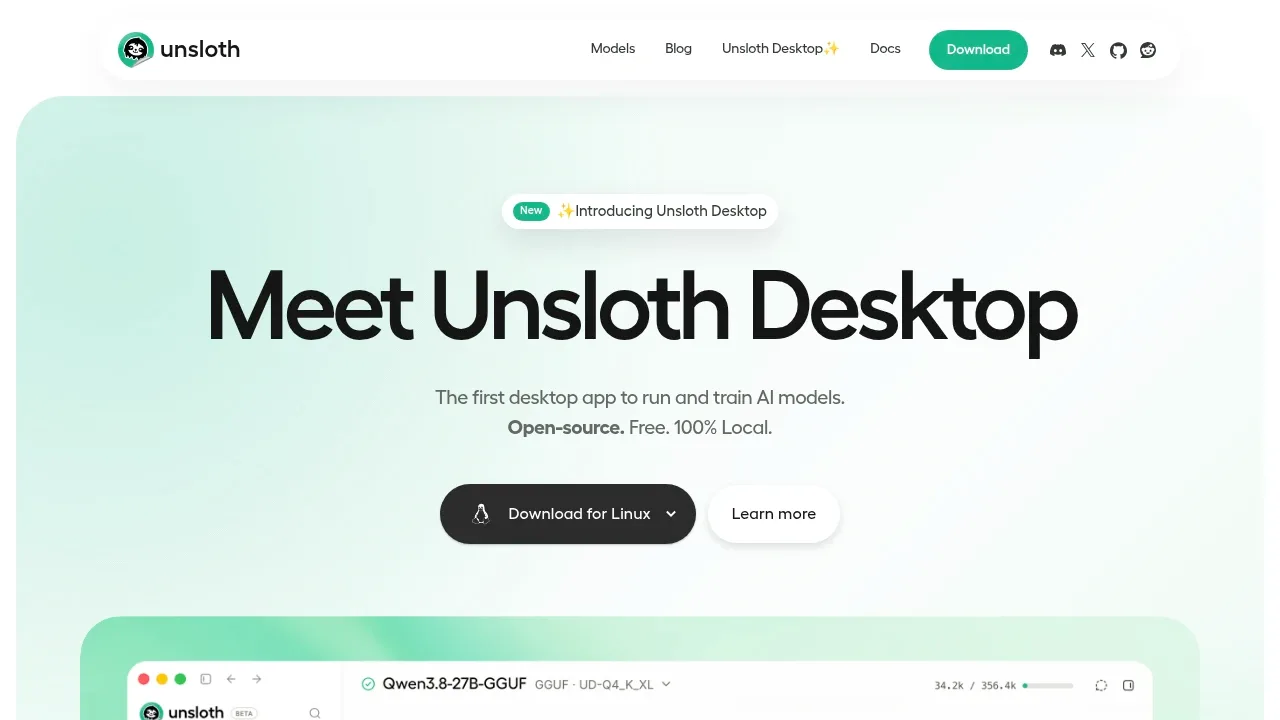
Unsloth brings model training and everyday AI use into a desktop app for people who want to run models on their own hardware. Its no-code interface covers chat, fine-tuning and media generation on macOS, Windows and Linux. The Unsloth software is open source under Apache 2.0.
Model support includes GGUF and MLX, with text models such as Qwen3.8, DeepSeek-V4 and Gemma 4 alongside diffusion, audio and embedding models. A built-in model hub helps you find and download a quantization suited to your device. It supports CPUs, NVIDIA, AMD and Intel GPUs, plus multi-GPU setups and Vulkan.
Training goes beyond adapting a chat model. Unsloth supports LoRA, QLoRA, full fine-tuning and reinforcement learning, and can build datasets from PDFs, CSVs and DOCX files. You can export trained models in formats including GGUF. For media work, it supports image generation and editing with Qwen-Image-2.1 and FLUX, plus video generation with Wan and LTX.
Developers can connect Claude Code, Codex and MCP to local models, or use an OpenAI-compatible API with existing apps. Models can execute Bash and Python in a sandbox, with automatic repair and retries for failed tool calls.
Desktop inference, training and media generation run locally. Web search and research with cited reports use online access. Unsloth also offers a self-hosted web UI through Docker and a code-based edition; optional Cloudflare tunnels provide remote access to models running locally or on Colab.
Claim this page with an email at unsloth.ai. Unsloth gets the verified badge, and you can upgrade the listing to be featured on localhosted. Proud to be listed? Put our badge on your site.
Want more people to find Unsloth?Promote it
Something wrong or outdated on this page?
47.7KUpdated 1 month agoAGPL-3.0
macOS · Windows · Linux · Docker · Web#GGUF#llama.cpp backend#LoRA
text-generation-webui, also called TextGen, runs language models on your own hardware through a desktop app or a self-hosted browser interface. It's for people who want private chat and writing tools, and developers who need a local model API. It works offline without telemetry; web search and page fetching use the internet.
lmstudio.aiComputer and Browser Agents
macOS · Windows · Linux#llama.cpp backend#MCP#MLX
4.8KUpdated 3 weeks agoApache-2.0
macOS · Windows · Linux · Docker · Web#GGUF#Hugging Face integration#llama.cpp backend
77.4KUpdated 1 year agoMIT
macOS · Windows · Linux · Docker#GGUF#llama.cpp backend#OpenAI-compatible API
44.7KUpdated 5 hours ago
macOS · Windows · Linux#Hugging Face integration#MCP#OpenAI-compatible API
5.8KUpdated 1 day agoApache-2.0
macOS · Windows · Linux · iOS · Android · Docker#GGUF#Hugging Face integration#llama.cpp backend
LM Studio is a desktop application for downloading and running language models on macOS, Windows and Linux. You can search for models, manage downloads and chat with them through the app. Downloaded models can run offline, including document chat that uses files on your computer.
Lollms WebUI is a local, single-user AI interface for people who want text chat and media generation in one place. It runs on Windows, macOS and Linux, with Docker support, and lets writers, developers and other users choose models and task-specific personalities. It's free and open source under Apache 2.0. The project receives minimal maintenance.
GPT4All is a local AI chatbot for people who want to run language models on their own desktop or laptop and keep conversations on their machine. Its LocalDocs feature lets you ask questions about your own documents without sending them to a cloud service. It suits developers, teams and individuals who want control over their models and data.
Jan gives people a ChatGPT-style chat interface for AI models running on their own computer. It's free and available for Windows, macOS and Linux. Local chats work offline, with the model and conversation kept on your machine. You can also use cloud models when you want access to a hosted provider.
Lemonade is an open source local AI server for people who want to use models on their own hardware or connect them to apps and agents. It handles chat, coding, image generation, speech, transcription, and embeddings. A built-in interface lets you use those capabilities directly, while its server makes them available to other software.