
Locally Uncensored
A local AI studio for Windows and Linux combines chat, image and video generation, and a coding agent, with offline use and optional paid cloud processing.
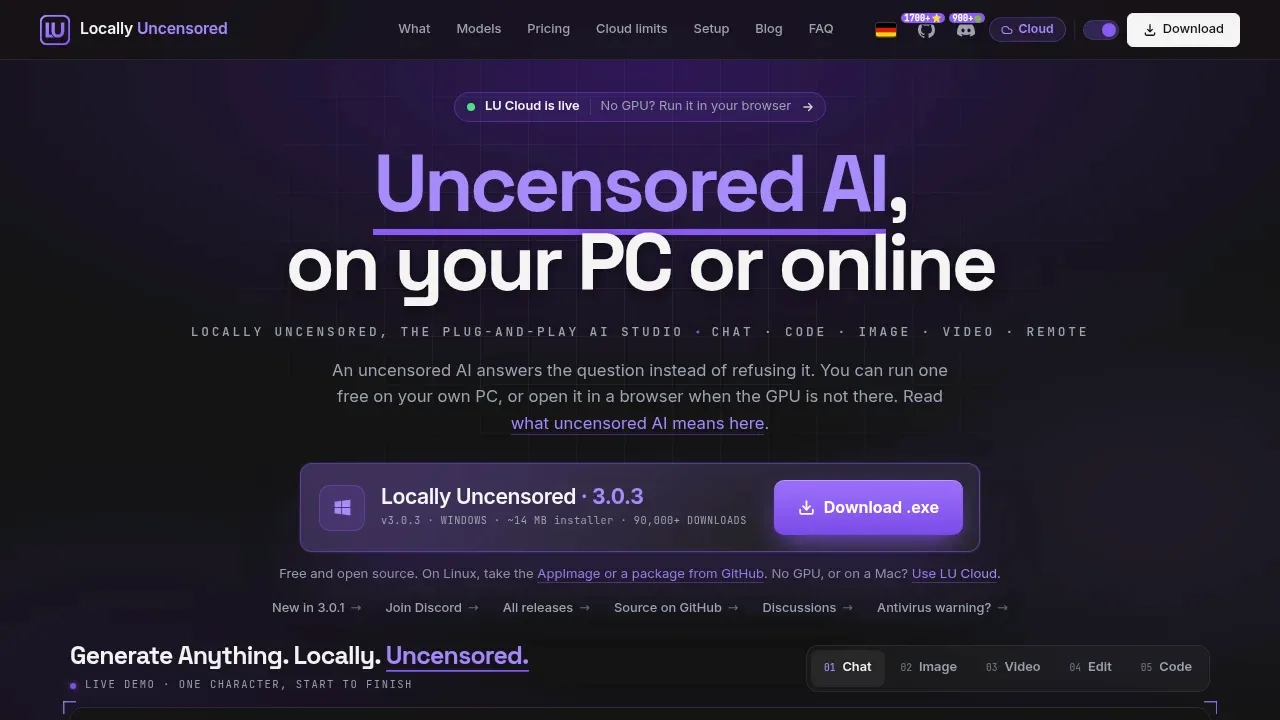
Locally Uncensored is a desktop AI studio for people who want to chat, create media and work on code on their own PC. It includes mainstream models and variants with fewer refusal restrictions.
- Chat with your files. Ask about photos and documents, use voice input and spoken replies, keep memory across chats, and import conversations from ChatGPT, Claude or Gemini.
- Create images and video. Generate and edit pictures, animate images, make music and train reusable characters through ComfyUI without its node editor; image enhancement and object erasure require LU Cloud.
- Coding and agents. Review code changes before applying them and let the coding agent run tests, or give Agent Mode tasks that involve web searches, files and code execution with permissions you control.
- Compare models. Get recommendations that fit your hardware, compare models side by side and benchmark them locally.
- Phone access. Control the desktop app from your phone while your PC runs the models.
The Windows and Linux app is free and open source under AGPL-3.0. Local mode works offline, needs no account, keeps chats on your computer and has no telemetry. It supports Ollama, LM Studio and llama.cpp, with models including Qwen, GPT-OSS and DeepSeek. Local media generation uses your graphics card, and available workflows depend on your hardware.
Optional paid LU Cloud sends prompts to hosted GPUs and runs in a browser, including on Macs, which have no desktop build. Qwen-Image 2.1 can generate and edit images locally, but its research license prohibits commercial use.
 Logotyper


