Le Chat alternatives for chat and writing tasks
Compare Jan, LM Studio and Open WebUI for Le Chat-style writing and document questions. Le Chat is now Mistral Vibe; these picks focus on conversation.
Le Chat is now Mistral Vibe, Mistral's assistant for conversation, writing and longer tasks. Its web and mobile service combines chat with search, document uploads and creation tools. People looking for Le Chat alternatives may want a simpler conversational workspace, especially when the main task is drafting or asking about a file.
Jan provides desktop chat with downloaded models and custom assistants. LM Studio adds document questions and a local API that other applications can use. Open WebUI suits a shared installation with notes, retrieval and access controls. These tools replace the chat and document workflow; Mistral's connected services and hosted agents remain a separate choice.

A self-hosted AI chat platform connects local models and cloud APIs, with tool-using agents, conversation search and multi-user authentication.
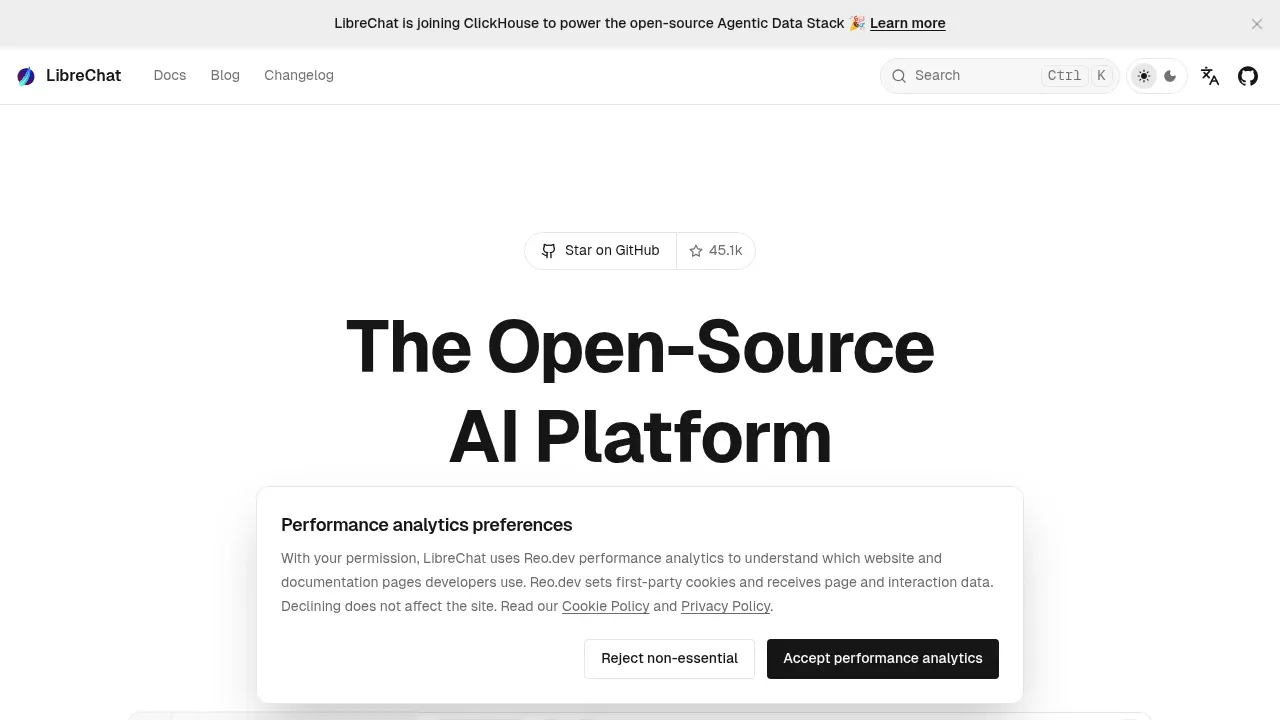
LibreChat provides a self-hosted chat and agent workspace for people moving from Le Chat. Work with files, preview code artifacts and search earlier conversations while choosing local or hosted model backends.

An open-source desktop AI chat app for Windows, macOS and Linux that connects to local models through Ollama or LM Studio and to cloud providers.
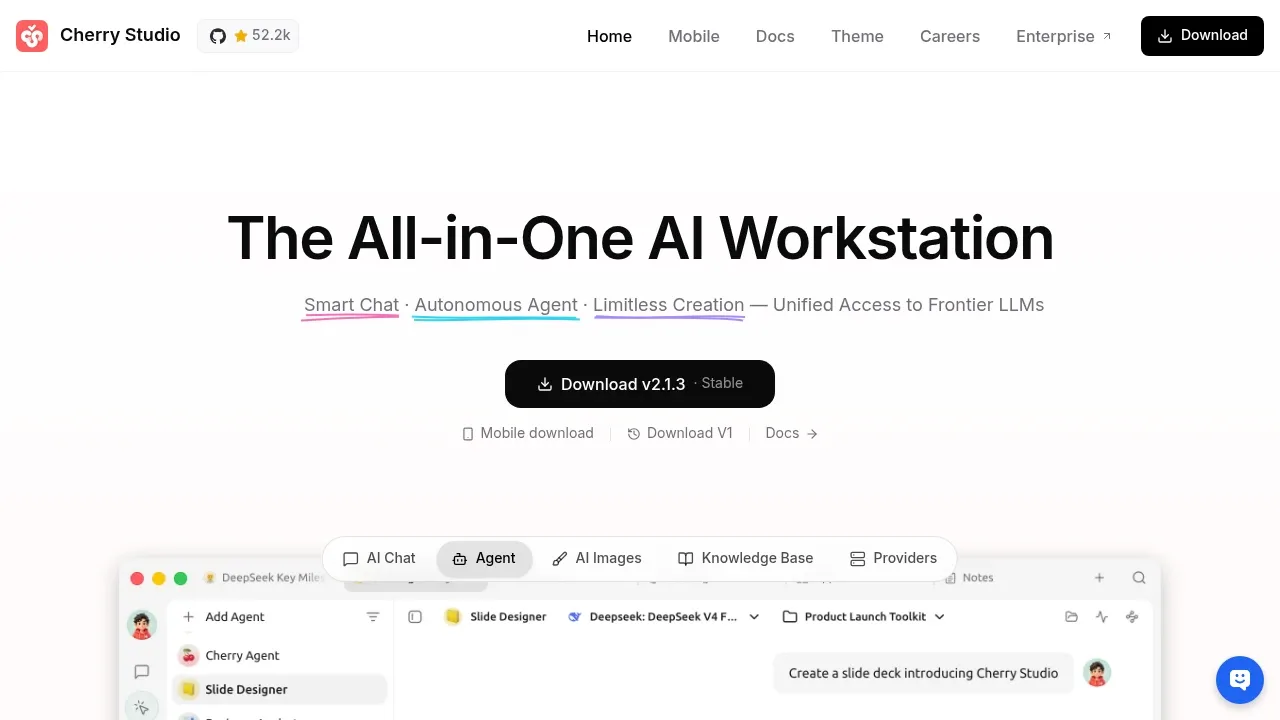

A self-hosted AI chat interface that works offline with local models and connects to Ollama, OpenAI-compatible APIs and cloud providers.
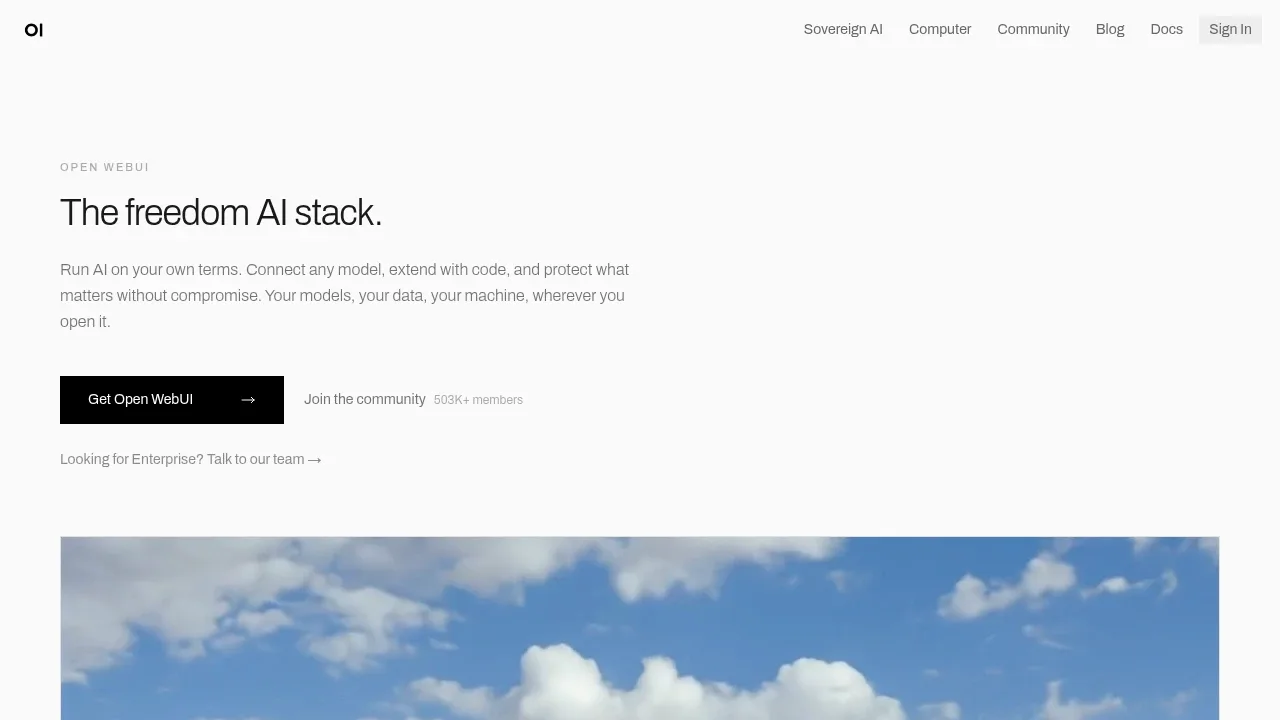

An AI chat client that connects to local models through Ollama and cloud models with your API keys, available on desktop, mobile and the web.
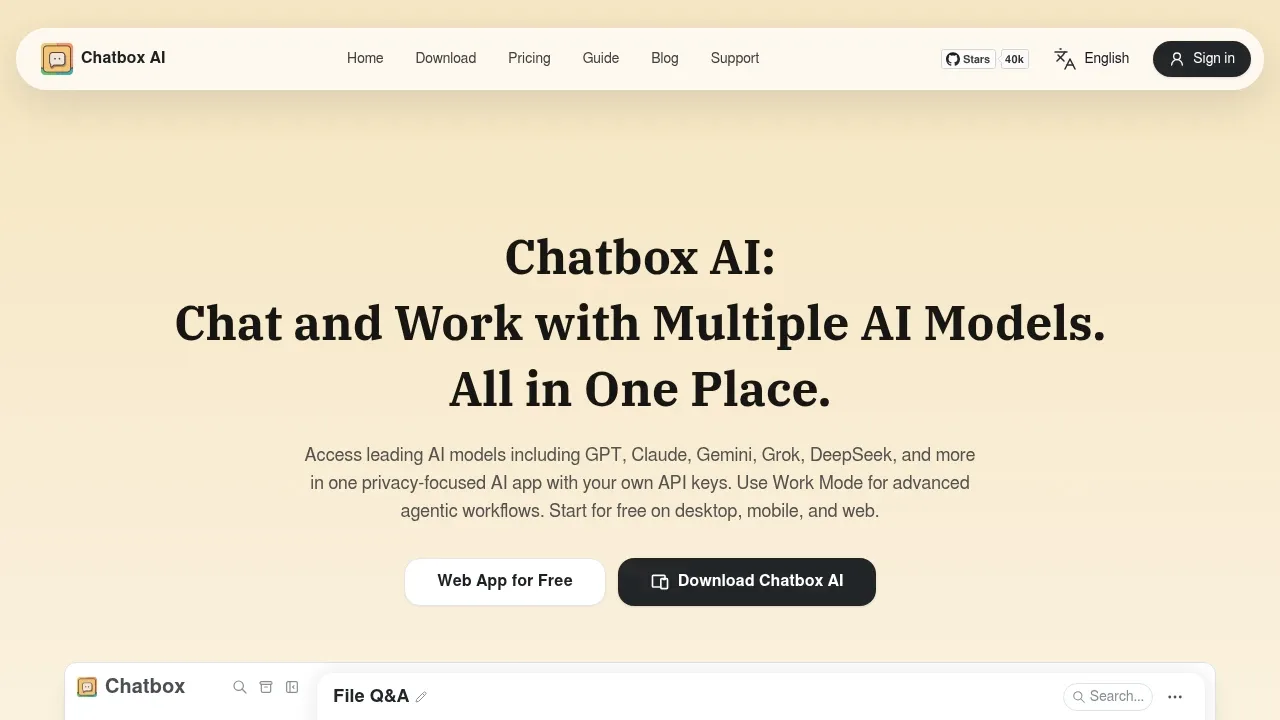
Chatbox suits keeping Le Chat-style conversations across desktop and mobile while changing model providers. Work with files, retain reusable prompts and search a desktop document knowledge base. Local Ollama connections and hosted provider keys use the same conversation interface.

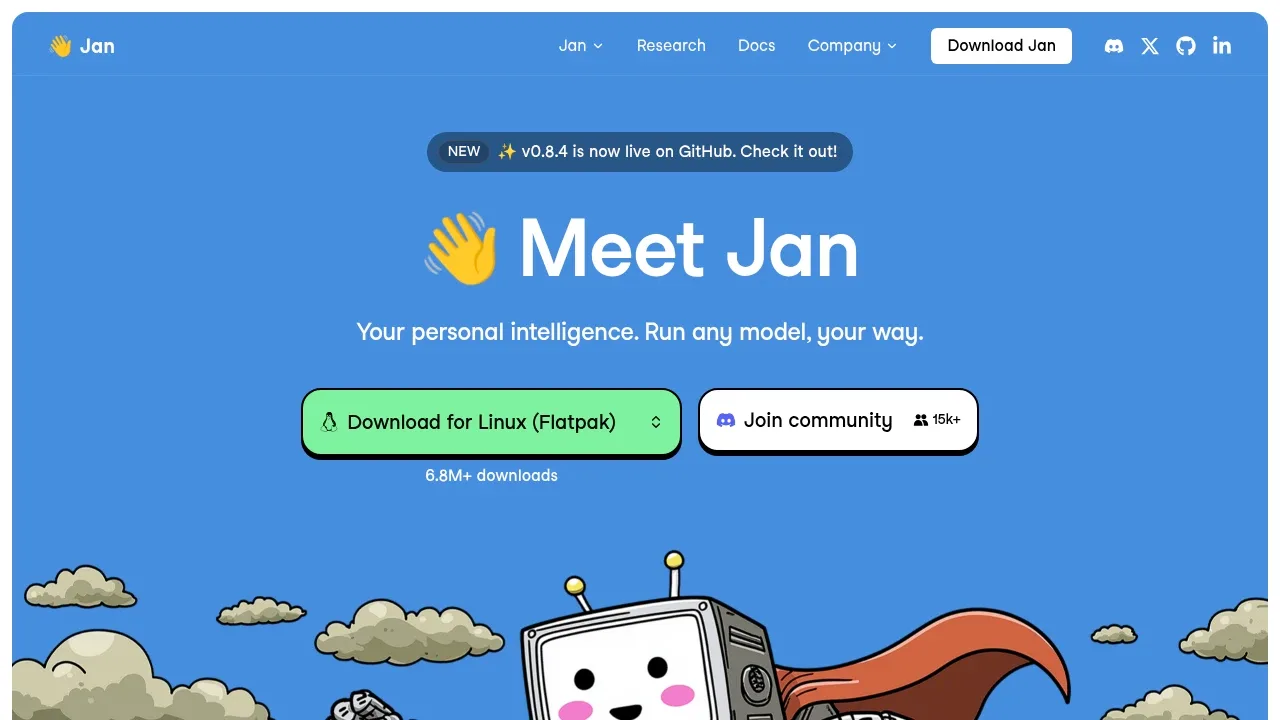
A free desktop ChatGPT alternative runs local models offline on Windows, macOS and Linux, or connects to cloud models such as GPT and Claude.

A local LLM app runs downloaded models for chat and agent tasks, with MLX and llama.cpp support and voice transcription processed on your device.

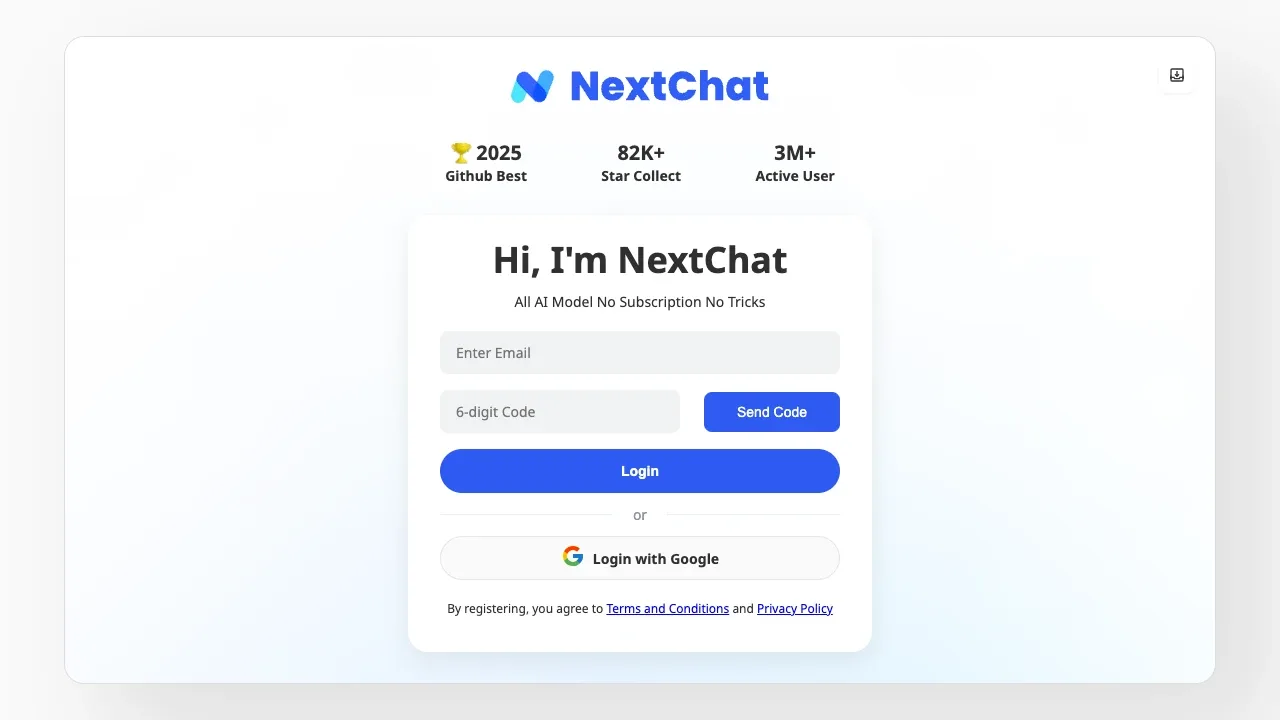
A self-hostable AI chat interface supports LocalAI, RWKV-Runner and cloud models, with MIT-licensed code and desktop clients.
For Le Chat, start with LibreChat. Other alternatives include Cherry Studio, Open WebUI, Chatbox and Jan.
Most are Desktop Chat Apps; others include Self-Hosted Chat Web UIs.
People also replace
See all
DeepSeek alternatives


ChatGPT alternatives

Claude alternatives
