Kimi alternatives for chat and document work
Compare LM Studio, AnythingLLM and Open WebUI for conversations about documents. Choose desktop files, cited workspaces or shared chat.
Kimi is Moonshot AI's hosted assistant for knowledge work and coding. Its service combines conversation with document-oriented tasks, making it useful when a question starts with material you already have. A replacement for that part of Kimi can focus on reading files and discussing them rather than reproducing its wider agent features.
LM Studio keeps document chat in a desktop app with downloaded models. AnythingLLM organizes files into workspaces with cited answers and agents. Open WebUI adds shared chat, notes and permissions on your own server. These Kimi alternatives offer different ways to keep source material close to the conversation and choose the model that processes it.

A free local AI assistant for Windows, macOS, Linux and Android, with document chat, agents and a Docker option for self-hosted teams.
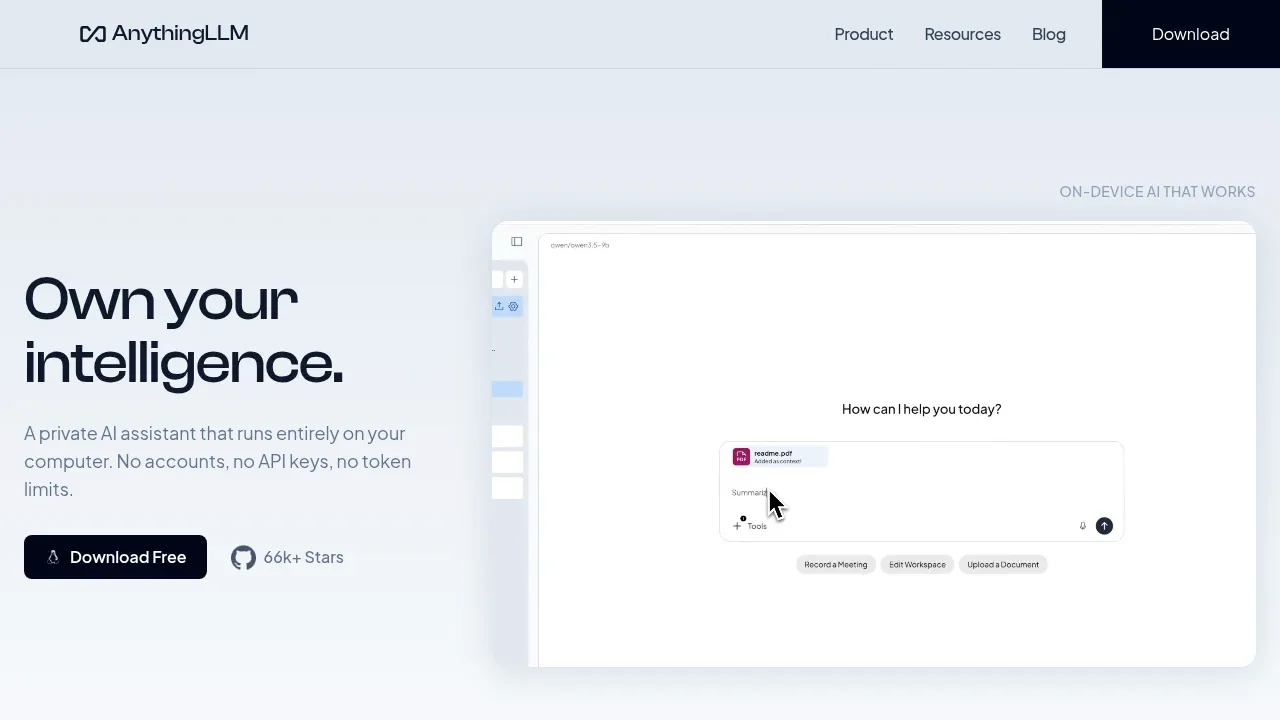
AnythingLLM suits replacing Kimi document work with workspaces that return source citations. The desktop app serves personal files, while Docker adds shared access. Agents, scheduled tasks and workspace memory extend the file conversation with local or hosted models.

An open-source desktop AI chat app for Windows, macOS and Linux that connects to local models through Ollama or LM Studio and to cloud providers.
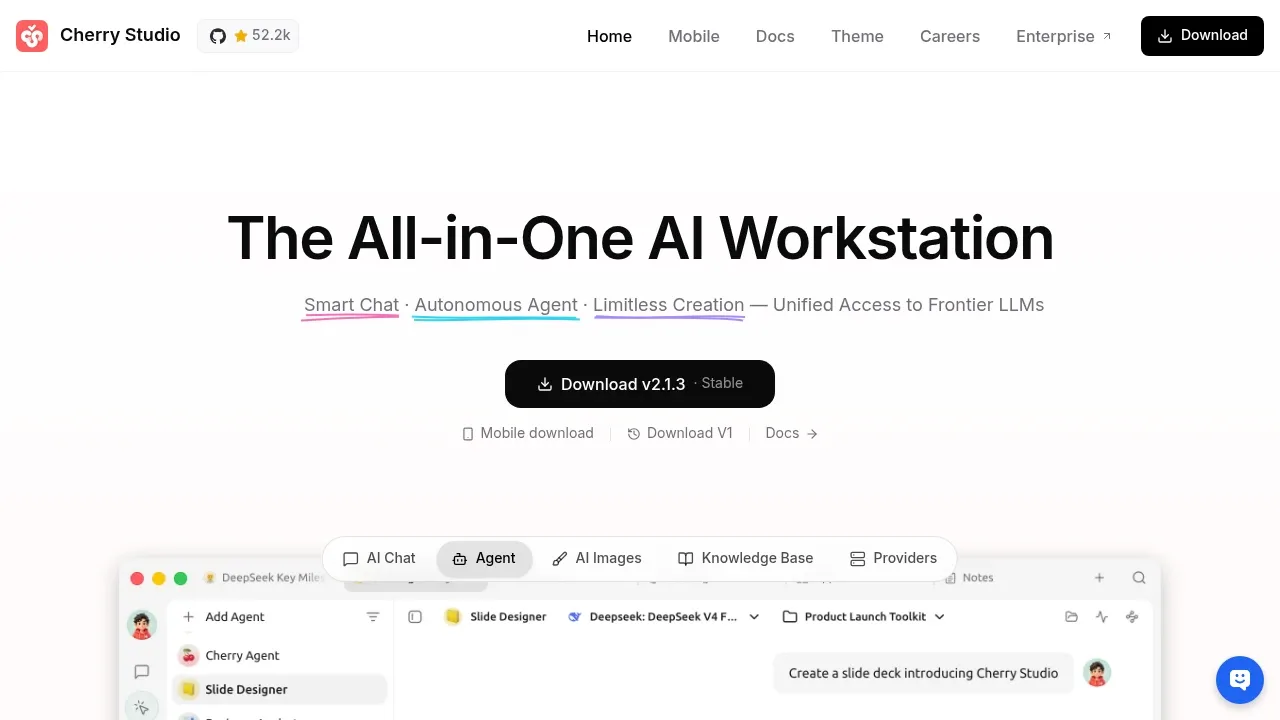
Cherry Studio covers Kimi-style file questions and reusable chat assistants in a desktop app. Work with PDFs, Office documents or images and compare conversations with different models. MCP connections add external tools; inference uses your chosen local backend or hosted provider.

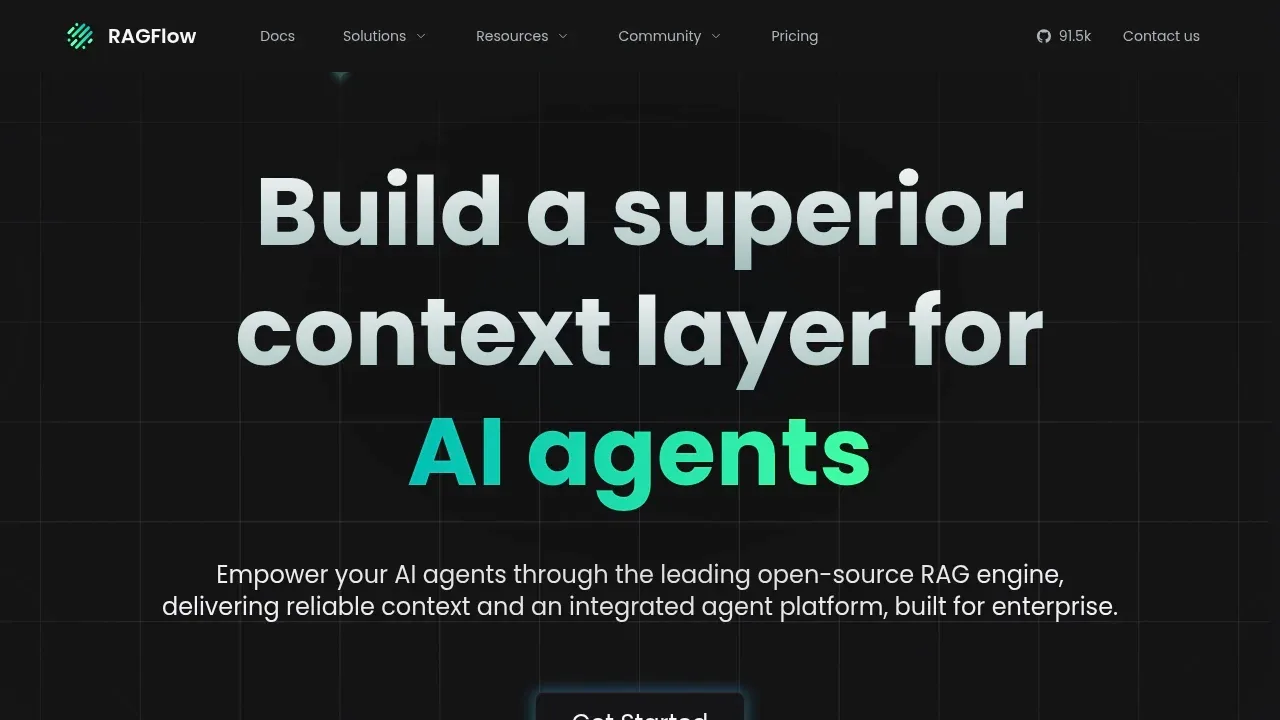
A self-hosted, open source RAG engine builds document-based AI agents with hybrid search, traceable citations and visual workflows.

A self-hosted AI chat platform connects local models and cloud APIs, with tool-using agents, conversation search and multi-user authentication.
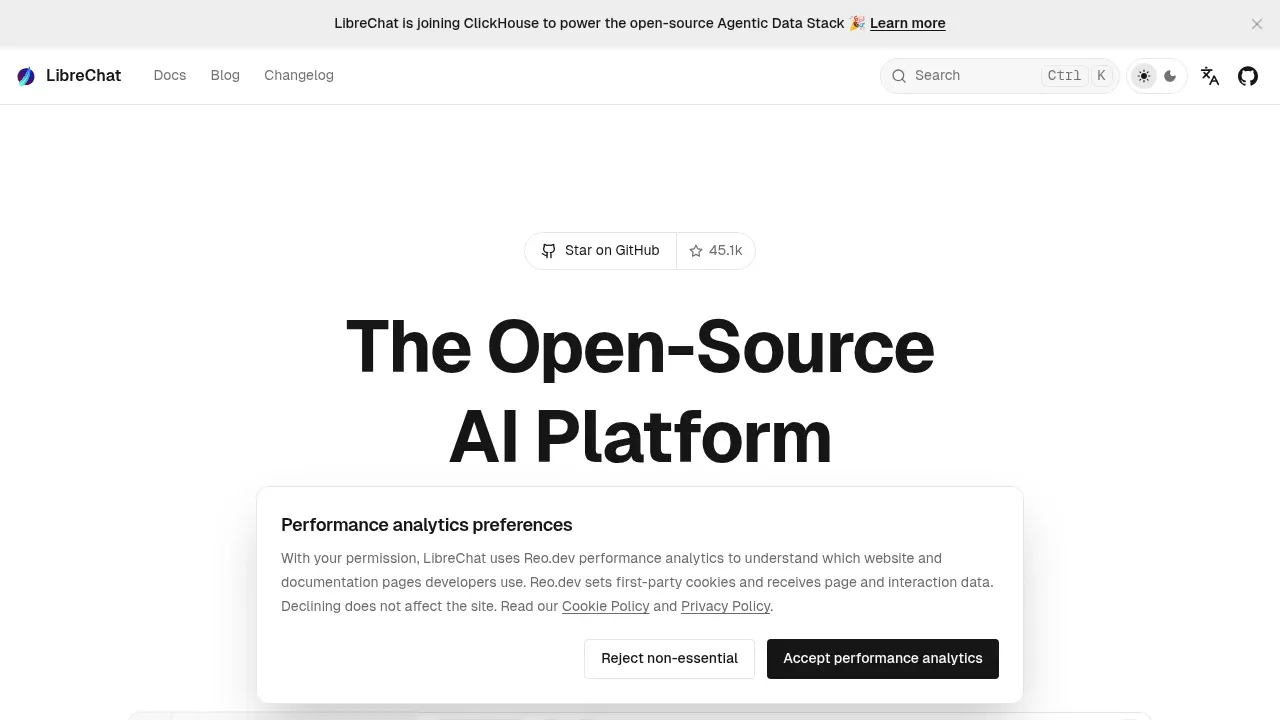
LibreChat adds a self-hosted workspace for Kimi-style file conversations and agent tasks. It supports searchable conversations, tools and code artifacts, with multiple model providers behind one interface.

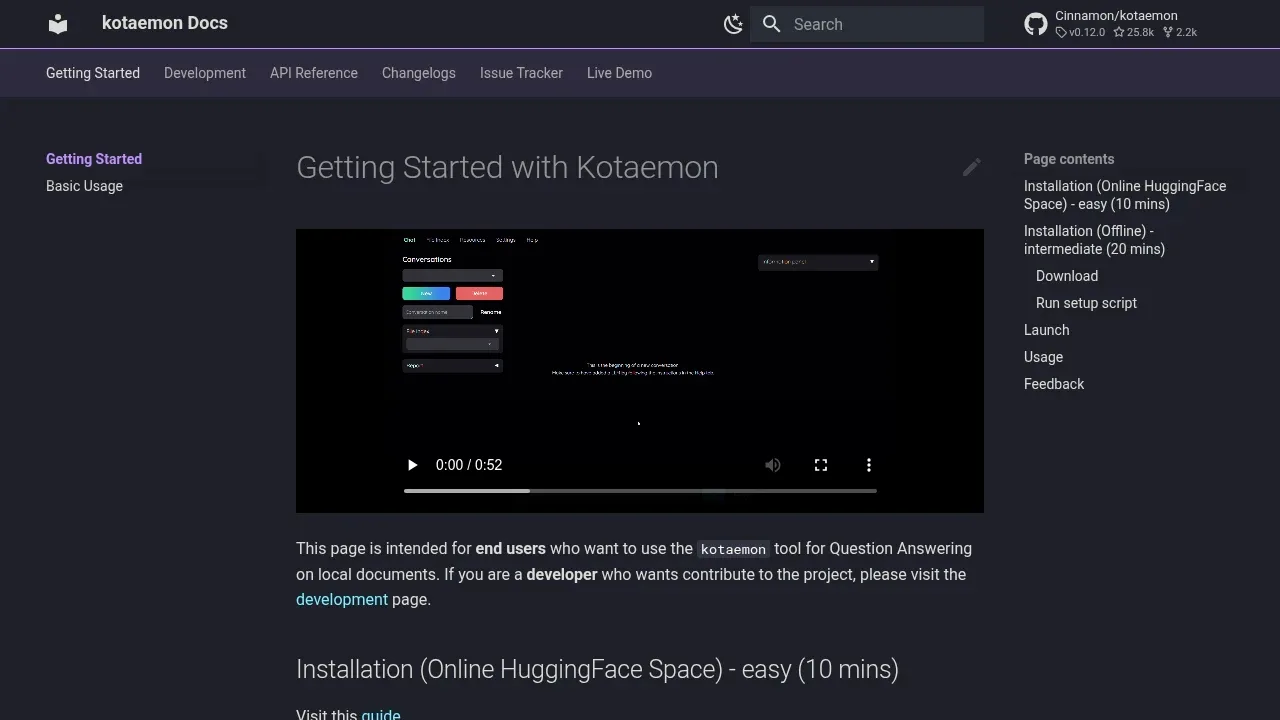
A self-hosted document chat app with cited answers, local models through Ollama or llama-cpp-python, and optional cloud APIs.

A self-hosted AI knowledge platform combines cited document Q&A, agent tasks and linked wiki pages, with Ollama inference and offline deployment support.
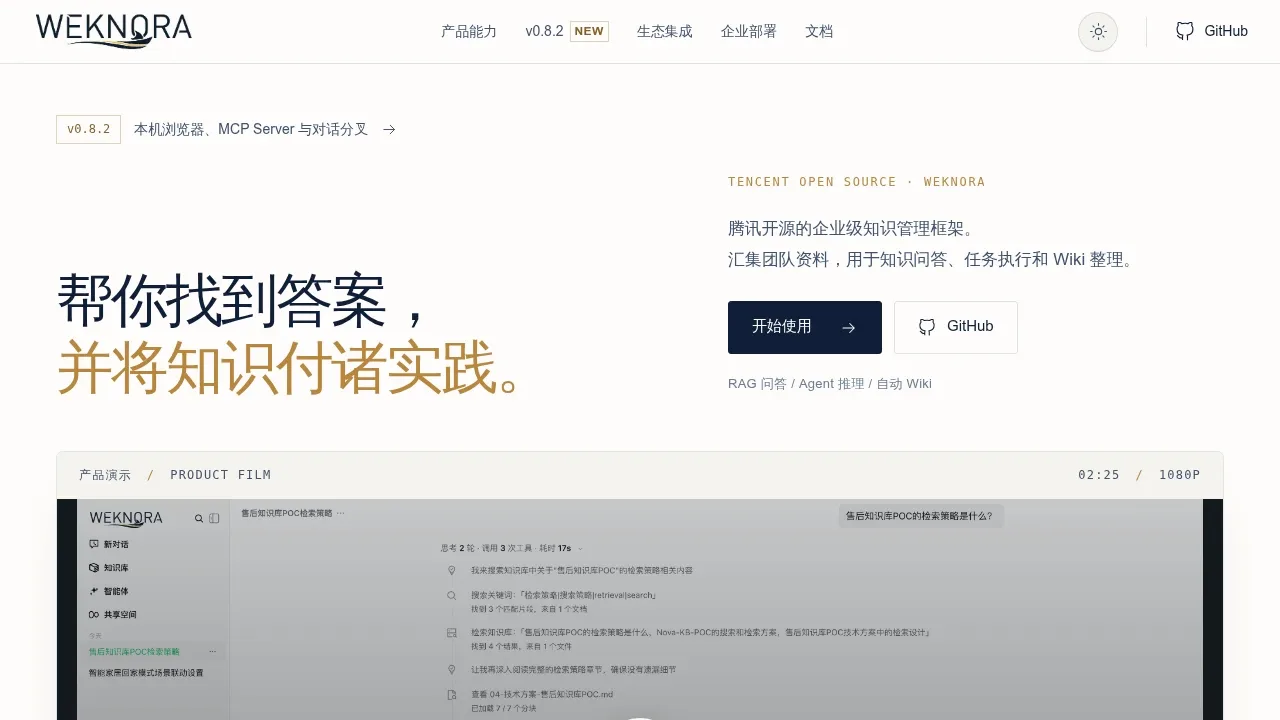
WeKnora combines cited document answers with agent tasks over the same knowledge bases. Office files and connected sources can feed a linked wiki, while MCP tools and skills let the agent act on the material it retrieves.

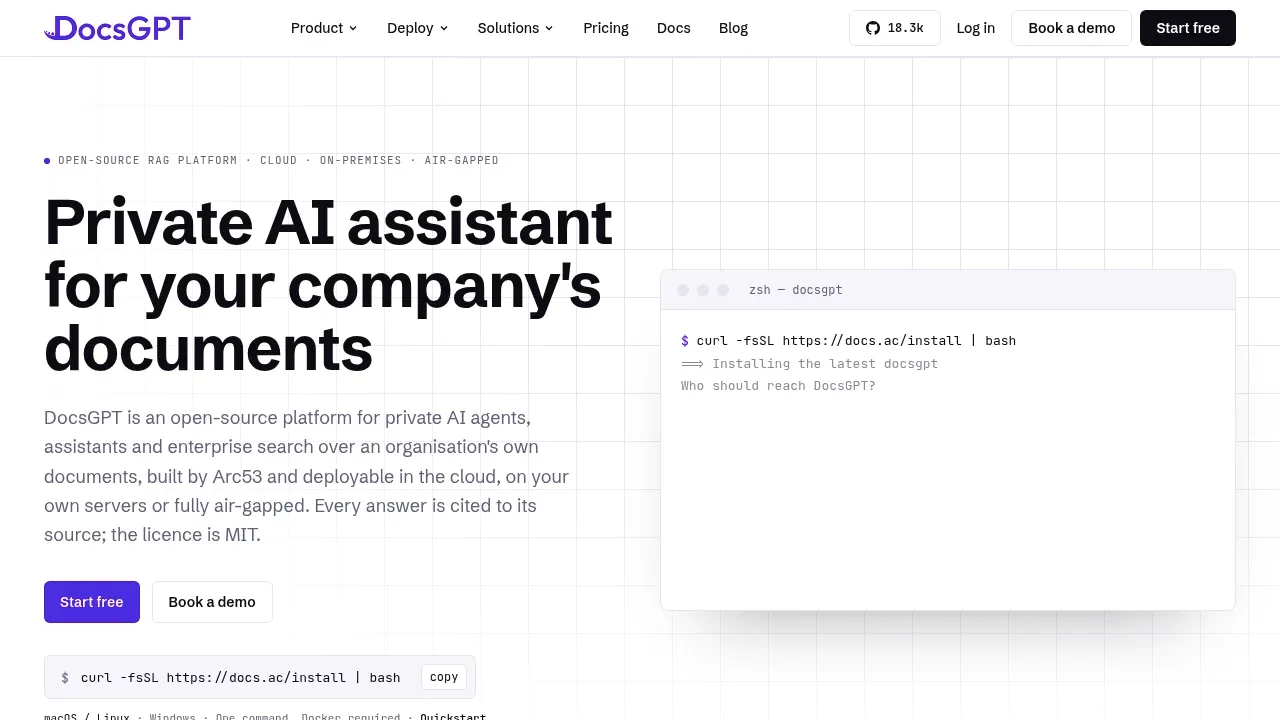
A self-hosted AI document assistant with cited answers and agent workflows that can run fully offline through Ollama, vLLM or llama.cpp.

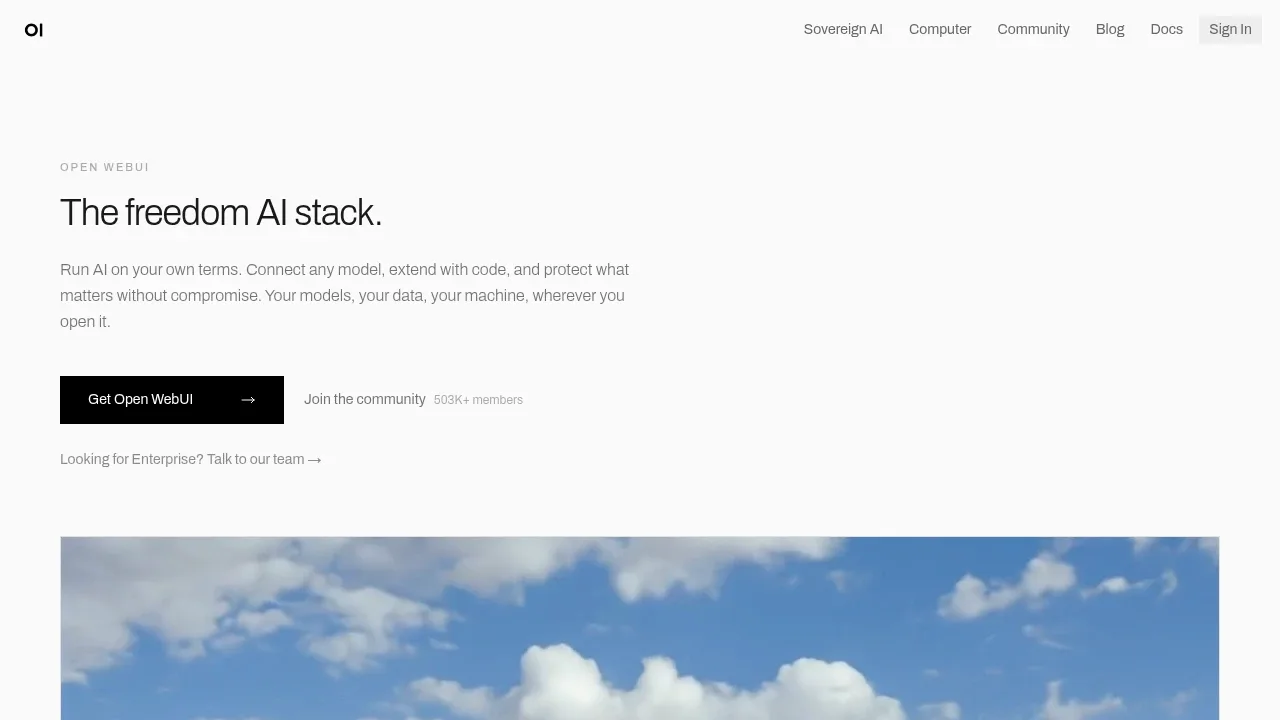
A self-hosted AI chat interface that works offline with local models and connects to Ollama, OpenAI-compatible APIs and cloud providers.

Local AI chat app for macOS that runs GGUF models offline, answers questions about files on-device, and connects to Claude and ChatGPT.
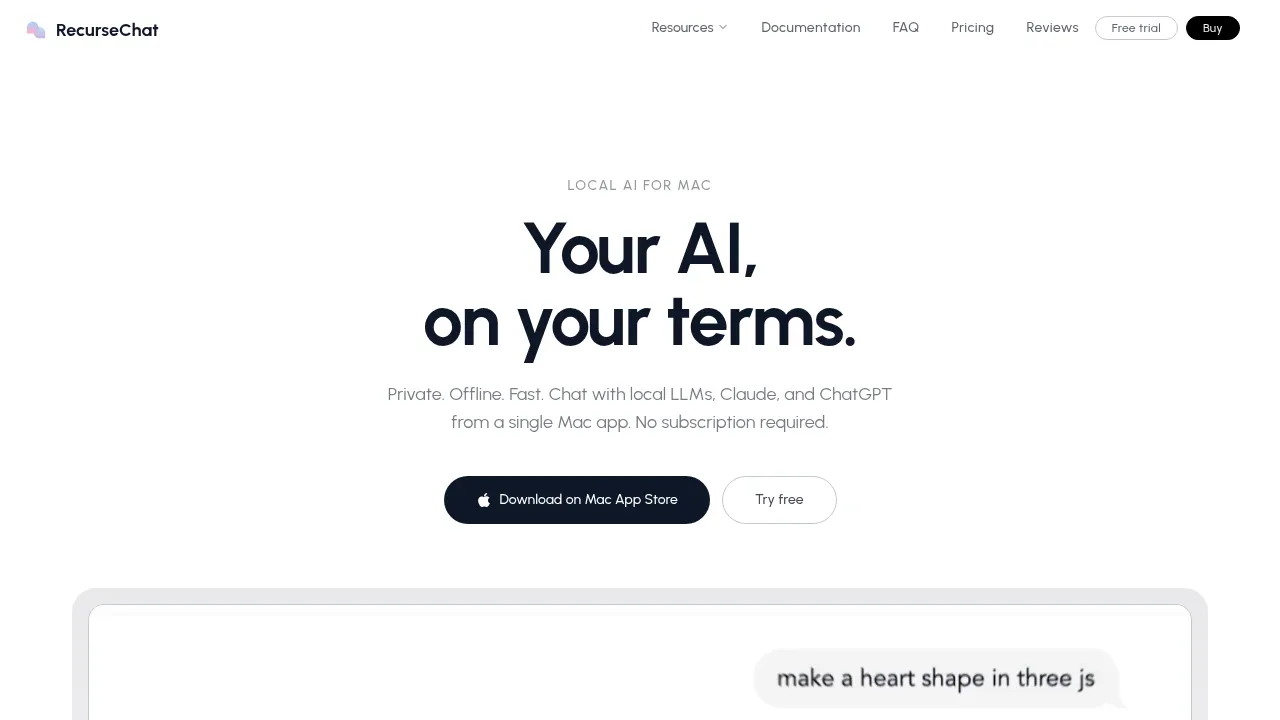
RecurseChat provides file conversations over PDFs, Markdown and text files on a Mac. On-device embeddings and vector search retrieve material for answers, with a floating window for keeping document questions beside your other work.

A local LLM app runs downloaded models for chat and agent tasks, with MLX and llama.cpp support and voice transcription processed on your device.

A self-hosted document Q&A system that supports offline use, Chinese and English questions, and default CPU operation on Windows, macOS and Linux.
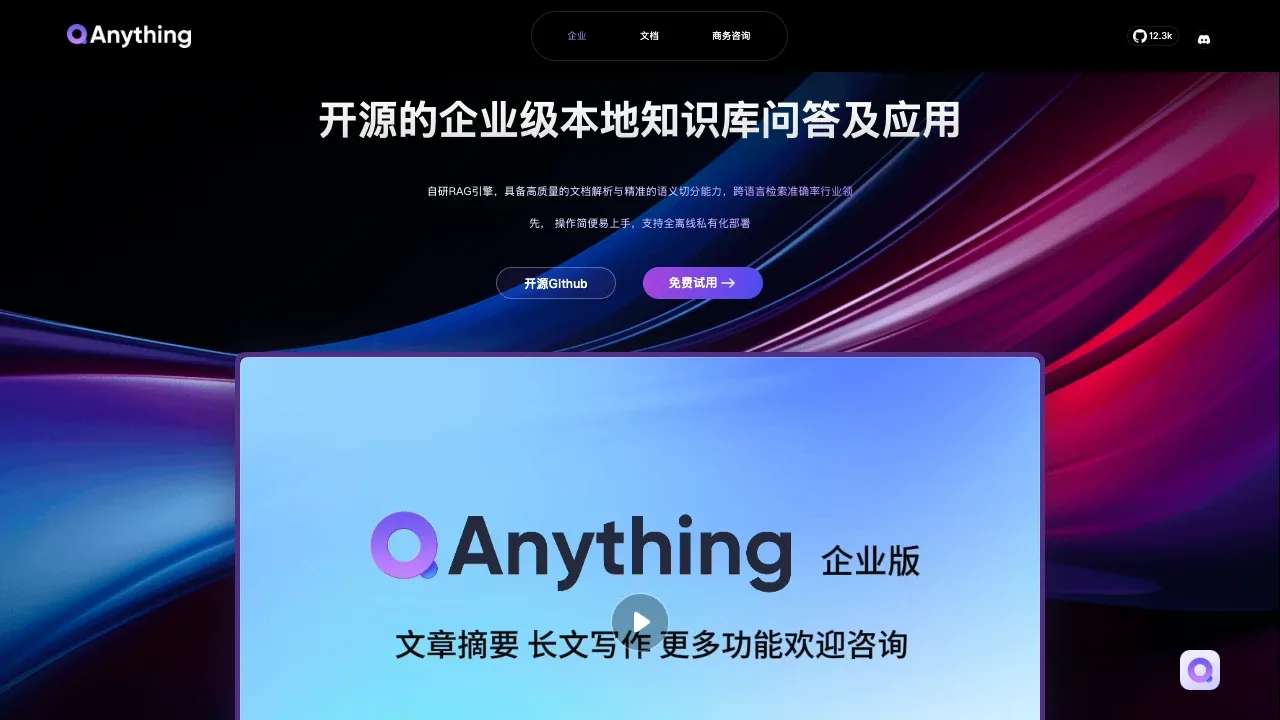

Self-hosted AI agent platform that answers questions from documents and runs multi-agent tasks, with Docker deployment and OpenAI-compatible model APIs.
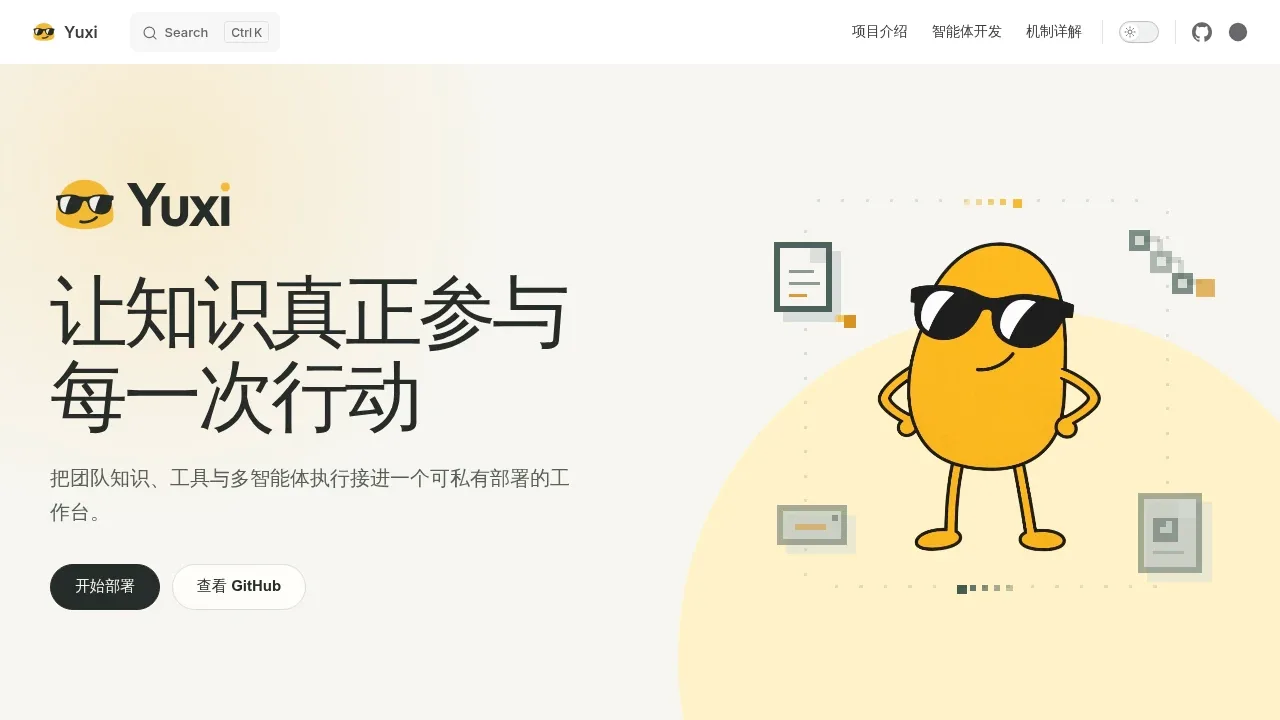

A local AI document chat app that uses Ollama, combines semantic and full-text search, and returns source passages, with MIT-licensed code.
For Kimi, start with AnythingLLM. Other alternatives include Cherry Studio, RAGFlow, LibreChat and kotaemon.
Most are Chat With Your Documents; others include Self-Hosted Chat Web UIs.
People also replace
See all
ChatGPT alternatives

NotebookLM alternatives



Claude alternatives