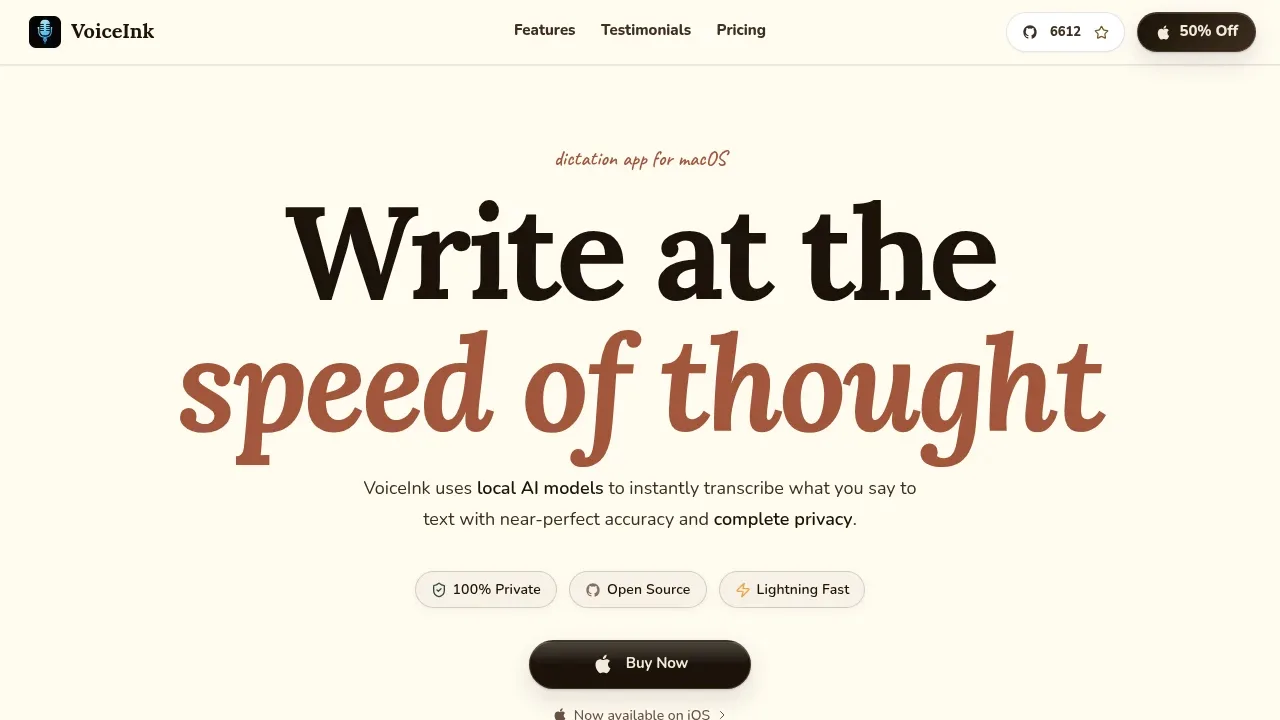
VoiceInk is a native macOS dictation app for people who want to write emails, notes, and AI prompts by speaking. It transcribes speech locally and works across applications, so writers, students, and developers can dictate into the apps they already use. Voice transcription works offline.
Your recordings stay on your Mac. Optional Cloud Enhancement sends transcribed text for processing, but doesn't send your voice. This distinction matters if you want local speech recognition while choosing when to use cloud help with the wording.
Its personal dictionary preserves names, specialist terms, and unusual spellings. Smart Replace corrects recurring words or expands a spoken phrase into saved text, such as a meeting link. App and URL detection can apply different writing settings depending on where you're dictating, and keyboard or mouse shortcuts support push-to-talk.
VoiceInk can remove filler and repetition, organize a spoken update into readable notes, and format an email. You can also select existing text and describe how you'd like it rewritten. For journal entries, it can save a finished note with a timestamp directly to a Markdown file.
The Mac app requires Apple Silicon and macOS 14.4 or later, with 8GB RAM recommended. Local models use Apple's Neural Engine. Its code is available to inspect and build yourself; the source-build README requires macOS 15 or later. An iOS app is also available.
Claim this page with an email at tryvoiceink.com. VoiceInk gets the verified badge, and you can upgrade the listing to be featured on localhosted. Proud to be listed? Put our badge on your site.
Want more people to find VoiceInk?Promote it
Something wrong or outdated on this page?
superwhisper.comDictation and Voice Typing
macOS · Windows · iOS · Android#Multilingual#Works offline
Superwhisper is an AI dictation app for macOS, Windows, iOS and Android that turns speech into text in the app you're using. It's for people who prefer speaking to typing, including developers dictating requests to coding assistants. Speech recognition can run locally and offline, or use cloud models for remote processing.
1.5KUpdated 5 days agoMIT
macOS · Windows · iOS · Android#Multilingual#Ollama integration#Works offline
8.9KUpdated 9 hours agoMIT
macOS · Windows · Linux · iOS#Batch processing#MCP#Multilingual
whispernotes.appChat With Your Documents
macOS · iOS#MCP#Multilingual#Speaker diarization
goodsnooze.gumroad.comDictation and Voice Typing
macOS · iOS#Batch processing#Multilingual#Ollama integration
apps.apple.comDictation and Voice Typing
iOS#Multilingual#Works offline
Amical is a free, open-source AI dictation app that formats spoken text for the app you're using. It's for people who want voice input for email, chat, coding prompts and everyday writing, with a choice between local processing and cloud models. It runs on macOS and Windows, with mobile apps for iOS and Android.
OpenWhispr is a free, MIT-licensed dictation and meeting transcription app for people who want voice input across their apps with control over where processing happens. It's available on macOS, Windows, Linux and iOS. Local transcription works offline and keeps audio on your device; optional cloud transcription sends audio to the selected provider, whose retention policies apply.
Whisper Notes is an offline transcription app for iPhone, iPad and Apple Silicon Macs. It's for people recording interviews, lectures or meetings who need the audio and transcripts to stay on their device. It requires no account and has no cloud sync, analytics or tracking.
MacWhisper is a native macOS transcription app for people working with interviews, lectures, meetings and other recorded audio. It runs speech recognition on your own Mac, so local transcription keeps audio on your device. It also offers cloud transcription through services such as OpenAI, ElevenLabs and Deepgram, which send audio off your machine.
Google AI Edge Eloquent is an AI dictation app for iPhone and iPad that turns spoken thoughts into edited text using on-device Gemma models. It's for people who prefer speaking to typing but don't want every hesitation or self-correction carried into their notes and drafts.