
Whisperstream
On-device dictation software for Windows that runs on CPU, works offline after setup, and types into your apps without uploading microphone audio.
Alternative to:

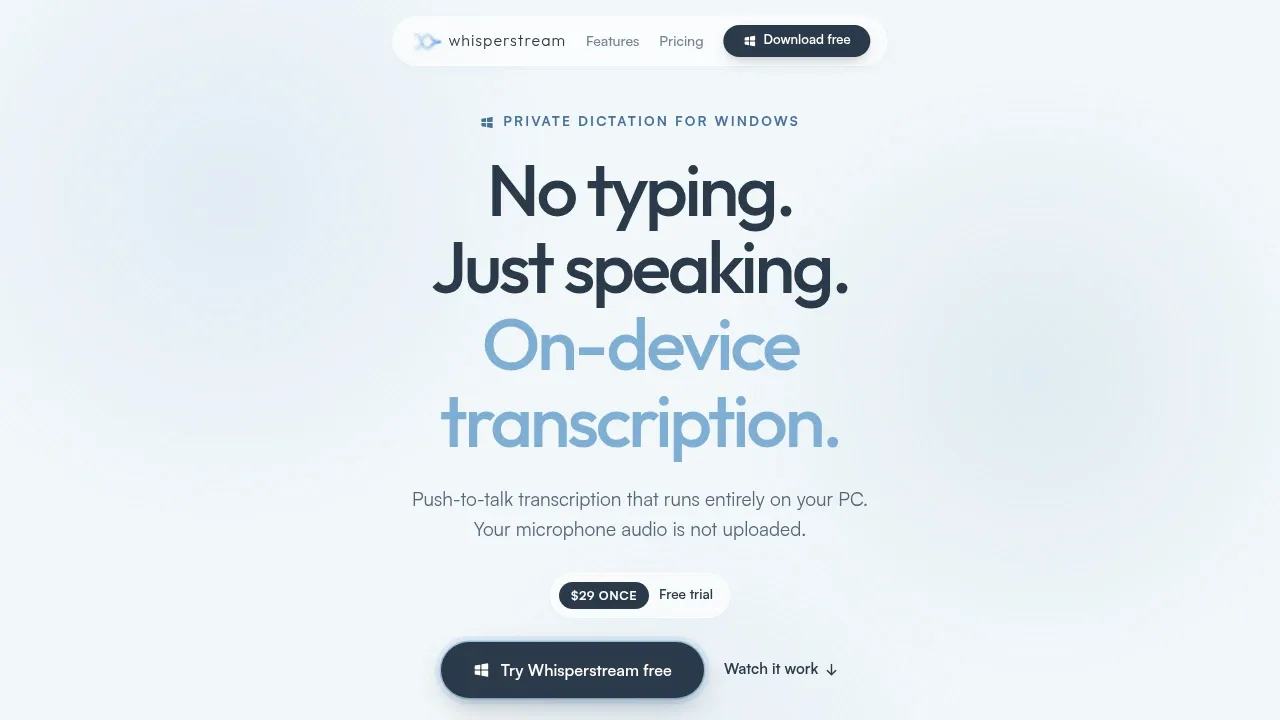
Whisperstream is a paid dictation app for Windows that turns speech into text wherever your cursor is. It's for people who want voice input across their everyday apps while keeping speech recognition on their own PC. It uses NVIDIA Parakeet and doesn't require an account.
You can dictate into Outlook, Gmail, Slack, VS Code or a browser without an add-in. A global shortcut supports push-to-talk or hands-free dictation, and the app inserts punctuated text into the active window. Speech recognition supports languages including English, Spanish, Ukrainian, Chinese and Japanese.
Local AI cleanup removes filler and applies corrections you make while speaking. A custom dictionary handles names, technical terms and acronyms, while per-app prompts let you tailor cleanup to a particular app or site. You can also import recordings, search past dictations and replay saved audio. History and recordings stay encrypted on your device.
Core transcription and text delivery work offline after setup, and microphone audio isn't uploaded. Optional cloud cleanup sends transcript text to a provider you enable; Lockdown Mode disables Whisperstream cloud enhancement and protects local history. License checks, updates and model downloads still use the internet, as does Agent Speak's Claude Code workflow.
It runs on 64-bit Windows 10 or 11 with at least 8 GB of RAM; 16 GB is recommended. Transcription can run on the CPU without a GPU.


