
Dictivo
A local dictation app for macOS and Windows that keeps audio on your device by default and offers optional cloud transcription.
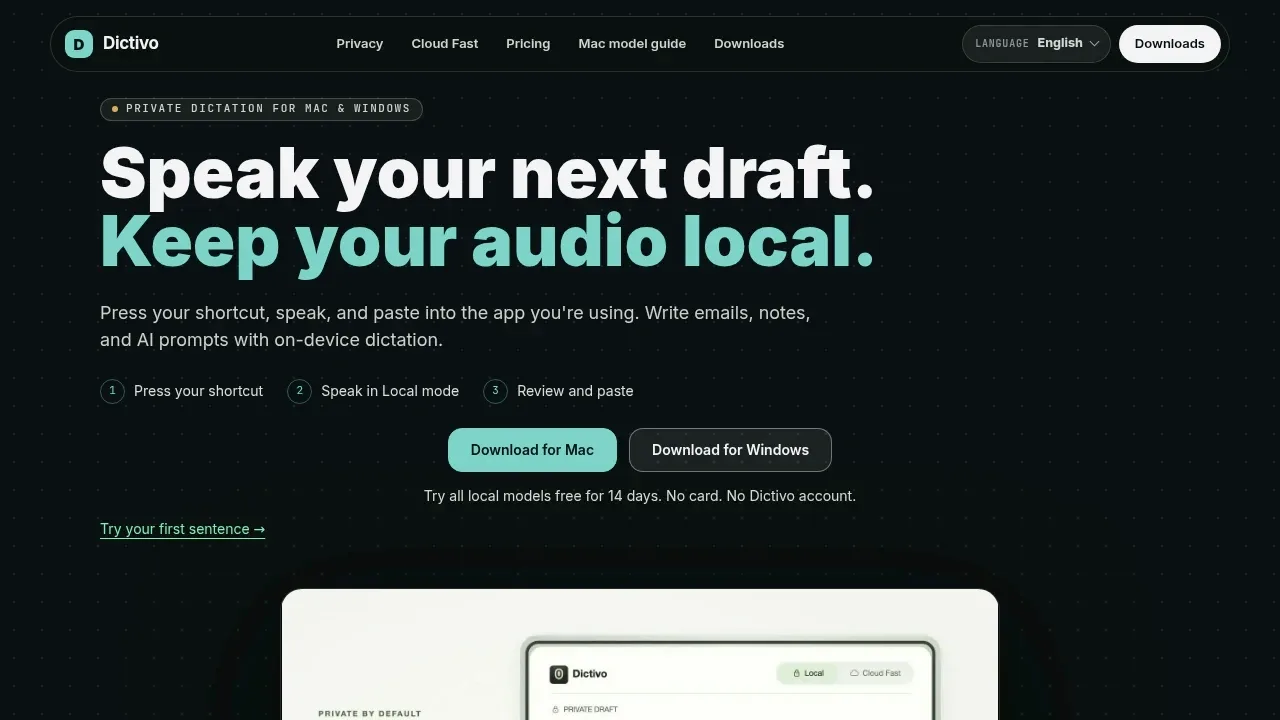
Dictivo is a desktop dictation app for people who want to write emails, notes and AI prompts by speaking. It processes speech on your computer by default, so you can use local dictation for sensitive drafts and client notes.
- Dictation across apps: A global hotkey lets you dictate from any app, review the transcript and paste the text where you need it.
- On-device models: Choose Tiny, Large v3 Turbo Q5 or Large v3 to balance speed and accuracy; the Mac model advisor recommends a model based on your hardware.
- Automatic language detection: The app detects your spoken language automatically, with separate language choices for the interface.
- Optional cloud transcription: Cloud Fast uploads selected recordings for faster transcription when you're comfortable sending that audio to a cloud service.
In Local mode, microphone audio, transcripts, history, dictionary and snippets stay on your device. That mode doesn't require a cloud transcription account. Cloud Fast runs only when you explicitly select it and is intended for low-sensitivity recordings.
Dictivo runs on Apple Silicon and Intel Macs, plus Windows x64, and has free and paid offerings. The macOS app is notarized and receives signed automatic updates. The Windows app is unsigned and may trigger a SmartScreen warning.


