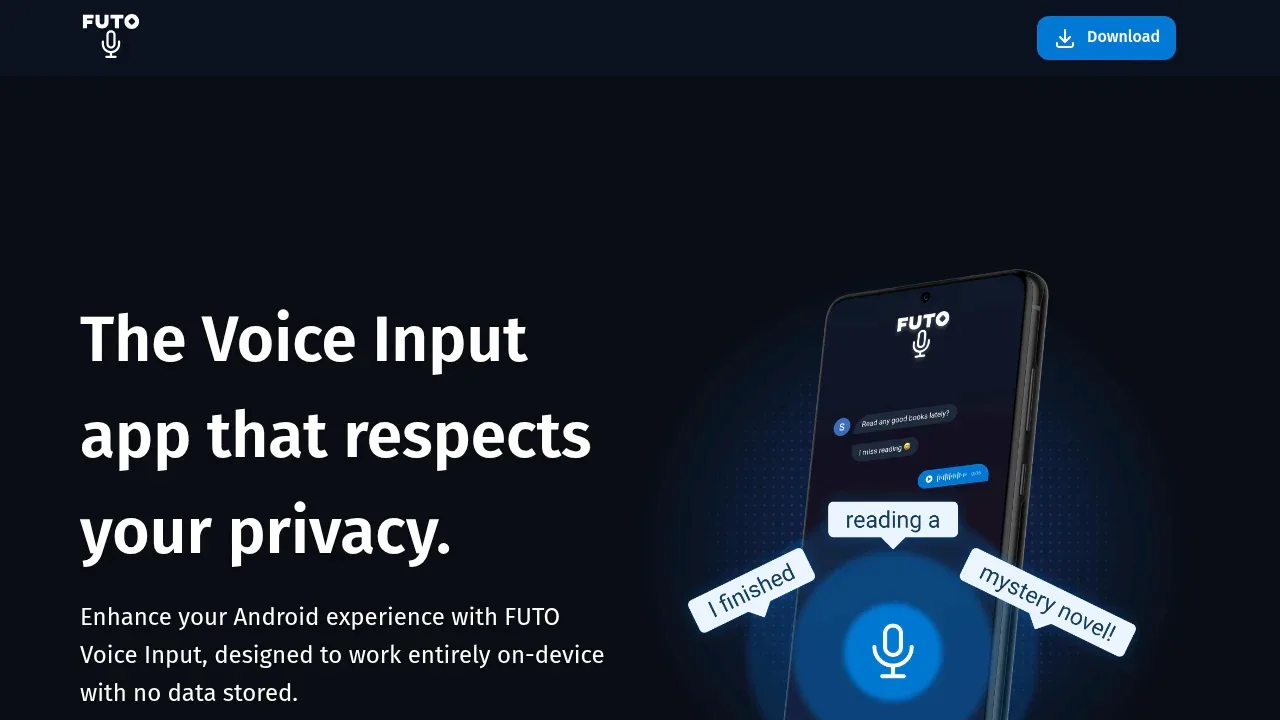
FUTO Voice Input turns speech into text entirely on your Android device. It's for people who want private dictation while keeping their preferred keyboard. Recognition works offline after any needed model downloads, and the app doesn't store your voice data or send it to a cloud service.
The app uses OpenAI Whisper for speech recognition. It offers languages including English, Spanish, German, French, Russian, Japanese and Korean. Its language selection is narrower than Whisper's full range because the smaller models perform less accurately on languages with less training data.
Keyboard compatibility is a deciding factor. HeliBoard, FlorisBoard, AnySoftKeyboard, Unexpected Keyboard and the AOSP Keyboard can use it, as can Microsoft SwiftKey and Grammarly Keyboard. Gboard and Samsung Keyboard don't accept it as an alternative voice input provider.
Compatible Android apps can also use it for dictation. Depending on the integration, the voice input window appears in the center of the screen or replaces the keyboard at the bottom. Apps that rely on Android's SpeechRecognizer API aren't supported.
FUTO Keyboard includes its own voice input, so you don't need the separate app if you choose that keyboard. The standalone app remains available for use with other keyboards. You can get it through Google Play, FUTO's own F-Droid repository or a standalone APK. The source uses the FUTO Source First License 1.0.
Claim this page with an email at voiceinput.futo.tech. FUTO Voice Input gets the verified badge, and you can upgrade the listing to be featured on localhosted. Proud to be listed? Put our badge on your site.
Want more people to find FUTO Voice Input?Promote it
Something wrong or outdated on this page?
293Updated 1 day agoApache-2.0
Android#Multilingual#Ollama integration#OpenAI-compatible API
Dictate Keyboard is an Android keyboard for people who prefer speaking to typing or find typing uncomfortable. It runs on Android 8.0 and later, with offline speech recognition on the phone and optional cloud or self-hosted providers. The app is open source under Apache 2.0 and builds on FlorisBoard.
798Updated 6 months agoGPL-3.0
Android#Multilingual#Works offline
643Updated 1 month agoMIT
Android#Hugging Face integration#Multilingual#Voice activity detection
apps.apple.comDictation and Voice Typing
iOS#Multilingual#Works offline
201Updated 7 days agoMIT
macOS#Multilingual#Quantization#Voice activity detection
3KUpdated 3 weeks agoMIT
macOS#Batch processing#Hugging Face integration#Multilingual
The GPL-3.0 F-Droid edition of Notely Voice is an Android voice transcription and note-taking app that runs Whisper on your device. It's for people capturing lectures, meetings or interviews who want to turn recordings into notes without uploading audio to a cloud service. Speech recognition works offline once you've downloaded a model.
WhisperIME turns speech into text on your Android device using OpenAI Whisper. It's for people who want private dictation in their keyboard or a separate app for transcription and translation. Speech recognition runs entirely offline after an initial model download from Hugging Face, so audio stays on your device during recognition.
Google AI Edge Eloquent is an AI dictation app for iPhone and iPad that turns spoken thoughts into edited text using on-device Gemma models. It's for people who prefer speaking to typing but don't want every hesitation or self-correction carried into their notes and drafts.
Open Wispr is a free, open source voice dictation tool for people who want to speak into Mac apps without sending recordings to a cloud service. It inserts transcribed speech at your cursor, so you can dictate email, notes, terminal input or coding prompts in the app you're already using. It doesn't require an account.
OpenSuperWhisper is a local speech-to-text app for people who want to dictate or transcribe recordings on an Apple Silicon Mac. It supports Whisper and Parakeet, with model downloads available inside the app. The project is open source under the MIT license.