
Screenpipe
Local AI memory captures screen activity and audio on macOS, Windows, and Linux, with searchable history, on-device models, and MCP access for agents.
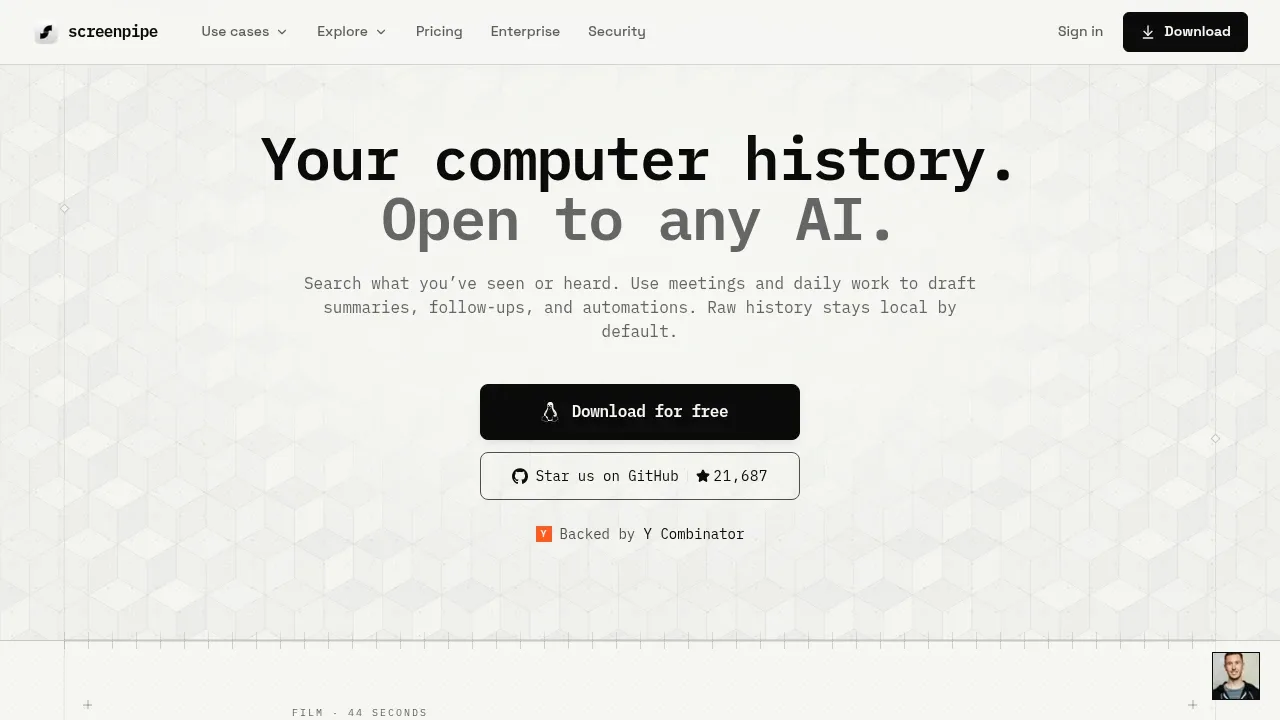
Screenpipe records screen activity and audio as searchable local history that AI agents can use as context. It's for people who want to recall past work and teams that want agents to draft follow-ups or update work records using what actually happened. Raw history stays on your device by default.
Search covers screen text and audio transcripts, with filters for apps, browser URLs, and dates. Results include screenshots and audio clips; a visual timeline lets you revisit a particular moment. Screen capture responds to changes in activity and combines accessibility text with OCR when needed. It records both microphone and system audio, so meeting capture works across Zoom, Google Meet, Teams, and other apps.
Local transcription uses Whisper Large-V3-Turbo, while Ollama or other local models can keep AI processing on your machine. Deepgram provides an optional cloud transcription path. The core app doesn't require an account. A local API and MCP server let Claude Desktop, Cursor, and other compatible clients query your history. Scheduled agents can produce meeting notes, daily recaps, or time breakdowns and act through connected tools such as Linear, Slack, Notion, and Obsidian.
Privacy controls exclude apps, windows, and URLs and redact sensitive fields before storage. Per-agent permissions restrict access to captured data. An enterprise workspace adds device, identity, policy and audit-log management. Screenpipe runs on macOS, Windows, and Linux, including Intel and Apple Silicon Macs; it recommends 8 GB RAM. Its Screenpipe Commercial License makes it source-available, with personal, non-commercial use permitted and a license required for commercial use. Optional end-to-end encrypted sync shares history between devices.


