Synthesia alternatives for avatar presenter videos
Compare FaceFusion, MuseTalk and LatentSync for presenter lip sync and portrait animation with your own video and audio.
Synthesia turns scripts into avatar-led videos for training and other presentations, with localization tools for additional languages. Its appeal is the finished presenter workflow, where a speaker and a script become a reusable video. The catalog choices here cover narrower parts of that process rather than a matching training-video editor.
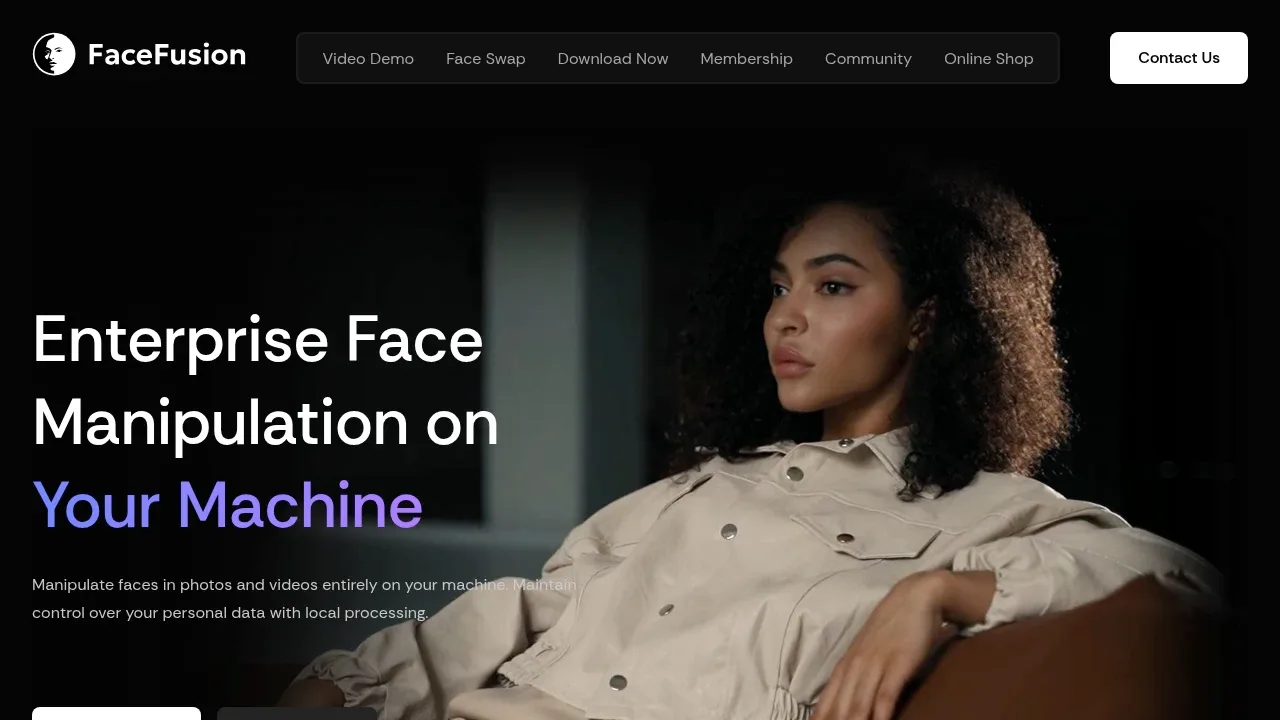
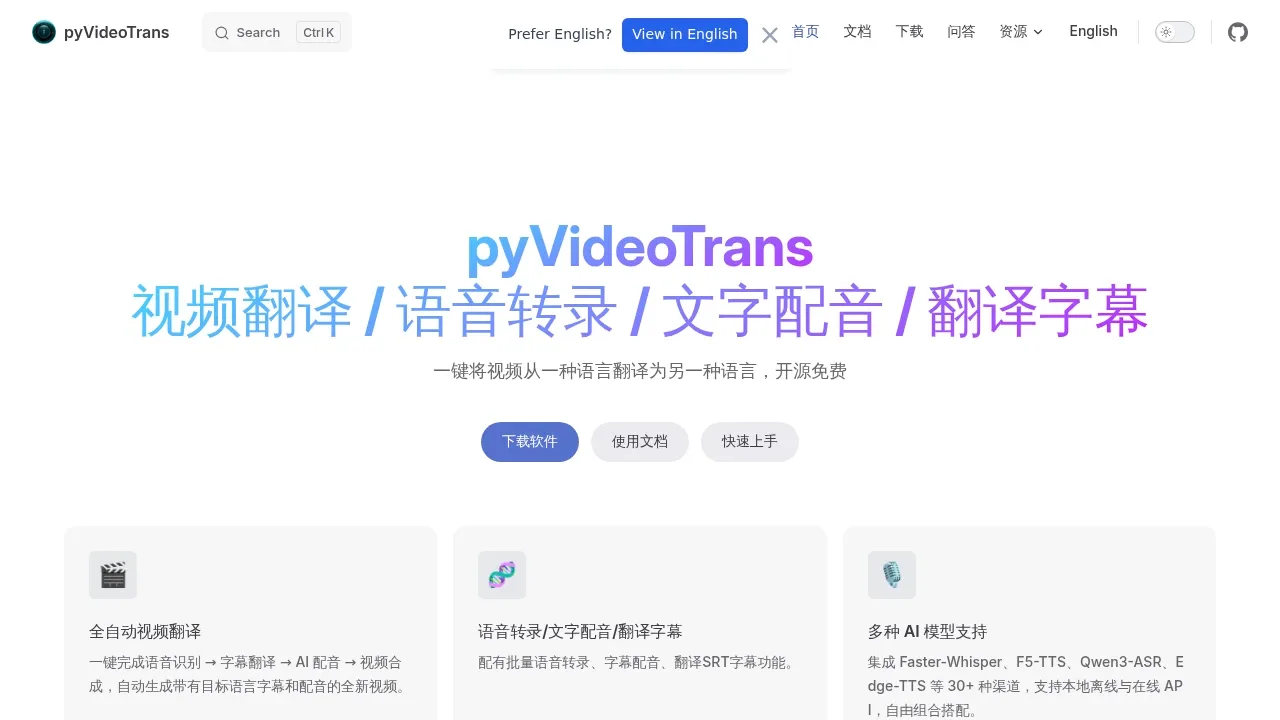
FaceFusion combines lip sync, face edits and enhancement in an installable app. MuseTalk can animate a portrait or match supplied footage to speech, while LatentSync works on existing video and audio. pyVideoTrans handles translated subtitles and dubbing separately. You supply the presenter assets, narration and final presentation layout instead of choosing Synthesia's stock avatars.

An AI face editing tool runs locally for face swapping, lip sync and face enhancement, with installers for Windows and macOS.

An open-source video translation and AI dubbing tool for Windows, macOS and Linux that works with local offline models or cloud APIs.

Local AI lip-sync software matches faces to supplied audio on Windows and Linux, with multilingual speech support and real-time inference on NVIDIA Tesla V100.

Local AI lip-sync software matches video mouth movements to audio, with a Gradio interface and GPU inference requiring 8 or 18 GB of VRAM.
LatentSync suits matching an existing presenter video to a supplied recording. Its browser interface generates mouth movements conditioned on the audio, so it covers a specific Synthesia lip-sync job instead of the whole script-to-video editor.

Self-hosted AI video dubbing software translates YouTube, Bilibili and local videos, with voice cloning and subtitles on Windows, Linux and macOS.

A local AI video dubbing app that translates videos with synchronized audio through a browser interface and runs on Linux with CPU or NVIDIA GPU support.

A local AI portrait animation tool that transfers facial motion from video to portraits, with eye and lip controls and Apple Silicon support.
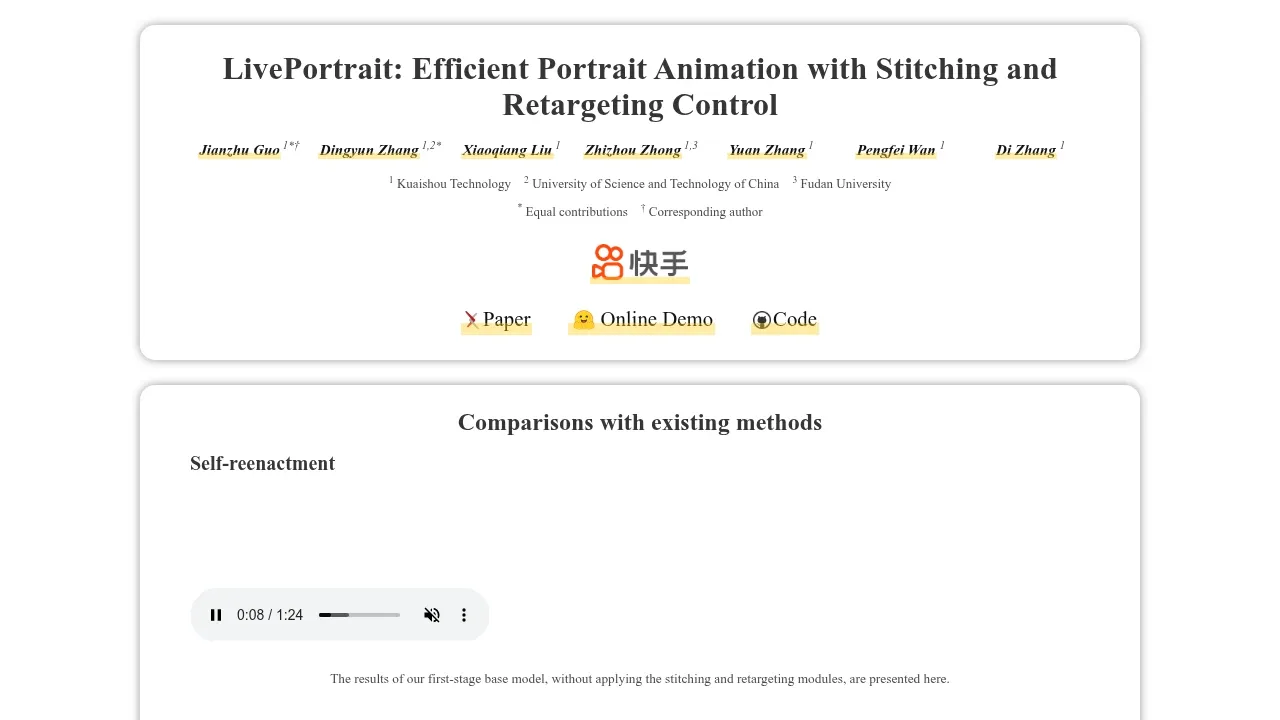
For Synthesia, start with FaceFusion. Other alternatives include pyVideoTrans, MuseTalk, LatentSync and YouDub-webui.
Most are Talking Avatars and Lip Sync; others include Subtitles and Dubbing.
People also replace
See all
HeyGen alternatives


VEED alternatives



ElevenLabs alternatives


