Coding Tools MCP
An open-source coding runtime that gives MCP clients file, command and Git access on your machine, with workspace boundaries and permission controls.
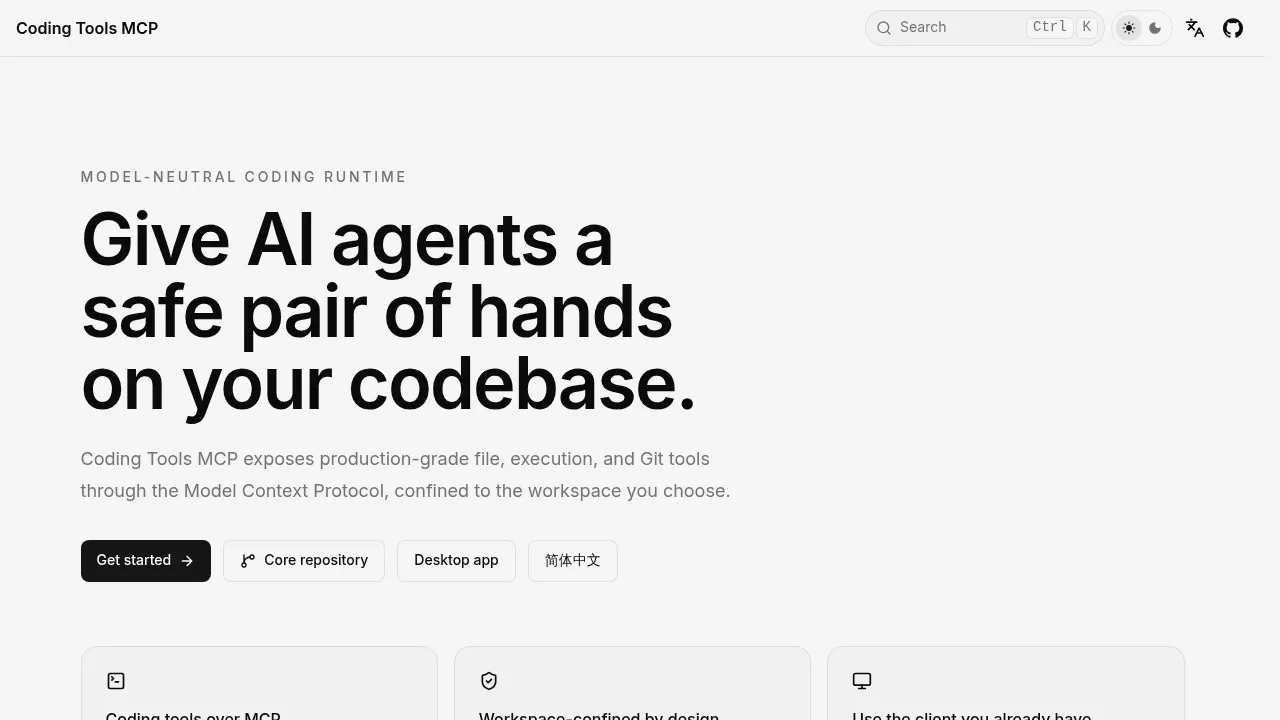
Coding Tools MCP gives AI chat apps and agents access to a codebase on your own machine through the Model Context Protocol (MCP). It's for developers who want their existing client to read files, edit code and run tests, with access confined to a chosen workspace. The Python server is open source under Apache 2.0 and can also run in Docker.
The runtime works across models and clients, including Claude Desktop, ChatGPT, Codex, Cursor, VS Code, Windsurf, Cline and Gemini CLI. It supplies the coding tools; the connected client supplies the AI model. Using a cloud client doesn't make that model local.
File search, image viewing and structured edits sit alongside command execution, interactive processes and Git inspection. Edits across multiple files check for conflicting changes and support rollback. Tool responses summarize and limit output to reduce how much of the agent's context window they consume.
Access controls are central to its design. Workspace boundaries reject paths and symlinks that escape the selected folder, while permission modes control network access, scripts and destructive commands. Secret filtering adds another safeguard. Linux can add kernel-level filesystem confinement through Landlock, though the runtime isn't a complete operating-system sandbox.
Remote access supports bearer tokens and OAuth, so a client can reach your workstation through an authenticated HTTPS tunnel. The server sends anonymous usage telemetry by default, which you can disable; those events exclude file contents, paths, commands and arguments.


