Halo
Desktop AI workstation for Claude Code and Codex on macOS, Windows and Linux, with API-based model access, browser automation and remote control.
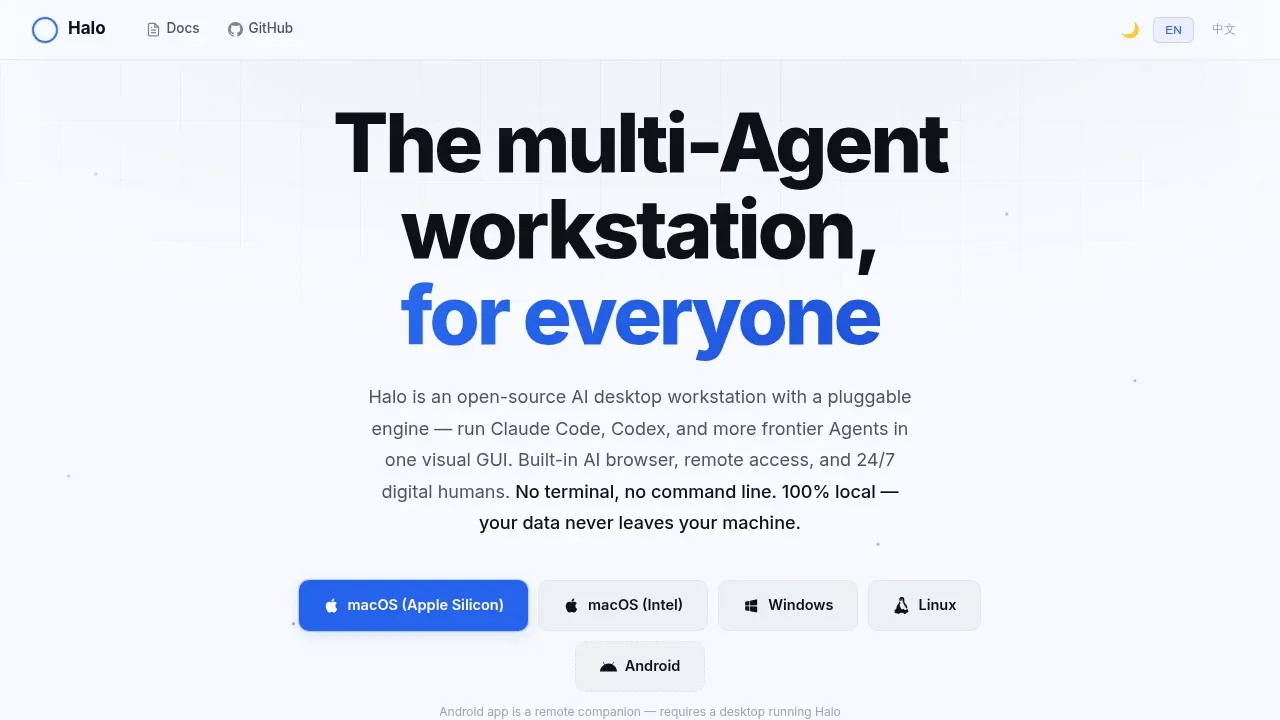
Halo puts Claude Code and Codex in a visual desktop app for people who want AI agents to work with files, write code and handle recurring tasks. It runs on macOS, including Intel and Apple Silicon, Windows and Linux. The desktop app doesn't require a separate backend server. Model access uses Anthropic, OpenAI, DeepSeek or compatible APIs, so running the app locally doesn't make those services offline.
Its pluggable engine lets you switch agents while keeping the same interface. Project spaces separate conversation context and settings, while file previews, image viewing and live output help you inspect the work. A built-in terminal lets agents use command-line tools and SSH, with visible sessions you can take over manually.
For recurring work, Halo has autonomous agents called Digital Humans. They run on schedules or respond to events, retain memory between runs, and handle jobs such as monitoring, report generation and web scraping. You can manage their MCP and Skill permissions visually.
The embedded browser can fill forms and automate web tasks. Reusable Browser Actions let the AI choose a task while a script handles the specific operation. A knowledge base lets agents reference PDFs, presentations, Markdown files and text extracted from images.
Remote access lets you review outputs and give instructions from another device through a browser. WeCom and WeChat also provide agent control. The mobile apps are remote companions and require a desktop running Halo. Android has an APK; iOS requires building from source.


