
Hold Speak
Voice dictation for macOS runs Whisper offline on your GPU, inserts text into any app, and supports mixed-language speech and custom terminology.
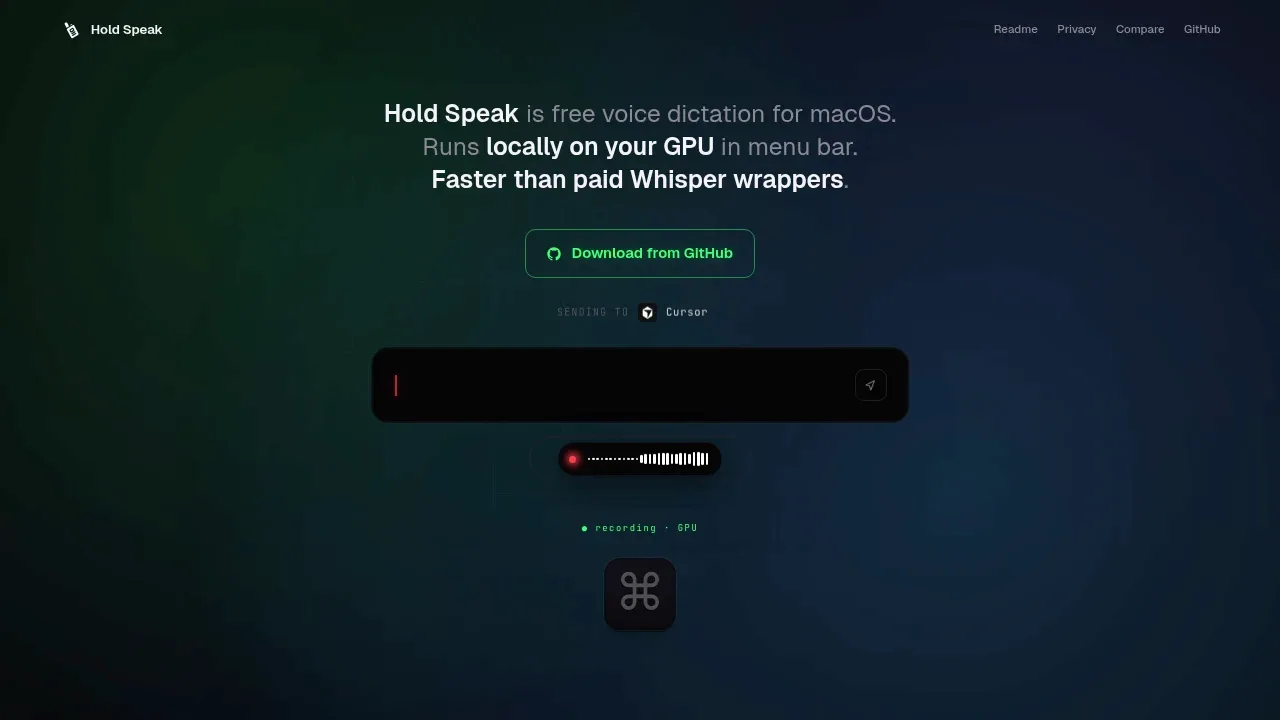
Hold Speak is a macOS menu bar app for people who want to dictate prompts to AI agents or enter text in other apps. It runs Whisper locally on your GPU through WhisperKit and CoreML, so local transcription works offline and keeps speech on your Mac. Push-to-talk dictation inserts the transcript into the focused text field.
Mixed-language speech is a particular focus. It supports switching between Russian, English, Ukrainian and other languages, with automatic detection guided by your preferred macOS languages. An editable terminology dictionary corrects recurring recognition errors in technical terms, names and project vocabulary. It can turn Russian transliterations into spellings such as "pull request", "Kubernetes" and "Claude Code", with separate term sets for different languages.
The app stays in the menu bar, with an overlay that shows microphone activity and transcription errors. It keeps recent transcripts locally for copying and shows dictation activity and speaking-speed metrics. Light text cleanup removes drawn-out filler sounds and repeated words, then adds capitalization and a final period. Text insertion doesn't use the clipboard, and the app skips password fields.
Whisper model choices include Turbo, Tiny and Small, and Hold Speak can reuse models from MacWhisper or another WhisperKit client. An optional Google Gemini engine uses your own API key for cloud transcription of mixed-language speech and jargon. Choosing Gemini sends speech to Google's service instead of processing it locally.
The app requires macOS 13 or later and a one-time Whisper model download. Its source code is publicly available, but no open-source licence is established by the reviewed sources.
 Logotyper


