
SpeakoFlow
An offline voice dictation app for Windows, macOS and Linux that also answers questions, speaks replies and writes meeting notes using local models.
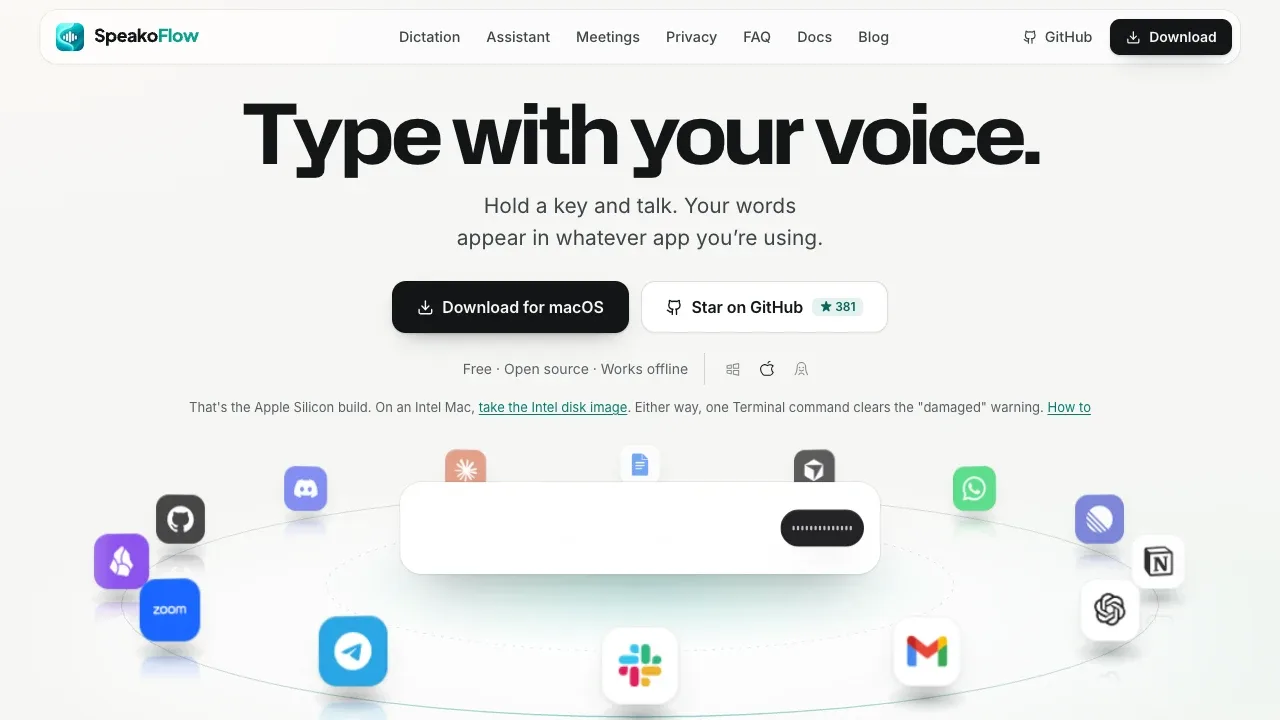
SpeakoFlow lets you dictate into other apps and ask an AI assistant for help without leaving your work. It's for people who want voice typing, spoken conversations and meeting notes with processing on their own computer.
- Dictation across apps. Type at your cursor using speech, with live transcription, a dictionary for names and jargon, and multilingual models such as Parakeet, Nemotron and Whisper.
- Text cleanup. Remove filler words, apply spoken corrections and adjust the writing style with a local or cloud model. The dedicated SpeakoFlow Mini cleanup model handles English.
- Voice assistant. Ask it to translate selected text, draft a reply or explain an error, then insert the answer into your app. Hands-free conversations include spoken replies and let you interrupt; optional screen access lets the assistant answer questions about what you're viewing.
- Meeting notes. Record calls without adding a bot, distinguish speakers, and produce summaries, decisions and action items. You can ask questions about the saved transcript or discuss it aloud with the assistant.
SpeakoFlow is free and open source under the MIT license. It runs on Windows, Linux and macOS, including Apple Silicon and Intel Macs. Dictation can use your CPU or GPU. The assistant supports built-in local models, Ollama and LM Studio.
Dictation, cleanup, the assistant and meeting notes can work fully offline without an account. Local processing keeps voice data on your computer, with no telemetry or analytics. Optional cloud providers, including OpenAI, Anthropic and Gemini, use your own API key and send data to the selected service. On macOS, capturing the other side of a call requires a virtual audio device such as BlackHole.
 Logotyper


