
Volyx Lens
Desktop AI assistant for macOS, Windows and Linux. Choose screen and audio inputs, use Ollama offline, or send context directly to your cloud provider.
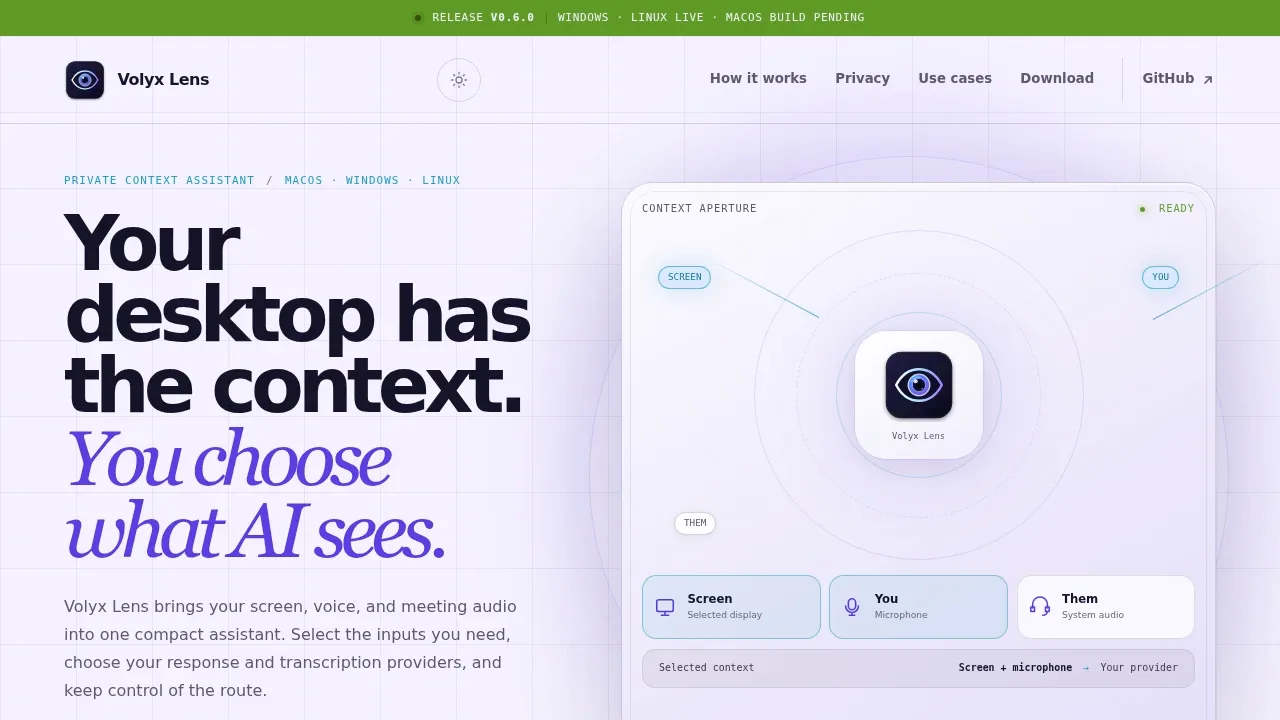
Volyx Lens is an open-source desktop AI assistant for macOS, Windows and Linux that lets you choose which screen, microphone and system-audio inputs reach your AI provider. Linux support is experimental, with meeting audio captured on a best-effort basis. It's for people who want help with visible code, documents or meetings without continually copying context into a chat. A movable floating rail expands into chat and collapses when you don't need it.
Screenshots accompany explicit requests that use screen context. Task Context holds selected screens in local memory so a later question can draw on several files or pieces of test output. It limits the screens attached to a request and tells you when it omits captures. Microphone and system audio have separate transcript channels, letting you distinguish your speech from the other side of a call and request suggested replies or meeting recaps.
AI responses can run fully offline through a local Ollama server. Optional local whisper.cpp handles offline batch transcription and is disabled by default; cloud transcription supports OpenAI, Azure Foundry, Deepgram and Azure AI Speech. Response providers also include Anthropic, Google Gemini, DeepSeek, Groq, OpenRouter and NVIDIA. Cloud routes use your own provider credentials and send selected context directly to that provider, whose retention terms apply. Volyx Lens operates no relay server.
Active transcripts and Task Context stay in memory and clear when the session ends. Opt-in meeting detection tags conversations locally, while meeting history lets you save, search and export records, transcripts and generated notes. The app has no analytics or advertising SDK. Credentials use operating-system secure storage when available, with a warned local plaintext fallback. The code uses the Apache 2.0 license.
 Logotyper


