
PenEcho
An open-source AI canvas runs on macOS, Windows or in a browser, combining handwriting and diagrams with MCP agents and your chosen model API.
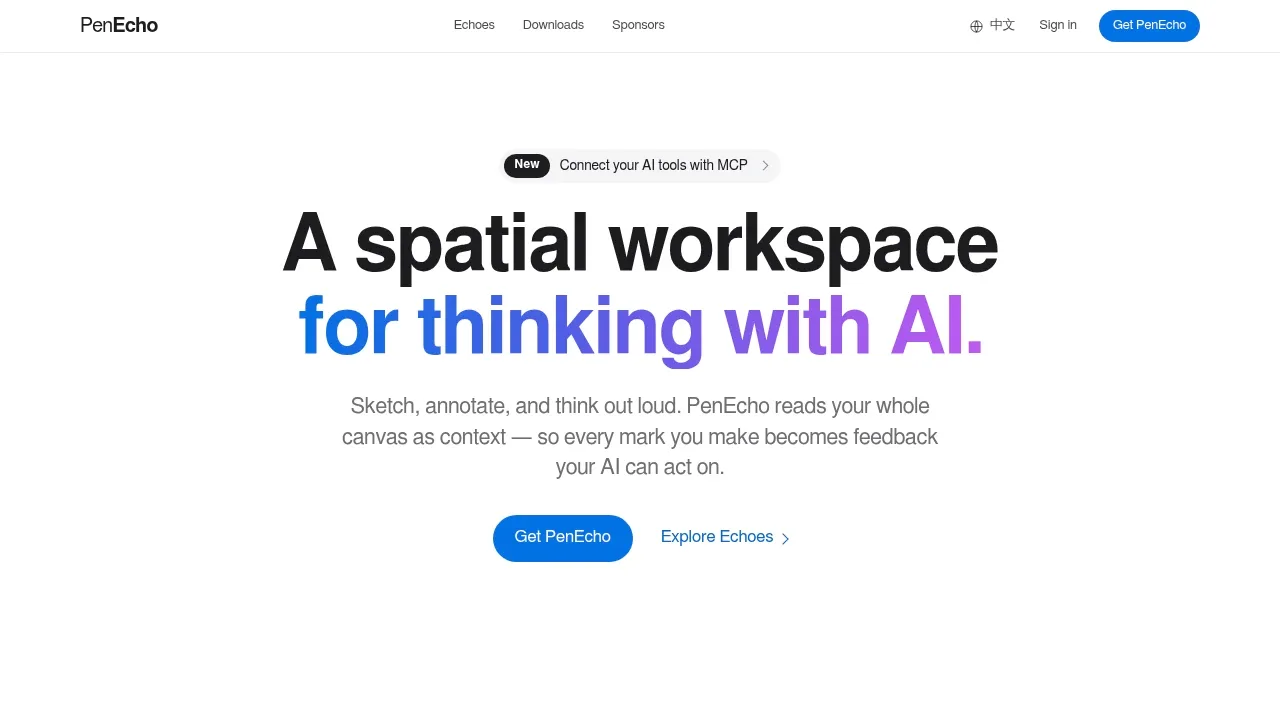
PenEcho is a visual workspace for people working through ideas with handwritten notes, equations and sketches. AI uses the canvas as context and places answers or interactive results beside your work.
- Canvas assistance: PenEchoLLM suggests actions when you pause, such as solving an equation, typesetting handwriting or plotting a graph, and learns from your choices on your device.
- Diagrams and widgets: Create architecture, sequence and workflow diagrams with automatic layout, export them as SVG or PNG, or add working calculators, quizzes and prototypes.
- Reusable notes: Turn selected handwriting, formulas or answers into categorized cards that you can search, bookmark, review and reuse across canvases.
- Agent collaboration: Codex, Claude Code, Kimi, Cursor and other MCP clients can draw on the canvas and read your handwritten feedback; agents can access only the canvases you enable.
The free, open-source canvas uses AGPL-3.0 and runs as a macOS or Windows app, or locally through Node.js with a browser interface. It supports OpenAI- and Anthropic-compatible APIs and signed-in Codex, Claude Code or Kimi CLIs. The canvas runs locally, while AI requests use the selected API or CLI connection.
Local MCP stays on your computer. PenEcho Cloud provides hosted models, synced private projects and saved revisions, plus access to a linked computer. Cloud MCP uses a separate signed-in connection.
 Logotyper


