
Scarf
Native AI agent client for macOS and iOS. Manage local or remote Hermes hosts over SSH with free, MIT-licensed apps that require no account.
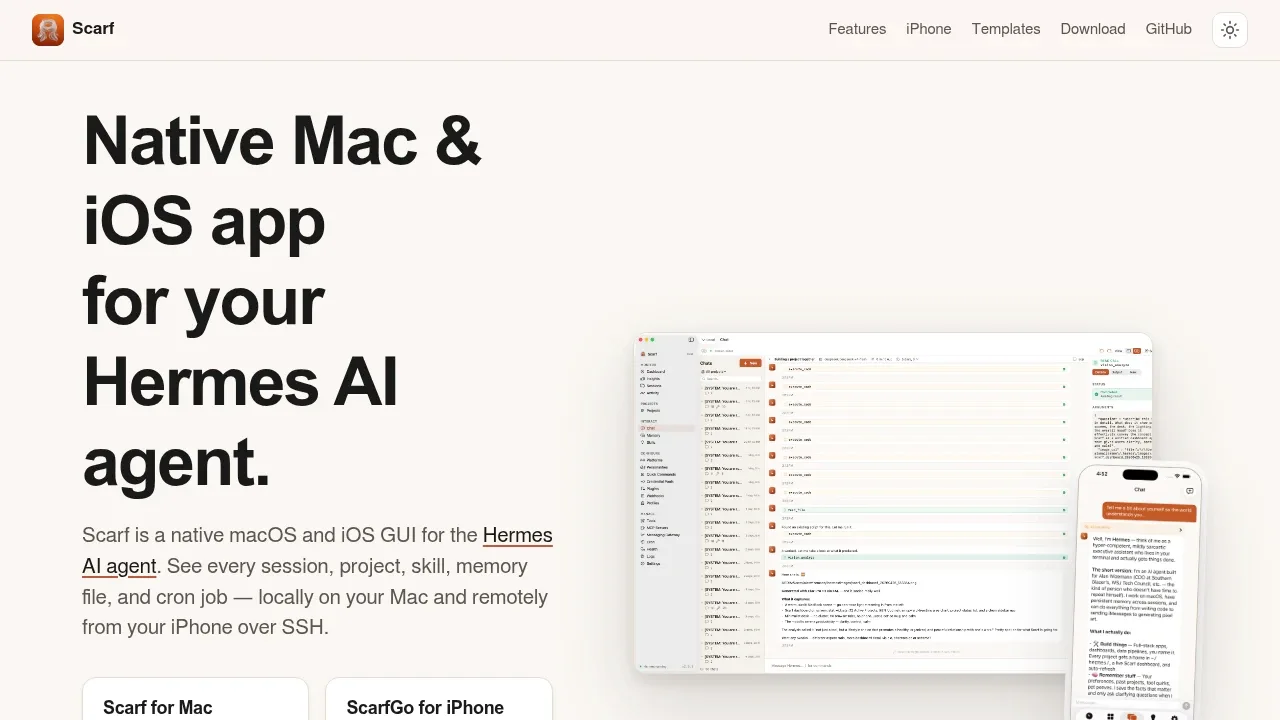
Scarf gives people running the Hermes AI agent a native Mac interface for chat, project work, and server management. Its iPhone companion, ScarfGo, connects directly to Hermes hosts over SSH without a separate relay service. Both apps are free and open source under the MIT license. Hermes must already be installed.
Chat streams replies as they arrive, shows tool calls and reasoning, and lets you approve or deny tool requests. You can resume earlier conversations and search session history. Project workspaces keep chats tied to a working directory, with custom dashboards and shareable templates for project context, skills, and scheduled jobs.
The management interface covers memory editing, Skills Hub browsing, MCP servers, cron jobs, and messaging gateways such as Telegram, Discord, and Slack. Usage views break down tokens and costs by model and platform. Local-model discovery works with Ollama, LM Studio, vLLM, and llama.cpp on local or remote hosts.
Scarf runs on macOS 14.6 or later with Apple Silicon or Intel; ScarfGo requires iOS 18 or later. Both use Swift and SwiftUI rather than Electron. The Mac app can read local Hermes data offline, though model providers, remote hosts, and MCP services may need a network connection. Neither app requires an account.
Conversation history stays on the Hermes host. Scarf opens the session database read-only, and ScarfGo reads it over SSH without caching transcripts on the phone. Optional GPT-Live voice conversations send audio and recent chat context directly to OpenAI, with consent before the first session.
The Mac app collects anonymous usage statistics by default. You can disable them in Settings → Advanced → Usage Analytics. ScarfGo on iOS collects no usage statistics.


