
SearchBox
A local file search engine that works offline, with an encrypted vault and optional AI summaries through Ollama on your own computer.
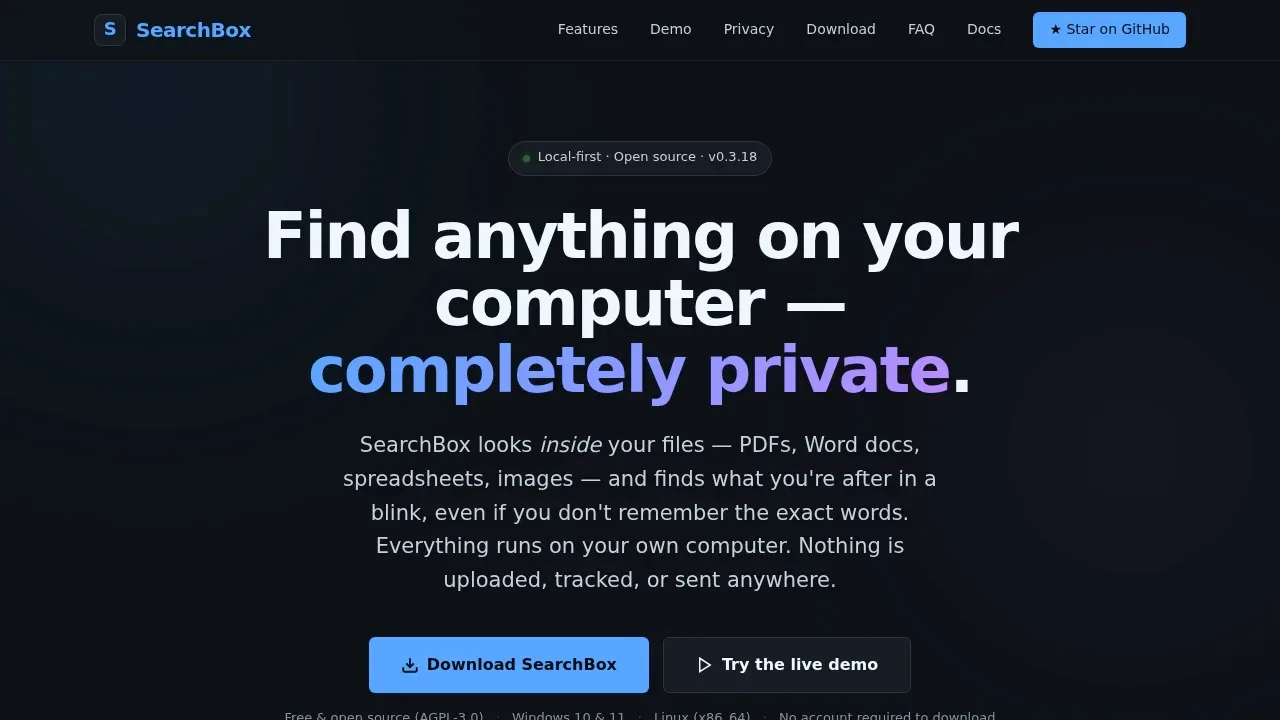
SearchBox searches inside documents for people who remember a topic or phrase but can't find the file it came from. It keeps existing folders in place and makes their contents searchable.
- Document search: Find text in PDFs, Word documents, Excel spreadsheets, Markdown, HTML and plain text, with typo tolerance, file-type filters and Boolean operators.
- Archive search: Search individual files in ZIP archives and articles in ZIM collections, including offline Wikipedia archives used by Kiwix.
- Reading and browsing: Read PDFs, Word documents and notes inside the app, browse an image gallery, bookmark documents and revisit recent searches.
- Encrypted vault: Store sensitive files behind a password with AES-256 encryption on disk, while keeping their contents searchable through local decryption. Ordinary indexed folders aren't encrypted.
- Local AI summaries: Get summaries of search results through optional Ollama integration, with AI processing on your own hardware once set up.
SearchBox is free and open source under AGPL-3.0. It works offline, keeps files and its search index on your computer, and restricts access to localhost. It requires a local account for login and vault access, but no cloud account.
Windows 10 and 11 have a desktop app, including an ARM64 build. Linux x86_64 uses a local browser interface. Docker supports Linux, macOS and Windows; macOS has no native build. If you lose your vault password, access depends on retaining the recovery key.
 Logotyper


