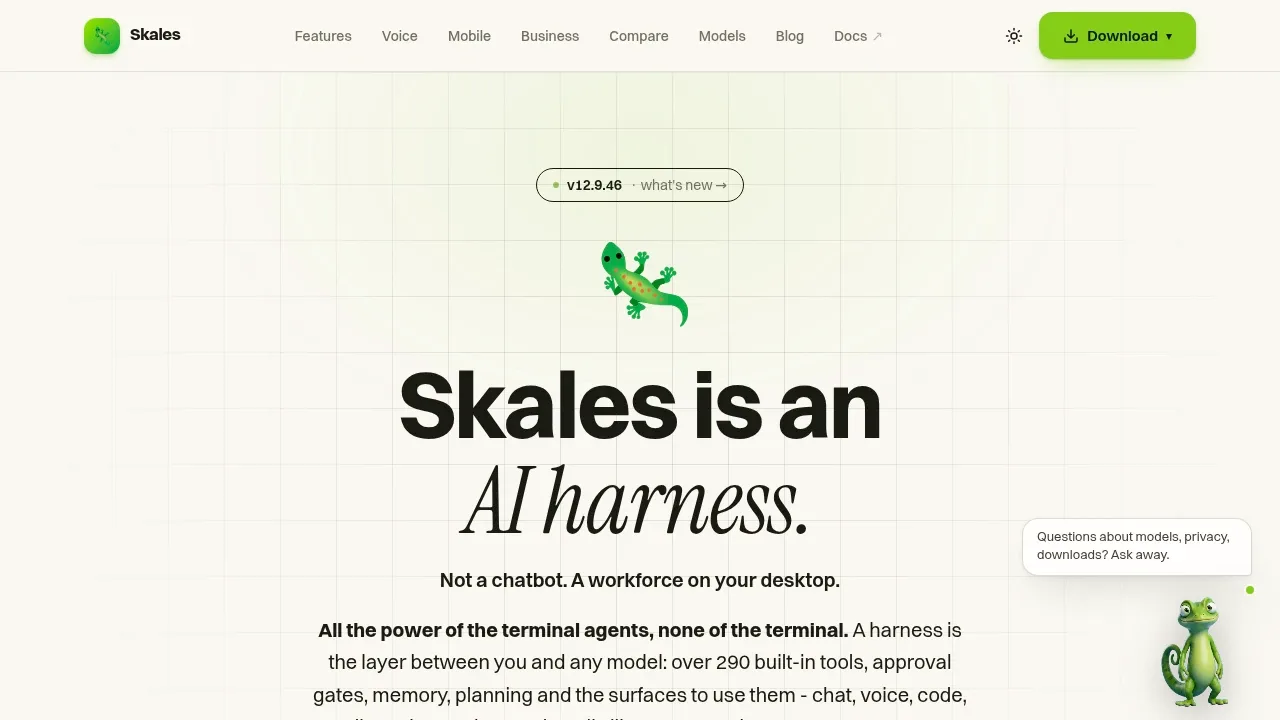
Skales is an AI agent app for people who want help with files, email, browsing and coding on their own computer. It runs on Windows, macOS and Linux, with standalone Android and iOS apps. Goals keep running after you close the chat, and unfinished work can resume after a restart.
Its built-in Skales Local engine runs text, vision, image and speech models on your hardware. Ollama, LM Studio and OpenAI-compatible endpoints are also supported. Whisper handles local speech recognition, while Piper provides spoken replies. With local models, it works fully offline; the app itself doesn't require a GPU, though model requirements vary.
Conversations, memory, files and settings stay on your machine. If you choose Claude, GPT, Gemini or another cloud provider, API requests go directly to that provider. Skales IQ is a managed provider option that doesn't require your own API key. Skales itself requires no account.
The agent can plan tasks, follow recurring schedules and remember information across conversations. Approval controls, a file sandbox and a stop control govern its actions. Its coding assistant includes project search, change review and Git controls, while Studio covers design and media generation, including local images through ComfyUI. Iris gives voice access to the same tools available in chat.
The mobile apps can run an on-device model without a connection and optionally control a paired desktop through an encrypted relay. Skales is proprietary software, free for private and educational use. Commercial use requires a written licence.
Claim this page with an email at skales.app. Skales gets the verified badge, and you can upgrade the listing to be featured on localhosted. Proud to be listed? Put our badge on your site.
Want more people to find Skales?Promote it
Something wrong or outdated on this page?
1.7KUpdated 3 days ago
macOS · Windows · Linux · iOS · Android · Web#Agent Skills#Code execution#Human approval
Halo puts Claude Code and Codex in a visual desktop app for people who want AI agents to work with files, write code and handle recurring tasks. It runs on macOS, including Intel and Apple Silicon, Windows and Linux. The desktop app doesn't require a separate backend server. Model access uses Anthropic, OpenAI, DeepSeek or compatible APIs, so running the app locally doesn't make those services offline.
1.6KUpdated 8 months ago
macOS · Windows · Linux · Docker#Code execution#Ollama integration#Persistent memory
Lemon AI is a local AI agent for people who want research, coding and data analysis tools running on their own hardware. It combines web browsing and task execution with an editor for refining generated HTML pages, reports and charts without regenerating the whole page.
2.9KUpdated 1 week agoMIT
macOS · Windows · Linux · Docker · Web#Agent Skills#Code execution#GGUF
2.4KUpdated 21 hours agoMIT
macOS · Windows · Linux · Web#Agent Client Protocol#Agent Skills#Code execution
17.6KUpdated 21 hours agoMIT
macOS · Windows · Linux · Web#Persistent memory#Tool calling
Leon is a self-hosted personal AI assistant for Linux, macOS and Windows. The project focuses on the 2.0 Developer Preview on its develop branch. Its MIT-licensed runtime combines tools, context and memory with a local web interface.
lmstudio.aiComputer and Browser Agents
macOS · Windows · Linux#llama.cpp backend#MCP#MLX
Moltis is a self-hosted personal AI agent server for people who want an assistant that remembers past conversations and can act on their behalf. It runs on your own hardware as a single Rust binary, with a browser interface and access through messaging apps. It's open source under the MIT license.
OpenBitFun is an open-source AI agent workspace for coding and work that involves desktop apps, remote hosts or custom tools. Its desktop application runs on Windows, macOS, Linux and HarmonyOS under the MIT license. A Rust runtime supports persistent sessions, interruption recovery and long-term memory for tasks that continue across sessions.
LM Studio is a desktop application for downloading and running language models on macOS, Windows and Linux. You can search for models, manage downloads and chat with them through the app. Downloaded models can run offline, including document chat that uses files on your computer.