
Stirling PDF
Self-hosted PDF editor with OCR and document workflows. Optional AI chat and classification use a separately hosted engine or Stirling Cloud AI.
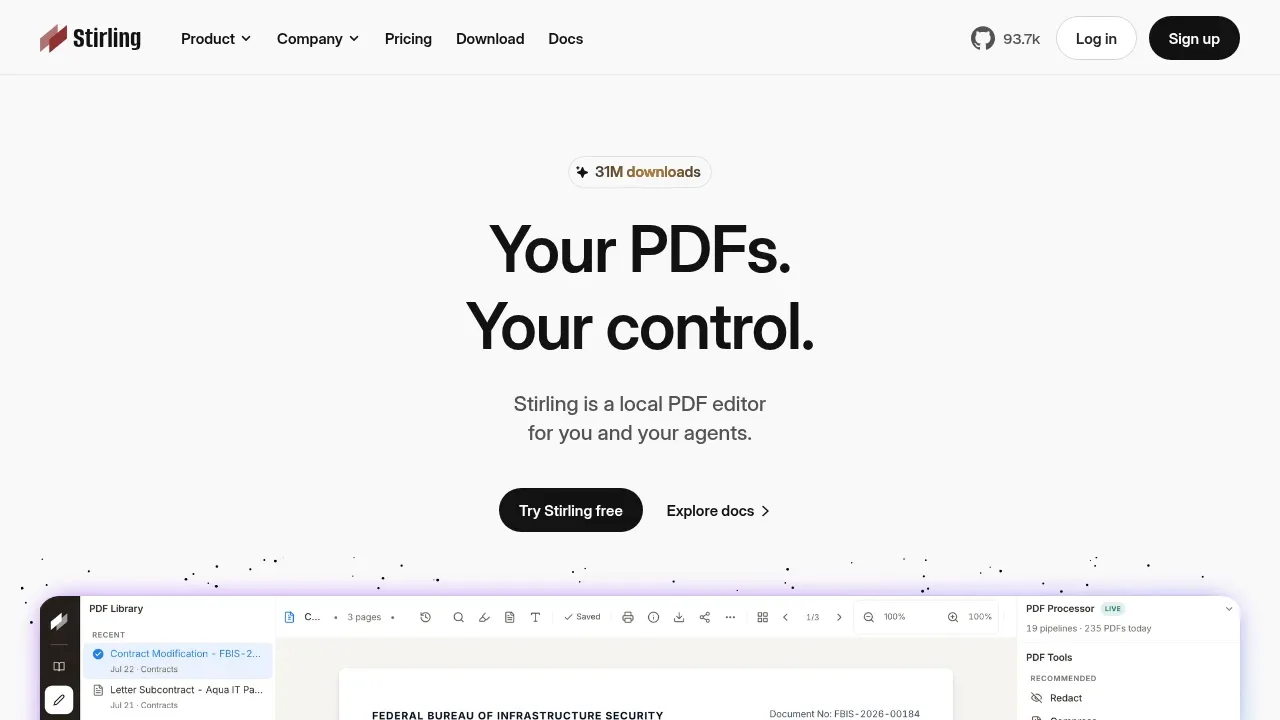
Stirling PDF is a PDF workspace for editing individual documents and automating larger document workflows. It runs through a browser on your own server, with Docker deployment, or as a desktop application for Windows, macOS and Linux.
Its tools merge and split PDFs, sign documents, redact text, convert formats, compress files and make scanned pages searchable with OCR. A workspace lets you chain operations, while REST APIs and an MCP server expose PDF tools to other applications and AI assistants.
Optional AI features let you ask questions about PDFs, request edits or conversions, create documents from written instructions and classify files. AI is off by default. Administrators choose either a separately self-hosted AI engine or Stirling Cloud AI and can enable individual capabilities.
A self-hosted AI engine connects to model providers you configure. Its default providers are Anthropic for language models and VoyageAI for embeddings; local providers can be configured instead. Documents processed by a cloud engine or external model provider leave the instance for those requests. Self-hosting the PDF editor alone does not make every AI feature local.
Stirling Processor combines operations into document pipelines, including OCR, classification and routing. Settings and connected destinations determine where files go. The project is open-core: the main license is MIT, with separate licenses for the AI engine and proprietary portions. The AI engine's license requires a valid Stirling PDF User License for production use. Authentication, audit and enterprise capabilities depend on the selected edition.


