
Tandem Browser
A local AI browser lets agents work in your logged-in tabs, with support for MCP, Ollama and LM Studio.
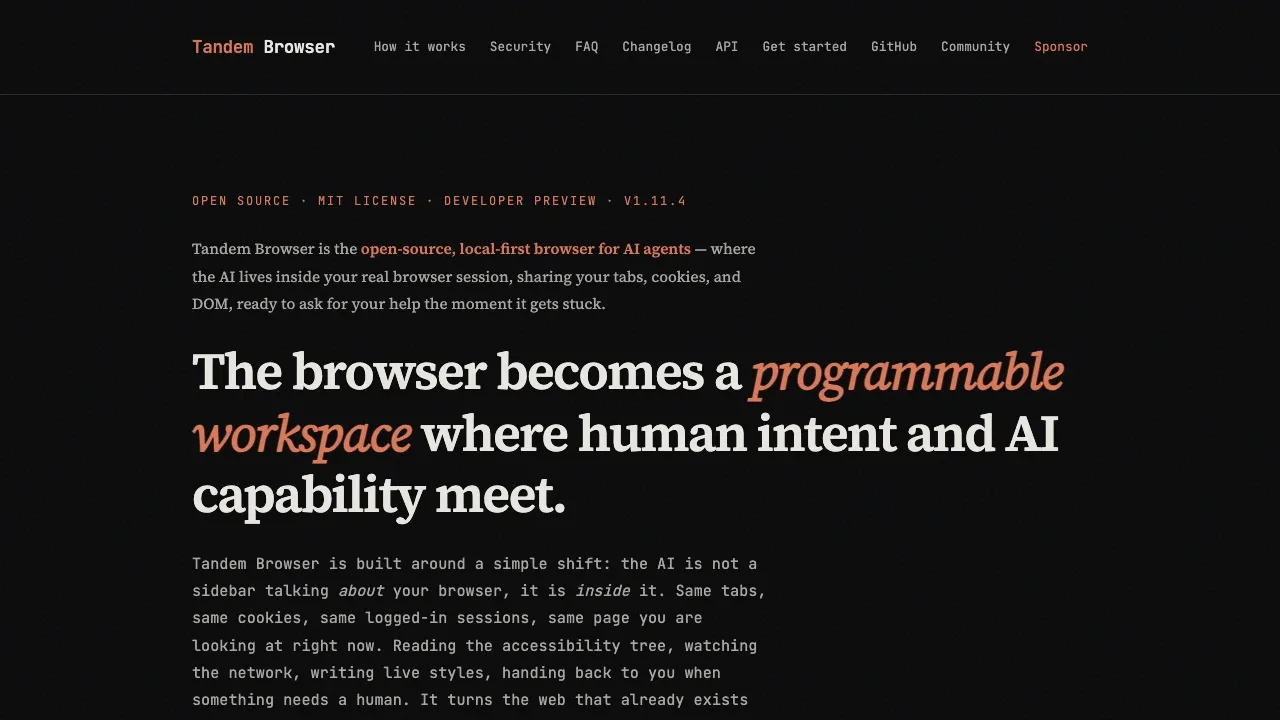
Tandem Browser is a desktop browser for people who want AI agents to carry out web tasks alongside them. You and the agent work in the same logged-in session, so you can watch its actions and step in when needed.
- Browser tasks: Agents can open tabs, fill forms and work across websites using your existing sessions, without a separate integration for each service.
- Human handoffs: An agent can pause for a CAPTCHA or judgment call, then continue after your response. You can also click, type or redirect it during a task.
- Page inspection and changes: Agents can read page structure, inspect network requests and console output, and add locally stored scripts that change a site's interface.
- Model choice: Connect agents through MCP or HTTP, including Claude, GPT, Gemini, OpenClaw, Ollama and LM Studio. Multiple agents can work alongside you, with separate workspaces and tab locks to prevent conflicting actions.
The browser runs locally and is free and open source under the MIT license. It uses Chromium and supports macOS on Apple Silicon and Windows 11 x64; Linux support is best-effort. It also includes extensions, bookmarks and a password vault.
There's no Tandem cloud backend or telemetry. Local models allow offline operation, though accessing online websites still requires a connection. Choosing a cloud model sends data to that provider. Remote agents connect through a private Tailscale network. Built-in security checks address prompt injection, suspicious scripts and outgoing credential leaks.
 Logotyper


