
WritHer
An offline dictation app for Windows 10/11 that types into desktop apps and manages notes and reminders through a local AI assistant.
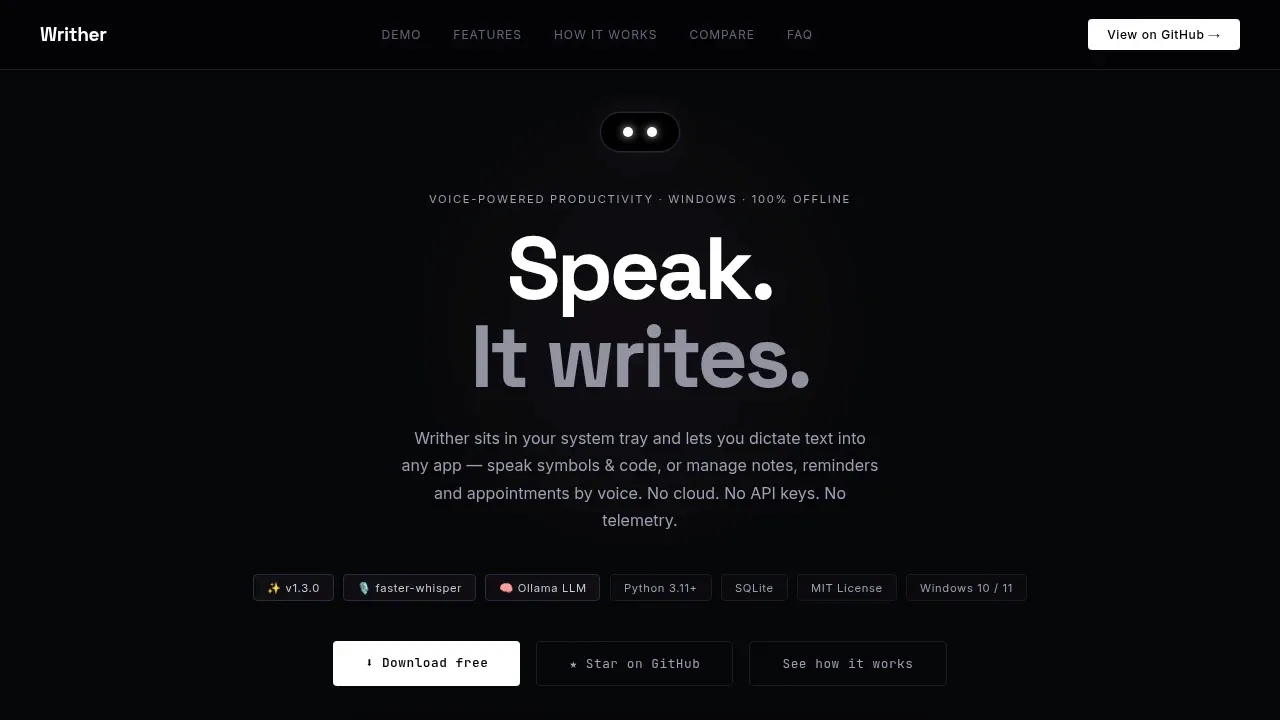
WritHer is a voice dictation app for people who want to write in Windows desktop apps and manage everyday tasks by speaking. It works offline after the initial model downloads, without an account.
- Dictation across apps: Speech becomes text in the active editor, browser or chat window, using faster-whisper without requiring an LLM server.
- Symbols and specialist vocabulary: Optional symbol and spelling mode handles punctuation, digits and spelled identifiers; custom vocabulary maps spoken phrases to written terms, while recognition hints help with jargon and acronyms.
- Voice notes and lists: The assistant saves notes, creates shopping and to-do lists, and asks for voice confirmation before deleting matching items.
- Appointments and reminders: Natural-language dates such as next Monday become scheduled items, with Windows notifications for reminders and approaching appointments; the Notes & Agenda window lets you review items and check off lists.
The free, open-source app uses the MIT license and runs on Windows 10/11 with a microphone. Assistant mode needs Ollama or an OpenAI-compatible local server such as llama.cpp with tool-call support. Speech processing and stored data stay on your machine with local backends, and the app has no telemetry. Choosing a remote endpoint sends assistant commands off the device.
The interface supports English, Italian and German. Speech recognition has a separate language choice, including automatic detection.


