Higgsfield alternatives for controlled AI video
Compare Wan2GP, ComfyUI and SwarmUI for image-to-video, guided generation and repeatable video workflows.
Higgsfield combines AI image and video creation with camera controls and effect presets. It suits making a shot where motion and presentation matter alongside the subject in the prompt. A replacement can offer a generation workspace or a more explicit process for guiding and finishing the clip.
Wan2GP puts several video models, input preparation and a job queue in one browser interface. ComfyUI connects generation to masks, compositing and frame processing. SwarmUI offers simpler controls with the underlying graph still available. FramePack concentrates on animating a still image from a motion prompt; none of these choices reproduces Higgsfield's hosted preset collection.

A local AI media generator with a browser interface for video, images, music and speech, including select models that need just 6 GB of VRAM.

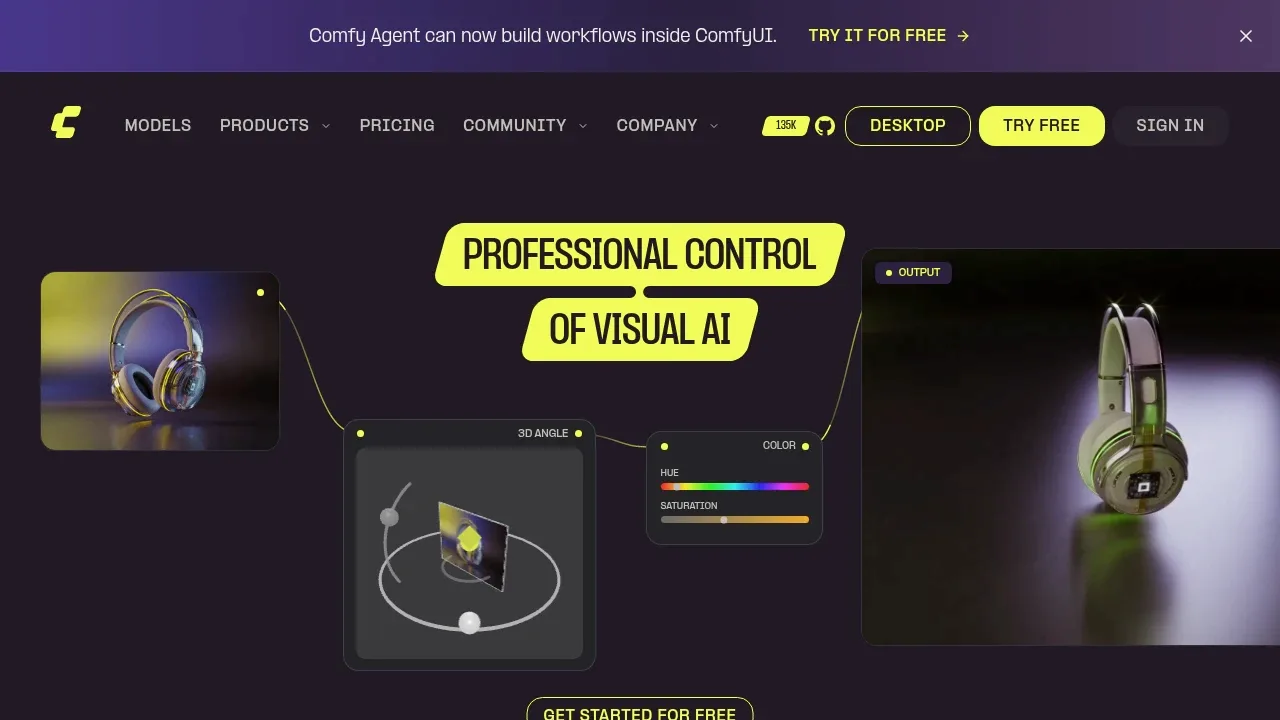
An open source local AI workflow editor generates images, video, audio and 3D on Windows, macOS and Linux, with an offline core and optional cloud services.

A self-hosted AI image generation interface supports Stable Diffusion and Flux, with image editing, comparison grids and ComfyUI workflows.

A local AI video generator that animates images from motion prompts on Windows or Linux with an NVIDIA RTX GPU and at least 6 GB of VRAM.

A self-hosted AI image and video generation interface supports Stable Diffusion, image editing, and CPU or GPU execution on Windows, Linux and macOS.

An open-source AI image and video studio with local desktop generation on macOS, Windows and Linux, plus support for your own Wan2GP server.

For Higgsfield, start with Wan2GP. Other alternatives include ComfyUI, SwarmUI, FramePack and SD.Next.
Most are AI Video Generators; others include Image Generator Apps.
People also replace
See all
Runway alternatives

Kling AI alternatives

Dream Machine alternatives