Kling AI alternatives for video generation
Compare Wan2GP, ComfyUI and HunyuanVideo for self-hosted video generation. Find tools for text-to-video, image animation and reusable workflows.
Kling AI turns a text prompt or still image into a video clip. Its cloud service handles generation, so you can work on the idea without setting up a model. If you want to generate on your own hardware instead, there are Kling AI alternatives with both ready-made interfaces and more hands-on workflows.
Wan2GP gives you browser controls and a generation queue. ComfyUI lets you build and reuse the steps of a video workflow, and HunyuanVideo provides a model you can run directly or through ComfyUI. These tools use different models from Kling, so the results and controls will differ. Start with the interface that fits how you want to work.

A local AI media generator with a browser interface for video, images, music and speech, including select models that need just 6 GB of VRAM.

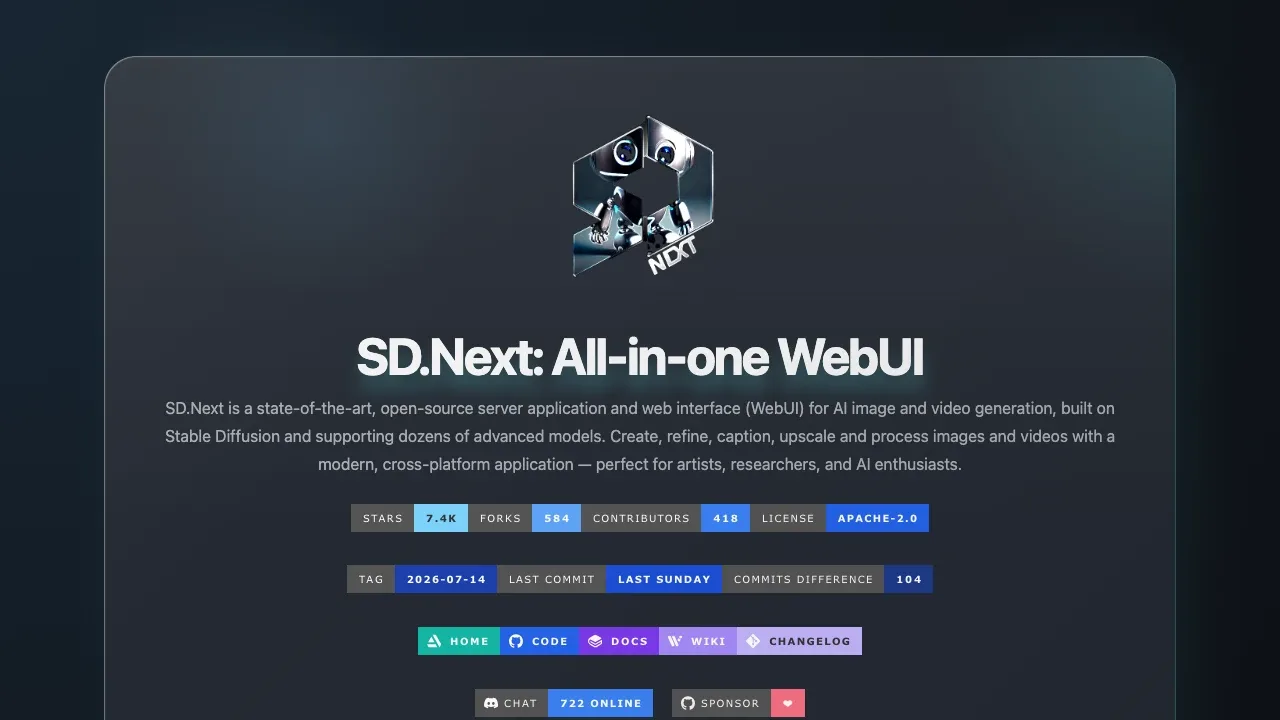
A self-hosted AI image generation interface supports Stable Diffusion and Flux, with image editing, comparison grids and ComfyUI workflows.

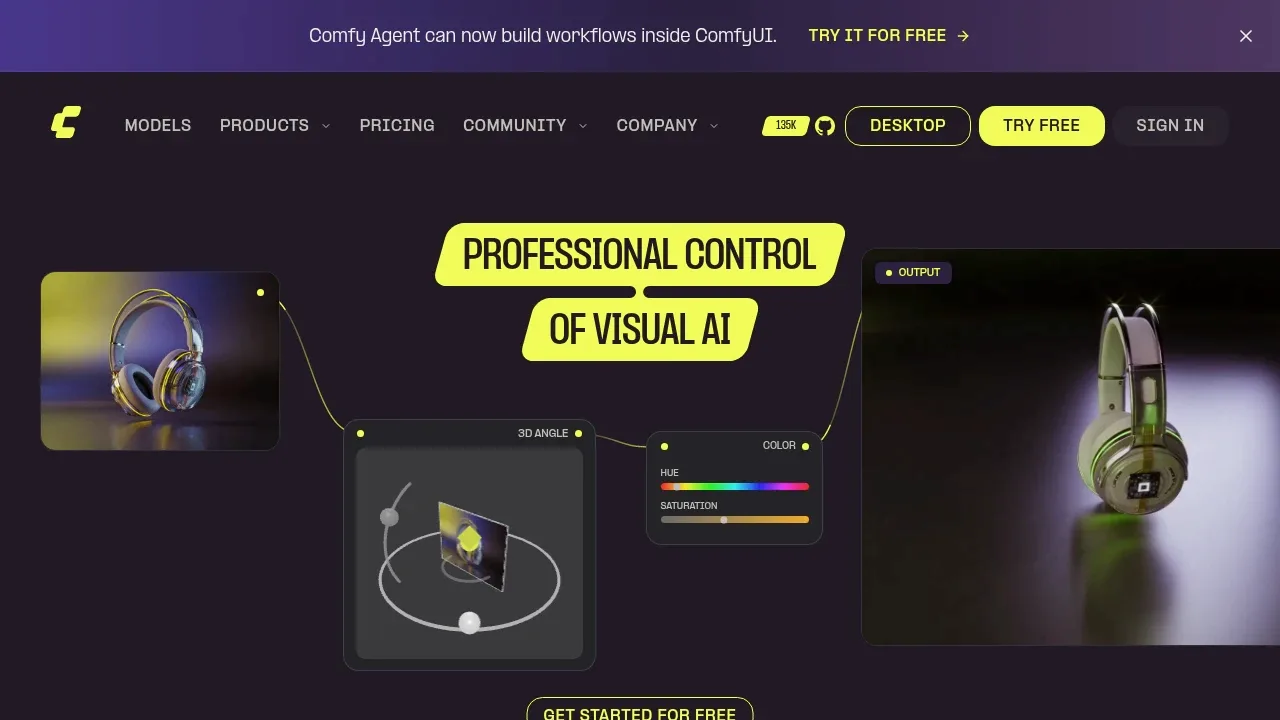
An open source local AI workflow editor generates images, video, audio and 3D on Windows, macOS and Linux, with an offline core and optional cloud services.

A local AI video generator that animates images from motion prompts on Windows or Linux with an NVIDIA RTX GPU and at least 6 GB of VRAM.

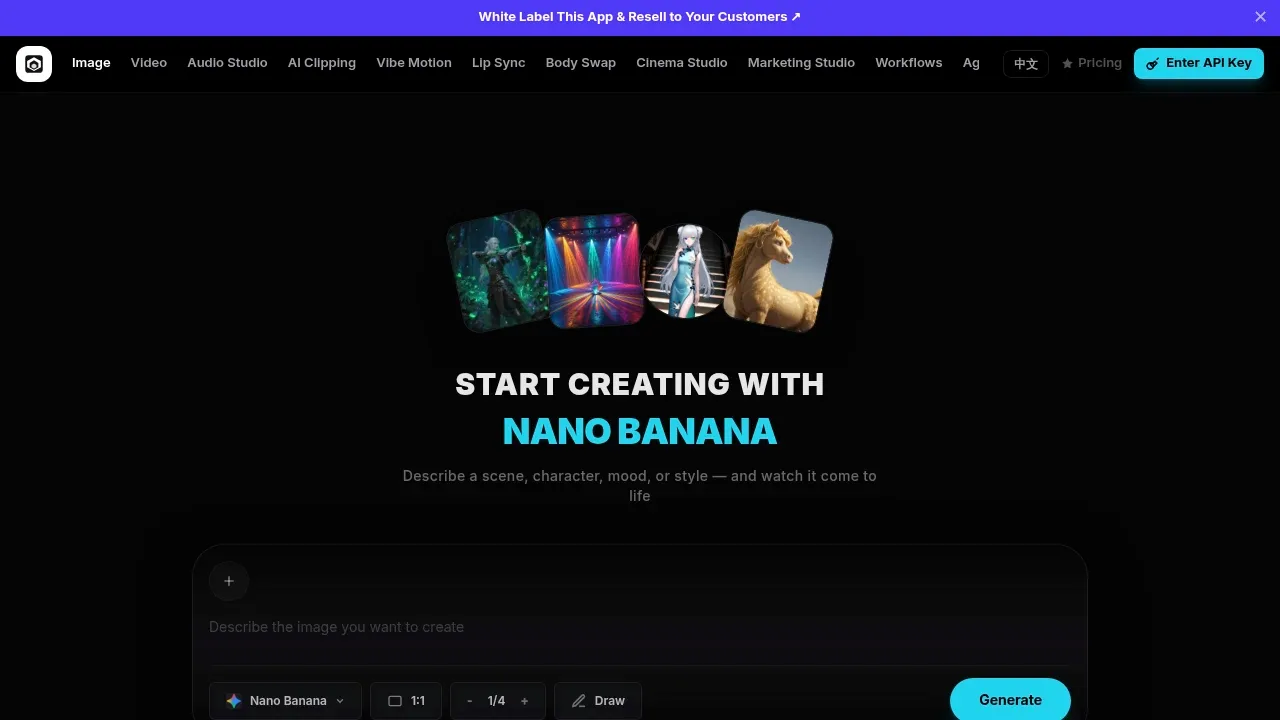
An open-source AI image and video studio with local desktop generation on macOS, Windows and Linux, plus support for your own Wan2GP server.

A self-hosted AI image and video generation interface supports Stable Diffusion, image editing, and CPU or GPU execution on Windows, Linux and macOS.

An AI video generation model for local GPUs, with text-to-video and image-to-video weights, ComfyUI integration and Hugging Face Diffusers support.

HunyuanVideo suits developers and creators who want to run a video model directly. Downloadable weights and inference code cover text-to-video and image-to-video generation, with ComfyUI and Diffusers integration.
For Kling AI, start with Wan2GP. Other alternatives include SwarmUI, ComfyUI, FramePack and Open Generative AI.
Most are AI Video Generators; others include Image Generator Apps.
People also replace
See all
Runway alternatives

Higgsfield alternatives

Dream Machine alternatives