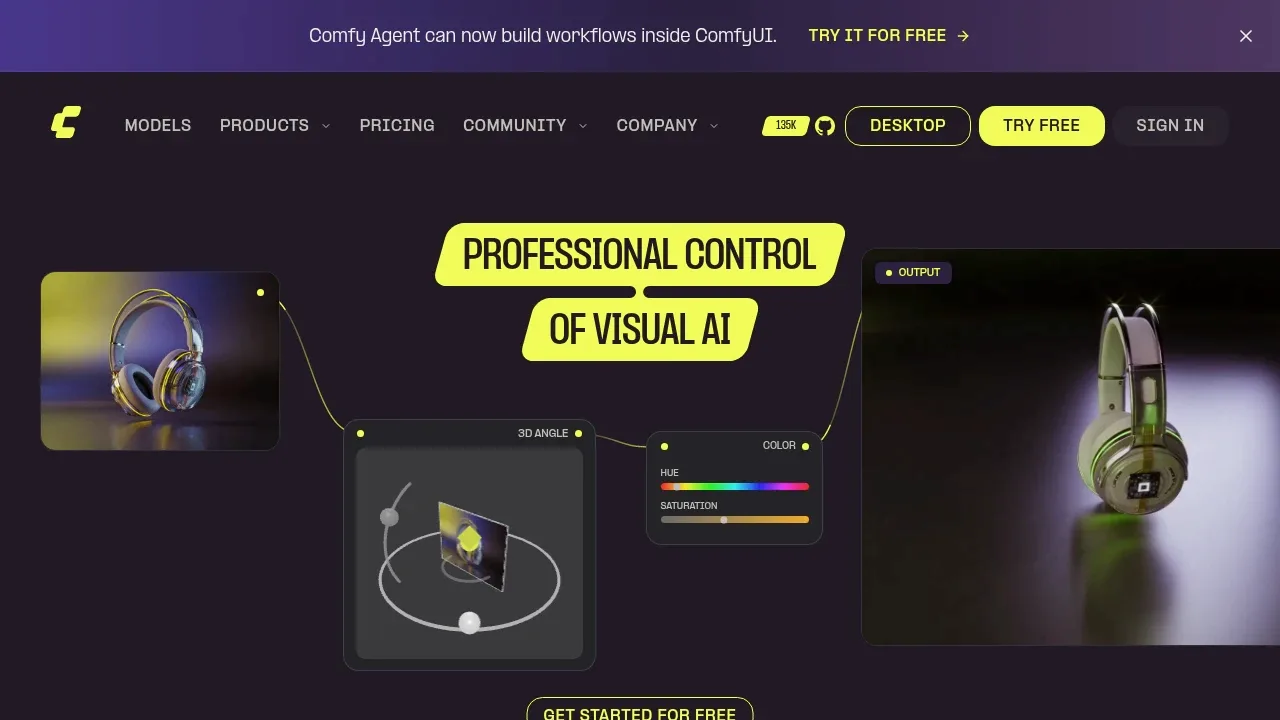
ComfyUI is a local visual AI workspace for artists and technical teams who want to control how images, video, audio, 3D models and text are made. Its node canvas shows each model and processing step, so users can build and adjust workflows without writing code. It runs on your hardware.
The local software works on Windows, macOS and Linux and is open source under GPL-3.0. Its core can run fully offline. Optional API nodes connect to outside model services, while Comfy Cloud offers a hosted browser option. A separate developer platform lets teams deploy workflows as production APIs.
The graph supports reusable workflows for generation and editing. Community templates offer a starting point, and App Mode presents a simpler view of a finished workflow while keeping the underlying nodes available. Local tools include inpainting, masks, compositing, upscaling and frame interpolation. Workflows can be saved as JSON, and custom nodes extend what the canvas can do.
Native model support includes Stable Diffusion, Flux, Qwen Image, Wan, LTX-Video, Hunyuan3D and Gemma. Partner nodes provide access to closed models such as Seedance and Nano Banana. ComfyUI supports NVIDIA, AMD and Intel GPUs through its available builds and backends. Model offloading and memory management help it run larger open models on available hardware; requirements vary by workflow and model.
Claim this page with an email at comfy.org. ComfyUI gets the verified badge, and you can upgrade the listing to be featured on localhosted. Proud to be listed? Put our badge on your site.
Want more people to find ComfyUI?Promote it
Something wrong or outdated on this page?
520Updated 12 hours ago
macOS · Windows · Linux#Visual workflows#Works offline
Comfy Desktop installs and launches ComfyUI on your computer, taking care of the Python environment and dependencies. You can manage several independent ComfyUI instances, each with its own version, custom nodes and settings. It suits people who want to run local image and media workflows without setting up every environment by hand.
606Updated 4 days agoApache-2.0
Windows#ControlNet#GGUF#Inpainting
9.7KUpdated 1 day ago
macOS · Windows · Linux · Docker · Web#Batch processing#ControlNet#GGUF
7.3KUpdated 1 week agoApache-2.0
macOS · Windows · Linux · Docker · Web#ControlNet#Image-to-image#Inpainting
4.6KUpdated 20 hours agoMIT
macOS · Windows · Linux · Docker · Web#Visual workflows
SwarmUI is a self-hosted AI image generation interface that combines a straightforward generation screen with direct access to ComfyUI's node-based workflows. It's for people who want to run creative models on their own hardware, with room to build more detailed workflows as their needs grow.
575Updated 24 hours agoGPL-3.0
macOS · Linux · iOS · Docker#Image-to-image#Inpainting#LoRA
Amuse combines AI generation with media editing in a Windows app that runs models on your own hardware. It's for people who want to create images, video, audio and text locally, then work on the results in the same application. Its editor also accepts existing local video.
Wan2GP brings video, image, music and speech generation to your own computer, with particular attention to GPUs with limited memory. It's for creators who want several media models in one browser interface. The project builds on Wan-Video/Wan2.1.
SD.Next is a self-hosted web interface for artists, researchers and people who want to generate and edit images or videos on their own hardware. It builds on Automatic1111 WebUI's original codebase and supports Stable Diffusion alongside other diffusion models. It's open source under Apache 2.0.
Draw Things is an AI image generation app for iPhone, iPad and Mac that keeps generation on your device and works offline. It's for people who want to create and edit images without sending that work to a cloud service, including artists developing character concepts or trying out apparel designs.