Midjourney alternatives for offline image generation
Compare InvokeAI, Draw Things and ComfyUI for image generation on your own hardware, canvas editing and reusable workflows.
Midjourney turns text prompts and reference images into generated images and video, through the web or Discord. The service handles the generation for you. Midjourney alternatives that run on your own hardware give you a different set of models and more ways to build image generation into your editing process.
InvokeAI and Krita AI Diffusion suit canvas work, where you want to fill in or extend an image. Draw Things brings generation to Apple devices. ComfyUI exposes the steps as a reusable workflow, while SwarmUI adds a simpler generation screen. The results depend on your chosen model, so pick the workflow you want rather than expecting an exact copy of Midjourney.

A self-hosted AI image generator with layer-based canvas editing, visual workflows and local Flux and Stable Diffusion models, licensed under Apache 2.0.
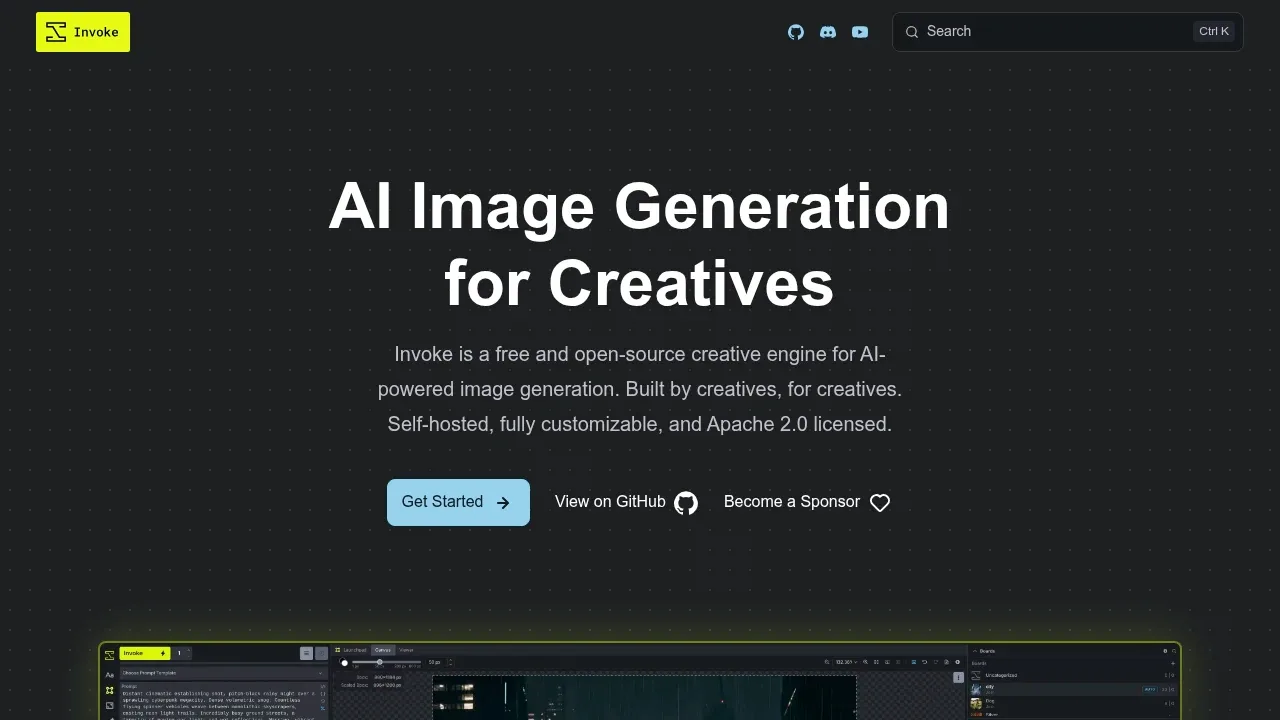
InvokeAI covers most of a prompt-to-image workflow on your own hardware. Alongside text-to-image it has a Unified Canvas for inpainting and outpainting with layers, ControlNet guidance, and a gallery that keeps every image with its prompt and settings.
It runs Flux, SDXL and SD 1.5 models on Windows or Linux with an NVIDIA or AMD GPU, or on an Apple Silicon Mac.

A self-hosted AI image generation interface supports Stable Diffusion and Flux, with image editing, comparison grids and ComfyUI workflows.
SwarmUI pairs a plain Generate screen with ComfyUI's node workflows in the same browser interface, so you can start simple and open the graph later. A Grid Generator compares outputs side by side.
It runs Stable Diffusion and Flux on Windows, Linux and Apple Silicon Macs, or on a server through Docker.

An AI image generator runs offline on iPhone, iPad and Mac, with local LoRA training and optional self-hosted or managed cloud compute.
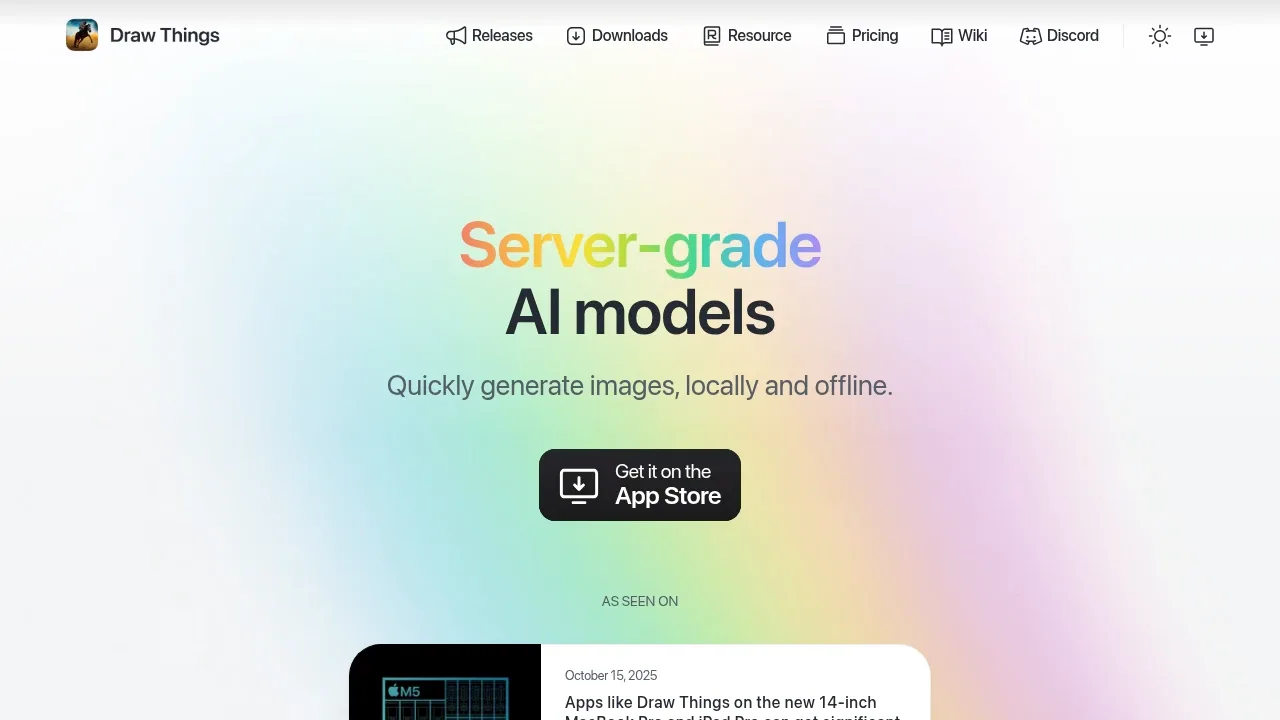
Draw Things is the pick for iPhone, iPad and Mac. It generates and edits images from text prompts on the device and works offline, with an infinite canvas for extending or filling parts of an image.
You can train LoRA adaptations locally, or send work to your own Draw Things server on a Mac or an NVIDIA Linux machine.

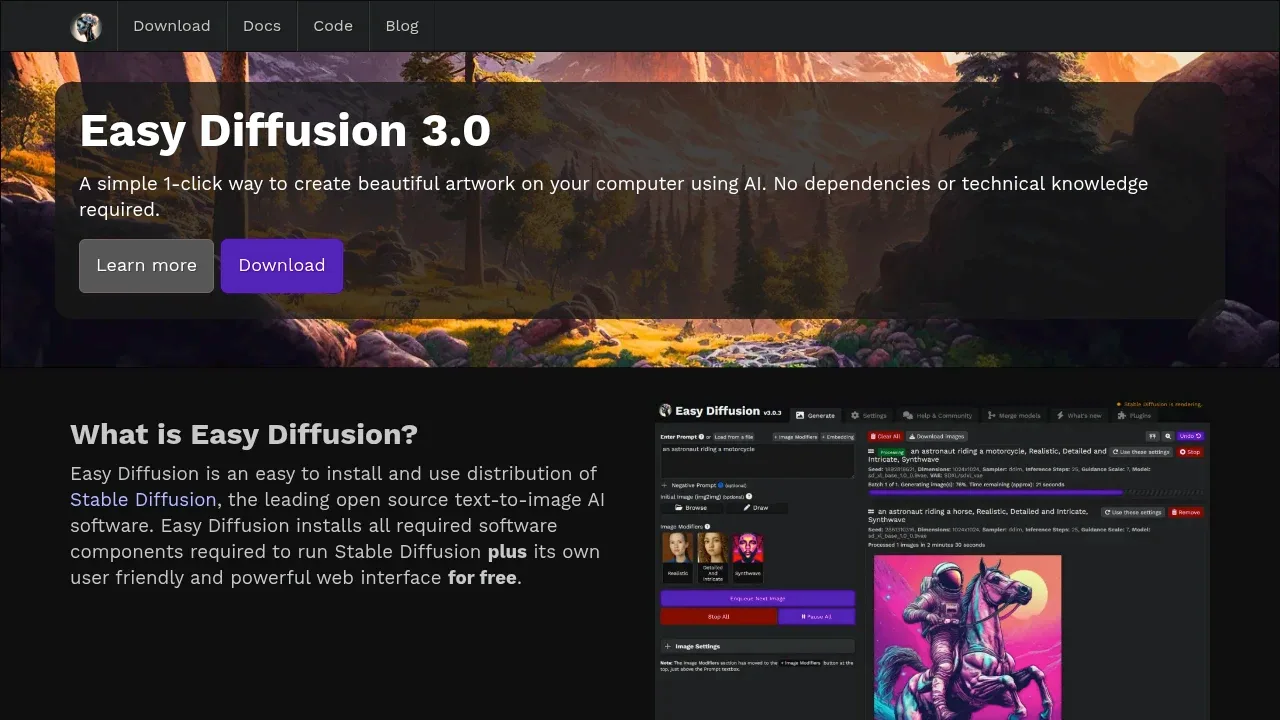
A free local AI image generator runs Stable Diffusion on Windows, Linux and macOS, with a browser interface for editing images and ControlNet guidance.

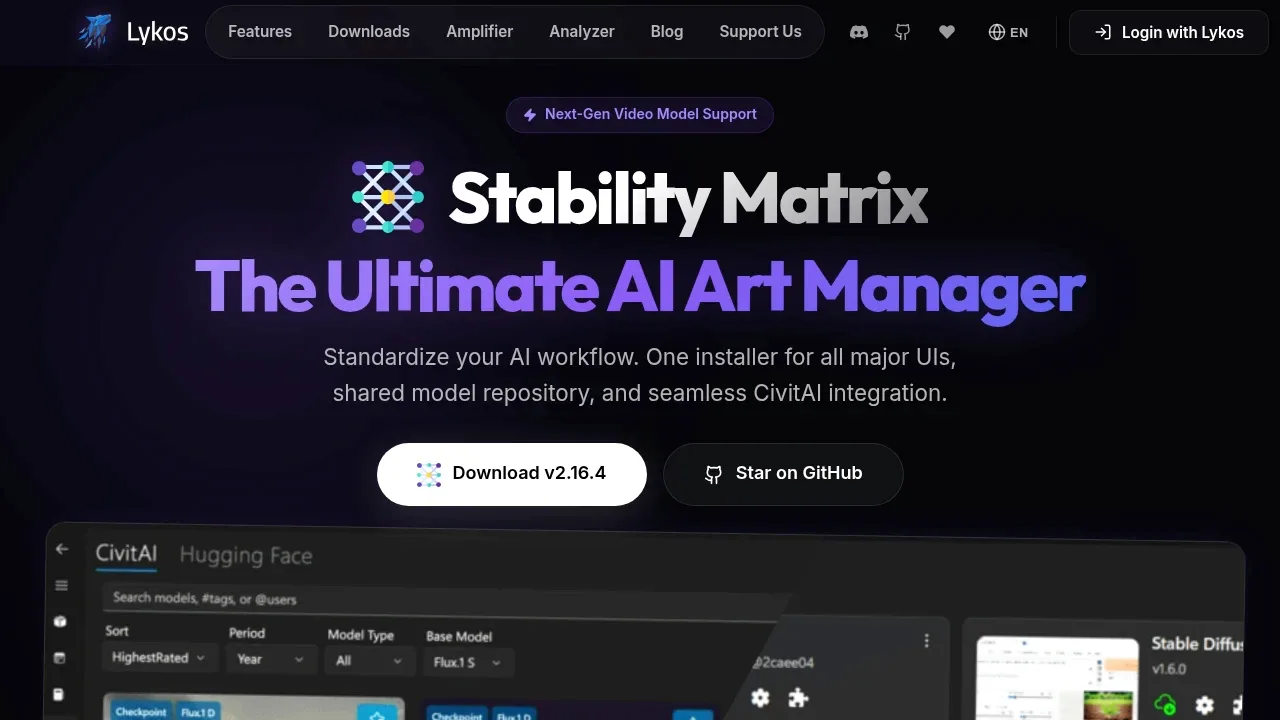
A local Stable Diffusion manager for Windows, macOS, and Linux that shares models across Web UIs and includes an image generation interface.

A Krita plugin generates and edits images locally through ComfyUI, with selection-based edits, visual guides and optional online generation.
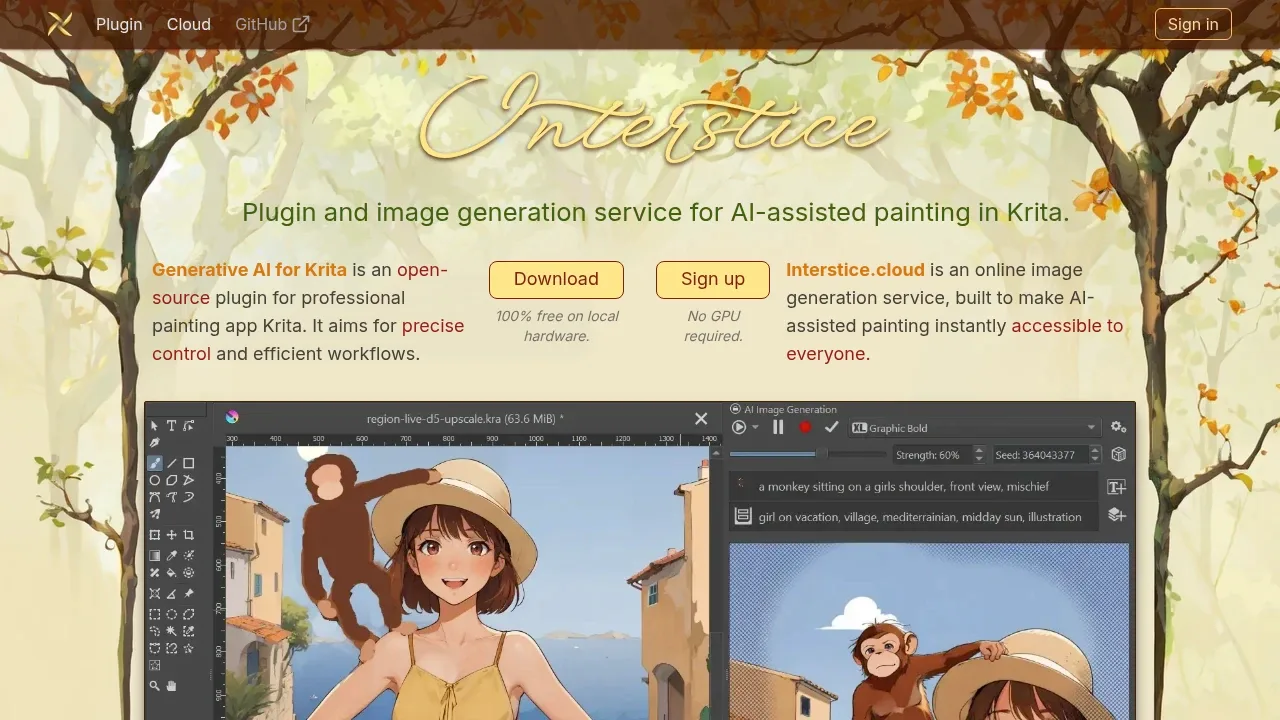
Krita AI Diffusion suits artists who want to paint and generate in one place. The plugin adds generation, inpainting and canvas extension to Krita, guided by sketches, line art, poses or reference images.
Generation runs for free on your own GPU through ComfyUI on Windows, Linux or macOS. Interstice.cloud is a separate online option for people without a suitable GPU.

A free, open-source local AI image generator that uses Stable Diffusion XL for offline image creation, editing and upscaling.

An open source local AI workflow editor generates images, video, audio and 3D on Windows, macOS and Linux, with an offline core and optional cloud services.
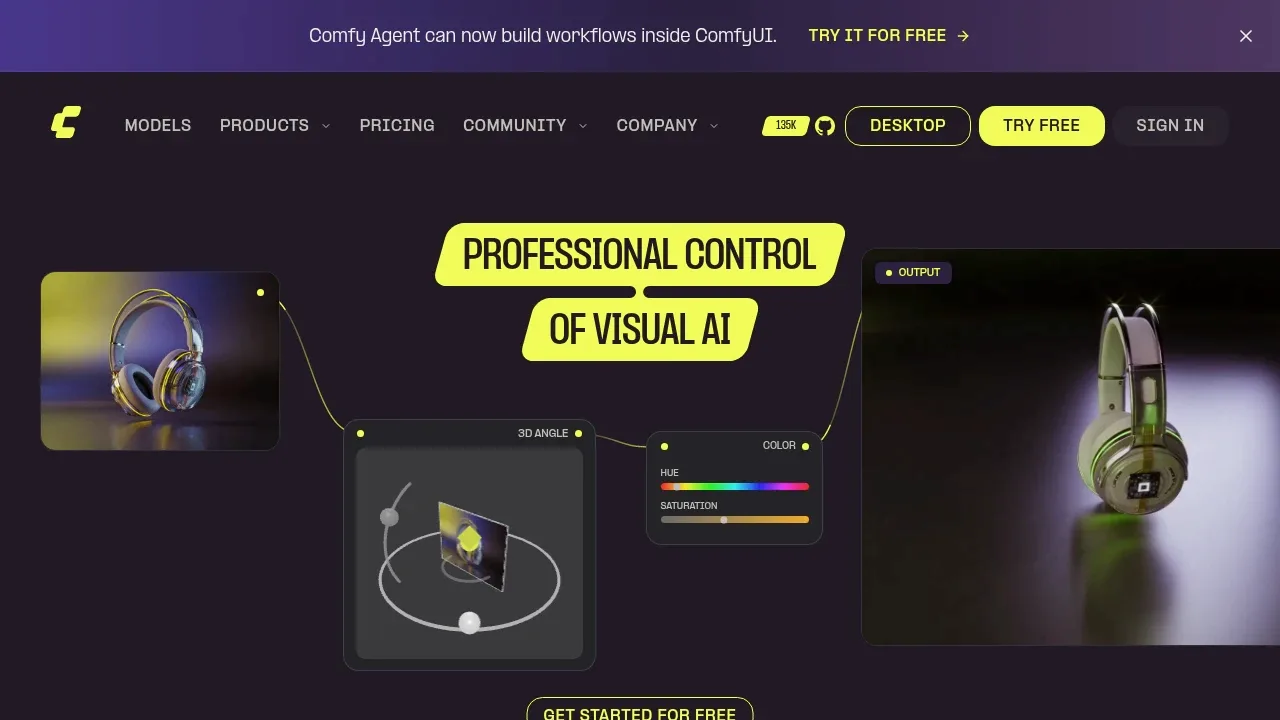
ComfyUI is for people who want full control over how an image is made. Each model and step is a node on a canvas, workflows save as JSON, and community templates give you a starting point. App Mode shows a simpler view of a finished workflow.
It supports models such as Flux, Stable Diffusion and Qwen Image, and handles video too.

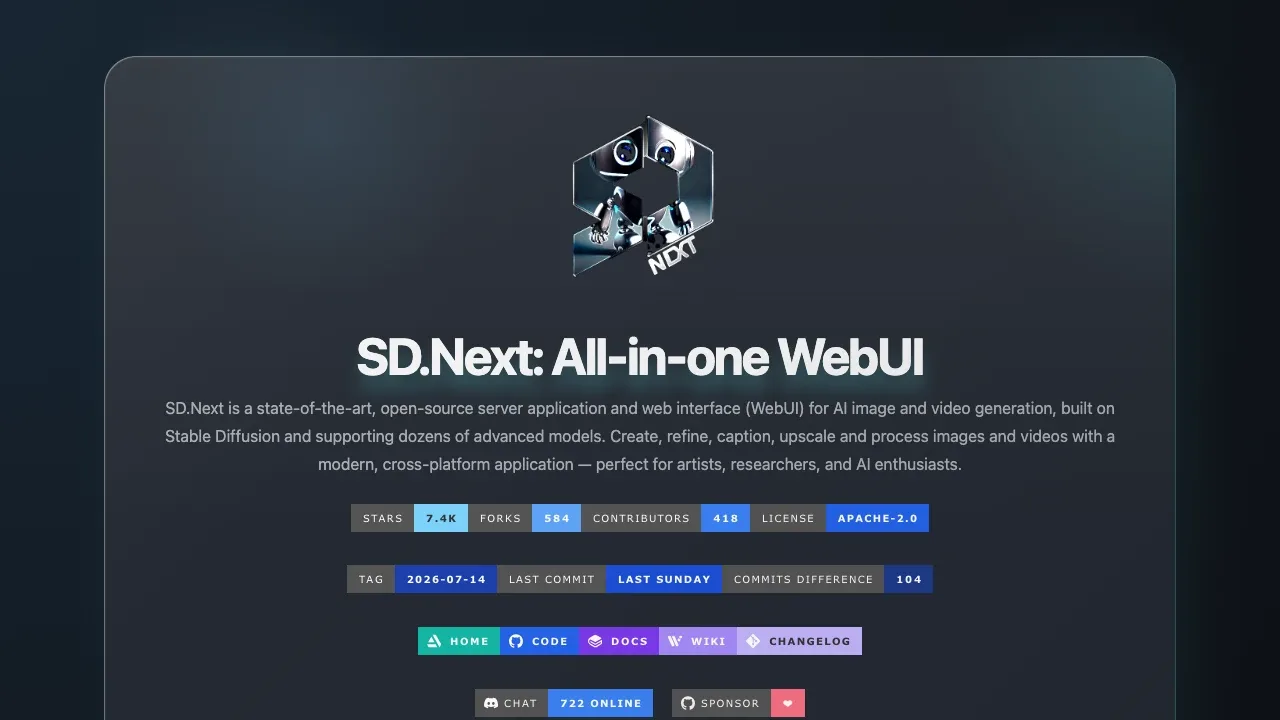
A self-hosted AI image and video generation interface supports Stable Diffusion, image editing, and CPU or GPU execution on Windows, Linux and macOS.

A local AI image generator runs Stable Diffusion and FLUX.2 Klein fully offline on Apple Silicon Macs, with ControlNet and image input support.
Mochi Diffusion is a native Mac app for Apple Silicon that generates images fully offline with Stable Diffusion and FLUX.2 Klein. Each image keeps its prompt in its metadata, and the app collects no telemetry.
Stable Diffusion models need converting to Core ML first; FLUX.2 Klein runs without conversion.
For Midjourney, start with InvokeAI. Other alternatives include SwarmUI, Draw Things, Easy Diffusion and Stability Matrix.
Most are Image Generator Apps; others include Photo Editing and Upscaling.
People also replace
See all
Leonardo.Ai alternatives
Adobe Firefly alternatives

Canva alternatives
