Canva alternatives for AI image creation and editing
Replace Canva image generation and editing with Krita AI Diffusion, InvokeAI or ComfyUI. Compare painting, canvas revisions and reusable image workflows.
Canva combines templates and layout tools with AI image generation and photo editing. It is useful for making a finished social graphic or presentation without assembling a separate design workflow. The tools here replace its image-making stage, so they suit people who already have somewhere to arrange the final design.
Krita AI Diffusion keeps generation beside painting tools and uses selections or sketches to guide changes. InvokeAI offers a canvas, gallery and visual workflows for refining generated images. ComfyUI exposes the processing steps as reusable nodes. These Canva alternatives give more control over image creation, but do not reproduce Canva's template library or presentation editor.

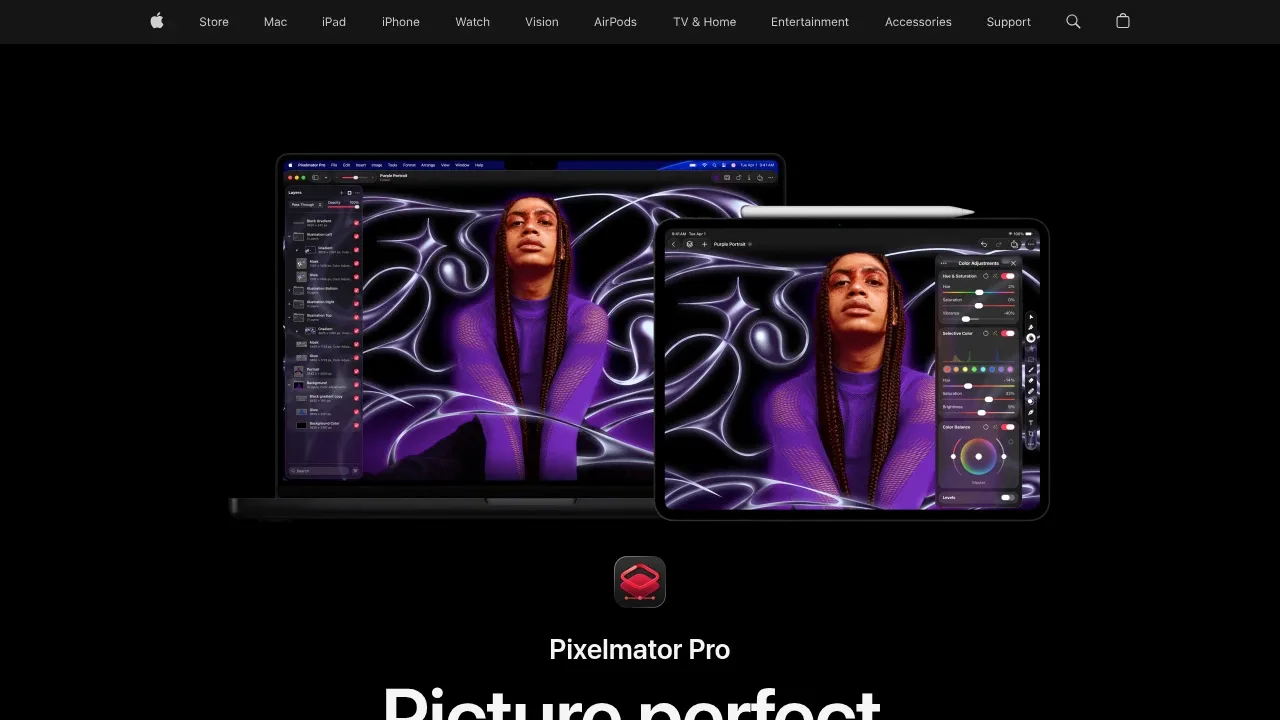
AI image editor for Mac and iPad with nondestructive layers, RAW editing, vector tools and Apple Pencil support. Paid, with some features requiring internet.

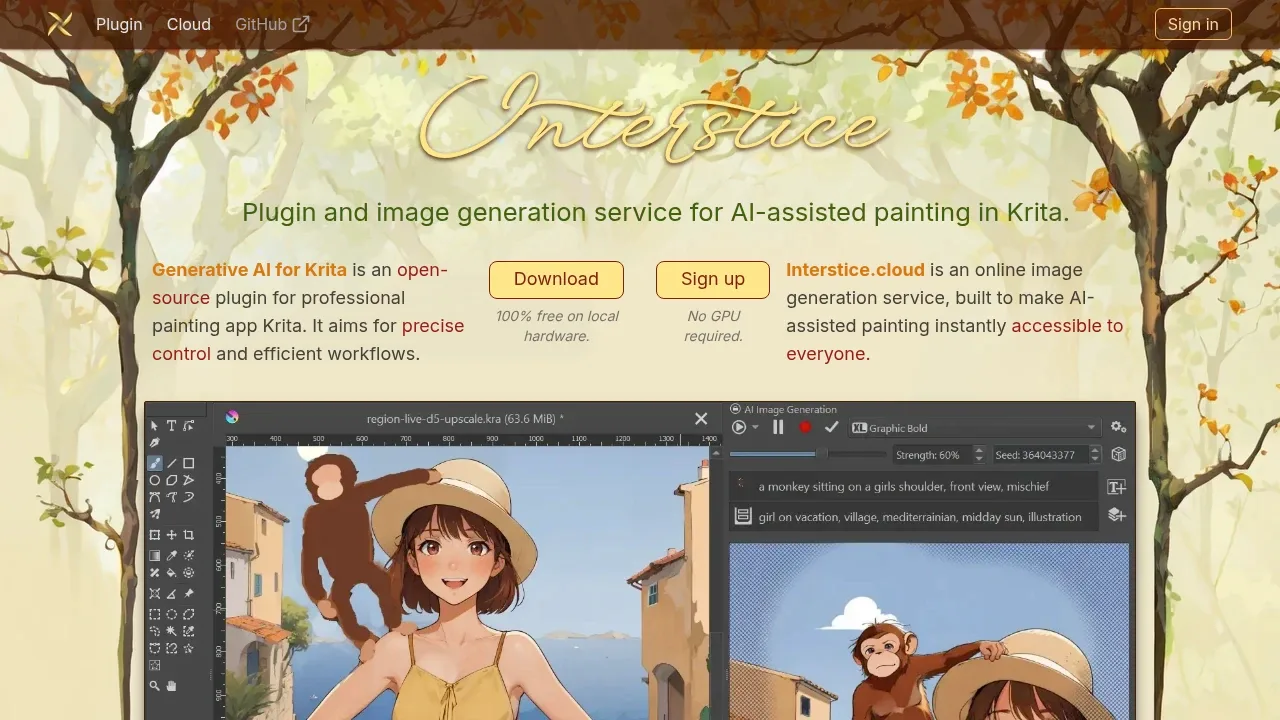
A Krita plugin generates and edits images locally through ComfyUI, with selection-based edits, visual guides and optional online generation.

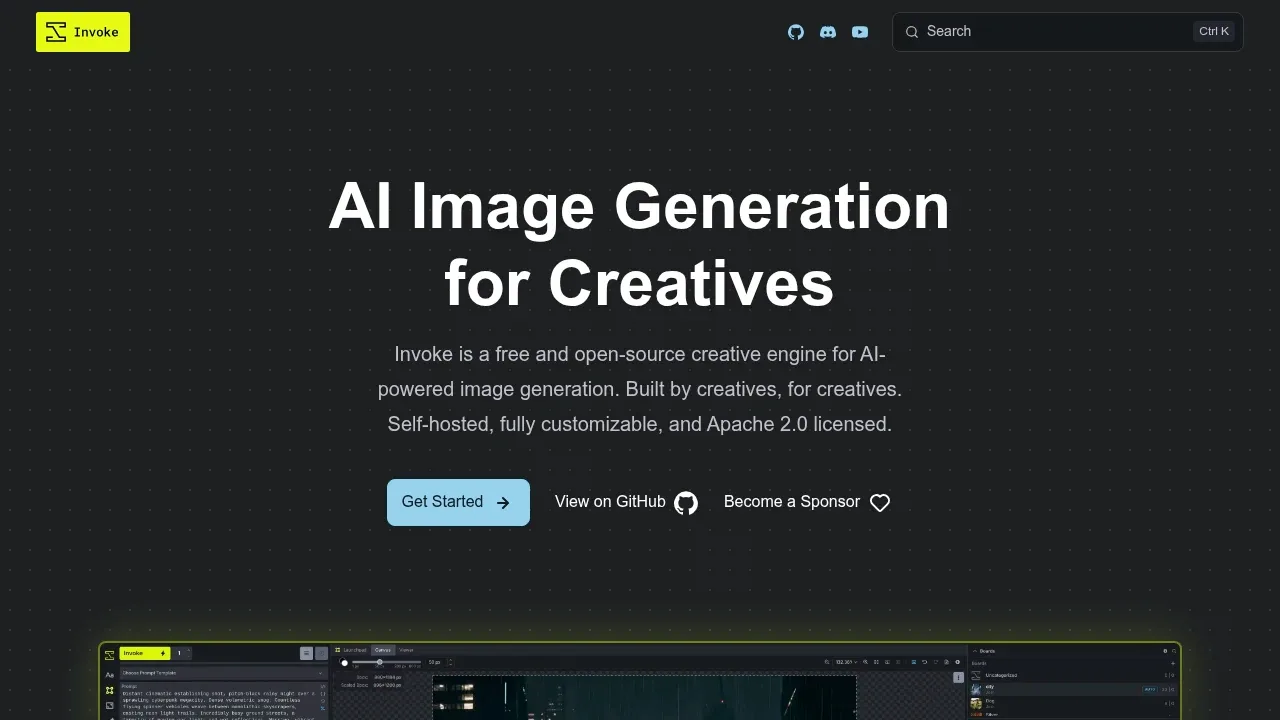
A self-hosted AI image generator with layer-based canvas editing, visual workflows and local Flux and Stable Diffusion models, licensed under Apache 2.0.

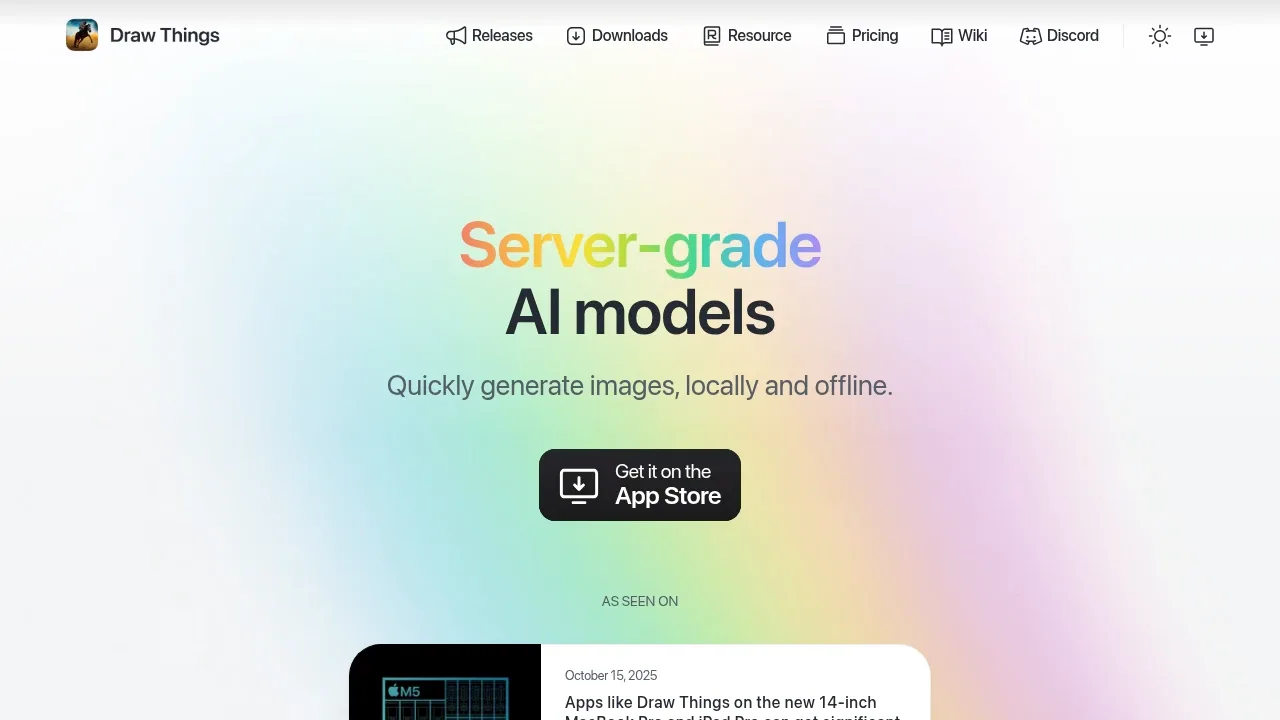
An AI image generator runs offline on iPhone, iPad and Mac, with local LoRA training and optional self-hosted or managed cloud compute.

A self-hosted AI image and video generation interface supports Stable Diffusion, image editing, and CPU or GPU execution on Windows, Linux and macOS.

An open source local AI workflow editor generates images, video, audio and 3D on Windows, macOS and Linux, with an offline core and optional cloud services.
For Canva, start with Pixelmator Pro. Other alternatives include Krita AI Diffusion, InvokeAI, Draw Things and SD.Next.
Most are Photo Editing and Upscaling; others include Image Generator Apps.
People also replace
See all
Midjourney alternatives


Adobe Firefly alternatives

Leonardo.Ai alternatives